
1. Ifihan
This manual provides detailed instructions for the operation and maintenance of your ZAQE X20 128GB Clip MP3 Player. Please read this manual thoroughly before using the device to ensure proper function and to maximize your user experience. Keep this manual for future reference.
2. Package Awọn akoonu
Daju pe gbogbo awọn nkan ti a ṣe akojọ rẹ si isalẹ wa ninu package rẹ:
- 1 x ZAQE X20 128GB MP3 Player
- 1 x USB Iru-C Okun Ngba agbara
- 1 x Awọn agbekọri ti a firanṣẹ
- 1 x Itọsọna olumulo (iwe yii)

Image: Contents of the ZAQE X20 MP3 Player package.
3. Ẹrọ Loriview
The ZAQE X20 is a compact and lightweight MP3 player designed for portability and ease of use. It features a 2.0-inch color display and intuitive physical buttons.
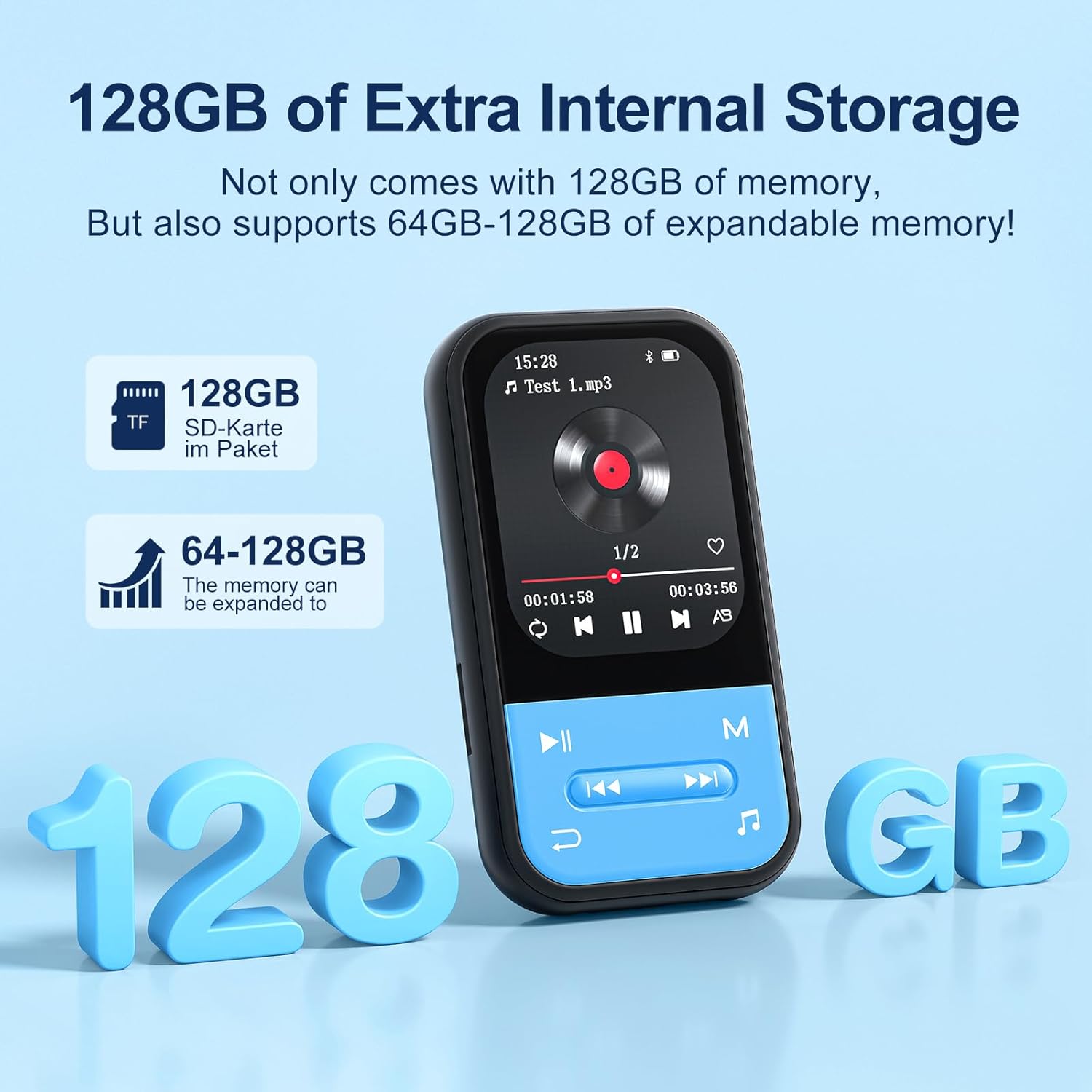
Aworan: Iwaju view of the ZAQE X20 MP3 Player, highlighting the screen and navigation buttons.
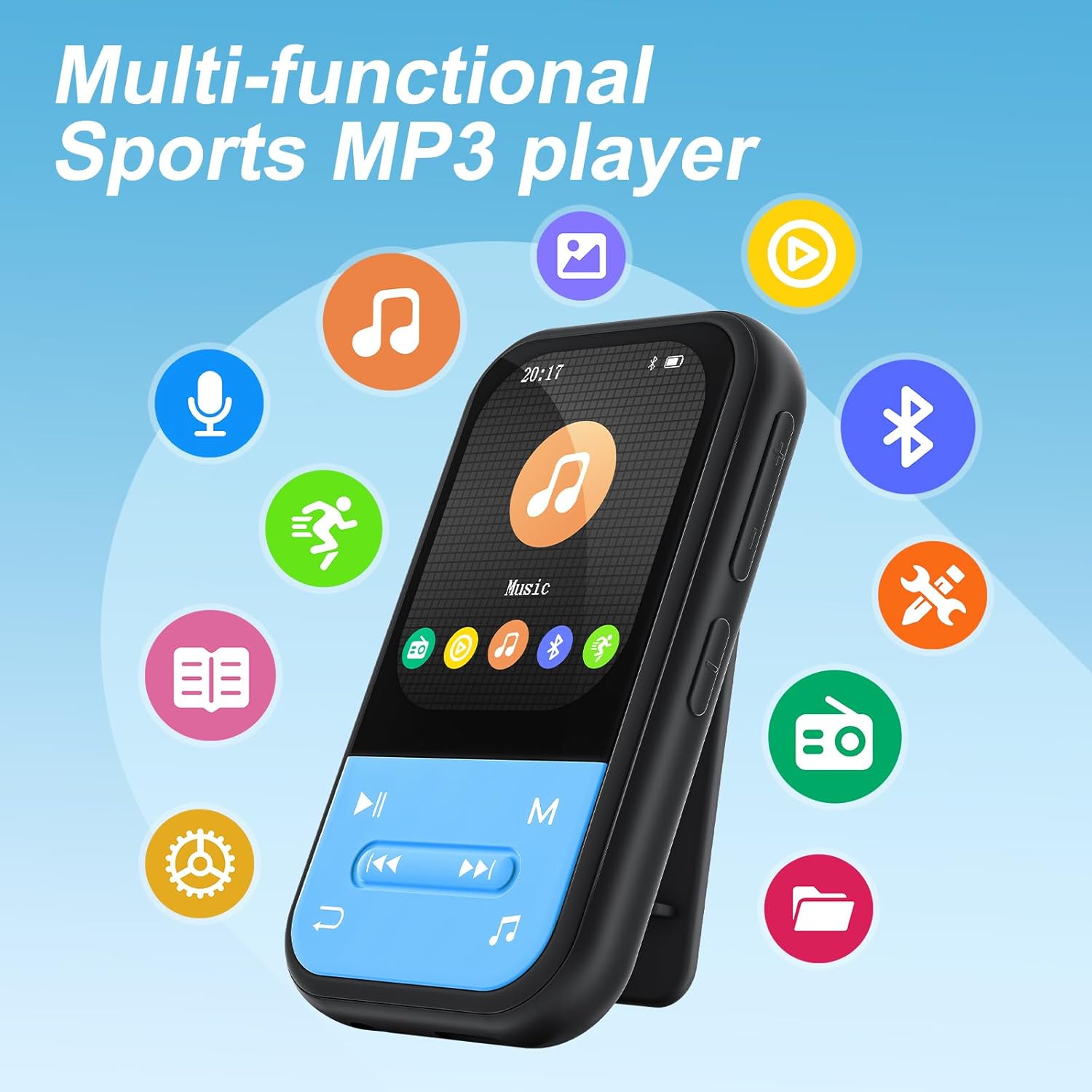
Aworan: Pada view of the ZAQE X20 MP3 Player, illustrating the integrated clip for attaching to clothing.
4. Eto
4.1 Ngba agbara si Ẹrọ
Before first use, fully charge the MP3 player. Connect the provided USB Type-C cable to the player's charging port and the other end to a USB power adapter (not included) or a computer's USB port. The battery indicator on the screen will show charging status.
4.2 Fi kaadi MicroSD sii
The ZAQE X20 comes with 128GB of internal storage and supports expandable memory up to 512GB via a microSD card (not included). Locate the microSD card slot on the side of the player. Gently insert the card until it clicks into place. To remove, push the card in slightly until it springs out.

Image: Illustration of the ZAQE X20 MP3 Player's 128GB internal storage and microSD card expansion capability.
4.3 Gbigbe Files
Connect the MP3 player to your computer using the USB Type-C cable. The player will appear as a removable disk drive. You can drag and drop music, video, and e-book files directly into the appropriate folders on the player or the inserted microSD card.
4.4 Nsopọ Awọn agbekọri
Àwọn Agbọ́rọ̀rí Onífóònù: Plug the included wired earphones or any standard 3.5mm audio jack headphones into the player's headphone port.
Bluetooth Headphones/Speakers:
- Rí i dájú pé àwọn agbekọri Bluetooth tàbí agbọrọsọ rẹ wà ní ipò ìsopọ̀.
- On the MP3 player, navigate to the Bluetooth menu.
- Yan 'Wa fun devices' and choose your device from the list to pair.
Note: The ZAQE X20 MP3 player cannot pair with smartphones or tablets via Bluetooth. It is designed for audio output to Bluetooth headphones or speakers only.
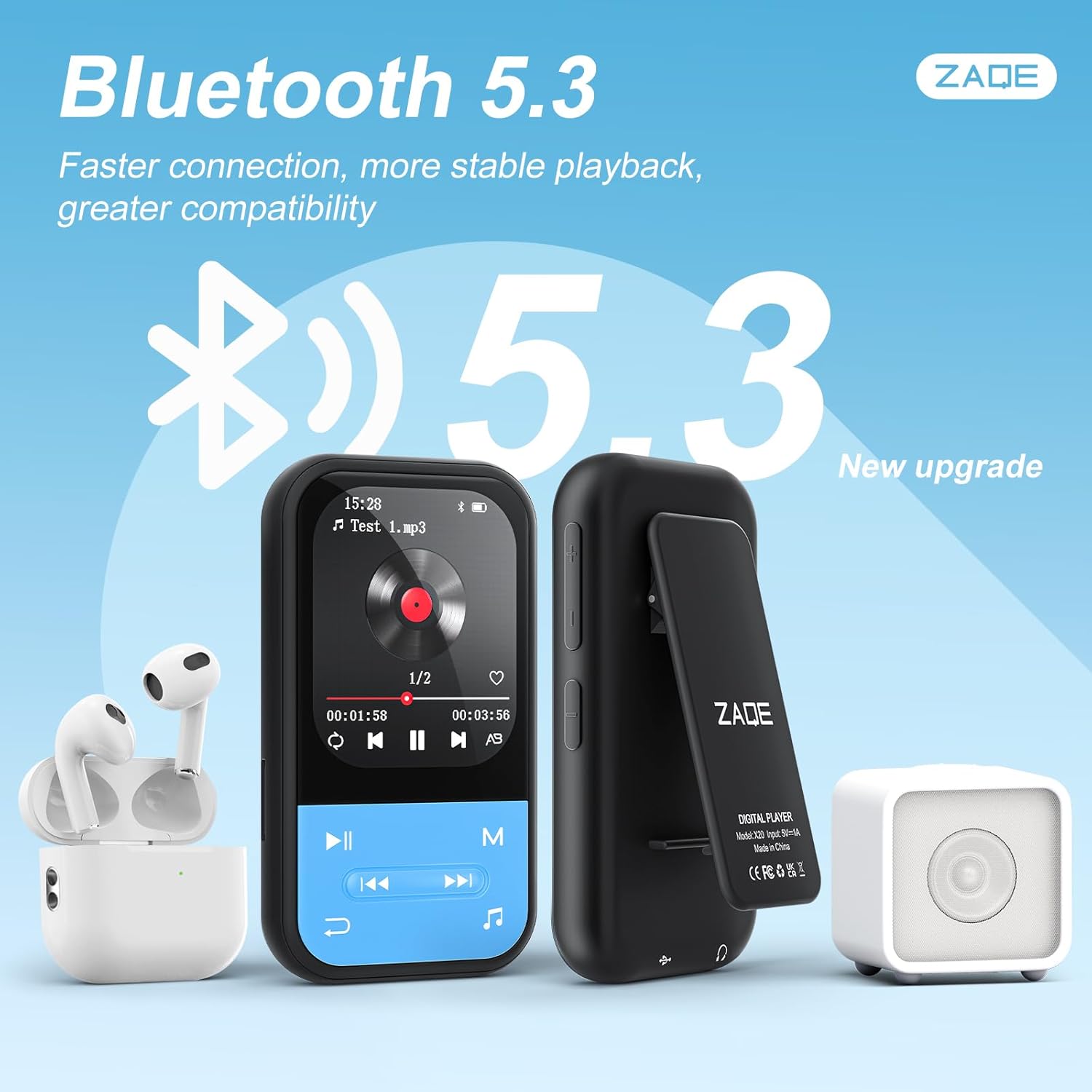
Image: The ZAQE X20 MP3 Player showcasing its Bluetooth 5.3 capability with various wireless audio devices.
5. Awọn ilana Iṣiṣẹ
5.1 Agbara Tan / Pa
- Agbara Tan: Tẹ mọlẹ bọtini agbara titi iboju yoo fi tan.
- Agbara Pa: Press and hold the power button until the 'Power Off' option appears, then confirm.
5.2 Lilọ kiri
Use the physical buttons below the screen to navigate through menus and control playback. The central button typically acts as 'Enter' or 'Play/Pause', while surrounding buttons control direction, volume, and menu access.
5.3 Sisisẹsẹhin Orin
The player supports MP3, OGG, APE, FLAC, WAV, AAC, and ACELP audio formats. Navigate to the 'Music' icon on the main menu to access your audio files.
Awọn ọna Sisisẹsẹhin:
- Ere-ije ni tẹlentẹle: Ó ń ṣeré orin ní ìtòlẹ́sẹẹsẹ.
- Tun Gbogbo: Tun gbogbo akojọ orin ṣe.
- Daapọ: Ṣiṣẹ awọn orin ni aṣẹ laileto.
- Single Repetition: Tun orin ti o wa lọwọlọwọ ṣe.

Image: The ZAQE X20 MP3 Player displaying its various music playback modes.
5.4 Redio FM
To use the FM radio function, ensure wired headphones are plugged into the 3.5mm jack, as they serve as the antenna. Navigate to the 'FM Radio' icon, then use the menu options to scan for stations or manually tune.

Image: A user enjoying the FM Radio feature of the ZAQE X20 MP3 Player, emphasizing the need for wired headphones as an antenna.
5.5 Agbohunsile
Select the 'Recording' icon to access the voice recorder. You can record audio in WAV or MP3 format. Use the on-screen controls to start, pause, and save recordings.
5.6 Olùkàwé ìwé-ẹ̀rọ itanna
The player supports e-book files. Transfer your e-book files to the player and select the 'E-Book' icon to read. Use the navigation buttons to turn pages.

Image: The ZAQE X20 MP3 Player functioning as an e-book reader, showing text on its display.
5.7 Pedomita
Activate the 'Pedometer' function to track your steps during physical activity. The device can record your step count and history.

Image: A user utilizing the pedometer feature of the ZAQE X20 MP3 Player during a run.
5.8 Useful Tools
The ZAQE X20 includes several utility tools:
- Aago itaniji: Ṣeto awọn itaniji fun awọn olurannileti.
- Kalẹnda: View awọn ti isiyi ọjọ.
- Aago iṣẹju-aaya: Measure time intervals.

Image: The ZAQE X20 MP3 Player's 'Tools' menu, showing the Alarm Clock, Calendar, and Stopwatch functions.
5.9 Sisisẹsẹhin fidio
The player supports AVI video files with a resolution of 320x240. Transfer compatible video files to the player and select the 'Video' icon to play them.
6. Itọju
6.1 Ninu
Wipe the device with a soft, dry cloth. Do not use liquid cleaners or abrasive materials, as they may damage the screen or casing.
6.2 batiri Itọju
- Yago fun gbigba agbara si batiri ni kikun nigbagbogbo.
- Ma ṣe fi ẹrọ naa han si awọn iwọn otutu to gaju.
- If storing the device for an extended period, charge it to about 50% to prolong battery life.
6.3 Ibi ipamọ
Store the MP3 player in a cool, dry place away from direct sunlight and moisture when not in use.
7. Laasigbotitusita
- Ẹrọ ko ni agbara lori: Rii daju pe batiri ti gba agbara. Sopọ si orisun agbara ati gbiyanju lẹẹkansi.
- Ko si ohun: Check if headphones are properly connected (wired or Bluetooth). Adjust volume levels. Remember, the player does not have built-in speakers.
- Ko le gbe lọ files: Ensure the USB cable is securely connected to both the player and the computer. Try a different USB port or cable.
- Awọn oran sisopọ Bluetooth: Ensure the target device is in pairing mode and within range. Restart both devices and try pairing again.
- FM Radio not working: Ensure wired headphones are plugged in, as they function as the antenna. Try rescanning for stations.
- Iboju ti di didi tabi ko dahun: Tẹ mọlẹ bọtini agbara fun bii iṣẹju 10-15 lati fi ipa mu tun bẹrẹ.
8. Awọn pato
| Ẹya ara ẹrọ | Sipesifikesonu |
|---|---|
| Brand | ZAQE |
| Awoṣe | X20 |
| Ti abẹnu Memory | 128 GB |
| Expandable Ibi ipamọ | Up to 512 GB (MicroSD card) |
| Asopọmọra | Bluetooth 5.3, USB Iru-C |
| Iwon iboju | 2.0 inches |
| Awọn ọna kika Audio atilẹyin | MP3, OGG, APE, FLAC, WAV, AAC, ACELP |
| Awọn ọna kika fidio atilẹyin | AVI (320x240 resolution) |
| Supported Recording Formats | WAV, MP3 |
| Igbesi aye batiri | Titi di awọn wakati 40 |
| Awọn iwọn | Isunmọ. 2.99 x 1.67 x 0.63 inches |
| Iwọn | Isunmọ. 35g |
9. Atilẹyin ọja ati Support
9.1 atilẹyin ọja Alaye
Please refer to the product packaging or the official ZAQE website for specific warranty terms and conditions applicable to your device. Retain your proof of purchase for warranty claims.
9.2 Onibara Support
For technical assistance, troubleshooting, or other inquiries, please visit the official ZAQE store on Amazon: ZAQE Store.