
1. Ifihan
This manual provides essential information for the proper setup, operation, and maintenance of your CASCHO P125 Smart Watch. Please read it thoroughly before using your device to ensure optimal performance and longevity.
2. Package Awọn akoonu
Daju pe gbogbo awọn nkan wa ninu apo rẹ:
- 1 x CASCHO P125 Smart Watch
- 1 x Okun gbigba agbara
- 1 x Itọsọna olumulo
- 1 x Apoti
- 2 x Replaceable Straps (Metal and Silicone)

Image: Package contents and size information for the CASCHO P125 Smart Watch.
3. Eto Itọsọna
3.1 Ngba agbara si Smart Watch
Kí o tó lo ó fún ìgbà àkọ́kọ́, gba agbára aago smart rẹ pátápátá. So okùn gbigba agbara oofa mọ́ àwọn ibi gbigba agbara ní ẹ̀yìn aago náà kí o sì so okùn USB mọ́ adapter agbara (kò sí nínú rẹ̀) tàbí ibudo USB ti kọ̀ǹpútà. Aago náà yóò fi àmì gbigba agbara hàn.

Image: The CASCHO P125 Smart Watch connected to its magnetic charging cable.

Image: Information on the ultra-long battery life and charging time of the smart watch.
3.2 App Gbigba lati ayelujara ati Sisopọ
To unlock the full features of your smart watch, download and connect to the Da Fit app.
- Tan iṣẹ Bluetooth lori foonu alagbeka rẹ.
- Open the Google Play Store (for Android) or Apple App Store (for iOS), or scan the QR code provided in the manual to download the Da Fit APP.
- Open the Da Fit app, navigate to 'Add Device', and select 'P125' from the list to pair.

Image: Visual guide for connecting the smart watch to the Da Fit app.
4. Awọn ilana Iṣiṣẹ
4.1 Ipilẹ Lilọ kiri
The CASCHO P125 Smart Watch features a 1.85-inch HD touch screen for intuitive navigation. Swipe left, right, up, or down to access different functions and menus. Press the side button to return to the home screen or power on/off.

Image: The 1.85-inch HD screen of the CASCHO P125 Smart Watch.
4.2 Bluetooth Npe ati AI Voice Iranlọwọ
With Bluetooth 5.4, the watch supports direct call making and receiving. It also features an AI voice assistant for hands-free control.
- Ṣiṣe awọn ipe: Access the dial pad or contacts directly from the watch.
- Gbigba Awọn ipe: Answer or reject incoming calls directly on your wrist.
- Oluranlọwọ ohun AI: Activate the voice assistant for tasks like weather inquiries, setting alarms, or controlling music.

Image: Bluetooth 5.4 call functionality on the smart watch.

Image: Voice assistant features demonstrated on the smart watch.
4.3 Abojuto Ilera
The watch provides continuous health tracking for various metrics.
- Oṣuwọn Ọkàn: Monitors your heart rate 24/7.
- SpO2: Ṣe atẹle awọn ipele atẹgun ẹjẹ.
- Abojuto oorun: Analyzes deep, light, and awake sleep patterns.
- Awọn Ipele Wahala: Ó fún ọ ní òye nípa àwọn ipele wahala rẹ.
- Ilera Awọn Obirin: Offers tracking for menstrual regularity.

Image: All-day activity recording and health tracking.

Image: Women's health tracking feature on the smart watch.
4.4 idaraya Awọn ipo
The watch supports over 120 professional sports modes to track your workouts.
- Yan ipo ere idaraya ti o fẹ lati inu akojọ iṣọ.
- The watch will record data such as calories burned, distance, duration, and steps.

Aworan: Pariview of 120+ sport modes available on the smart watch.
4.5 asefara Watch oju
Personalize your watch with over 200 watch faces available through the Da Fit app, or use your own photos.
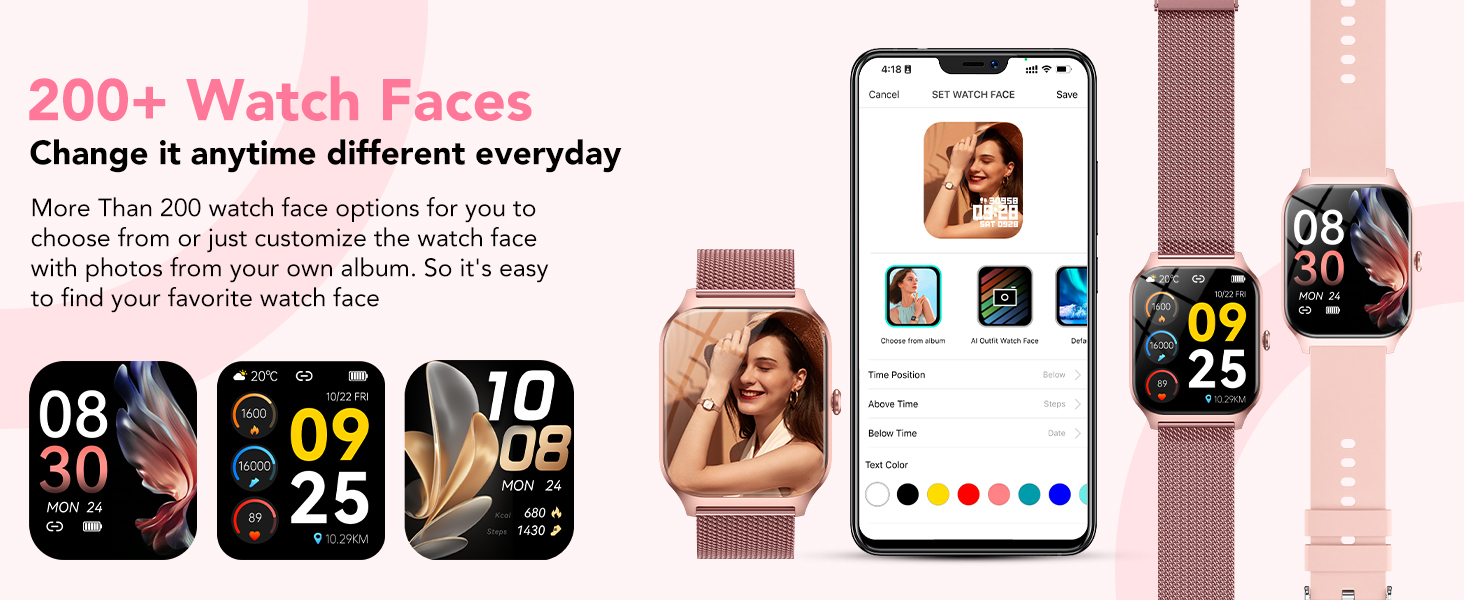
Image: Customizable watch faces and personalization options.
4.6 Smart iwifunni
Receive real-time notifications for calls, text messages, and social media apps directly on your watch when connected to your phone.
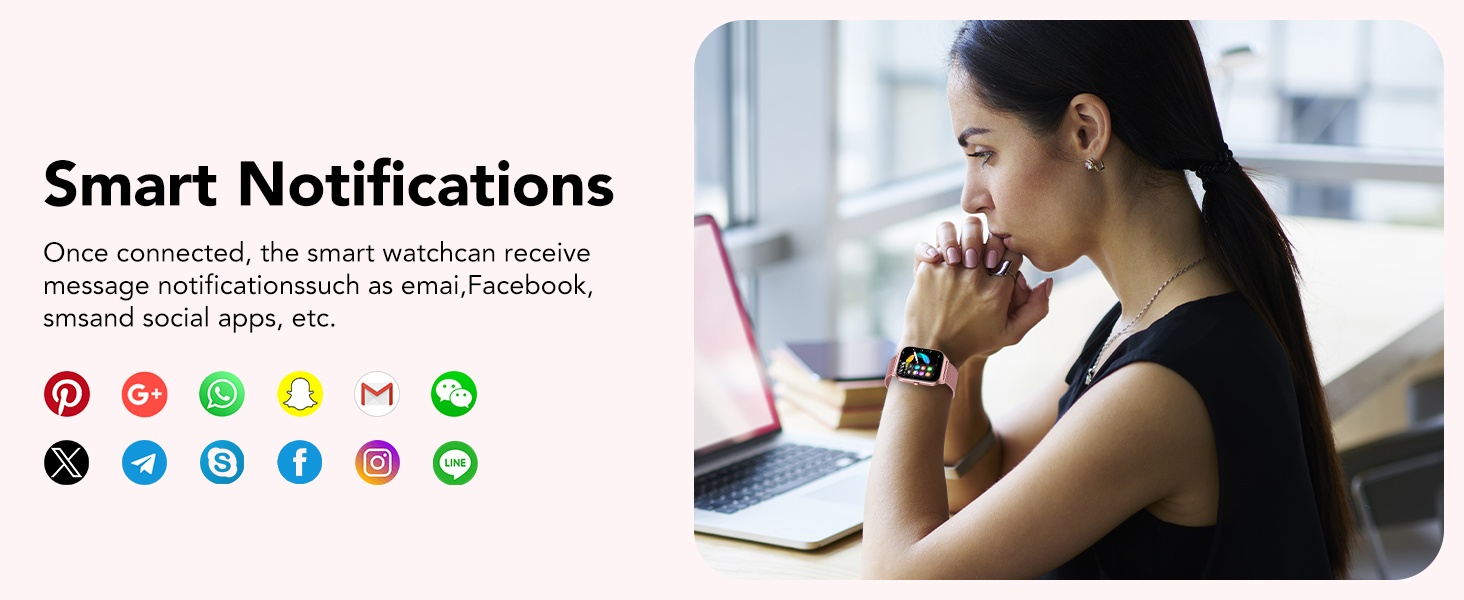
Image: Smart notifications displayed on the watch.
4.7 Miiran Awọn iṣẹ
The CASCHO P125 Smart Watch includes additional useful features:
- Iṣakoso Orin
- Aago iṣẹju-aaya
- Aago itaniji
- Wa foonu
- Iṣakoso kamẹra
- Iroyin oju ojo
- Ẹrọ iṣiro

Image: Multifunctional features of the smart watch.
5. Itọju
5.1 Omi Resistance
The CASCHO P125 Smart Watch is IP68 waterproof, meaning it is resistant to splashes, sweat, and short-term immersion. It is suitable for daily use like washing hands or wearing in the rain. Akiyesi: It is not suitable for swimming, diving, surfing, hot showers, or other water activities that involve high pressure or prolonged submersion.
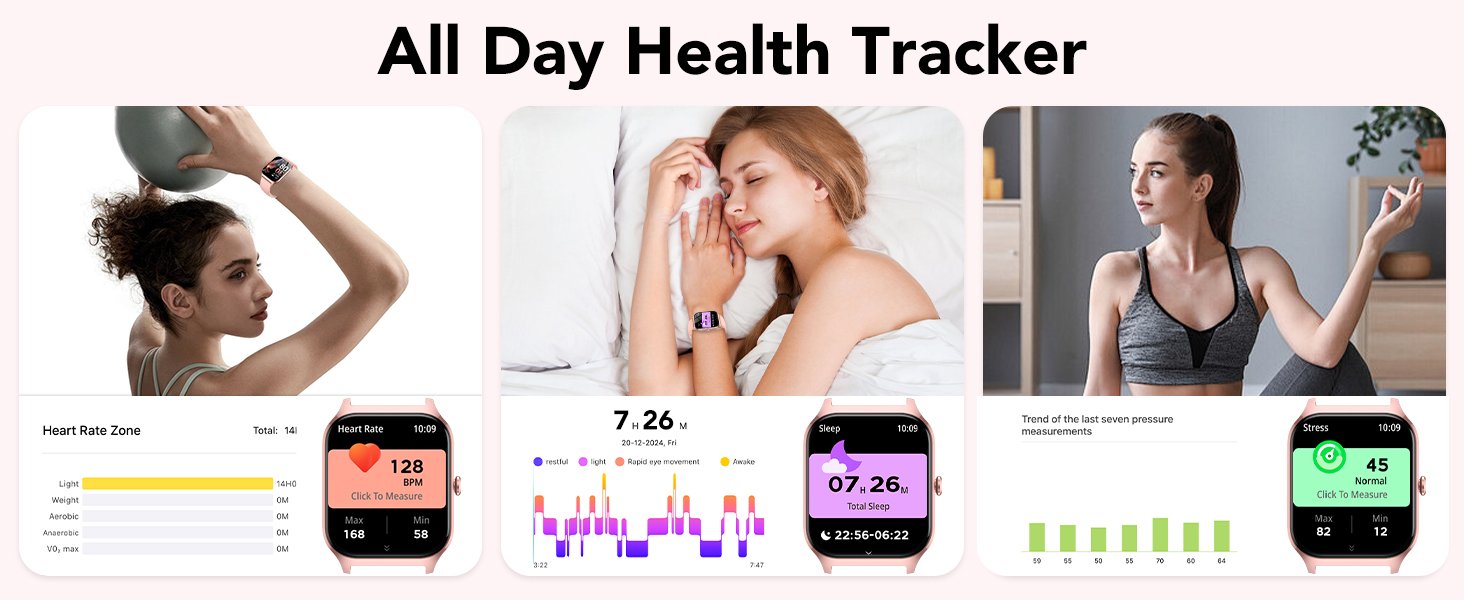
Image: Three protection designs: IP68 waterproof, shockproof, and dustproof.
5.2 Itọju ati Itọju
To maintain your watch, regularly clean the screen and straps with a soft, dry cloth. Avoid using harsh chemicals or abrasive materials.
6. Laasigbotitusita
If you encounter issues with your CASCHO P125 Smart Watch, try the following steps:
- Wo ti ko tan: Rii daju pe aago naa ti gba agbara ni kikun.
- Ko le so pọ pẹlu foonu: Make sure Bluetooth is enabled on your phone and the watch is within range. Restart both devices and try pairing again through the Da Fit app.
- Awọn alaye ilera ti ko pe: Rii daju pe aago naa ti wọ snugly lori ọwọ ọwọ rẹ, kii ṣe ju tabi alaimuṣinṣin pupọ. Nu awọn sensọ nigbagbogbo.
- Awọn iwifunni ko han: Check app permissions in your phone settings and ensure notifications are enabled for the Da Fit app and the specific social media apps.
- Iboju ifọwọkan ko dahun: Tun aago bẹrẹ. Ti ọrọ naa ba wa, rii daju pe iboju jẹ mimọ ati gbẹ.
For further assistance, please refer to the Da Fit app's help section or contact CASCHO customer support.
7. Awọn pato
| Ẹya ara ẹrọ | Sipesifikesonu |
|---|---|
| Orukọ awoṣe | P125 |
| Brand | CASCHO |
| Iwon iboju | 1.85 inches |
| Ifihan Iru | AMOLED |
| Eto isesise | Wọ OS 1.0 |
| Asopọmọra Technology | Bluetooth |
| Omi Resistance Ipele | Mabomire (IP68) |
| Batiri Cell Tiwqn | Litiumu Iwon |
| Agbara Ibi ipamọ Iranti | 1 GB |
| GPS | GPS ti a ṣe sinu |
| Pataki Ẹya | Aago itaniji |
| Àwọ̀ | Rose Gold |
8. Awọn fidio ọja
Video: This video demonstrates the various sports modes and health tracking features of the CASCHO P125 Smart Watch, including fitness tracking, heart rate monitoring, and sleep analysis.
Video: This video highlights the key functionalities of the CASCHO P125 Smart Watch, such as Bluetooth calling, customizable watch faces, 24/7 health tracking, and IP68 waterproof rating.
9. Atilẹyin ọja ati Support
Warranty information for the CASCHO P125 Smart Watch is not explicitly provided in the product details. For specific warranty terms and conditions, or for technical support, please contact CASCHO customer service directly through their official website or the Da Fit app support section.