
Ọrọ Iṣaaju
This manual provides comprehensive instructions for the Anderic RRFA0318 Ceiling Fan Remote Control. This remote is designed as a direct replacement for specific Harbor Breeze ceiling fan models, offering full control over fan speeds, light functions, and airflow direction. Please read this manual carefully before use to ensure proper installation and operation.
Ibamu
The Anderic RRFA0318 remote control is compatible with the following Harbor Breeze ceiling fan models:
- Harbor Breeze Arbormere 60-inch Color-Changing Outdoor Matte Black with Driftwood Blades Ceiling Fan With Light (Item #5127845 | Model #43341)
- Harbor Breeze Queensdale Easy2Hang 60-inch Color-Changing Integrated LED Covered Outdoor Matte Black with Black Blades Ceiling Fan With Light (Item #5971303 | Model #43299)
- Harbor Breeze Queensdale Easy2Hang 60-inch Color-Changing Integrated LED Covered Outdoor White with White Blades Ceiling Fan With Light (Item #5979053 | Model #43377)
- Harbor Breeze Outermark Easy2Hang 60-inch Color-Changing Integrated LED Uncovered Outdoor Matte Black with Black Blades Ceiling Fan With Light (Item #5971304 | Model #43300)
- Harbor Breeze Outermark Easy2Hang 60-inch Color-Changing Integrated LED Uncovered Outdoor White with White Blades Ceiling Fan With Light (Item #5979051 | Model #43378)
This remote replaces original Harbor Breeze remotes 4L000016210 and A25-FA0198A.

Image: Comparison of the original Harbor Breeze remote (left) and the Anderic RRFA0318 replacement (right).
Key Awọn ẹya ara ẹrọ
- Full Fan Control: Adjust fan speeds (6-speed), and change airflow direction (forward/reverse).
- Iṣakoso ina: Dim lights and adjust color temperature (if supported by fan).
- Awọn iṣẹ to ti ni ilọsiwaju: Includes timer settings (2hr, 4hr, 8hr), Nature Breeze mode, Home Shield, and Walk Away delay functions.
- Apẹrẹ Ọrẹ olumulo: Features large, durable rubber buttons and dedicated keys for easy operation.
- Odi Odi: Comes with a full-plate wall mount and a built-in magnet for secure storage.
Ṣeto
1. Fifi sori batiri
The remote control requires one A23 12-volt battery (not included) for operation. Follow these steps to install the battery:
- Wa ideri iyẹwu batiri ni ẹhin isakoṣo latọna jijin.
- Gbe ideri naa ṣii.
- Insert one A23 12-volt battery, ensuring the correct polarity (+ and - ends match the markings inside the compartment).
- Gbe ideri iyẹwu batiri pada si aaye titi yoo fi tẹ ni aabo.
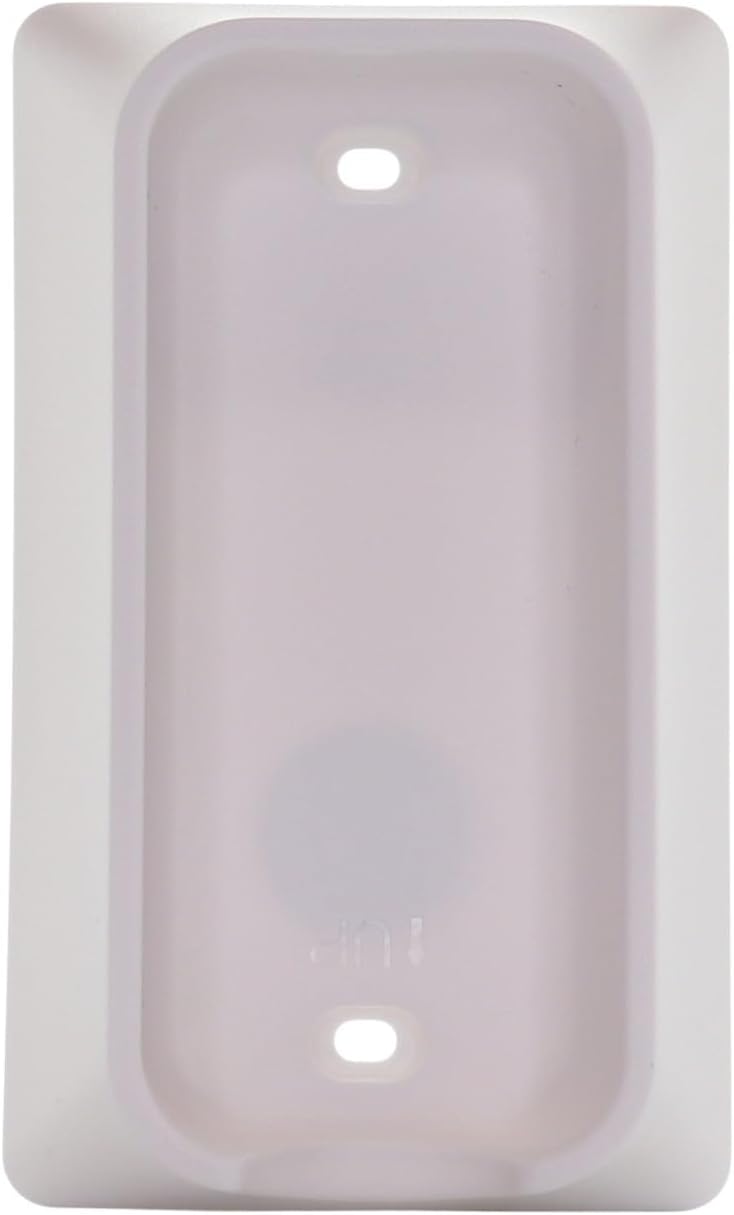
Image: Back of the remote control with the battery compartment open, indicating battery placement.
2. Pairing Instructions (Simple 3-Step Pairing)
To pair your Anderic RRFA0318 remote control with your ceiling fan receiver, follow these steps:
- Install a 12V 23A battery ensuring the correct polarization.
- Cycle the power to the fan. Turn off the power to your ceiling fan at the wall switch or circuit breaker, wait a few seconds, then turn it back on.
- Laarin ọgbọn iṣẹju of restoring power to the fan, locate the small "LEARN" key inside the battery compartment of the remote control and tap it once. The fan light should blink or the fan should respond, indicating successful pairing.

Image: Visual guide for the 3-step pairing process, showing the remote's front and the location of the 'LEARN' button.
Akiyesi: The pairing process is identical to that of the original Harbor Breeze remote.
Awọn ilana Iṣiṣẹ
The Anderic RRFA0318 remote control provides intuitive control over your ceiling fan and light. Refer to the button layout for specific functions:

Aworan: Iwaju view of the Anderic RRFA0318 remote control, displaying all control buttons.
- Iṣakoso Iyara Fan: Lo awọn + ati - buttons next to the fan icon to increase or decrease fan speed.
- Fan Tan/Pa a: Tẹ awọn agbara icon button (circle with vertical line) to turn the fan on or off.
- Tan-an/Pa/Dimming: Tẹ awọn gilobu ina icon button to turn the light on or off. Hold the button to dim or brighten the light.
- Ṣatunṣe iwọn otutu awọ: If your fan supports it, use the multi-color light bulb icon button to cycle through or adjust light color temperatures.
- Siwaju/Yípada Sisan Afẹfẹ: Lo awọn blue arrows (down) for forward mode (cooling) and red arrows (up) for reverse mode (warming).
- Awọn iṣẹ Aago: Tẹ awọn wakati 2, wakati 4, tabi wakati 8 buttons to set the fan to turn off automatically after the selected duration.
- Nature Breeze Mode: Tẹ awọn wavy lines icon to activate a mode that simulates natural breezes by varying fan speed.
- Asà Ilé: Tẹ awọn aami ile for security features (refer to your fan's manual for specific functionality).
- Walk Away Delay: Tẹ awọn person walking icon to activate a delay function (refer to your fan's manual for specific functionality).
Itoju
- Ninu: Mu ese isakoṣo latọna jijin kuro pẹlu asọ ti o gbẹ. Ma ṣe lo abrasive ose tabi epo.
- Rirọpo Batiri: Replace the A23 12-volt battery when the remote's range decreases or it becomes unresponsive. Ensure proper disposal of old batteries according to local regulations.
- Ibi ipamọ: When not in use for extended periods, remove the battery to prevent leakage. Store the remote in a cool, dry place.
Laasigbotitusita
| Isoro | Owun to le Fa | Ojutu |
|---|---|---|
| Remote not responding to fan. | Battery is dead or incorrectly installed. Remote is not paired. Fan power is off. | Check battery polarity and replace if necessary. Re-pair the remote following the "Pairing Instructions" section. Ensure the fan's power is on. |
| Fan light not dimming or changing color. | Fan does not support dimming/color change. Incorrect button press. | Verify your ceiling fan model supports these features. For dimming, hold the light button. For color change, ensure you are pressing the correct multi-color light button. |
| Ilọsi latọna jijin ko dara. | Low battery. Obstructions between remote and receiver. | Replace the A23 12-volt battery. Ensure there are no major obstructions (e.g., thick walls, large metal objects) between the remote and the fan's receiver. |
| Fan changes direction unexpectedly. | Accidental press of forward/reverse button. | Press the appropriate forward (blue arrows) or reverse (red arrows) button to set the desired direction. |
Awọn pato
- Orukọ awoṣe: RRFA0318
- Brand: Anderiki
- Imọ-ẹrọ Asopọmọra: Igbohunsafẹfẹ Redio (RF)
- Iru Adari: Iṣakoso bọtini
- Nọmba Awọn bọtini: 14
- Orisun Agbara: 1 x A23 12-volt battery (not included)
- Ibiti o pọju: 30 Ẹsẹ (isunmọ 9 mita)
- Àwọ̀: Funfun
- Awọn Iwọn Nkan (L x W x H): 6" x 2" x 1" (tó tó 15.24 cm x 5.08 cm x 2.54 cm)
Atilẹyin ọja ati Support
The Anderic RRFA0318 remote control comes with a 1 Year Limited Anderic Warranty. For warranty claims or technical support, please contact Anderic customer service directly. Keep your purchase receipt as proof of purchase.
Fun iranlọwọ siwaju sii, jọwọ ṣabẹwo si Ile itaja Anderic lori Amazon.