
1. Ọja Ipariview
The boAt Airdopes 148 Gen 2 are True Wireless Stereo (TWS) earbuds designed for an immersive audio experience. They feature a long-lasting battery, advanced microphone technology for clear calls, and a low-latency mode for gaming. This manual provides instructions for setting up, operating, and maintaining your earbuds.
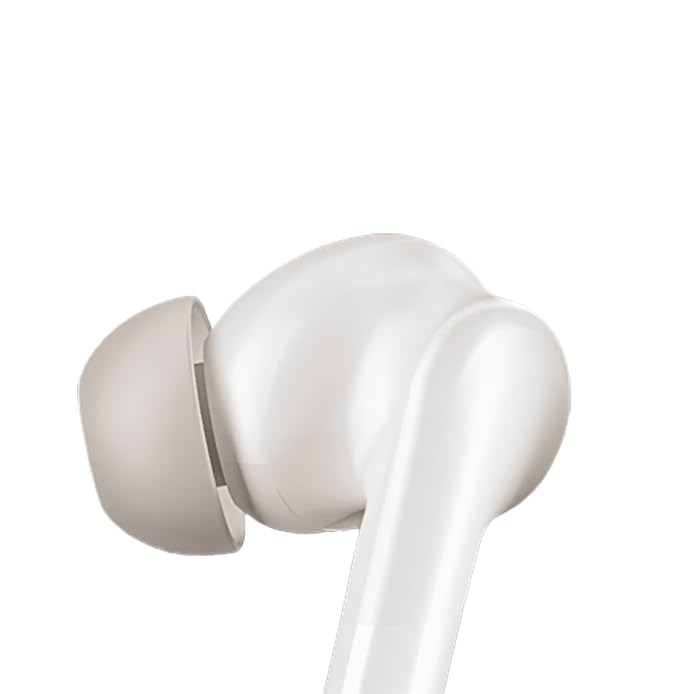
Image: boAt Airdopes 148 Gen 2 earbuds shown with their charging case.
2. Ohun ti o wa ninu Apoti
Jọwọ ṣayẹwo awọn akoonu package lati rii daju pe gbogbo awọn ohun kan wa:
- boAt Airdopes 148 Gen 2 Earbuds (Left and Right)
- Ngba agbara Case
- Okun Ngba agbara USB
- Additional Ear Cushions (various sizes)
- Itọsọna olumulo
3. Awọn ilana iṣeto
3.1 Gbigba agbara akọkọ
Ṣaaju lilo akọkọ, gba agbara ni kikun awọn agbekọri ati apoti gbigba agbara.
- Gbe awọn afikọti mejeeji sinu ọran gbigba agbara.
- So okun gbigba agbara USB pọ mọ ibudo gbigba agbara lori apoti naa ati si orisun agbara kan.
- The indicator lights on the case will show charging status. Once fully charged, the lights may change or turn off.

Image: The boAt Airdopes 148 Gen 2 charging case with earbuds inserted, illustrating the charging process.
3.2 Pairing with Your Device (Insta Wake N' Pair)
The Airdopes 148 Gen 2 feature Insta Wake N' Pair (IWP) technology for seamless connection.
- Ṣii ideri ti apoti gbigba agbara. Awọn agbekọri yoo tan ina laifọwọyi ati tẹ ipo sisopọ pọ sii.
- Mu Bluetooth ṣiṣẹ lori foonuiyara tabi ẹrọ miiran.
- Wa fun "Airdopes 148 Gen 2" in the list of available Bluetooth devices.
- Select it to connect. Once connected, you will hear an audio prompt.
Note: The earbuds will automatically connect to the last paired device when the case lid is opened, if Bluetooth is enabled on the device.

Image: A visual representation of key features including Bluetooth v5.4 and Insta Wake N' Pair technology.
4. Awọn ilana Iṣiṣẹ
4.1 Fọwọkan Iṣakoso
The Airdopes 148 Gen 2 feature intuitive touch controls on each earbud:
- Ṣiṣẹ/Daduro: Fọwọ ba ẹyọkan lori boya agbekọri.
- Orin t’okan: Fọwọ ba lẹẹmeji lori agbekọri ọtun.
- Tẹlẹ Orin: Fọwọ ba lẹẹmeji lori agbekọri osi.
- Idahun/Ipe Ipari: Fọwọ ba ẹyọkan lori boya agbekọri.
- Kọ Ipe: Long press (2 seconds) on either earbud.
- Mu Oluranlọwọ Ohun ṣiṣẹ: Fọwọ ba meteta lori boya agbekọri.
- BEAST Mode On/Off: Long press (3 seconds) on the right earbud.
- Switch Dual EQs: Long press (3 seconds) on the left earbud.
4.2 BEAST Mode (Low Latency)
Activate BEAST Mode for an ultra-low latency audio experience, ideal for gaming and video streaming. This minimizes audio delay between your device and the earbuds.
- Lati muu ṣiṣẹ: Gigun tẹ agbekọri ọtun fun iṣẹju meji 3.
- Lati Muu ṣiṣẹ: Long press the right earbud for 3 seconds again.
4.3 Dual EQs
Yipada laarin o yatọ si ohun profiles (e.g., Balanced, Bass) to suit your audio preference.
- To Switch: Gigun tẹ agbekọri osi fun iṣẹju meji 3.
4.4 Iranlọwọ ohun
Access your device's voice assistant (e.g., Google Assistant, Siri) directly from the earbuds.
- Lati muu ṣiṣẹ: Fọwọ ba meteta lori boya agbekọri.
4.5 Calling with ENx Technology
The earbuds feature Quad Mics with ENx Technology for clear voice calls by cancelling environmental noise.

Image: A user wearing an earbud, highlighting the Quad Mics with ENx Technology for enhanced call clarity.
4.6 batiri Life
The Airdopes 148 Gen 2 offer up to 48 hours of total playback time with the charging case. ASAP Charge provides 180 minutes of playback from just 10 minutes of charging.

Image: A graphic illustrating the impressive battery life of up to 48 hours and the fast charging capability.
5. Itọju
5.1 Ninu
Mimọ deede ṣe iranlọwọ lati ṣetọju didara ohun ati imototo.
- Rọra nu awọn afikọti ati apoti gbigba agbara pẹlu asọ, gbẹ, asọ ti ko ni lint.
- Yọ awọn imọran eti kuro ki o sọ wọn di mimọ pẹlu ọṣẹ kekere ati omi, lẹhinna gbẹ daradara ṣaaju ki o to tun ṣe.
- Use a cotton swab or a small, soft brush to carefully clean the speaker mesh and charging contacts.
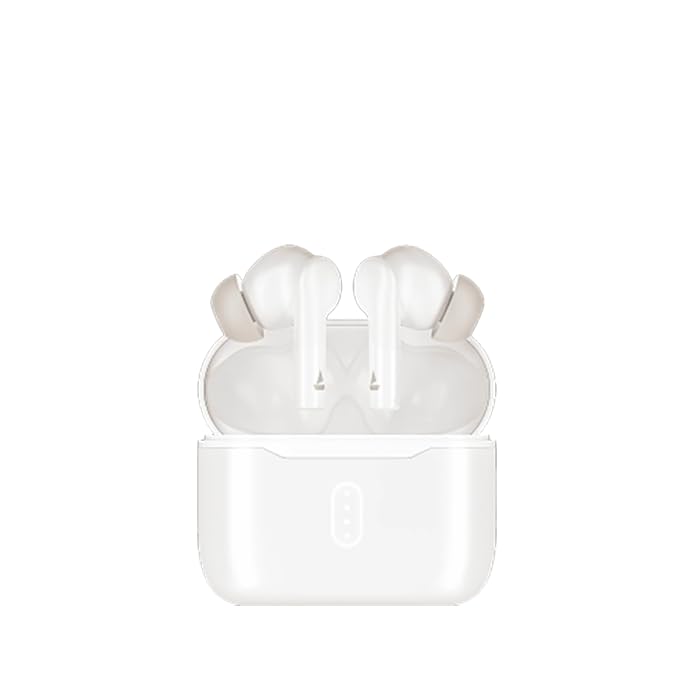
Aworan: A sunmọ-soke view of an earbud tip, showing the area that requires regular cleaning.
5.2 Omi Resistance (IPX4)
The Airdopes 148 Gen 2 are IPX4 rated, meaning they are resistant to splashes of water and sweat. They are not designed for submersion in water.
- Avoid exposing the earbuds to heavy rain or submerging them in water.
- Dry the earbuds thoroughly if they get wet from sweat or splashes before placing them back in the charging case.
6. Laasigbotitusita
If you encounter issues with your Airdopes 148 Gen 2, try the following solutions:
- Ko si Ohun/Awọn ọrọ Asopọmọra:
- Rii daju pe awọn agbekọri ti gba agbara.
- Rii daju pe Bluetooth ti ṣiṣẹ lori ẹrọ rẹ.
- Forget "Airdopes 148 Gen 2" from your device's Bluetooth list and re-pair.
- Tun ẹrọ rẹ bẹrẹ.
- Agbohunsafefe kan Ko Ṣiṣẹ:
- Place both earbuds back in the case, close the lid, wait a few seconds, then open again.
- Rii daju pe awọn agbekọri mejeeji ti gba agbara.
- Awọn ọran gbigba agbara:
- Check the charging cable and adapter.
- Ensure charging contacts on earbuds and case are clean.
- Iwọn Kekere:
- Ṣatunṣe iwọn didun lori mejeeji ẹrọ rẹ ati awọn agbekọri.
- Clean earbud speaker mesh.
7. Awọn pato
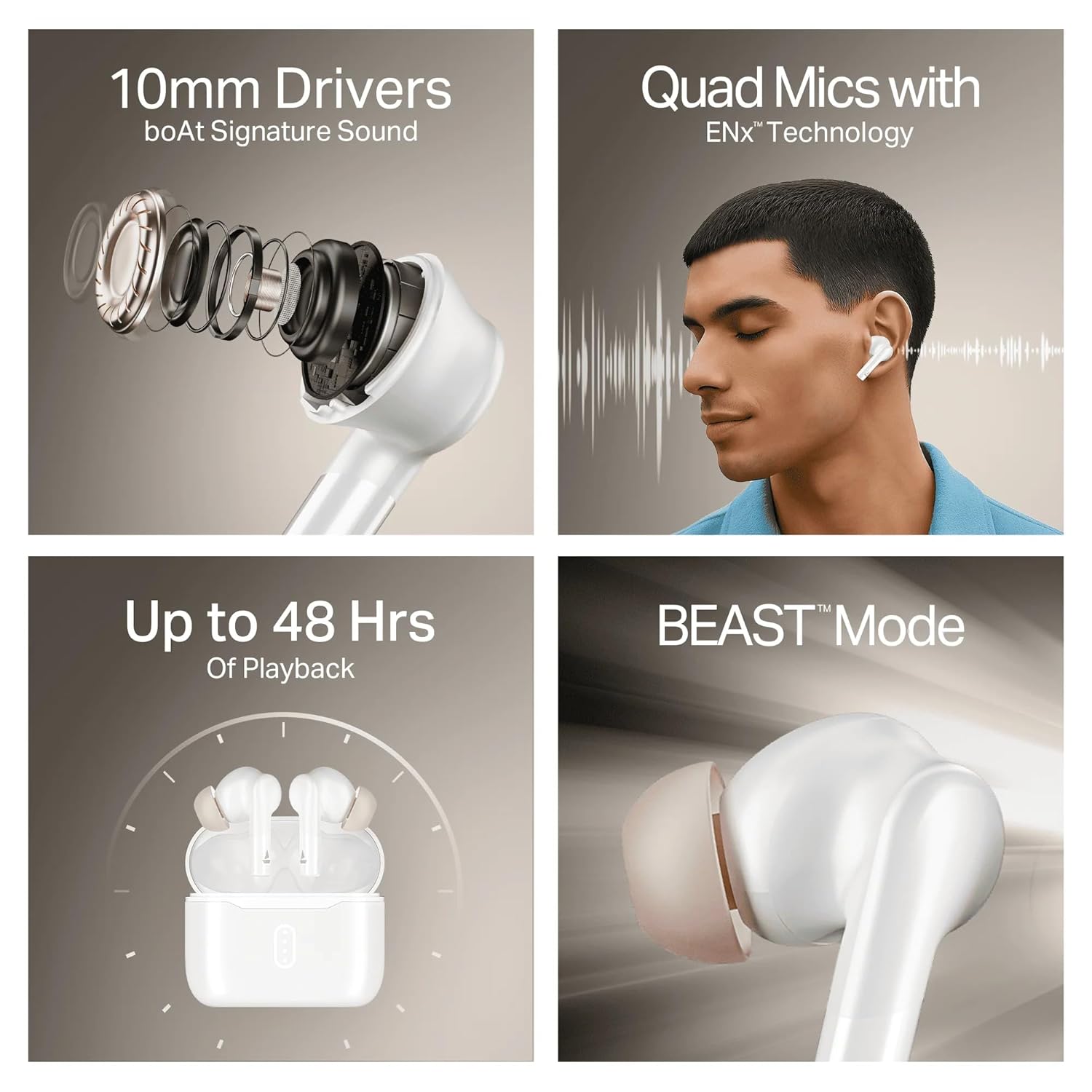
Image: A summary of key specifications and features of the Airdopes 148 Gen 2.
| Ẹya ara ẹrọ | Apejuwe |
|---|---|
| Orukọ awoṣe | Airdopes 148 Gen 2 |
| Ẹya Bluetooth | 5.4 |
| Akoko Sisisẹsẹhin | Titi di wakati 48 (pẹlu ọran gbigba agbara) |
| ASAP idiyele | Igbara agbara iṣẹju 10 = igbara ṣiṣiṣẹ iṣẹju 180 |
| Awọn gbohungbohun | Quad Mics with ENx Technology |
| Awọn awakọ | 10mm |
| Omi Resistance | IPX4 |
| Latency Mode | BEAST Mode (Ultra-low latency) |
| Asopọmọra | Ailokun |
| Iṣakoso Iru | Iṣakoso ifọwọkan |
| Awọn ẹrọ ibaramu | Àwọn Kọ̀ǹpútà alágbèéká, Àwọn Fóònù alágbèéká, Àwọn Tábìlẹ́ẹ̀tì |
8. Atilẹyin ọja ati Support
8.1 atilẹyin ọja Alaye
The boAt Airdopes 148 Gen 2 comes with a 12 + 3 months manufacturer warranty. Jọwọ ṣe idaduro ẹri rira rẹ fun awọn iṣeduro atilẹyin ọja.
8.2 Onibara Support
For any support, queries, or warranty claims, please contact boAt customer service:
- Imeeli: info@imaginemarketingindia.com
- Olupese: Imagine Marketing Ltd