Ọrọ Iṣaaju
The Nintendo New 3DS XL is a portable gaming system that enhances the 3D gaming experience with super-stable 3D technology and additional control features. This manual provides essential information for setting up, operating, and maintaining your New Nintendo 3DS XL system.
Package Awọn akoonu
Jọwọ rii daju pe gbogbo awọn ohun kan wa ṣaaju ki o to tẹsiwaju pẹlu eto:
- Nintendo New 3DS XL System
- Stylus
- MicroSDHC Memory Card (pre-installed)
- Itọsọna Ibẹrẹ ni kiakia
- AR Cards
Akiyesi: An AC adapter is not included with the New Nintendo 3DS XL. This system uses the same AC adapter as the Nintendo DSi, Nintendo 3DS, and Nintendo 2DS.
Ṣeto
1. Ngba agbara si Batiri naa
Before first use, fully charge the system's battery. Connect a compatible AC adapter (sold separately) to the charging port on the back of the system and plug it into a wall outlet. The charge indicator light will illuminate orange while charging and turn off when fully charged.
2. Iṣeto ni ibẹrẹ System
Upon powering on your New Nintendo 3DS XL for the first time, you will be guided through initial setup steps, including:
- Aṣayan ede
- Ọjọ ati akoko eto
- Olumulo profile ẹda
- Internet connection setup
Ensure a stable internet connection for system updates and online features.
3. Linking Nintendo Account and Nintendo Network ID
To access the Nintendo eShop, download demos, and manage digital purchases, you will need to link a Nintendo Network ID (NNID) to your system and then link your NNID to a Nintendo Account. Follow the on-screen instructions in the System Settings menu under "Nintendo Network ID Settings" to create or link your NNID. Then, visit the Nintendo Account website on a computer or smart device to link your NNID to your Nintendo Account.
Video: How to link your Nintendo Account and Nintendo Network ID. This video demonstrates the process of linking your Nintendo Account with your Nintendo Network ID, which is essential for accessing online services and digital content on your New Nintendo 3DS XL.
Ṣiṣẹ rẹ System
1. Agbara lori / Paa
Press the POWER button located on the bottom right side of the system to turn it on. To turn off, hold the POWER button until the system powers down.
2. Awọn iṣakoso ipilẹ
- Páàdì Yípo: Located on the left, used for analog movement.
- C Stick: A new feature on the right side, providing enhanced camera and control options in compatible games.
- Awọn bọtini A/B/X/Y: Standard action buttons on the right.
- D-Pad: Digital directional input on the left.
- Àwọn bọ́tìnì L/R: Awọn bọtini ejika.
- Àwọn bọ́tìnì ZL/ZR: New additional shoulder buttons for enhanced control in compatible games.
- Bọtini ILE: Ó padà sí Àkójọ Àkọ́kọ́ Ilé.
- Bẹrẹ/Yan Awọn bọtini: Ti wa ni isalẹ awọn bọtini A/B/X/Y.
Aworan: A oke-isalẹ view of the open Nintendo New 3DS XL, displaying the game "Super Monkey Ball 3D" on its top screen and game selection options on the bottom touch screen. The C Stick is visible on the right side.
3. 3D Functionality (Face Tracking 3D)
The New Nintendo 3DS XL features "super-stable 3D" technology, which uses the inner camera to track your face and adjust the 3D image in real-time. This provides a more comfortable and consistent 3D viewing experience compared to previous models.
- 3D Slider: Located on the right side of the top screen, allowing you to adjust the depth of the 3D effect or turn it off completely.
- Awọn iṣakoso obi: It is recommended to restrict 3D mode for children aged 6 and under. This can be configured in the System Settings.
Video: New Nintendo 3DS XL Features. This video highlights key features of the New Nintendo 3DS XL, including the enhanced Face Tracking 3D and the new C Stick for improved controls.
4. Ṣíṣeré Àwọn eré
The New Nintendo 3DS XL is compatible with all Nintendo 3DS games and most Nintendo DS games. Nintendo DS games will not appear in 3D.
- Insert game cards into the slot on the back of the system.
- Select the game icon from the HOME Menu to start playing.
- Some games may take advantage of the faster processing power for improved performance or graphics.
5. amiibo Support
The New Nintendo 3DS XL has built-in amiibo compatibility and NFC support. Place amiibo figures on the bottom screen to interact with compatible games.
Itoju
1. Cleaning Your System
Use a soft, dry cloth to clean the screens and exterior of the system. Avoid using harsh chemicals or abrasive materials. For stubborn smudges on the screen, a slightly damp asọ le ṣee lo, atẹle nipa gbigbe lẹsẹkẹsẹ.
2. Itọju batiri
To prolong battery life, avoid exposing the system to extreme temperatures. If storing the system for an extended period, charge the battery to about 50% before storage and recharge it every six months.
3. Software imudojuiwọn
Periodically check for system software updates via the System Settings menu. Updates can improve performance, add new features, and enhance security.
Laasigbotitusita
- Unstable 3D Effect: Ensure your face is within the camera's view and the system is held steadily. Adjust the 3D slider if needed.
- Eto Ko Dahun: Hold the POWER button for several seconds to force a shutdown, then restart the system.
- Game Card Not Reading: Ensure the game card is inserted correctly and fully into the slot. Clean the contacts on the game card if necessary.
- Awọn ọran gbigba agbara: Verify the AC adapter is securely connected to both the system and the power outlet. Use a compatible Nintendo AC adapter.
Awọn pato
| Nọmba awoṣe | REDSVAAA |
| Awọn iwọn | 1.5 x 7.09 x 5.12 inches |
| Iwọn | 1 iwon |
| Ojo ifisile | Oṣu Kẹta Ọjọ 13, Ọdun 2015 |
| Olupese | Nintendo ti Amẹrika |
| Batiri | 1 Batiri Litiumu Irin (pẹlu) |
| Ede | English |
| Idiwon | Gbogbo eniyan |

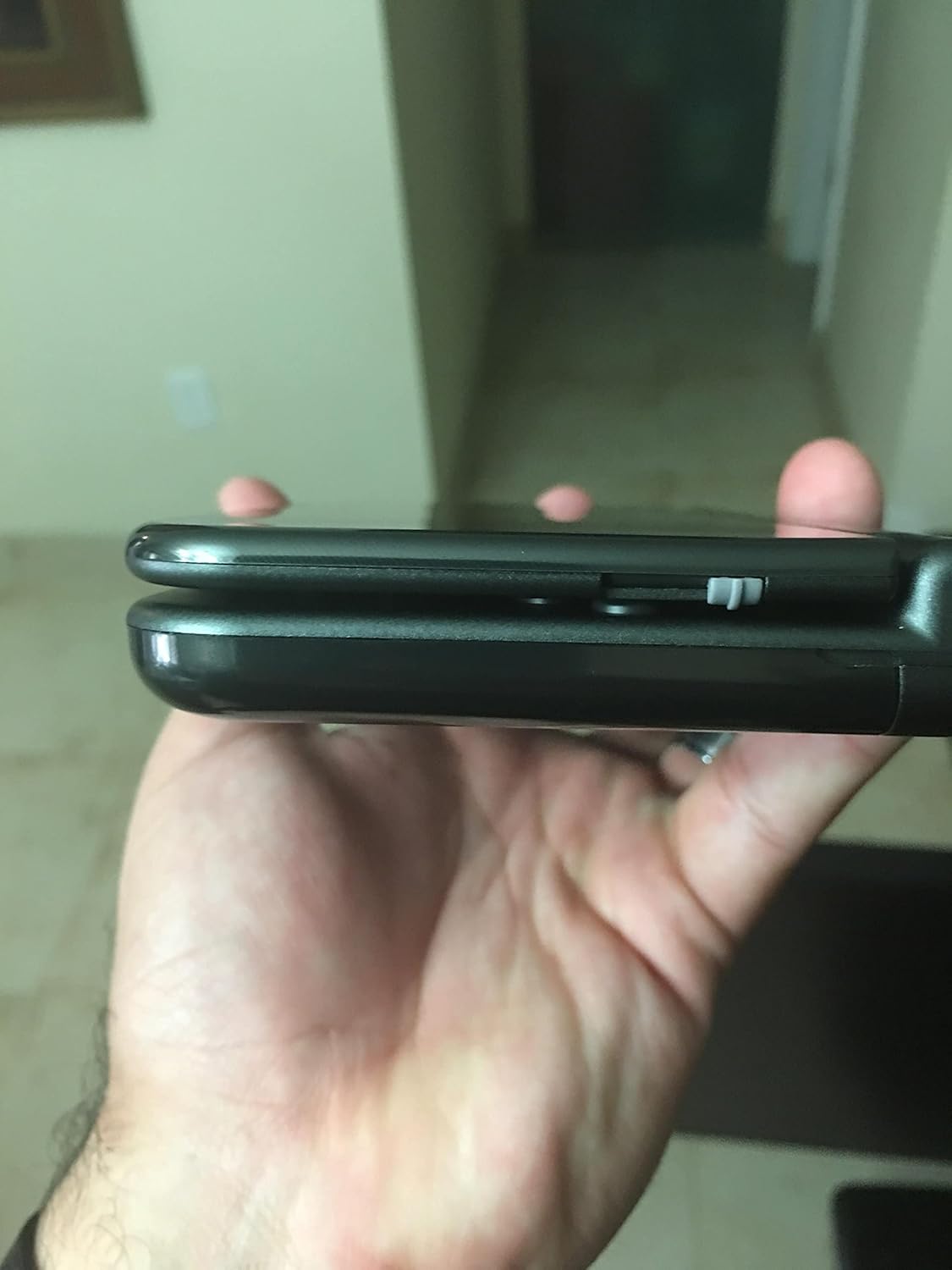
Aworan: A sunmọ-soke ẹgbẹ view of the Nintendo New 3DS XL, highlighting its slim profile and the hinge mechanism.
Atilẹyin ọja ati Support
For warranty information, technical support, or to register your product, please visit the official Nintendo support website or refer to the warranty card included in your product packaging. Keep your proof of purchase for warranty claims.


