1. Ifihan
The IDEAL 2445 is a high-quality cross-cut deskside paper shredder designed for efficient and secure document destruction in home or office environments. This manual provides essential information for the safe and effective use, maintenance, and troubleshooting of your shredder.
Key features include continuous operation, P-4 security level for cross-cut shredding, and the ability to shred paper, staples, paper clips, and credit cards. Its robust design and German engineering ensure reliable performance.

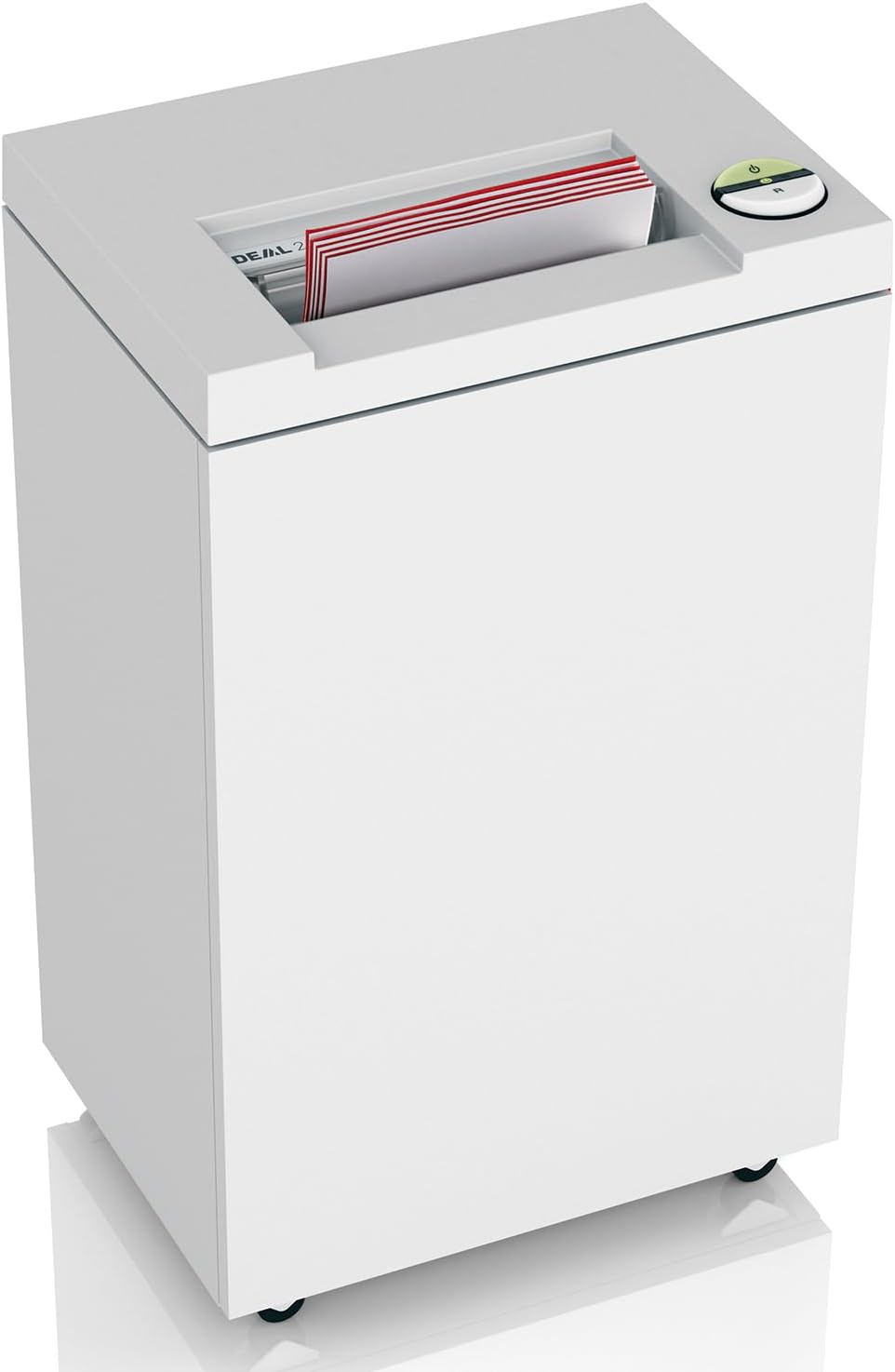
Nọmba 1: The IDEAL 2445 Cross-Cut Deskside Paper Shredder. This image shows the overall design of the shredder, featuring its compact and professional appearance suitable for office environments.
2. Awọn ilana aabo
Please read all safety instructions before operating the shredder to prevent injury or damage to the unit.
- Keep hands, loose clothing, hair, and jewelry away from the feed opening.
- Do not insert more than the recommended number of sheets (11-13 sheets) at one time.
- Pa awọn ọmọde ati awọn ohun ọsin kuro lati shredder.
- Unplug the shredder when not in use or before cleaning, moving, or emptying the waste bin.
- Do not spray aerosols or flammable products into or around the shredder.
- Do not shred adhesive labels, continuous forms, or plastic film.
- Rii daju pe a gbe shredder sori iduro, ipele ipele.
- The patented, electronically-controlled, transparent safety shield in the feed opening is designed to protect fingers and hands. Do not bypass or tamper pẹlu ẹya ailewu yii.
3. Eto
- Ṣii silẹ: Farabalẹ yọ shredder kuro ninu apoti rẹ. Ṣe idaduro apoti fun irinna ọjọ iwaju tabi ibi ipamọ.
- Ibi: Position the shredder on a flat, stable surface. The unit is equipped with casters for easy mobility. Ensure adequate space around the unit for ventilation.
- Ibi idọti: Ensure the 9-gallon waste bin is correctly inserted into the cabinet. The shredder will not operate if the bin is not properly seated.
- Asopọ agbara: Pulọọgi okun agbara sinu kan boṣewa itanna iṣan.
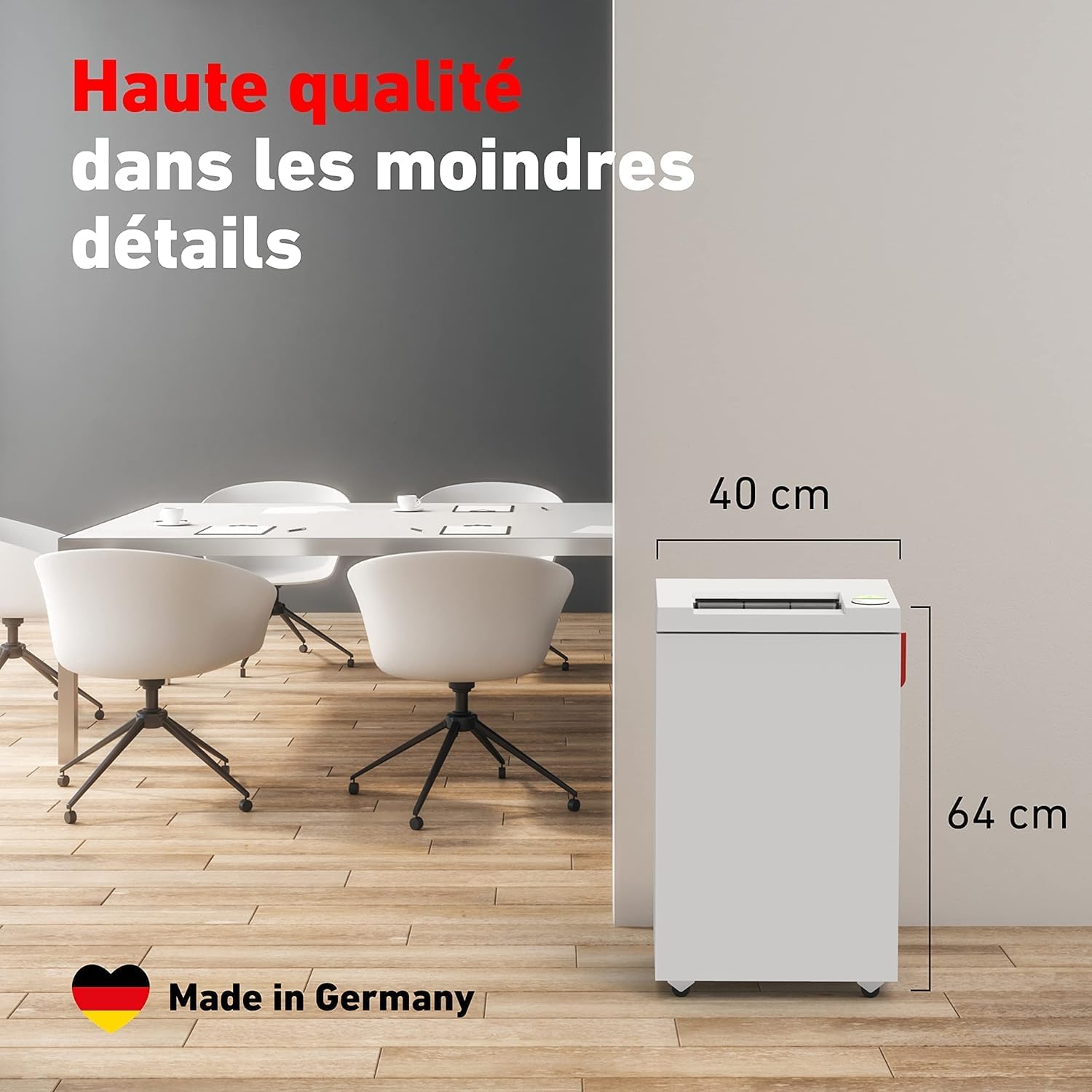
Nọmba 2: Approximate dimensions of the IDEAL 2445 shredder. The unit measures approximately 40 cm (15.7 inches) in width and 64 cm (25.2 inches) in height, indicating its compact deskside design.
4. Awọn ilana Iṣiṣẹ
The IDEAL 2445 shredder features a user-friendly control panel for easy operation.
- Agbara Tan: Locate the main power switch, typically on the control panel. Press the power button to turn on the shredder. The indicator light will illuminate.
- Àwọn Ìwé Ìfúnni: Insert paper into the feed opening. The shredder will automatically detect the paper and begin shredding. Do not exceed the maximum capacity of 11-13 sheets of paper at a time.
- Shredding Other Materials: The shredder can also process staples, small paper clips, and credit cards. Insert these items into the feed opening one at a time.
- Ise Tesiwaju: The IDEAL 2445 is designed for continuous operation, minimizing downtime during shredding tasks.
- Jam Prevention: The shredder features manual reverse and automatic reverse functions. If an overfeed occurs, the shredder will automatically stop and reverse to clear the jam. You can also manually activate the reverse function if needed.
- Bin Full Sensor: The shredder will automatically stop when the waste bin is full, indicated by a specific light on the control panel.
- Agbara Pa: After use, press the power button to turn off the shredder. For extended periods of non-use, unplug the unit from the power outlet.
Nọmba 3: The IDEAL 2445 shredder actively processing documents. This illustrates the paper feed mechanism and the shredding process.

Nọmba 4: Visual representation of the shredder's capacity. The IDEAL 2445 can shred up to 13 sheets of paper at once and has a 35-liter (9-gallon) waste bin capacity.

Nọmba 5: The control panel of the IDEAL 2445 shredder. It features a single switch for multiple functions, including power on/off, forward, and reverse ('R') operations, along with status indicators.

Nọmba 6: Indication of the P-4 security level for the IDEAL 2445 shredder. This cross-cut security level is compliant with HIPAA and FACTA, ensuring protection against identity theft by shredding documents into small, unreadable particles.
5. Itọju
Regular maintenance ensures the longevity and optimal performance of your shredder.
- Gbigbe Ibi Idọti naa di ofo: When the 'bin full' indicator illuminates, or when the bin is visibly full, slide out the waste bin and empty the shredded material. Reinsert the bin securely.
- Oiling the Cutting Heads: To maintain shredding performance and extend the life of the cutting heads, regularly oil the shredder. Apply shredder oil across the paper entry slot while the shredder is running in reverse for a few seconds. Refer to the oil manufacturer's instructions for frequency.
- Ninu: Wipe the exterior of the shredder with a soft, dry cloth. Do not use abrasive cleaners or solvents. Ensure the shredder is unplugged before cleaning.

Nọmba 7: A hand removing the waste bin from the IDEAL 2445 shredder. This demonstrates the process of emptying the shredded paper from the 9-gallon bin.
6. Laasigbotitusita
If you encounter issues with your IDEAL 2445 shredder, refer to the following common problems and solutions:
- Shredder ko tan:
- Rii daju pe okun agbara ti wa ni edidi ni aabo sinu iṣan-iṣẹ iṣẹ.
- Check if the waste bin is correctly inserted. The shredder has a safety interlock.
- Verify the main power switch is in the 'ON' position.
- Jam iwe:
- If the shredder stops and reverses automatically, allow it to clear the jam.
- If the jam persists, use the manual reverse function (often marked 'R' on the control panel) to attempt to clear the paper.
- Reduce the number of sheets fed at one time.
- Unplug the shredder and carefully remove any visible paper from the feed opening.
- Shredder Stops During Operation (Overheat):
- Although designed for continuous operation, prolonged heavy use can cause the motor to overheat. If this occurs, the shredder will automatically shut off.
- Unplug the unit and allow it to cool down for approximately 30-60 minutes before resuming operation.
- 'Bin Full' Indicator Remains On After Emptying:
- Ensure the waste bin is fully and correctly reinserted.
- Check the bin full sensor for any obstructions or debris.
7. Awọn pato
Detailed technical specifications for the IDEAL 2445 Cross-Cut Deskside Paper Shredder:
| Ẹya ara ẹrọ | Sipesifikesonu |
|---|---|
| Brand | OJUMO |
| Nọmba awoṣe | 24459111 |
| Ge Iru | Agbeke |
| Aabo Ipele | P-4 (HIPAA and FACTA compliant) |
| Agbara dì | 11-13 sheets (80g paper) |
| Bin Agbara | 9 galonu (35 liters) |
| Mọto | 1 / 2 HP |
| Shredding Abilities | Iwe, Staples, Awọn agekuru iwe, Awọn kaadi kirẹditi |
| Isẹ ti o tẹsiwaju | Bẹẹni |
| Iwọn Nkan | 46.2 iwon |
| Awọn iwọn Ọja (L x W x H) | 11.46 x 15.55 x 25 inches |
| Ohun elo Iru | Igi |
| Olupese | MBM |
8. atilẹyin ọja Information
The IDEAL 2445 shredder is backed by a comprehensive warranty:
- Atilẹyin igbesi aye: On cutting shafts and wheels.
- Atilẹyin ọja Lopin Ọdun 3: On all other parts, excluding wearables.
- Atilẹyin ọja to Lopin 90-ọjọ: On labor or exchange, at IDEAL's discretion.
Please retain your proof of purchase for warranty claims. For detailed terms and conditions, refer to the warranty card included with your product or contact IDEAL customer support.

Nọmba 8: Illustration of the shredder's cutting cylinders and the lifetime warranty. This highlights the durability and quality of the shredding mechanism.
9. Atilẹyin
For further assistance, technical support, or to inquire about replacement parts, please contact IDEAL customer service. Refer to the contact information provided in your product packaging or visit the official IDEAL webojula.


