Ọja Pariview
The Coby Digital Antenna CBA-10 is designed to provide access to free over-the-air digital television channels. This multi-directional antenna offers 360-degree reception, ensuring a wide range of signal capture. It is compatible with modern HDTVs and features adjustable VHF dipoles for optimal reception of both VHF and UHF frequencies. Its portable and easy-to-set-up design makes it a convenient solution for accessing free broadcast television.
Ohun ti o wa ninu Apoti
- Coby Indoor Antenna, CBA-10
- Coaxial Cable (pre-attached)
The package includes the Coby CBA-10 digital antenna with an integrated coaxial cable for direct connection to your television.
Eto Itọsọna
- Unpack the Antenna: Carefully remove the Coby CBA-10 antenna from its packaging.
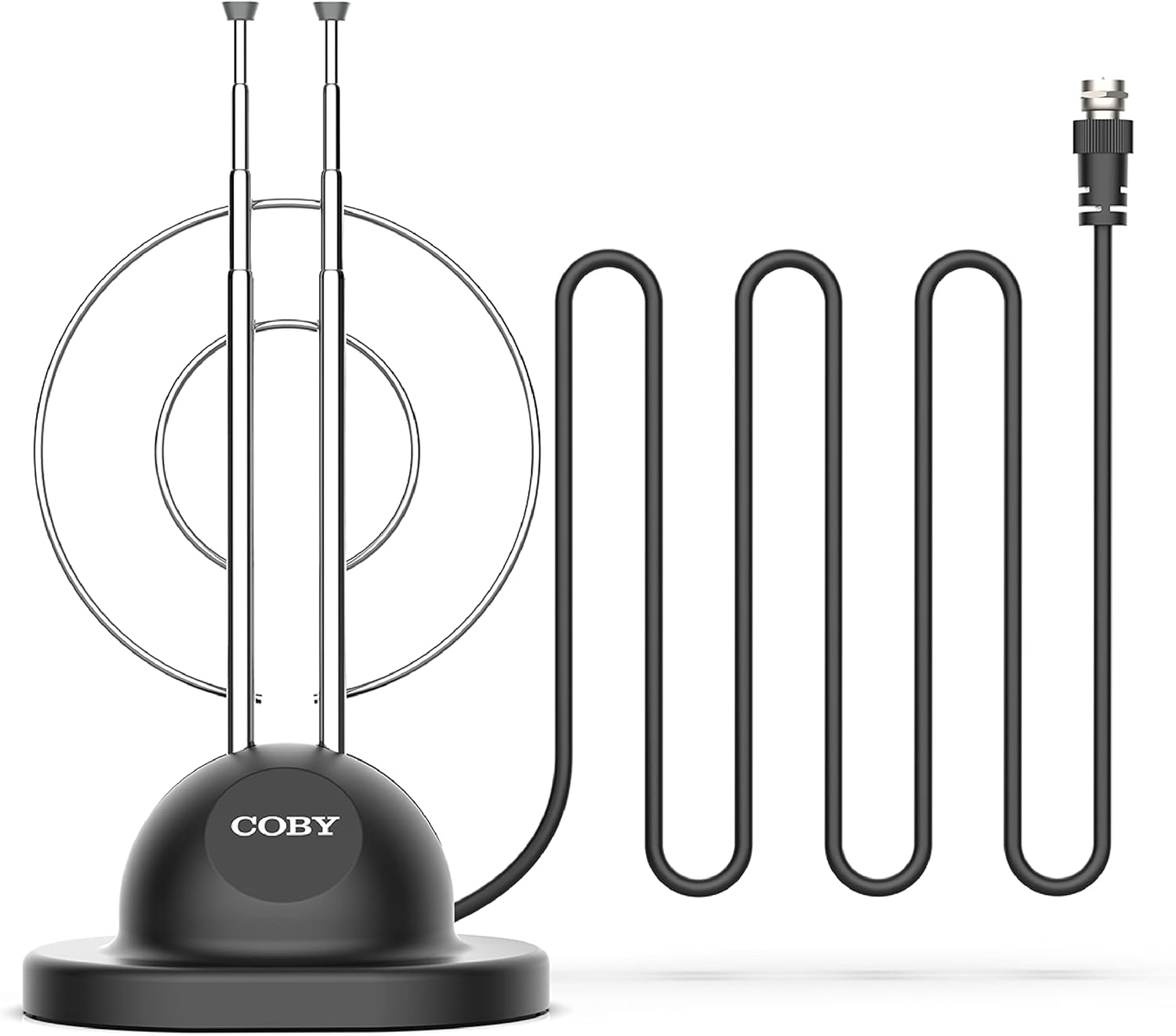
Image: The Coby Digital Antenna CBA-10, showing its base, adjustable rabbit ears, and the attached coaxial cable with its connector.
- Sopọ si TV: Locate the antenna input (usually labeled "Antenna In," "RF In," or "Cable In") on the back of your television. Connect the coaxial cable from the Coby CBA-10 antenna to this input.

Aworan: A sunmọ-soke view of the coaxial cable connector, which plugs into the television's antenna input.
- Fi Antenna naa si: Place the antenna in a location that provides the best reception. Generally, higher locations or near a window are ideal. The multi-directional design allows for flexibility in placement.

Image: The Coby Digital Antenna with visual representations of radio waves indicating signal reception, demonstrating its multi-directional capability.
- Adjust Rabbit Ears: Extend and adjust the two retractable "rabbit ears" (VHF dipoles) for optimal signal reception. Experiment with their length and angle.

Image: The Coby Digital Antenna with its two adjustable "rabbit ears" extended and angled, ready for fine-tuning reception.
Awọn ilana Iṣiṣẹ
- Perform Channel Scan: After connecting and positioning the antenna, access your TV's menu and navigate to the "Channel Scan," "Auto Program," or "Auto Tune" option. This process will scan for available digital channels.

Image: A television screen showing multiple channel logos, illustrating the variety of free channels available after a successful scan.
- Mu Gbigbawọle dara si: If you are not receiving all desired channels, try repositioning the antenna or adjusting the length and angle of the rabbit ears. Perform another channel scan after each adjustment.

Image: The Coby Digital Antenna placed in a living room, with visual cues showing its signal reception range within a home environment.
- Enjoy Free TV: Once the scan is complete, you can browse and watch the free digital channels available in your area.
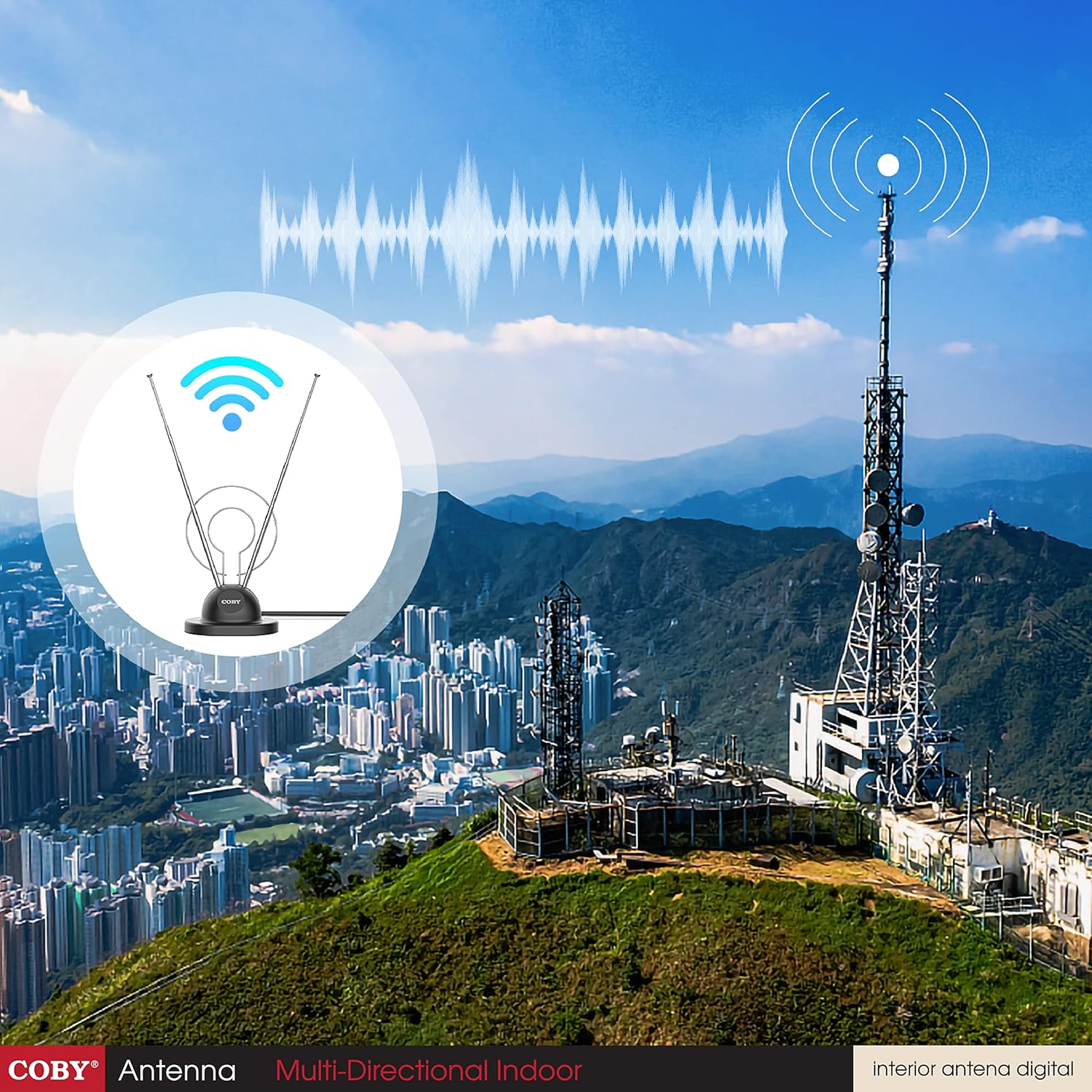
Image: A family watching television, with the Coby Digital Antenna visible in the background, symbolizing the enjoyment of free broadcast content.
Itoju
- Keep the antenna clean by wiping it with a soft, dry cloth.
- Yẹra fun lilo awọn kẹmika lile tabi awọn afọmọ abrasive.
- Ensure the coaxial cable connection remains secure.
- Store the antenna in a cool, dry place when not in use.
Laasigbotitusita
| Isoro | Owun to le Fa | Ojutu |
|---|---|---|
| No channels found or poor signal. | Antenna not positioned optimally; cable loose; TV not set to antenna input. |
|
| Missing specific channels. | Signal strength for those channels is weak; antenna not optimized for specific frequencies. |
|
| Picture pixelates or freezes. | Weak or intermittent signal. |
|
Awọn pato ọja
| Ẹya ara ẹrọ | Ẹ̀kúnrẹ́rẹ́ |
|---|---|
| Brand | Coby |
| Nọmba awoṣe | CBA-10 |
| Iwọn Nkan | 3.36 iwon |
| Ọja Mefa | 7.4 x 3 x 10 inches |
| Àwọ̀ | Dudu |
| Pataki Awọn ẹya ara ẹrọ | 360 Degree Reception |
| Ipalara | 150 ohm |
| Eriali Iru | Television (Indoor) |
| Nọmba ti awọn ikanni | Up to 20 (dependent on location) |
| Ibiti o pọju | 5 Meters (cable length) |
| UPC | 812180024567 |
| Akọkọ Wa Ọjọ | Oṣu Kẹta Ọjọ 1, Ọdun 2016 |
Atilẹyin ọja ati Support
For warranty information and technical support, please refer to the documentation included with your purchase or visit the official Coby webojula. Jeki ẹri rira rẹ fun eyikeyi awọn ibeere atilẹyin ọja.
Olupese: Summit Electronics, US
Ilana Pada: 30-day refund/replacement policy through authorized sellers.


