Ọrọ Iṣaaju
Thank you for choosing the Logitech M331 SILENT PLUS Wireless Mouse. This manual provides detailed instructions for setting up, operating, maintaining, and troubleshooting your new wireless mouse. Designed for comfort and quiet operation, the M331 SILENT PLUS offers a reliable and precise navigation experience.
Package Awọn akoonu
- Logitech M331 ipalọlọ PLUS Asin Alailowaya
- Olugba Nano
- Batiri AA 1 (ti a ti fi sii tẹlẹ)
- Akosile olumulo

Image: The Logitech M331 SILENT PLUS Wireless Mouse in red, showing its top view with the scroll wheel and Logitech logo.
Eto Itọsọna
1. Fifi Batiri naa sori ẹrọ
The Logitech M331 SILENT PLUS mouse comes with one AA battery pre-installed. If you need to replace it:
- Wa ideri kompaktimenti batiri ni apa isalẹ ti Asin.
- Gbe ideri naa ṣii.
- Insert a new AA battery, ensuring the positive (+) and negative (-) terminals align correctly with the indicators inside the compartment.
- Pa ideri batiri naa ni aabo.
2. Connecting the Nano Receiver
The Nano Receiver provides the wireless connection between your mouse and computer.
- Locate the Nano Receiver. It is typically stored inside the battery compartment of the mouse for safekeeping during transport.
- Plug the Nano Receiver into an available USB port on your computer.
- Kọmputa rẹ yẹ ki o ṣawari laifọwọyi ati fi awọn awakọ pataki sii. Eyi le gba awọn iṣẹju diẹ.
3. Turning the Mouse On/Off
To conserve battery life, the mouse features an on/off switch.
- Wa agbara yipada ni isalẹ ti Asin.
- Slide the switch to the "ON" position to use the mouse.
- Slide the switch to the "OFF" position when not in use for extended periods, such as overnight or during travel.

Image: A diagram highlighting key features of the Logitech M331 mouse, including silent clicks, wide rubber scroll wheel, contoured grips, high precision tracking, the storage location for the unifying receiver, and its 10-meter wireless range.
Awọn ilana Iṣiṣẹ
Awọn iṣẹ Asin Ipilẹ
- Tẹ osi: Press the left mouse button to select items, open files, tàbí mu awọn iṣẹ ṣiṣẹ.
- Tẹ-ọtun: Tẹ bọtini asin ọtun lati ṣii awọn akojọ aṣayan ọrọ tabi wọle si awọn aṣayan afikun.
- Yi lọ Kẹkẹ: Yi kẹkẹ yi lọ soke tabi isalẹ lati lilö kiri nipasẹ awọn iwe aṣẹ ati web awọn oju-iwe. Yiyi kẹkẹ tun awọn iṣẹ bi a arin tẹ bọtini.
Isẹ ipalọlọ
The M331 SILENT PLUS mouse is engineered for quiet operation, offering over 90% noise reduction on click sounds compared to standard Logitech mice. This feature ensures a quiet environment for you and those around you.
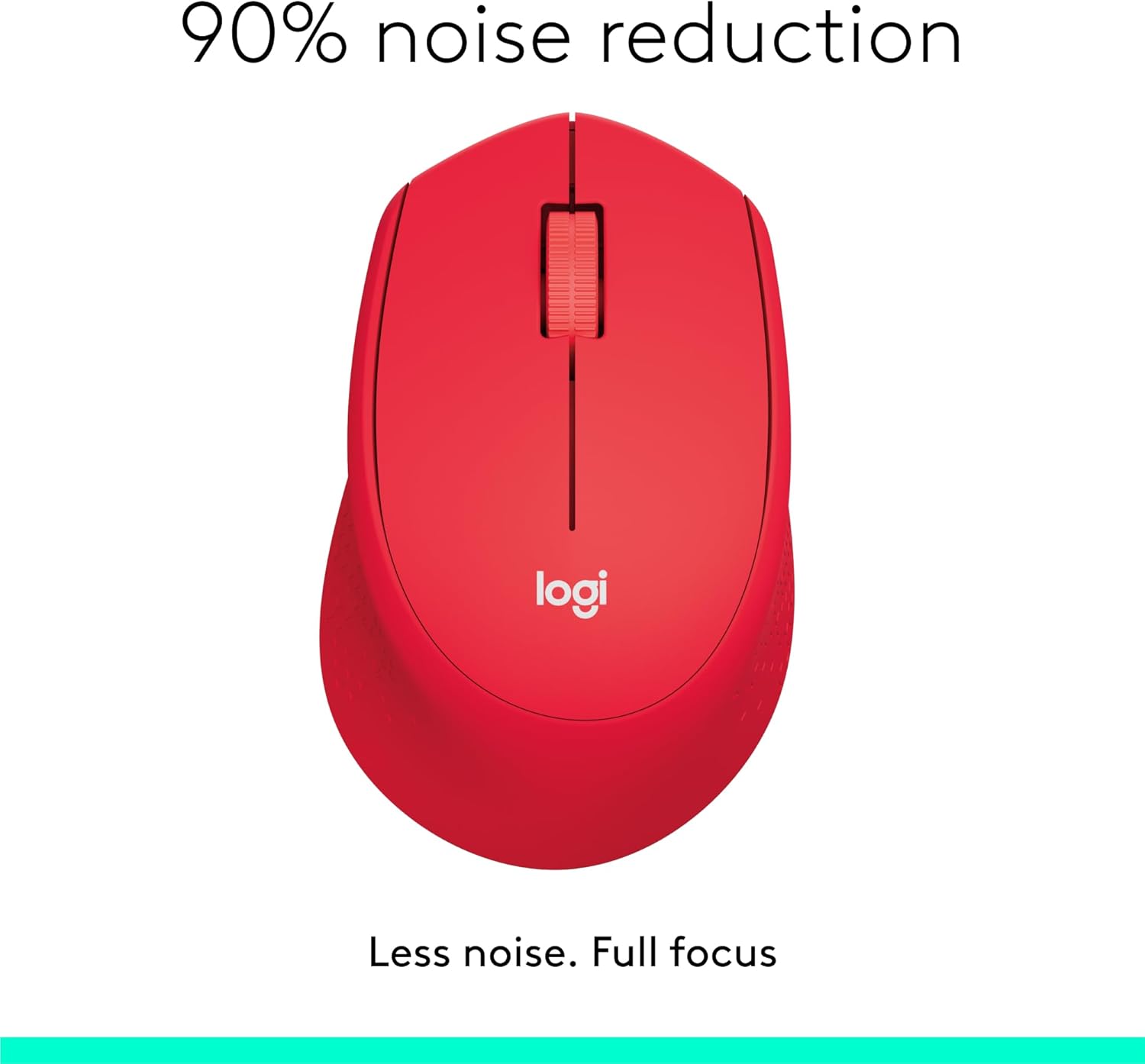
Image: The Logitech M331 mouse illustrating its 90% noise reduction capability, promoting a focused work environment.
Apẹrẹ Ergonomic
The mouse is crafted with contoured grips and a curved shape to fit comfortably in your right hand, providing improved control and reducing strain during extended use.

Image: A hand demonstrating the comfortable grip on the Logitech M331 mouse, highlighting its contoured side grips designed for right-hand use.
Itoju
Ninu rẹ Asin
Lati ṣetọju iṣẹ ṣiṣe to dara julọ ati mimọ, nu asin rẹ nigbagbogbo:
- Turn off the mouse and unplug the Nano Receiver from your computer.
- Lo asọ rirọ, ti ko ni lint ni sere dampened with water or an electronics-safe cleaning solution to wipe the surface of the mouse.
- Yago fun gbigba ọrinrin sinu eyikeyi awọn ṣiṣi.
- For the optical sensor on the underside, use a dry cotton swab to gently remove any dust or debris.
Batiri Rirọpo
The M331 SILENT PLUS mouse boasts an impressive battery life of up to 24 months. When the battery is low, you may notice erratic behavior or the mouse becoming unresponsive. Refer to the "Installing the Battery" section under Setup Guide for replacement instructions.
Laasigbotitusita
| Isoro | Owun to le Fa | Ojutu |
|---|---|---|
| Mouse is unresponsive or not moving. |
|
|
| Iyika kọsọ ti ko ṣiṣẹ tabi fo. |
|
|
| Clicks are not registering. |
|
|
Awọn pato
| Ẹya ara ẹrọ | Ẹ̀kúnrẹ́rẹ́ |
|---|---|
| Awoṣe | 910-004916 |
| Awọn iwọn (Asin) | 105.4 mm (Iga) x 67.9 mm (Iwọn) x 38.4 mm (Ijinle) |
| Weight (Mouse) | 91.0 g (with battery: 78 g / 2.75 oz) |
| Nano Receiver Dimensions | 14.4 mm x 18.7 mm x 6.1 mm |
| Nano Receiver Weight | 1.8 g |
| Asopọmọra Iru | 2.4GHz Wireless connection |
| Alailowaya Ibiti | 10 mita (33 ẹsẹ) |
| Ọna ẹrọ | Logitech To ti ni ilọsiwaju Optical Àtòjọ |
| Iwọn sensọ | 1000 dpi |
| Nọmba ti Awọn bọtini | 3 (Left/Right-click, Middle click/Scroll wheel) |
| Yi lọ Wheel | Yes, 2D, optical, wide rubber wheel |
| Batiri Iru | 1 x AA batiri |
| Igbesi aye batiri | Titi di oṣu 24 (le yatọ si da lori olumulo ati awọn ipo iširo) |
| Tan/Pa Yipada | Bẹẹni |
| System Awọn ibeere | Windows 10 or later, Windows 8, Windows RT, Windows 7, Mac OS X 10.5 or later, Chrome OS, Linux Kernel 2.6+2, USB connection (available USB port required) |
| Ọwọ Iṣalaye | Ọtun |
| Ohun elo Iru | Plastic (58% Recycled Plastic) |

Image: Detailed dimensions of the Logitech M331 mouse, showing its length, width, height, and weight with batteries.
Atilẹyin ọja ati Support
For warranty information and technical support, please refer to the user documentation included in your package or visit the official Logitech support website. Logitech products typically come with a limited hardware warranty. Please retain your proof of purchase for warranty claims.
For further assistance, you may visit the Logitech support page: support.logi.com


