1. Ọja Ipariview
The Cecotec Conga Excellence 990 is a versatile 4-in-1 robot vacuum cleaner designed to sweep, vacuum, mop, and wipe floors. It features intelligent navigation, programmable cleaning schedules, and multiple cleaning settings to ensure thorough cleaning of your home.

olusin 1.1: Top view of the Conga Excellence 990 Robot Vacuum Cleaner, showcasing its sleek gray design and central power button.
2. Awọn ilana aabo
Jọwọ ka gbogbo awọn ilana aabo ni pẹkipẹki ṣaaju lilo ohun elo naa. Jeki iwe afọwọkọ yii fun itọkasi ọjọ iwaju.
- Do not use the robot vacuum cleaner on wet surfaces or to clean up liquids.
- Ensure all loose cables, rugs, and small objects are cleared from the floor before operation to prevent entanglement.
- Keep children and pets away from the robot during operation.
- Do not operate the robot if it is damaged or malfunctioning. Contact customer support.
- Use only the original charging station and power adapter provided with the device.
- Maṣe dina awọn atẹgun atẹgun tabi eefin ti roboti.
- The robot is equipped with anti-drop sensors. However, exercise caution near stairs or elevated surfaces.
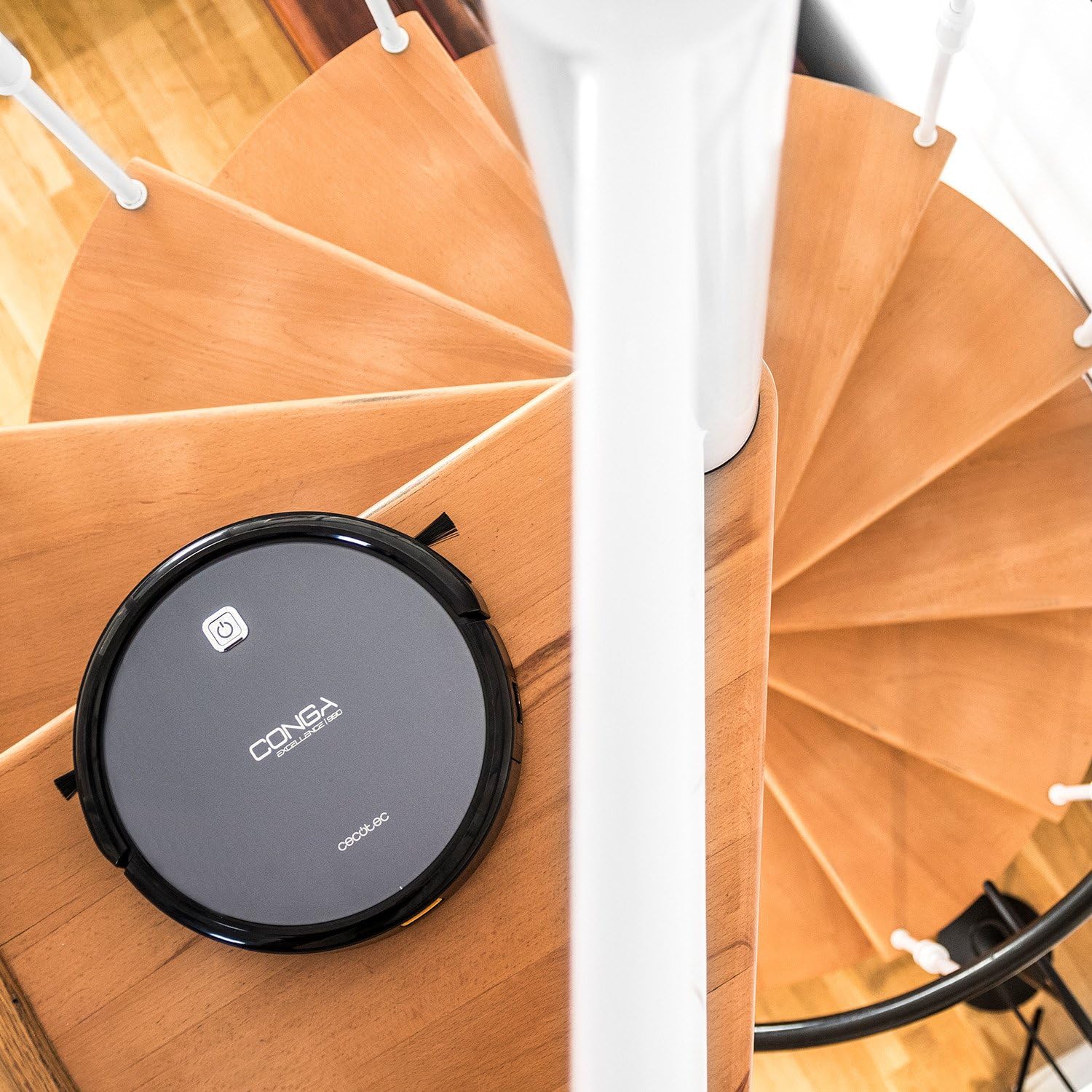
Figure 2.1: The robot vacuum positioned near a spiral staircase, demonstrating its ability to navigate edges while highlighting the importance of anti-drop sensor functionality.
3. Awọn ẹya ara ẹrọ
The Conga Excellence 990 offers a range of features for efficient home cleaning:
- 4-in-1 Iṣẹ-ṣiṣe: Sweeps, vacuums, mops, and wipes simultaneously.
- Lilọ kiri oye: Calculates optimal routes for comprehensive cleaning, stopping at surface boundaries.
- Eto: Schedule cleaning for up to 24 hours a day.
- 5 Cleaning Settings: Adaptable modes for various cleaning needs.
- Ajọ HEPA: Captures allergens and fine dust particles.
- Isẹ idakẹjẹ: A ṣe apẹrẹ fun ariwo kekere lakoko lilo.
- Ifamọ ti o lagbara: Ensures effective dirt and debris removal.
- Ngba agbara laifọwọyi: Returns to the charging station when battery is low.

Figure 3.1: The robot vacuum demonstrating its cleaning capability by approaching spilled nuts and dried fruit on a carpet, highlighting its powerful suction.
4. Eto
4.1 Ṣiṣii silẹ
Ni ifarabalẹ yọ gbogbo awọn paati kuro ninu apoti. Rii daju pe gbogbo awọn ẹya ti a ṣe akojọ si ninu atokọ iṣakojọpọ wa.
4.2 Gbigba agbara Station Placement
Place the charging station against a wall in an open, uncluttered area. Ensure there is at least 1 meter (3 feet) of clear space on either side and 2 meters (6 feet) in front of the station. Plug the power adapter into the charging station and then into a wall outlet.
4.3 Gbigba agbara akọkọ
Place the robot onto the charging station, ensuring the charging contacts align. The robot will begin charging automatically. For first use, charge the robot for at least 4-5 hours until fully charged.

Figure 4.1: The robot vacuum automatically navigating back to its charging station, indicated by a white path on the floor.
5. Ṣiṣẹ Robot Vacuum
5.1 Bibẹrẹ a Cleaning ọmọ
Press the power button on the robot or the "Clean" button on the remote control to start a cleaning cycle. The robot will automatically select a cleaning mode based on its intelligent navigation.
5.2 Lilo isakoṣo latọna jijin
The remote control allows you to manually control the robot, select cleaning modes, set schedules, and send the robot back to its charging station.

Figure 5.1: A hand holding the remote control for the robot vacuum, showing its various buttons for control and programming.
5.3 Programming Cleaning Schedules
Refer to the remote control section in the full manual for detailed instructions on setting daily or weekly cleaning schedules. The robot can be programmed to clean at specific times, even when you are not home.

Figure 5.2: The robot vacuum cleaning a living room carpet, demonstrating its quiet operation as two dogs and a person relax nearby.

Figure 5.3: The robot vacuum cleaning a carpet, with a visual representation of its intelligent cleaning path, ensuring thorough coverage.
6. Ninu awọn ipo
The Conga Excellence 990 offers 5 distinct cleaning settings to suit various needs:
- Ipo Aifọwọyi: Robot naa ni oye lọ kiri ati sọ di mimọ gbogbo agbegbe ti o wa.
- Ipo eti: Robot nu lẹgbẹẹ awọn odi ati awọn egbegbe aga.
- Ipo Aami: For concentrated cleaning of a specific dirty area. The robot cleans in a spiral pattern.
- Single Room Mode: Cleans a single room thoroughly before stopping.
- Ipo ti o pọju: Increases suction power for deeper cleaning on carpets or heavily soiled areas.
6.1 Mopping and Wiping Function
To use the mopping function, attach the microfiber mop cushion to the water tank and fill the tank with clean water. The robot will spray and wipe the floor as it cleans. This function is ideal for hard floors.
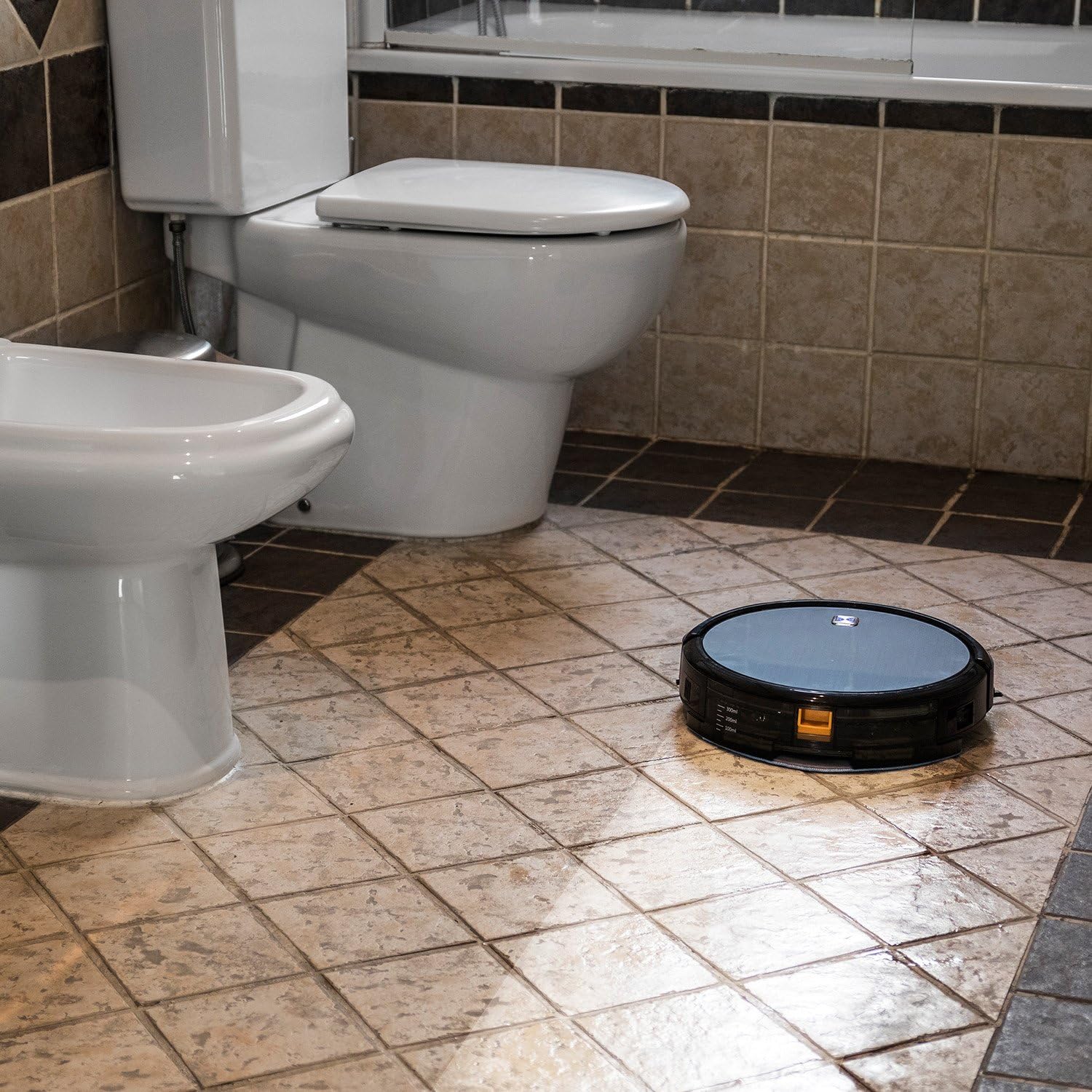
Figure 6.1: The robot vacuum mopping a tiled bathroom floor, demonstrating its wet cleaning capability.
7. Itọju
Itọju deede ṣe idaniloju iṣẹ ṣiṣe ti o dara julọ ati ki o fa igbesi aye ti ẹrọ igbale robot rẹ.
7.1 Ofo Dustbin
The dustbin should be emptied after each cleaning cycle or when full. Press the release button to remove the dustbin, open it, and discard the collected debris.
7.2 Cleaning Ajọ
The HEPA filter and primary filter should be cleaned regularly. Tap the HEPA filter to remove dust; do not wash it with water. The primary filter can be rinsed with water and air-dried completely before reinstallation.
7.3 Awọn gbọnnu mimọ
Periodically remove and clean the main brush and side brushes. Use the cleaning tool provided to cut and remove any hair or debris tangled around the brushes.
7.4 Awọn sensọ mimọ ati Awọn olubasọrọ gbigba agbara
Wipe the anti-drop sensors, wall sensors, and charging contacts on both the robot and the charging station with a clean, dry cloth to ensure proper function.
8. Laasigbotitusita
If your Conga Excellence 990 encounters an issue, refer to the following common problems and solutions:
| Isoro | Owun to le Fa | Ojutu |
|---|---|---|
| Robot ko ni tan-an. | Low battery; power switch off. | Charge the robot; ensure power switch is on. |
| Robot ko gba agbara. | Charging contacts dirty; charging station not powered. | Clean charging contacts; check power connection to station. |
| Robot di nigbagbogbo. | Obstacles (cables, rugs); uneven surfaces. | Clear obstacles; use virtual wall if available. |
| Iṣẹ ṣiṣe mimọ ti ko dara. | Full dustbin; dirty filters/brushes. | Empty dustbin; clean/replace filters and brushes. |
| Robot does not return to charging station. | Charging station blocked; robot too far. | Ensure clear path to station; manually place robot closer. |
9. Awọn pato
| Ẹya ara ẹrọ | Ẹ̀kúnrẹ́rẹ́ |
|---|---|
| Brand | Cecotec |
| Orukọ awoṣe | Conga Excellence 990 |
| Nọmba awoṣe | 05050 |
| Ọja Mefa | 9.06"L x 5.43"W x 11.81"H |
| Iwọn Nkan | 3.52 iwon |
| Àwọ̀ | Grẹy |
| Àlẹmọ Iru | HEPA àlẹmọ |
| Igbesi aye batiri | Awọn wakati 1.5 |
| Agbara (Dustbin) | 3 liters |
| Ọna Iṣakoso | Latọna jijin |
| Awọn irinše to wa | Battery, Remote Control, mop cushion |
10. Atilẹyin ọja ati Support
The Cecotec Conga Excellence 990 comes with a standard manufacturer's warranty. Please refer to the warranty card included in your product packaging for specific terms and conditions.
For technical support, spare parts, or warranty claims, please contact Cecotec customer service through their official website or the contact information provided in your product documentation. Keep your purchase receipt as proof of purchase.
Wíwà Àwọn Ohun Èlò Pàtàkì fún EU Àkókò: Ọdún 10.


