1. Ifihan
This user manual provides comprehensive instructions for the FCS Replacement Ear Hook, specifically designed for Phonak Dalia Micro P BTE (Behind-The-Ear) hearing devices. This accessory is engineered to ensure a secure fit, enhance sound quality, and prevent common issues like acoustic feedback (howling).
Please read this manual carefully before installing or using the ear hook to ensure proper function and longevity of your hearing device accessory.
2. Ọja Ipariview
The FCS Replacement Ear Hook is a crucial component for your BTE hearing aid, providing the necessary conduit for sound from the hearing aid to the ear mold or tubing. Made from durable ABS material, it offers reliability and comfort for daily use.

Figure 2.1: The FCS Replacement Ear Hook, a transparent, curved component designed for BTE hearing aids.
3. Key Awọn ẹya ara ẹrọ
- Ni ibamu pipe: Designed to seamlessly integrate with your hearing amplifier or hearing aid, ensuring a secure and comfortable fit throughout the day.
- Anti-Howling Design: Effectively reduces feedback and prevents annoying howling sounds, enhancing your hearing experience without any disruptions.
- Easy Installation and Removal: Enjoy the convenience of quick and effortless installation and removal, allowing you to maintain and adjust your hearing aid with ease.
- Ohun elo ABS ti o tọ: Crafted from high-quality ABS material, these ear hooks are built to last, offering durability and long-term reliability for everyday use.
- Comfortable and Secure: The ergonomic design provides a snug and stable fit, ensuring your hearing aid stays in place, even during active movements.
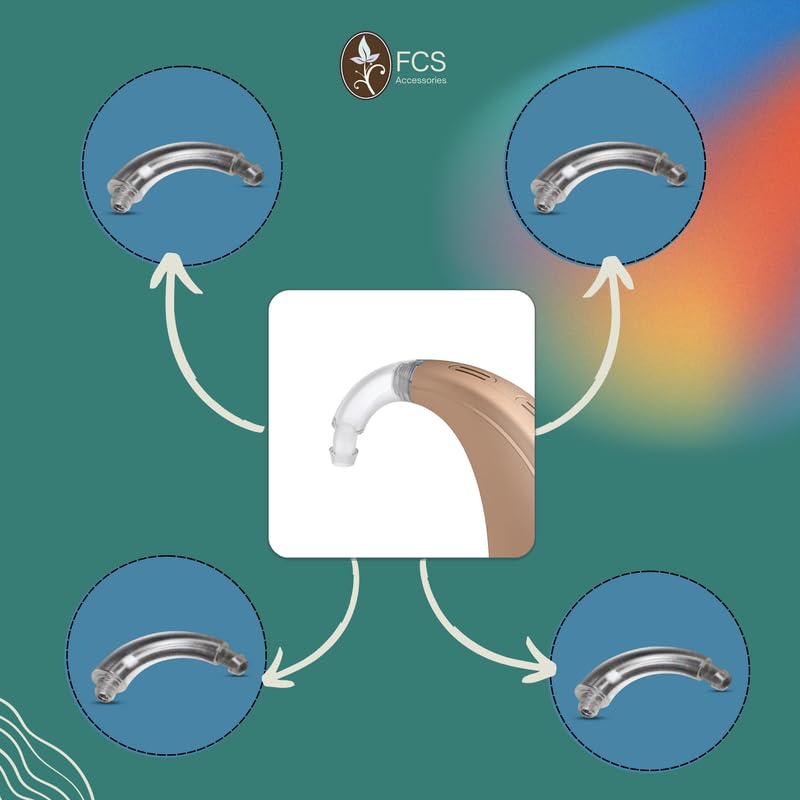
Figure 3.1: Visual representation of the ear hook's key benefits including anti-howling, perfect fit, accurate size, and ease of installation/removal.
4. Ibamu
This FCS Replacement Ear Hook is specifically compatible with Phonak Dalia Micro P BTE hearing aid models. Ensure your hearing aid model matches this specification for proper fit and function.

Figure 4.1: The transparent ear hook seamlessly integrated with a white Phonak BTE hearing aid, demonstrating its intended use.
5. Itọsọna fifi sori ẹrọ
Follow these steps to correctly install the FCS Replacement Ear Hook onto your Phonak Dalia Micro P BTE hearing aid:
- Igbaradi: Gently remove the existing ear hook from your hearing aid, if applicable. Hold the hearing aid firmly.
- Align the Hook: Take the new FCS Replacement Ear Hook. Align the threaded end of the ear hook with the corresponding screw port on your hearing aid.
- So sinu Ibi: Carefully screw the ear hook into the hearing aid's port. Turn clockwise until it is snug. Maṣe ṣe apọju, as this may damage the hearing aid or the ear hook.
- Attach Tubing/Earmold: Once the ear hook is securely attached, connect your existing ear tubing and earmold (if applicable) to the new ear hook's nozzle.
- Idanwo Ibamu: Place the hearing aid on your ear to ensure a comfortable and secure fit. Check for any loose connections or discomfort.
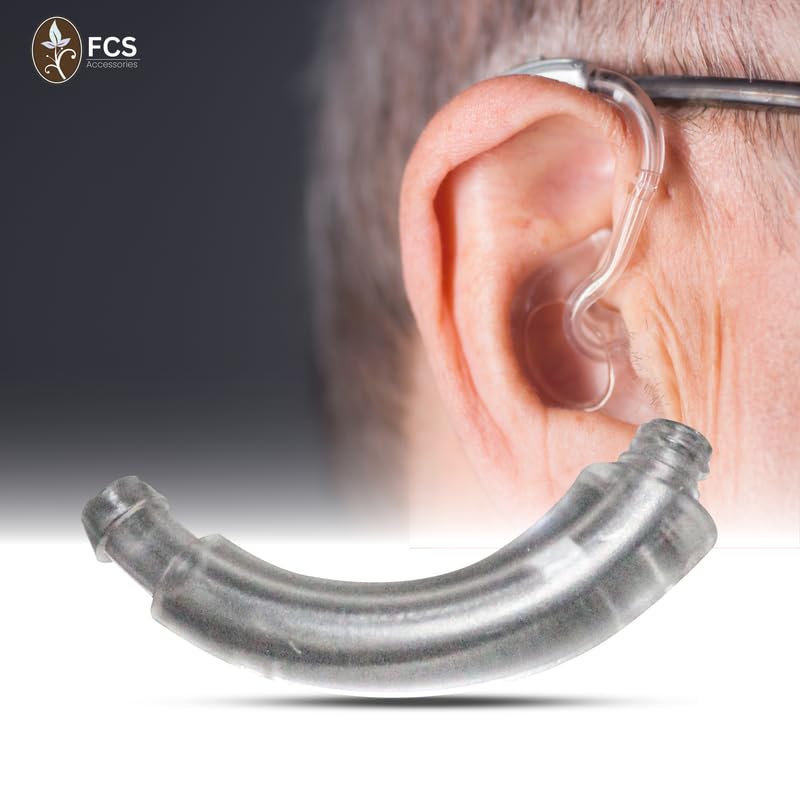
Figure 5.1: An illustrative diagram demonstrating the simple process of installing the ear hook onto a BTE hearing aid.
6. Itọju ati Itọju
Proper maintenance ensures the longevity and optimal performance of your FCS Replacement Ear Hook:
- Ninu igbagbogbo: Wipe the ear hook daily with a soft, dry cloth to remove earwax and debris. For a deeper clean, use a slightly damp asọ pẹlu ọṣẹ kekere, lẹhinna gbẹ daradara.
- Yago fun Kemikali lile: Do not use alcohol, solvents, or abrasive cleaners, as these can damage the ABS material.
- Ṣayẹwo fun ibajẹ: Periodically check the ear hook for any cracks, discoloration, or signs of wear. Replace if damaged to maintain sound quality and prevent howling.
- Ibi ipamọ: When not in use, store the hearing aid with the ear hook in a clean, dry place, away from extreme temperatures and direct sunlight.
7. Laasigbotitusita
If you encounter issues with your ear hook, consider the following common problems and solutions:
| Isoro | Owun to le Fa | Ojutu |
|---|---|---|
| Howling or Feedback | Loose ear hook connection, improper earmold fit, earwax buildup in tubing/earmold. | Ensure ear hook is tightly screwed. Check earmold for proper seal. Clean tubing and earmold thoroughly. |
| No Sound or Weak Sound | Blocked ear hook nozzle, damaged ear hook, tubing kinked or blocked. | Inspect the ear hook nozzle for debris and clean if necessary. Check tubing for kinks or blockages. If ear hook is damaged, replace it. |
| Ear Hook Feels Loose | Not screwed in tightly enough, worn threads. | Gently tighten the ear hook. If it continues to feel loose after tightening, the threads may be worn, and replacement is recommended. |
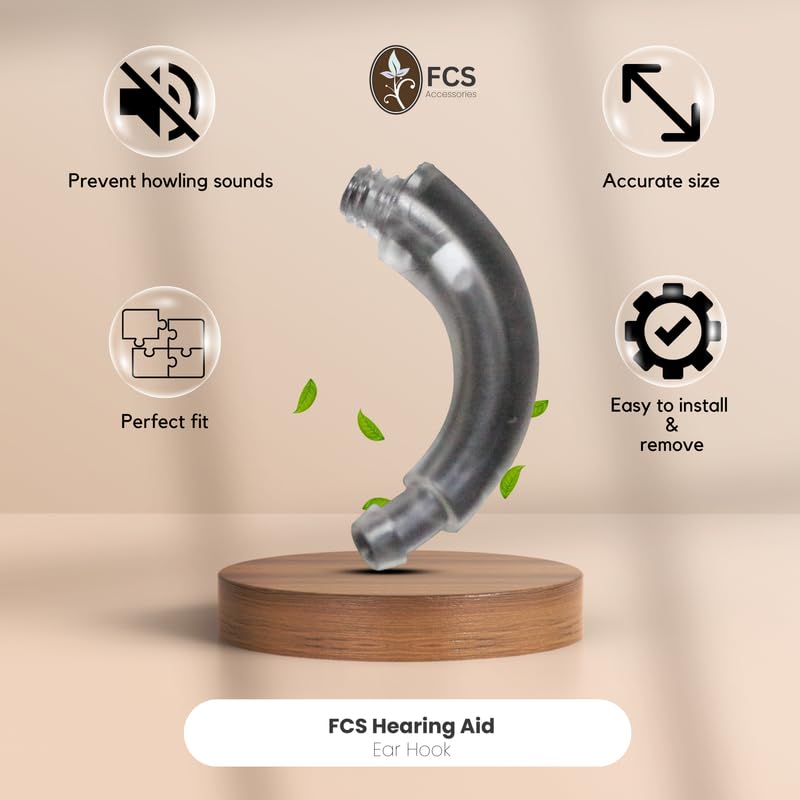
Figure 7.1: The ear hook in focus, illustrating its role as a critical connection point for the hearing aid, which can impact sound quality if not properly maintained.
8. Awọn pato
| Iwa | Ẹ̀kúnrẹ́rẹ́ |
|---|---|
| Brand | FCS |
| Ibamu awoṣe | Phonak Dalia Micro P BTE |
| Ohun elo | Ti o tọ ABS ṣiṣu |
| Àwọ̀ | Sihin |
| Iwọn Nkan | 20 g |
| Package Mefa | 8 x 5 x 3 cm |
| Opoiye | 1 Iṣiro |
9. Atilẹyin ọja ati Support
FCS products are manufactured to high-quality standards. For any questions regarding installation, maintenance, or troubleshooting that are not covered in this manual, please contact FCS customer support.
Ibi iwifunni:
- Imeeli: info@fcshearing.com
- Foonu: 9599177764
- Webojula: www.fcshearingaid.com
Please refer to the product packaging for specific warranty details, if applicable.

Figure 9.1: The product packaging, which may contain additional warranty or contact information.


