1. Ifihan
The Cambridge Audio Minx Min 12 is a compact bookshelf satellite speaker designed to deliver high-fidelity audio. Featuring 4th Generation Balanced Mode Radiator (BMR) technology, this speaker provides wide sound dispersion and accurate sound reproduction in a small form factor. It is suitable for various audio setups, including stereo and surround sound systems.

Aworan: Iwaju view of the Cambridge Audio Minx Min 12 speaker, showcasing awọn oniwe-iwapọ oniru ati funfun pari.
2. Eto
2.1. Ifiweranṣẹ
The Minx Min 12 speakers are designed for flexible placement due to their wide sound dispersion characteristics. Unlike traditional speakers with a narrow 'sweet spot', BMR drivers distribute sound more broadly, allowing for consistent audio quality from various listening positions. These speakers can be shelf-mounted or wall-mounted.
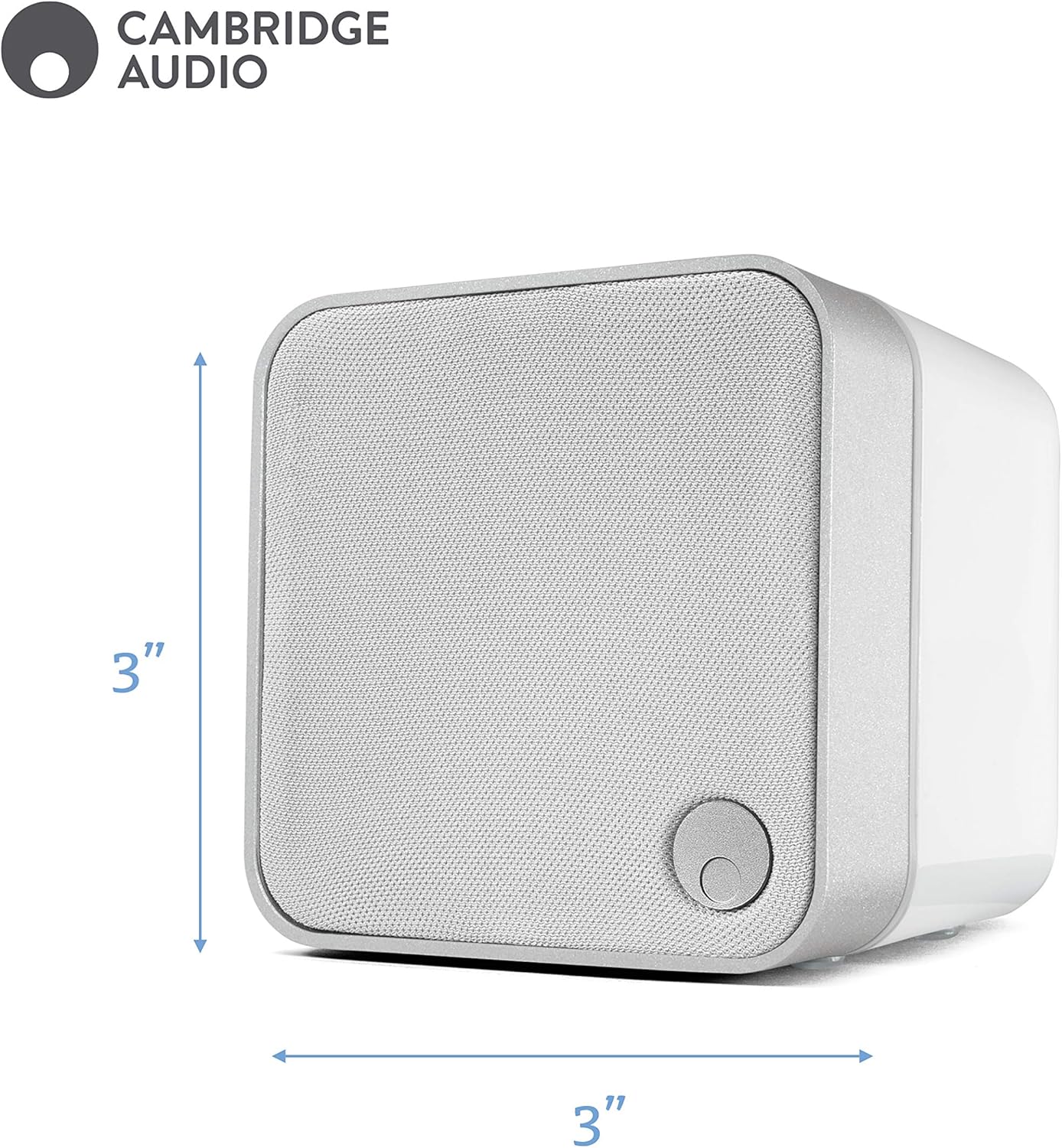
Image: The Minx Min 12 speaker shown with its compact dimensions of 3 inches by 3 inches.
2.2. Awọn isopọ
The Minx Min 12 connects to your audio system using standard speaker cables. It is compatible with stereo amplifiers and home theater systems. Ensure proper polarity (+ to + and - to -) when connecting the speaker cables to both the speaker and your amplifier / olugba.

Aworan: Ẹyin view of the Minx Min 12 speaker, illustrating the speaker cable input terminals.
3. Awọn ilana Iṣiṣẹ
Lọgan ti a ti sopọ si rẹ amplifier or home theater system, the Minx Min 12 speakers operate as part of your audio setup. Adjust volume and audio settings through your amplifier or receiver. For optimal performance, especially in a surround sound configuration, ensure your amplifier's crossover settings are appropriately configured to integrate the Minx Min 12 with a subwoofer, as these speakers are designed to handle mid and high frequencies effectively.
4. Itọju
To maintain the appearance and performance of your Minx Min 12 speakers, follow these guidelines:
- Ninu: Use a soft, dry cloth to gently wipe the speaker cabinet. Avoid using abrasive cleaners, solvents, or chemical sprays, as these can damage the finish.
- Eruku: Regularly dust the speaker grille and cabinet to prevent buildup.
- Ibi: Avoid placing the speakers in direct sunlight or near heat sources, which can affect material longevity.
5. Laasigbotitusita
If you encounter issues with your Minx Min 12 speakers, consider the following:
- Ko si Ohun:
- Check all cable connections between the speaker and the amplifier/receiver. Ensure they are secure and correctly connected (positive to positive, negative to negative).
- Ṣayẹwo pe awọn ampA ti tan lifier/receiver naa o si ti ṣeto si orisun titẹ sii to tọ.
- Confirm that the volume on your amplifier/receiver is not muted or set too low.
- Ohun Yiyi:
- Dín ipele iwọn didun rẹ kù amplifier/receiver. Overdriving the speakers can cause distortion.
- Check speaker wire connections for any loose strands that might be touching each other or the speaker terminals, causing a short circuit.
- Rii daju pe amplifier's power output is within the recommended range for the Minx Min 12 (25-200W).
- Pipin Ohun Ainidọgba:
- While BMR technology offers wide dispersion, ensure speakers are placed symmetrically in the listening area for balanced stereo imaging.
- Check individual speaker connections to ensure both speakers are receiving a signal.
6. Awọn pato
| Ẹya ara ẹrọ | Sipesifikesonu |
|---|---|
| Orukọ awoṣe | Minx Min 12 |
| Agbọrọsọ Iru | Bookshelf, Satellite |
| Awọn iwọn Ọja (D x W x H) | 3.3"D x 3.1"W x 3.1"H |
| Iwọn Nkan | 0.43 kilogram (15.1 iwon) |
| Ipalara | 8 ohm |
| Agbọrọsọ Agbara Ijade ti o pọju | 200 Wattis |
| Idahun Igbohunsafẹfẹ | 20 KHz (Upper limit, typical for satellite speakers) |
| Asopọmọra Technology | Cable Agbọrọsọ |
| Awọn ẹrọ ibaramu | Sitẹrio Amplifier, Home Theatre System |
| Iṣagbesori Iru | Gbé Sọ́fítì, Tí a lè gbé sórí ògiri |
| Audio Driver Type | Dynamic Driver (BMR) |
| UPC | 813371025240 |
| Nọmba Awoṣe Nkan | C10978 |
7. Atilẹyin ọja ati Support
The Cambridge Audio Minx Min 12 speaker comes with a Limited Warranty. For specific details regarding warranty coverage, duration, and terms, please refer to the warranty documentation included with your purchase or visit the official Cambridge Audio webojula.
For further assistance, technical support, or to explore other Cambridge Audio products, please visit the official Cambridge Audio store or contact their customer service department.
Ṣabẹwo si Cambridge Audio Store.


