Ọrọ Iṣaaju
The ecobee SmartThermostat with Voice Control is designed to provide enhanced comfort, increased energy savings, and advanced control over your home's climate. This programmable Wi-Fi thermostat integrates seamlessly with various smart home systems and includes a SmartSensor for improved temperature management.
Eto ati fifi sori
Installing your ecobee SmartThermostat is designed to be straightforward, typically taking about 45 minutes. All necessary components, aside from basic tools, are included in the box.

Image: Contents of the ecobee SmartThermostat box, including the thermostat, SmartSensor, mounting plate, wire labels, and installation guides.
Awọn eroja to wa:
- ecobee SmartThermostat
- ecobee SmartThermostat iṣagbesori awo
- SmartSensor with detachable stand
- Installation & Quickstart guide
- Awọn aami Waya
- Ti o tobi Gee Awo
Ibamu:
The ecobee SmartThermostat is compatible with most 24VAC HVAC systems, including furnaces, ACs (2H/2C), heat pumps (2H/2C + 2 stage AUX), boilers, PTACs, and fan coil units (3 fan speeds). A Power Extender Kit is included for homes without a C-Wire, ensuring broad compatibility.

Image: A detailed table outlining compatible HVAC system types, required number of wires, and specific wire labels needed for installation.
Fun alaye awọn ilana igbese-nipasẹ-igbesẹ, jọwọ tọka si osise naa Ilana fifi sori ẹrọ (PDF).
Operating Your SmartThermostat
The ecobee SmartThermostat offers multiple ways to control your home's temperature, adapting to your routine for optimal comfort and energy efficiency.

Image: The ecobee SmartThermostat displaying temperature and humidity, alongside the compact SmartSensor.
SmartSensor Functionality:
The included SmartSensor helps eliminate hot or cold spots by detecting occupancy and temperature in the rooms that matter most. This allows the thermostat to adjust the temperature based on where you are, not just where the thermostat is located.

Image: A small, white ecobee SmartSensor placed discreetly on a wooden shelf, demonstrating its compact size and ease of placement.
Iṣakoso latọna jijin ati ohun:
Control your thermostat from anywhere using the ecobee app on your iOS or Android device. The SmartThermostat also features built-in Siri and Alexa for hands-free voice control.

Image: A smartphone screen displaying the ecobee Smart Security app interface, indicating remote control capabilities.
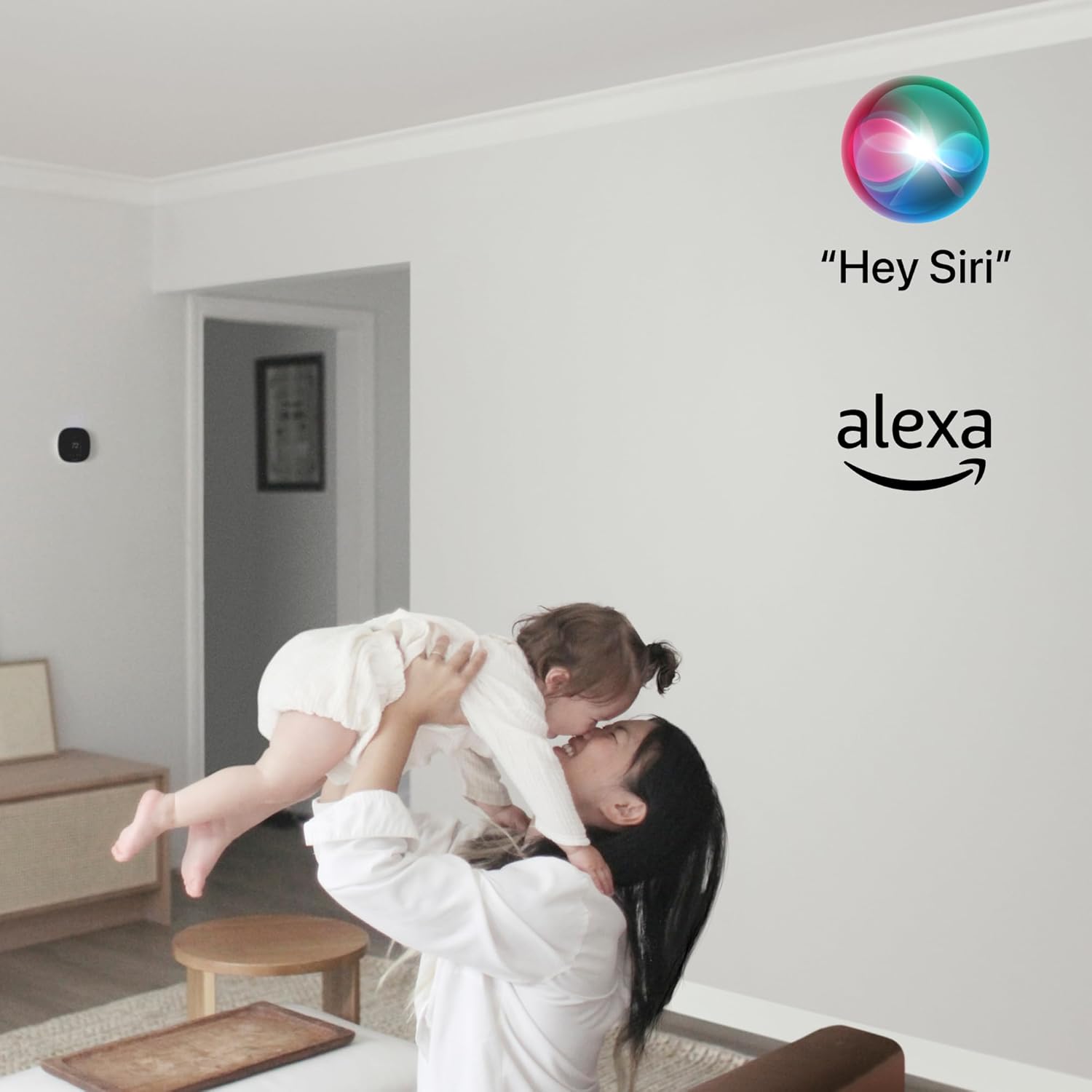
Image: The Siri and Alexa logos floating above a person holding a baby, illustrating the voice control integration of the thermostat.
Iṣọkan Ile Smart:
The ecobee SmartThermostat integrates seamlessly with popular smart home systems, including Apple HomeKit, Amazon Alexa, Google Assistant, and SmartThings, allowing for a unified smart home experience.

Image: A graphic displaying the 'Works with' logos for Apple HomeKit, Alexa built-in, Google Assistant, and SmartThings, highlighting broad compatibility.
Ifowopamọ Agbara:
The SmartThermostat is ENERGY STAR certified and can help save up to 26% per year on heating and cooling costs. Its built-in occupancy sensor automatically adjusts the temperature for energy savings when you leave home and restores comfort settings upon your return.

Image: The ecobee SmartThermostat mounted on a wall, with the ENERGY STAR logo and a 'Tom's Guide Best in Class' badge, emphasizing its efficiency and recognition.
Itoju
To ensure optimal performance and longevity of your ecobee SmartThermostat, regular maintenance is recommended.
- Ninu: Gently wipe the screen and exterior with a soft, damp asọ. Yago fun abrasive ose tabi epo.
- Awọn imudojuiwọn sọfitiwia: Ensure your thermostat's software is up to date. Updates are typically delivered automatically via Wi-Fi.
- Ibi sensọ: Periodically check that SmartSensors are placed optimally and are not obstructed, ensuring accurate readings.
Laasigbotitusita
If you encounter issues with your ecobee SmartThermostat, consider the following common troubleshooting steps:
- Ko si Agbara/Ifihan Pipa: Verify that the thermostat is properly connected to your HVAC system and that the Power Extender Kit (if used) is correctly installed. Check your circuit breaker.
- Awọn ọran Asopọmọra Wi-Fi: Ensure your home Wi-Fi network is active and within range. Try restarting your Wi-Fi router. If issues persist, re-enter your Wi-Fi credentials on the thermostat.
- Awọn kika iwọn otutu ti ko tọ: Confirm that SmartSensors are not placed near heat sources (e.g., direct sunlight, lamps) or drafts. Ensure they are clean and unobstructed.
- Eto HVAC Ko Dahun: Check the thermostat's system mode (Heat, Cool, Auto, Off). Ensure wiring connections are secure at both the thermostat and HVAC control board.
- Iṣakoso ohun Ko Ṣiṣẹ: Verify that Siri or Alexa is enabled in the thermostat settings and that the microphone is not muted. Check your internet connection.
For more detailed troubleshooting or complex issues, refer to the comprehensive Ilana fifi sori ẹrọ (PDF) or contact ecobee customer support.
Awọn pato
| Ẹya ara ẹrọ | Ẹ̀kúnrẹ́rẹ́ |
|---|---|
| Brand | irin |
| Orukọ awoṣe | ecobee SmartThermostat with Voice Control |
| Ọja Mefa | 1"D x 4.29"W x 4.29"H |
| Adarí Iru | IFTTT, Apple HomeKit, Google Assistant, Amazon Alexa, SmartThings |
| Pataki Ẹya | Uses SmartThermostat’s built-in occupancy sensor to automatically adjust the temperature for energy savings when you leave home and restore your comfort settings when you return. |
| Àwọ̀ | Dudu |
| Awọn Lilo Ni pato Fun Ọja | Ooru fifa |
| Iwọn Iṣakoso Iru | Alapapo, Itutu |
| Asopọmọra Technology | Wi-Fi |
| Orisun agbara | AC DC |
| Iwọn Nkan | 0.01 iwon |
| Voltage | 230 Volts |
| Ifihan Iru | LCD |
| Ọna Iṣakoso | Ohùn |
| Iṣagbesori Iru | Ògiri Ògiri |
| Imọlẹ ẹhin | Bẹẹni |
| Nọmba ti awọn batiri | 1 Litiumu Irin batiri ti a beere. (pẹlu) |
| UPC | 627988003009 |
| Nọmba awoṣe ohun kan | EB-STATE5-01 |
Atilẹyin ọja ati Support
The ecobee SmartThermostat comes with a 3-odun lopin atilẹyin ọja.
For further assistance, detailed guides, or to contact customer support, please refer to the official Ilana fifi sori ẹrọ (PDF) or visit the ecobee support webojula.


