Ọrọ Iṣaaju
Thank you for choosing the Severin Programmable Coffee Maker KA 4826. This manual provides essential information for the safe and efficient operation, maintenance, and troubleshooting of your new appliance. Please read it thoroughly before first use and keep it for future reference.

Figure 1: Severin Programmable Coffee Maker KA 4826, front view.
Awọn Itọsọna Aabo
- Nigbagbogbo rii daju pe ohun elo ti yọọ kuro ṣaaju ṣiṣe mimọ tabi itọju.
- Maṣe fi ohun elo, okun, tabi pulọọgi sinu omi tabi awọn olomi miiran.
- Jeki kuro ni arọwọto awọn ọmọde.
- Place the coffee maker on a stable, heat-resistant surface.
- Ma ṣe ṣiṣẹ ohun elo ti okun tabi plug ba bajẹ.
- Avoid touching hot surfaces, such as the warming plate and glass carafe, during and immediately after operation. Use the handle.
Irinše Loriview
Familiarize yourself with the parts of your coffee maker:
- Water Tank with Level Indicator
- Swivel Filter Holder with Drip Stop
- Gíláàsì Kááfì pẹ̀lú Ìmúwọ́
- Awo imorusi
- Control Panel with Digital Display (Clock, Timer)
- Aroma Selector Dial
- Kompaktimenti Okun Ibi ipamọ
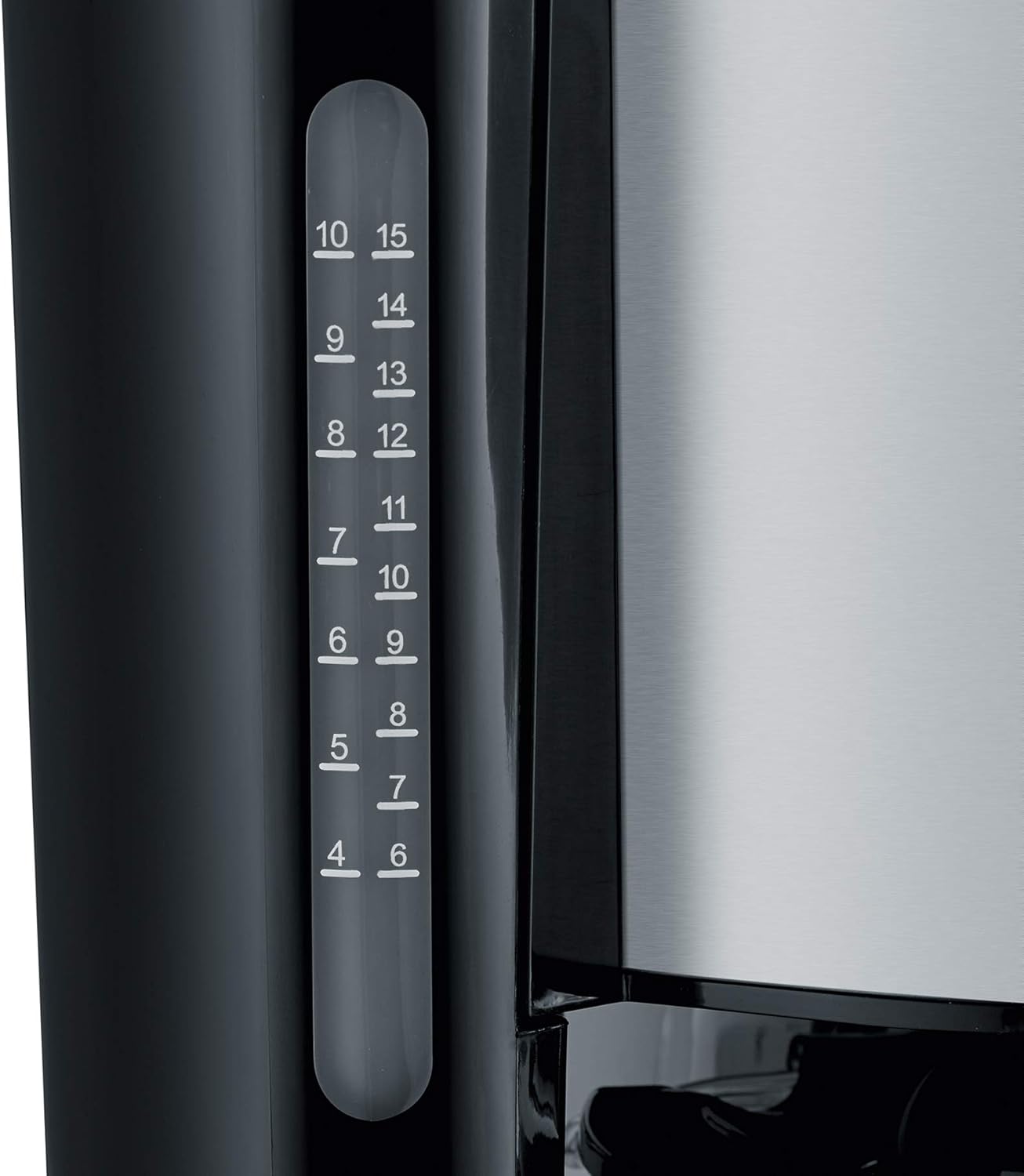
Figure 2: Clear water level indicator for precise filling.
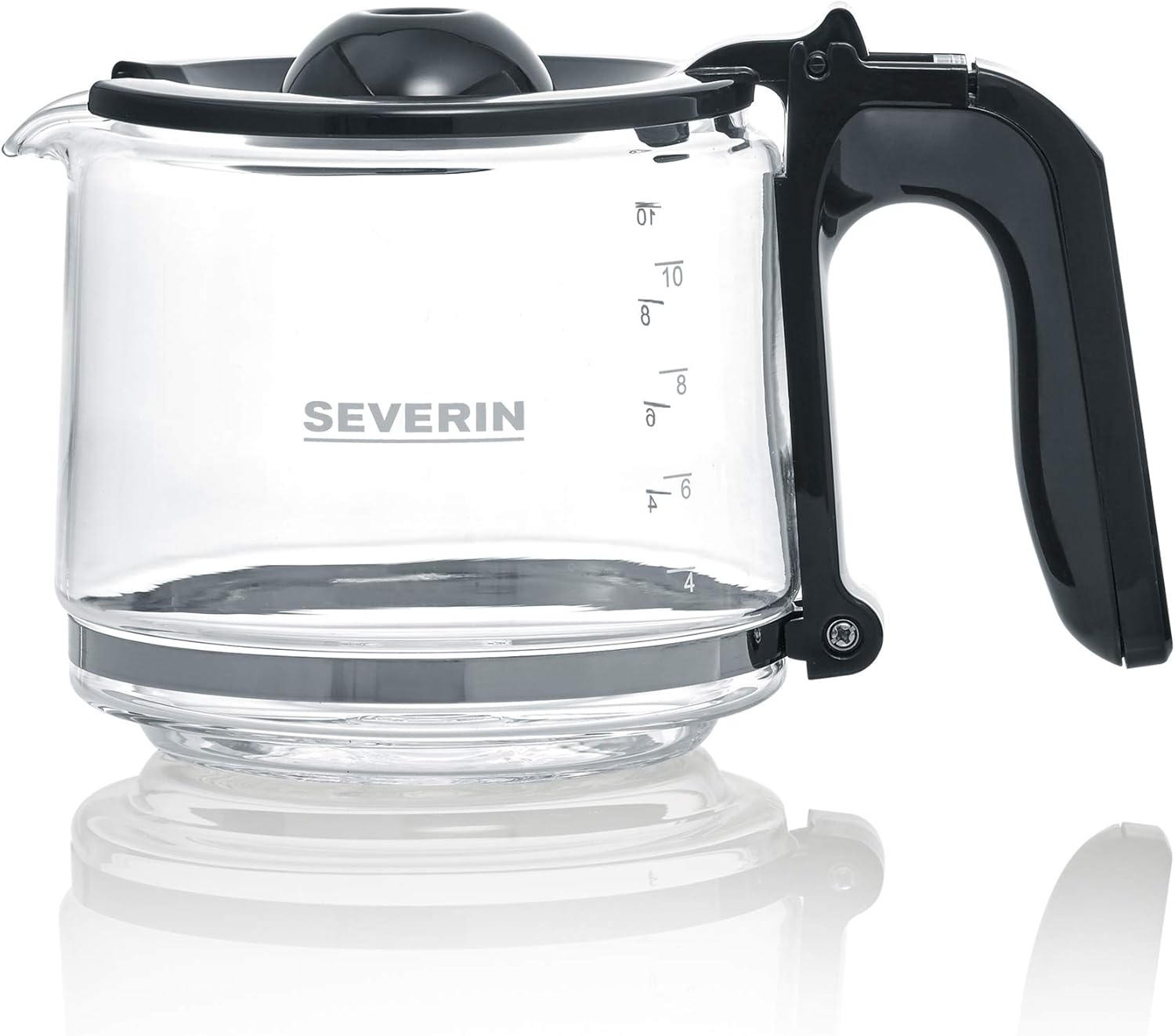
Figure 3: The glass carafe with capacity markings.
Ṣeto
- Ṣii silẹ: Fara yọ gbogbo awọn ohun elo apoti kuro. Ṣe idaduro apoti fun irinna ọjọ iwaju ti o ba nilo.
- Ìfọ̀mọ́ àkọ́kọ́: Before first use, clean the glass carafe, filter holder, and lid with warm soapy water. Rinse thoroughly and dry.
- Ayika Pipọnti akọkọ (laisi kofi): Fill the water tank to the maximum level with fresh cold water. Run a full brewing cycle without coffee grounds to rinse the internal components. Discard the water.
- Ibi: Place the coffee maker on a flat, stable, and heat-resistant surface, away from walls or cabinets to allow for proper ventilation.
- Asopọ agbara: Plug the appliance into a grounded wall socket. The power cord can be stored in the integrated compartment for neatness.

Figure 4: Integrated power cord storage for tidy placement.
Awọn ilana Iṣiṣẹ
Kofi Pipọnti
- Kun Omi Omi: Open the lid and fill the water tank with fresh, cold water up to the desired number of cups, indicated by the water level indicator. The maximum capacity is 1.25 liters, or up to 10 cups.
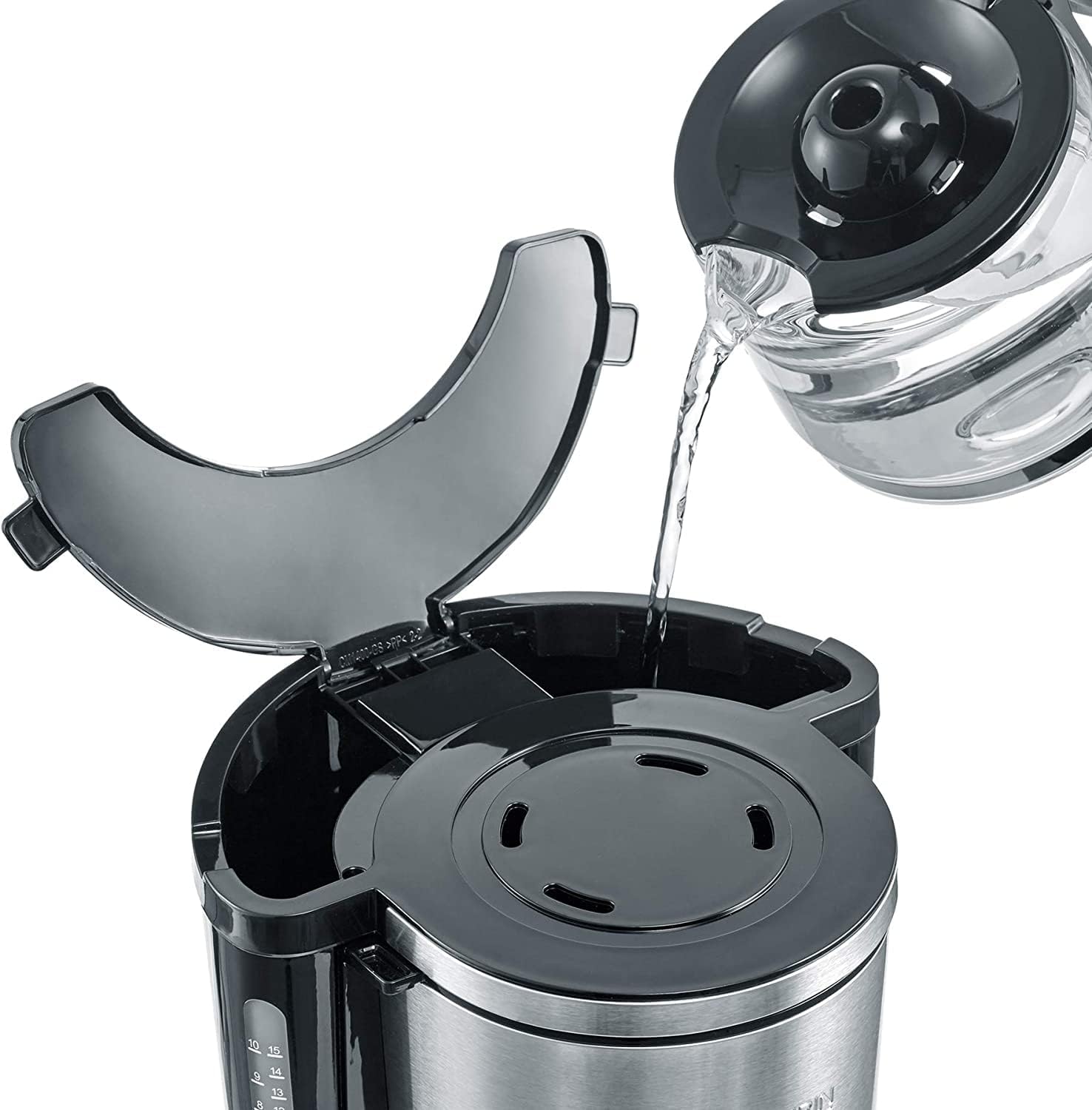
Figure 5: Filling the water tank with fresh water.
- Ṣafikun Awọn aaye Kofi: Swivel out the filter holder. Insert a paper filter (size 1x4) into the filter holder. Add the desired amount of ground coffee. A general guideline is one level tablespoon of coffee per cup, but adjust to your taste. Swivel the filter holder back into place.

Figure 6: Placing coffee grounds into the filter.
- Ibi Carafe: Ensure the glass carafe is correctly placed on the warming plate.
- Select Aroma (Optional): Use the Aroma Selector dial to adjust the coffee intensity according to your preference. Turn the dial to the left for a milder brew or to the right for a stronger brew.

Figure 7: Adjusting the aroma selector for desired coffee strength.
- Bẹrẹ Pipọnti: Press the On/Off button (usually marked with a power symbol). The brewing process will begin.
- Jeki Iṣiṣẹ Gbona: After brewing, the warming plate will automatically keep the coffee warm. The warming function typically lasts for a certain period (e.g., 30-40 minutes) before automatically shutting off.
- Sin: Carefully remove the carafe by its handle to pour coffee. The drip-stop feature prevents dripping when the carafe is removed.

Figure 8: Removing the carafe after brewing.
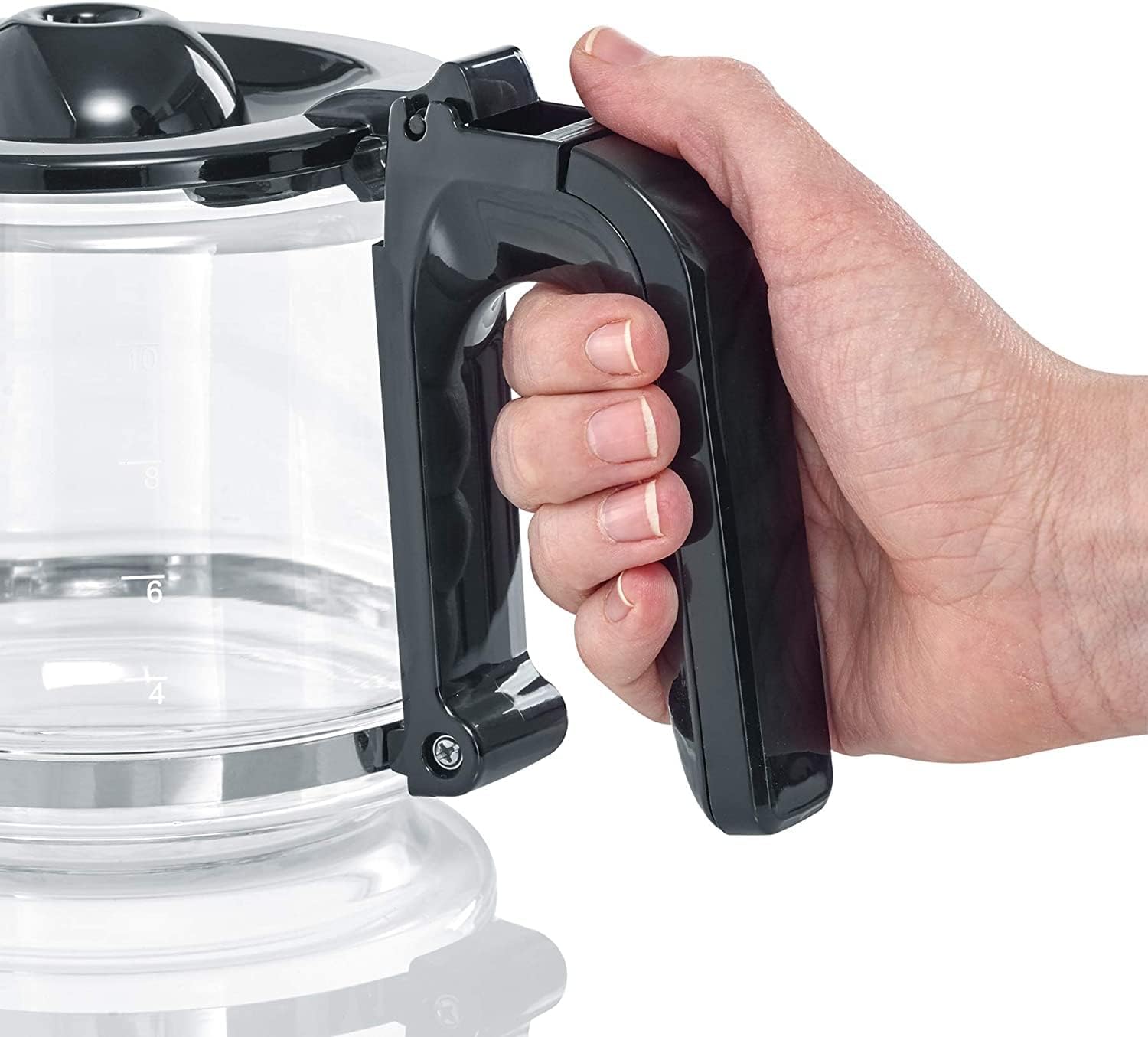
Figure 9: Ergonomic handle of the glass carafe.
Using the Digital Clock and Timer
The KA 4826 features a digital clock and a programmable timer for delayed brewing.

Figure 10: Digital display with hour, minute, and program buttons.
- Ṣiṣeto aago:
- Press the 'h' button to set the hour.
- Press the 'min' button to set the minute.
- Setting the Timer for Delayed Brewing:
- Prepare the coffee maker as described in "Brewing Coffee" (water, filter, coffee grounds).
- Press the 'PROG' button. The display will show "PROG" or a similar indicator.
- Use the 'h' and 'min' buttons to set the desired start time for brewing.
- Press the 'PROG' button again to confirm the setting. The "AUTO" indicator light will illuminate, signifying that the timer is active.
- Ẹlẹda kọfi yoo bẹrẹ mimu laifọwọyi ni akoko ti a ṣeto.
Itọju ati Cleaning
Ṣiṣe mimọ nigbagbogbo ṣe idaniloju iṣẹ ṣiṣe ti o dara julọ ati fa igbesi aye ti oluṣe kọfi rẹ pọ si.
- Ninu ojoojumọ:
- Unplug the coffee maker and allow it to cool completely.
- Remove the used paper filter and discard coffee grounds.
- Wash the glass carafe, lid, and swivel filter holder with warm water and a mild dish soap. Rinse thoroughly and dry. These parts are generally not dishwasher safe; hand washing is recommended.
- Mu ese ita ti kofi alagidi pẹlu ipolowoamp asọ. Ma ṣe lo awọn afọmọ abrasive tabi awọn paadi iyẹfun.
- Fifọ:
Mineral deposits from water can build up over time, affecting performance and taste. Descale your coffee maker regularly, depending on water hardness and frequency of use (e.g., every 2-4 weeks).
- Use a commercial descaling solution suitable for coffee makers, or a mixture of white vinegar and water (1 part vinegar to 2 parts water).
- Tú ojutu descaling sinu ojò omi.
- Gbe awọn sofo carafe lori imorusi awo.
- Run a brewing cycle. If using vinegar, you may want to stop the cycle halfway through and let it sit for 15-30 minutes before completing the cycle.
- After the descaling cycle, run 2-3 full cycles with fresh, clean water to rinse out any descaling solution residue.
Laasigbotitusita
| Isoro | Owun to le Fa | Ojutu |
|---|---|---|
| Kofi ko ni pọnti. | No power; water tank empty; carafe not in place; timer set. | Check power connection; fill water tank; ensure carafe is correctly positioned; check timer setting. |
| Kofi dun alailagbara tabi lagbara ju. | Incorrect coffee-to-water ratio; aroma selector setting. | Adjust coffee grounds quantity; adjust Aroma Selector dial. |
| Water overflows from filter holder. | Too much coffee grounds; filter clogged; filter holder not properly seated. | Reduce coffee grounds; use correct filter size; ensure filter holder is securely in place. |
| Brewing is slow or noisy. | Ìkójọpọ̀ ohun alumọ́ni (ìwọ̀n). | Descale awọn kofi alagidi bi fun itọju ilana. |
Awọn pato
- Awoṣe: KA 4826
- Brand: Severin
- Àwọ̀: Dudu / Irin alagbara
- Awọn iwọn (L x W x H): 23.5 x 34.5 x 25 cm (isunmọ 9.25 x 13.58 x 9.84 inches)
- Ìwúwo: 2.13 kg (isunmọ 4.7 lbs)
- Agbara: 1.25 Liters (up to 10 cups)
- Agbara: 1000 Wattis
- Voltage: 220 Volts
- Ohun elo: Irin alagbara, Ṣiṣu, Gilasi
- Awọn ẹya pataki: Programmable, Digital Clock, Timer, AromaSwitch, Drip-stop, Automatic Shut-off
Atilẹyin ọja ati Support
This Severin product comes with a 2-odun atilẹyin ọja lati ọjọ rira, ibora awọn abawọn iṣelọpọ. Jọwọ ṣe idaduro ẹri rira rẹ fun awọn iṣeduro atilẹyin ọja.
For technical support, spare parts, or warranty inquiries, please contact Severin customer service. Contact details can typically be found on the official Severin webaaye tabi lori apoti ọja.
Fun alaye diẹ sii, ṣabẹwo si osise naa Ile Itaja Ami Severin.


