Ọrọ Iṣaaju
The Logitech MK470 Slim Combo is a minimalist, modern, and ultra-thin keyboard and mouse bundle designed for efficient and quiet work, even in confined desk spaces. Its sleek profile and contemporary design enhance any workspace. This manual provides essential information for setting up, operating, maintaining, and troubleshooting your new device.
Ohun ti o wa ninu Apoti
- MK470 Slim Wireless Combo (Keyboard and Mouse)
- 2 x AAA Batteries (Pre-Installed in Keyboard)
- 1 x AA Battery (Pre-Installed in Mouse)
- Olugba USB
- Akosile olumulo
Ṣeto
Setting up your Logitech MK470 Slim Combo is quick and easy thanks to its plug-and-play connectivity.
1. Fi awọn batiri sii
The keyboard requires two AAA batteries and the mouse requires one AA battery. These are pre-installed, but ensure the protective tabs are removed if present.
2. Locate the USB Receiver
The compact USB nano receiver is typically found inside the mouse (under the battery cover) or within the product packaging. This single receiver connects both the keyboard and the mouse.

The USB receiver is conveniently located within the product packaging or inside the mouse.
3. Sopọ̀ mọ́ kọ̀ǹpútà rẹ
Plug the USB nano receiver into an available USB port on your Windows computer. The keyboard and mouse will automatically connect and be ready for use. No additional software installation is required for basic functionality.
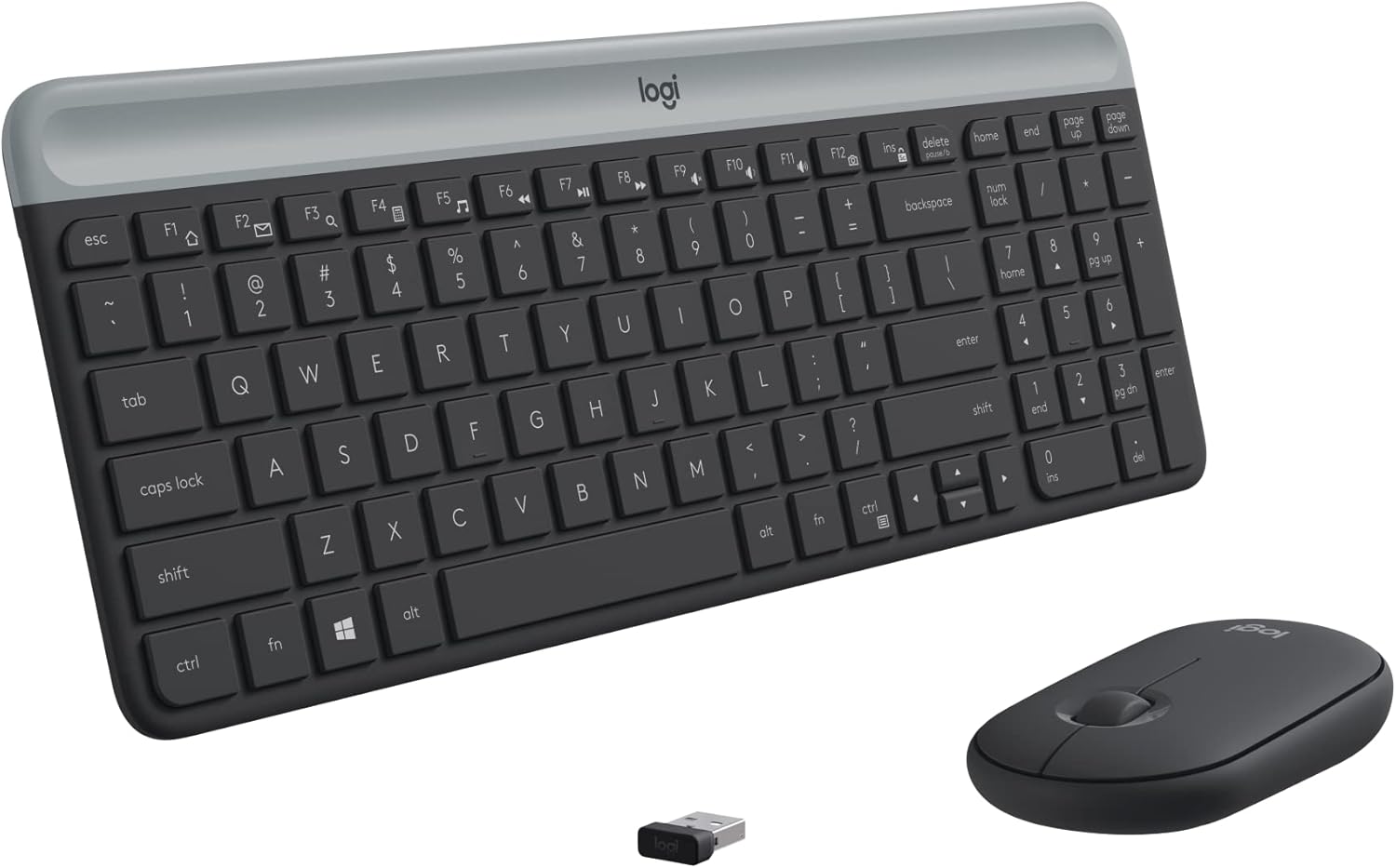
The Logitech MK470 Slim Combo, ready for use after simple plug-and-play setup.
Ṣiṣẹ ẹrọ rẹ
Keyboard Awọn ẹya ara ẹrọ
- Compact Modern Layout: The keyboard features a full-size layout with low-profile scissor keys and a number pad, optimized for Windows.
- Ultra-Quiet Typing: Enjoy a whisper-quiet typing experience, ideal for shared workspaces or quiet environments.
- Awọn bọtini iṣẹ: Access multimedia controls and shortcuts using the function (Fn) keys.

The compact layout of the MK470 keyboard provides all necessary keys in a space-saving design.
Asin Awọn ẹya ara ẹrọ
- Apẹrẹ Ambidextrous: The comfortable 3-button mouse is designed for both left and right-handed users.
- High Precision Optical Tracking: Experience smooth and accurate cursor control with 1000 DPI sensor resolution.
- Mechanical Scroll Wheel: Lilọ kiri awọn iwe aṣẹ ati web pages with ease using the precise mechanical scroll wheel.
- Noise-Reduced Clicks: The mouse is lab-tested for noise reduction, ensuring quiet operation.
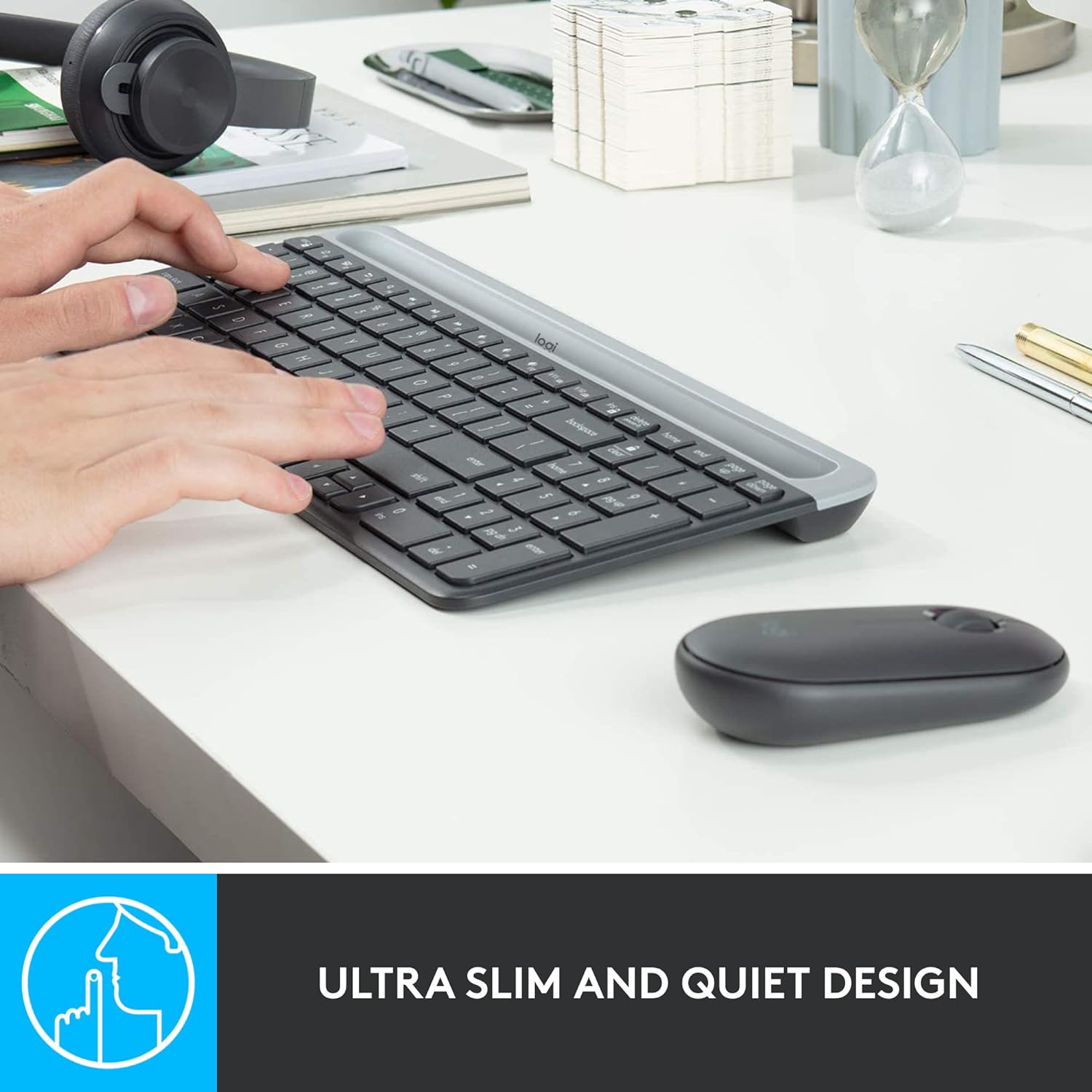
The ultra-slim and quiet design of the MK470 combo ensures a peaceful work environment.
Alailowaya Asopọmọra
The combo utilizes a strong and reliable 2.4 GHz wireless connection with a range of up to 10 meters (33 feet). Wireless range may vary based on environmental and computing conditions.
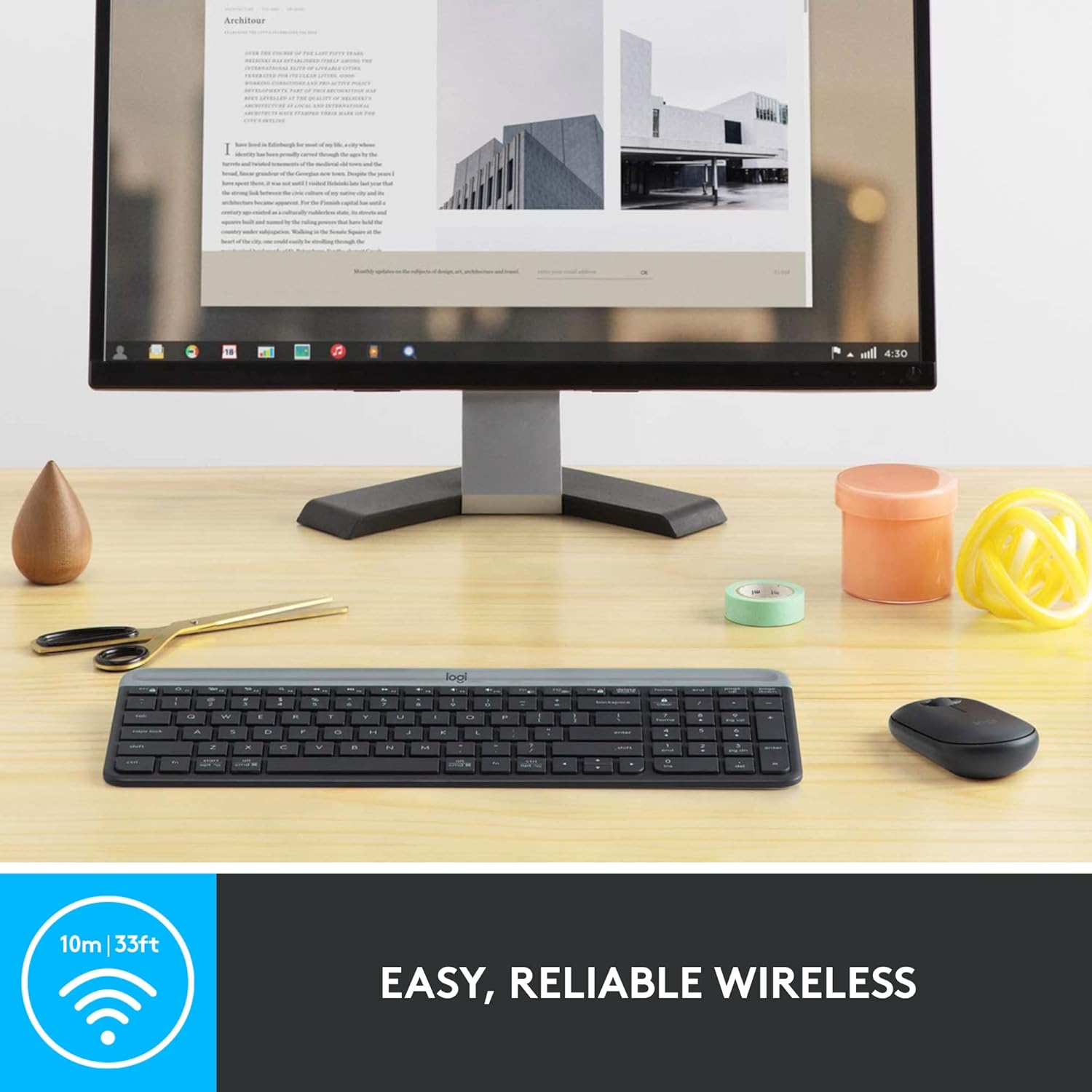
Enjoy easy and reliable wireless connectivity with your MK470 combo.
Itoju
Igbesi aye batiri
The MK470 combo is designed for long-lasting battery performance:
- Àtẹ bọ́tìnnì Up to 36 months of battery life (requires 2 AAA batteries).
- Asin: Up to 18 months of battery life (requires 1 AA battery).
Aye batiri le yatọ si da lori olumulo ati awọn ipo iširo.
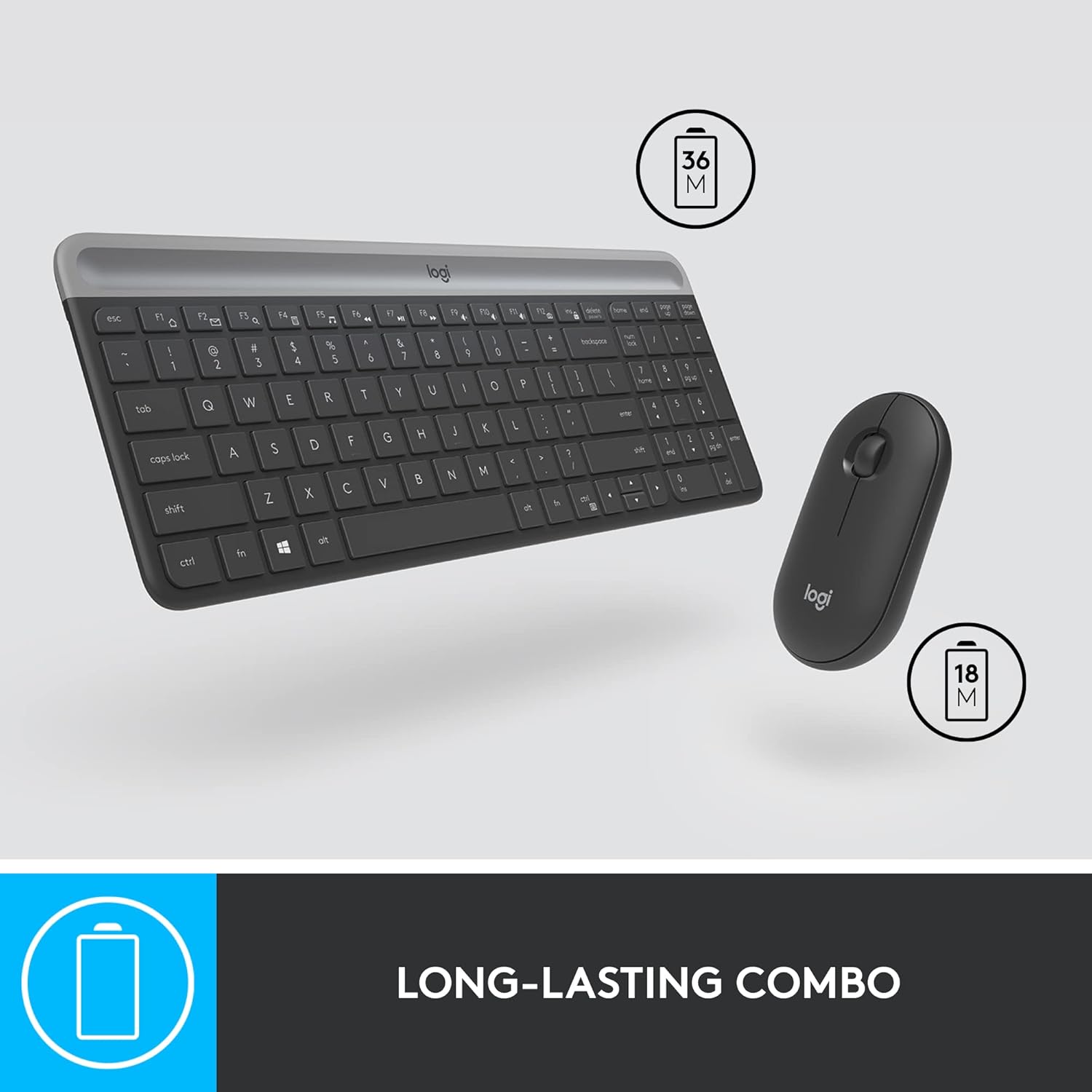
The MK470 combo offers long-lasting battery life for extended use.
Auto-Sleep Feature
An auto-sleep feature is integrated to conserve battery life when the devices are not in use. This allows for extended periods between battery replacements.
Laasigbotitusita
Awọn oran Asopọmọra
- Ensure the USB nano receiver is securely plugged into a working USB port on your computer.
- Verify that the batteries in both the keyboard and mouse are correctly installed and have sufficient charge.
- Gbiyanju lati so olugba USB sinu ibudo USB ti o yatọ lori kọnputa rẹ.
- Restart your computer to refresh the connection.
No Indicator Lights
The MK470 keyboard does not feature indicator lights for Caps Lock or Num Lock. This is by design to maintain its minimalist aesthetic and conserve battery life. Functionality remains unaffected.
No On/Off Switch on Keyboard
The keyboard does not have a manual on/off switch. It relies on its auto-sleep feature to manage power consumption. The mouse, however, does have an on/off switch on its underside.
Awọn pato
| Ẹya ara ẹrọ | Ẹ̀kúnrẹ́rẹ́ |
|---|---|
| Brand | Logitech |
| Nọmba awoṣe | 920-009437 |
| Asopọmọra Technology | 2.4 GHz USB Nano olugba |
| Alailowaya Ibiti | Titi de awọn mita 10 (33 ẹsẹ) |
| Keyboard Batiri Life | 36 months (2 AAA batteries) |
| Mouse batiri Life | Awọn oṣu 18 (batiri AA 1) |
| Awọn iwọn Keyboard (LxWxH) | 14.7 x 5.6 x 0.76 inches (373.5 x 143.9 x 19.4 mm) |
| Awọn iwọn Asin (LxWxH) | 1 x 2.3 x 4.2 inches (26.5 x 59 x 107 mm) |
| Keyboard Weight (with battery) | 19.9 iwon (566 g) |
| Ìwúwo Asin (pẹ̀lú batiri) | 3.5 iwon (100 g) |
| Iwọn sensọ | 1000 DPI |
| Ibamu Awọn ọna ṣiṣe | Windows 10 tabi nigbamii, Windows 8, Windows 7, Chrome OS |
Atilẹyin ọja ati Support
Logitech products are designed for durability and reliability. For detailed warranty information and technical support, please refer to the official Logitech website or the user documentation included in your product packaging.
You can also find the official User Guide in PDF format Nibi.
This product is typically covered by a 30-day refund/replacement policy from Amazon.


