1. Ifihan
This manual provides detailed instructions for the installation, operation, and maintenance of the Marshall Electronics CV420-30X-IP 8.5MP 4K UHD 30x Optical Zoom IP Camera. Please read this manual thoroughly before using the product to ensure proper and safe operation.
The CV420-30X-IP is a high-performance camera equipped with an 8.5MP sensor, capable of delivering stunning 4K Ultra High Definition (UHD) visuals. It supports resolutions up to 3840x2160p at 60 frames per second, ensuring exceptional detail and true-to-life colors across all HD formats.

olusin 1.1: Angled view of the Marshall CV420-30X-IP camera, showcasing awọn oniwe-iwapọ oniru ati oguna lẹnsi.
2. Alaye Aabo
Always adhere to the following safety guidelines to prevent damage to the camera and ensure user safety:
- Ma ṣe fi kamẹra han si omi tabi ọrinrin.
- Yẹra fún gbígbé kámẹ́rà sí ibi tí oòrùn tààrà tàbí nítòsí àwọn orísun ooru.
- Lo ohun ti nmu badọgba agbara nikan fun ẹrọ yii.
- Do not attempt to open or service the camera yourself. Refer all servicing to qualified personnel.
- Ensure proper ventilation around the camera to prevent overheating.
- Ọja yii ni awọn kemikali ti a mọ si Ipinle California lati fa akàn ati awọn abawọn ibimọ tabi ipalara ibisi miiran.
3. Package Awọn akoonu
Daju pe gbogbo awọn nkan ti a ṣe akojọ rẹ si isalẹ wa ninu package rẹ:
- Marshall CV420-30X-IP Camera Unit
- Adapter agbara
- Àmì ìfisílé (tí ó bá wúlò)
- Quick Bẹrẹ Itọsọna
4. Ọja Ipariview
Familiarize yourself with the components of your CV420-30X-IP camera.
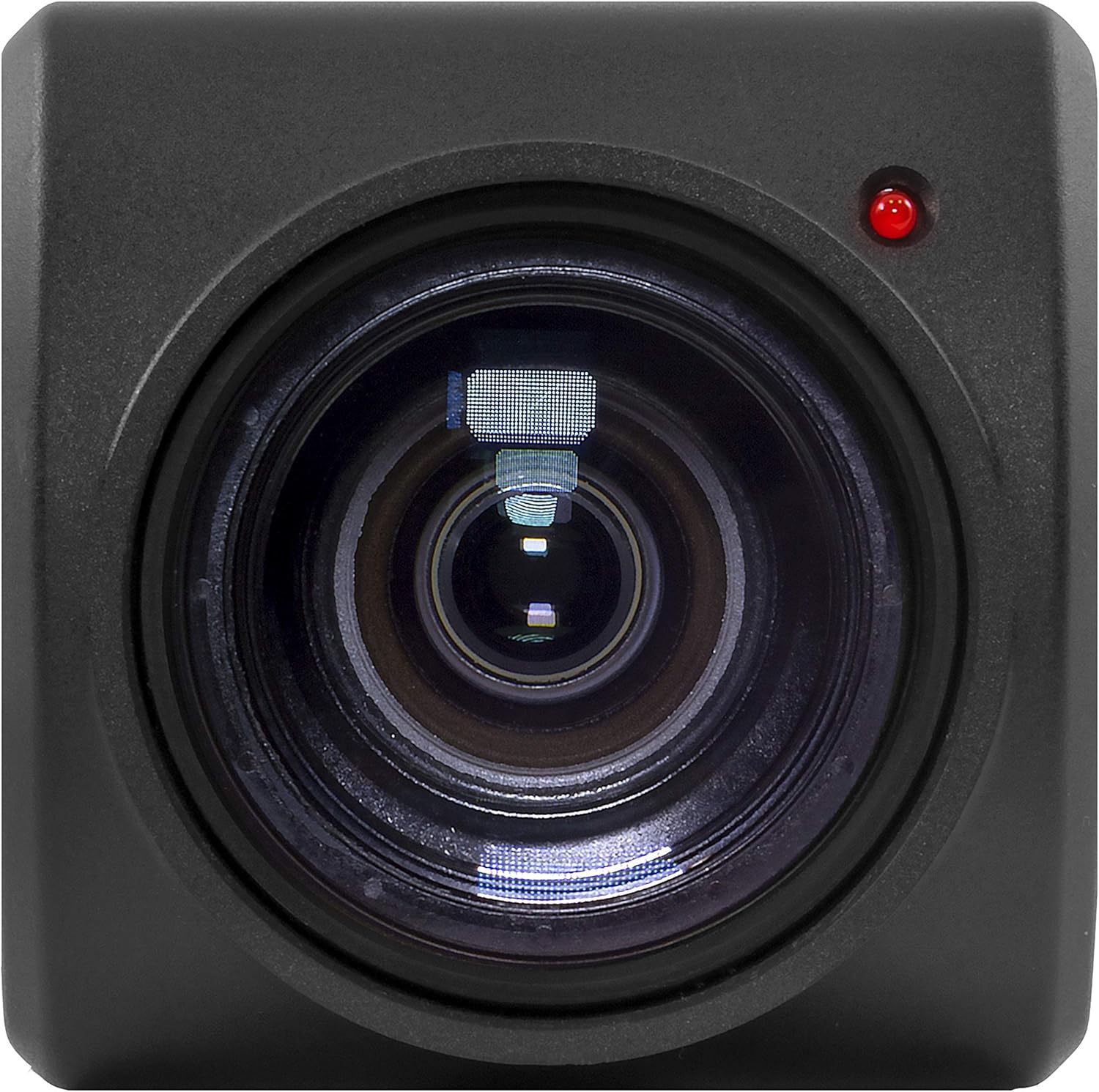
olusin 4.1: Iwaju view of the camera, highlighting the 30x optical zoom lens and status indicator light.

olusin 4.2: Top view of the camera, showing the Marshall branding and mounting points.
4.1. Awọn irinše Bọtini
- Lẹnsi: 30x Optical Zoom lens with a maximum aperture of 2f and maximum focal length of 135mm.
- Atọka ipo: LED light indicating camera status (e.g., power, network activity).
- Awọn aaye Igbesoke: Threaded holes for secure installation.
- Awọn ibudo Asopọmọra: (Refer to specific model for exact ports, typically Ethernet, Power, etc.)
5. Eto
5.1. Fifi sori ti ara
Before installation, ensure the mounting surface is sturdy enough to support the camera's weight (approximately 2 pounds) and dimensions (11 x 6.7 x 3.7 inches).
- Choose a suitable location that provides the desired field of view and is protected from extreme environmental conditions.
- Secure the mounting bracket (if included) to the chosen surface using appropriate screws.
- Attach the CV420-30X-IP camera to the mounting bracket, ensuring it is firmly secured.
- So ohun ti nmu badọgba agbara pọ mọ kamẹra ki o si so o pọ mọ ibudo agbara kan.
- Connect an Ethernet cable from the camera's network port to your network switch or router for IP connectivity.
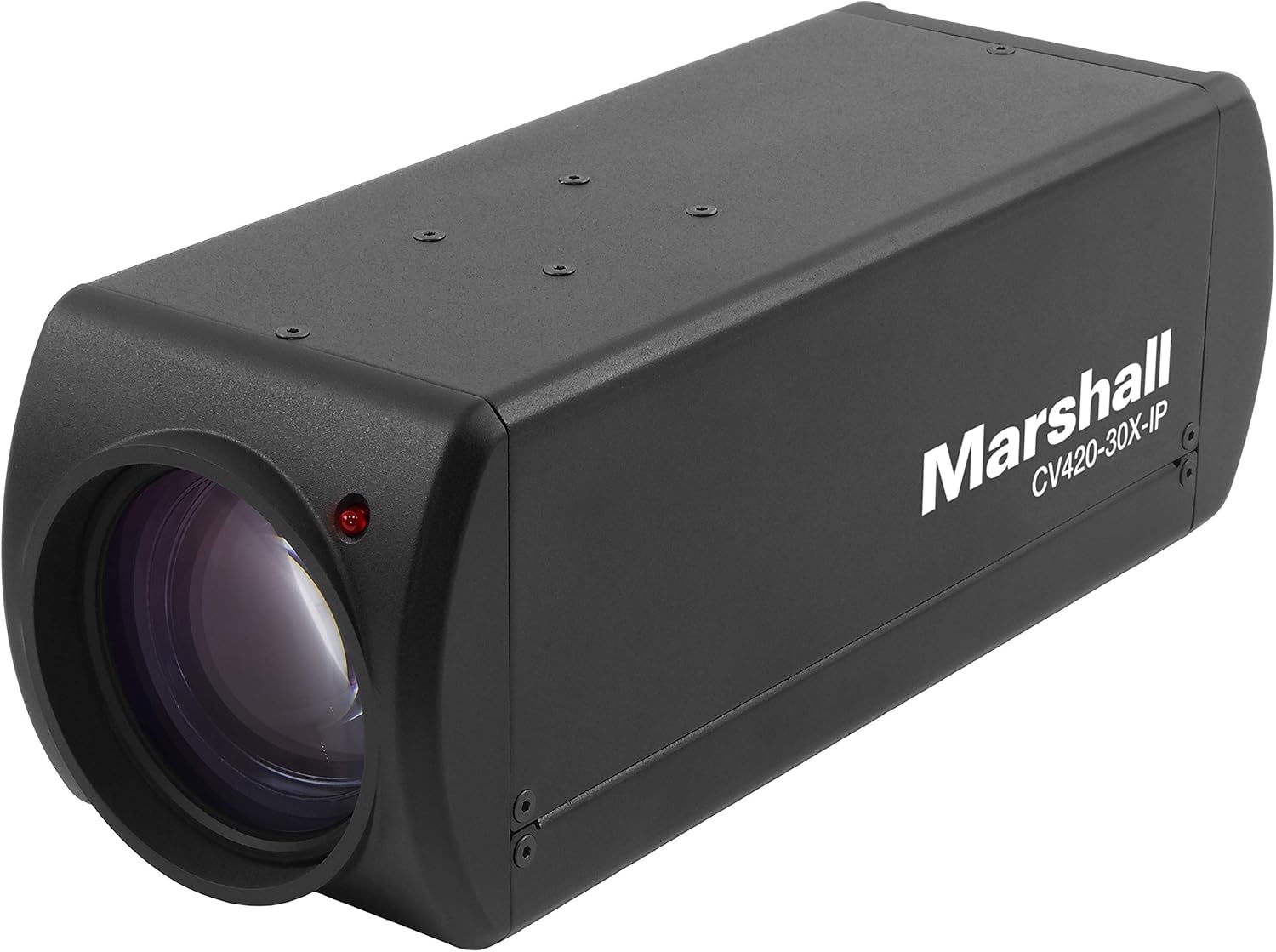
olusin 5.1: Angled view of the camera, illustrating its form factor for installation purposes.
5.2. Nẹtiwọki Nẹtiwọọki
The CV420-30X-IP is an IP camera, requiring network configuration for remote access and video streaming.
- Upon initial power-up, the camera will typically attempt to obtain an IP address via DHCP.
- Use the Marshall IP Camera Tool (available on the Marshall website) to discover the camera on your network and configure its IP settings (e.g., static IP, subnet mask, gateway).
- Ensure the camera's IP address is within the same subnet as your viewing device or NVR.
- Default login credentials (if any) will be provided in the Quick Start Guide or on the camera's label. Change these immediately after initial setup for security.
6. Ṣiṣẹ
6.1. Ipilẹ isẹ
- Agbara Tan: Once connected to power, the camera will automatically power on. The status indicator light will illuminate.
- Accessing Video Stream: Wọle si kamẹra naa web interface via its IP address in a web browser, or integrate it with compatible NVR/VMS software using ONVIF or RTSP protocols.
- Ipinnu fidio: The camera supports various resolutions including 1080p, 4K, and 720p. Adjust these settings through the camera's web interface or connected software.
6.2. Awọn ẹya ara ẹrọ ti ilọsiwaju
- Sun-un Optical: Utilize the 30x optical zoom feature to magnify distant subjects without loss of image quality. Control zoom via the web interface or integrated software.
- Idojukọ: The camera typically features auto-focus. Manual focus adjustments can be made through the web interface if needed.
- Iwọn fireemu: Adjust the frame rate (up to 60fps at 4K) to balance video smoothness and network bandwidth usage.
- Eto Aworan: Configure brightness, contrast, saturation, white balance, and other image parameters to optimize video quality for your specific environment.
7. Itọju
7.1. Ninu
- Gently wipe the camera body with a soft, dry cloth.
- For the lens, use a lens cleaning cloth and specialized lens cleaning solution. Do not use abrasive materials or harsh chemicals.
- Rí i dájú pé kámẹ́rà náà ti pa kí o tó sọ ọ́ di mímọ́.
7.2. Awọn imudojuiwọn famuwia
Periodically check the Marshall Electronics website for firmware updates. Firmware updates can improve performance, add new features, and address security vulnerabilities. Follow the instructions provided with the firmware update package carefully.
8. Laasigbotitusita
| Isoro | Owun to le Fa | Ojutu |
|---|---|---|
| Ko si Agbara | Power adapter disconnected or faulty outlet. | Check power connections. Try a different outlet. Ensure power adapter is functioning. |
| No Video Stream | Network connectivity issue, incorrect IP settings, or software configuration. | Verify Ethernet cable connection. Check IP address and network settings. Ensure firewall is not blocking ports. Restart camera and viewohun elo. |
| Didara Aworan Ko dara | Dirty lens, improper focus, or low light conditions. | Clean the lens. Adjust focus settings. Ensure adequate lighting or adjust camera's low-light settings. |
| Camera Not Found on Network | Incorrect network segment, DHCP issue, or camera not powered on. | Confirm camera is powered. Use the Marshall IP Camera Tool to scan for devices. Check network cable. Ensure camera and discovery tool are on the same network segment. |
9. Awọn pato
| Ẹya ara ẹrọ | Ẹ̀kúnrẹ́rẹ́ |
|---|---|
| Nọmba awoṣe | CV420-30X-IP |
| Sensọ | 8.5MP |
| Ipinnu Yaworan fidio | 1080p, 4K (3840x2160p), 720p |
| Iwọn fireemu | Up to 60 frames per second (at 4K) |
| Sun-un Optical | 30x |
| Ipari Ifojusi ti o pọju | 135 millimeters |
| O pọju Iho | 2f |
| Lẹnsi Iru | Sun-un |
| Asopọmọra Technology | Wireless (IP) |
| Fidio Yaworan kika | MP4 |
| Ọja Mefa | 11 x 6.7 x 3.7 inches |
| Iwọn Nkan | 2 iwon |
| Olupese | Marshall |
| ASIN | B07YN5LKLD |
| Ọjọ Akọkọ Wa | Oṣu Kẹwa Ọjọ 2, Ọdun 2019 |
10. Atilẹyin ọja ati Support
For detailed warranty information and technical support, please refer to the official Marshall Electronics webojula tabi kan si wọn onibara iṣẹ taara. Tọju iwe-ẹri rira rẹ bi ẹri rira fun awọn iṣeduro atilẹyin ọja.
Webojula: www.marshall-usa.com
Olubasọrọ: Tọkasi awọn website for contact numbers and support channels.


