Ọrọ Iṣaaju
This manual provides comprehensive instructions for the setup, operation, maintenance, and troubleshooting of your iHome Karaoke Machine. Designed for both kids and adults, this versatile unit features a Bluetooth speaker, wired microphone, USB recording capabilities, and dynamic party lights, ensuring an engaging entertainment experience.
Ohun ti o wa ninu Apoti
- iHome Karaoke Machine (Model: ISF-22)
- Wired Microphone with optional echo effect
- Okun Ngba agbara USB
- Ilana itọnisọna

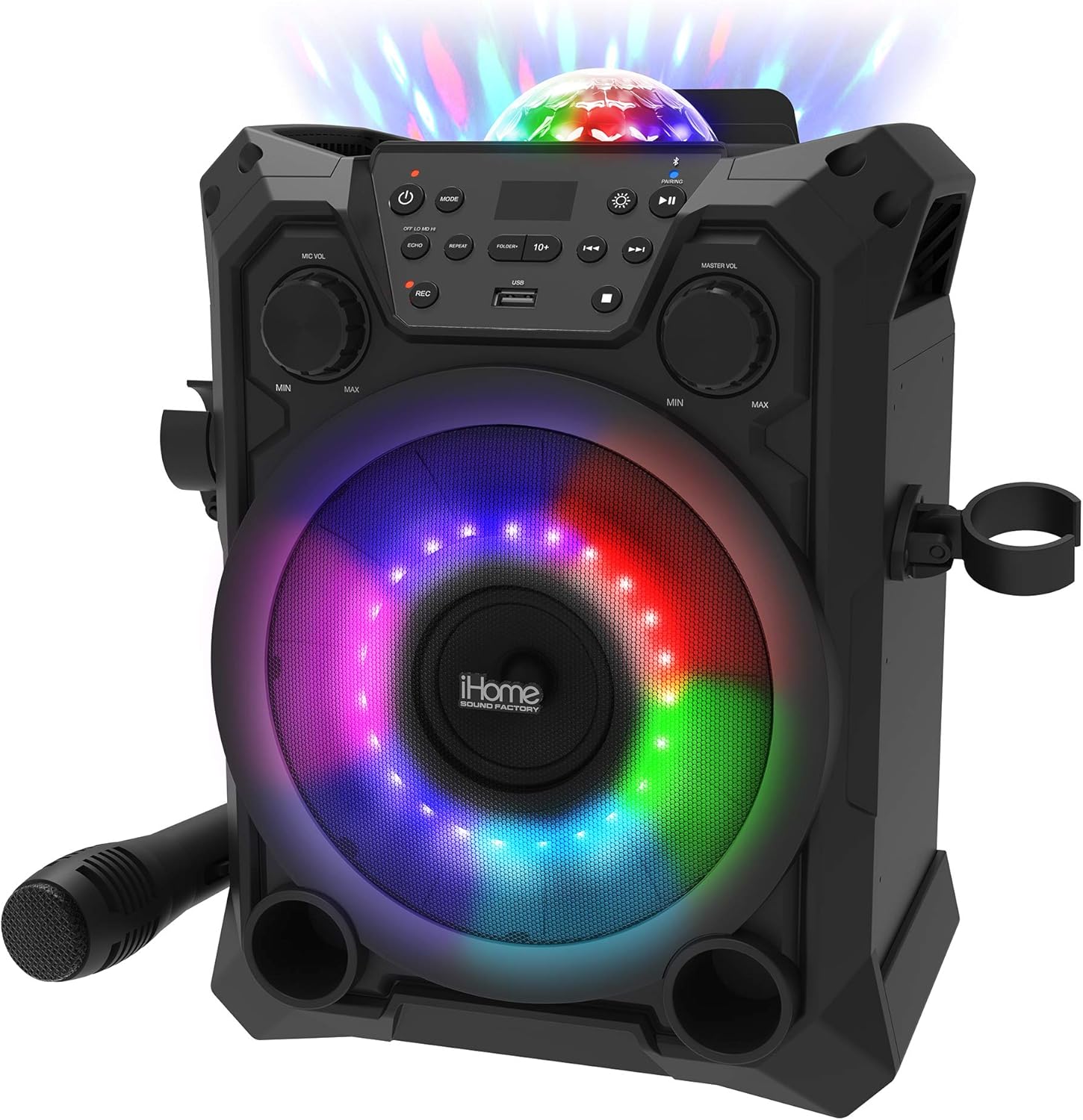
Image: The iHome Karaoke Machine, showcasing its main unit and included wired microphone.
Ṣeto
Agbara Lori
The iHome Karaoke Machine is powered by a built-in rechargeable Lithium Ion battery. Before first use, fully charge the unit using the provided USB charging cable. Connect the small end of the USB cable to the charging port on the back of the unit and the larger end to a standard USB power adapter (not included) or a computer USB port. The charging indicator light will illuminate during charging and turn off when fully charged.
Nsopọ Gbohungbohun
Locate the microphone input jack on the front panel of the karaoke machine. Insert the plug of the wired microphone firmly into this jack. Ensure the microphone's ON/OFF switch is in the 'ON' position when in use.
Aworan: Iwaju view of the iHome Karaoke Machine with the wired microphone connected to its input.
Awọn ilana Iṣiṣẹ
Asopọ Bluetooth
Lati so ẹrọ rẹ pọ nipasẹ Bluetooth:
- Turn on the karaoke machine. The Bluetooth indicator light will flash, indicating it's in pairing mode.
- Lori foonu alagbeka rẹ, tabulẹti, tabi ẹrọ Bluetooth miiran ti o ṣiṣẹ, mu Bluetooth ṣiṣẹ ki o wa awọn ẹrọ to wa.
- Select "iHome ISF-22" (or similar) from the list.
- Once paired, the Bluetooth indicator light on the karaoke machine will become solid, and you can now stream audio wirelessly.
Video: An official product video demonstrating the features of the iHome Karaoke Machine, including Bluetooth connectivity, USB recording, and party lights.
Sisisẹsẹhin USB ati Gbigbasilẹ
The unit supports USB flash drives for music playback and recording. Insert a USB flash drive into the USB port on the control panel. Use the 'MODE' button to switch to USB mode. You can play music files directly from the drive. To record your performance, press the 'REC' button while singing. The recorded audio will be saved to the USB drive.
Party imole
The iHome Karaoke Machine features multi-color LED party lights that synchronize with the music. Use the dedicated light button on the control panel to cycle through different light modes or turn them off. These lights enhance the party atmosphere, making it ideal for various events.
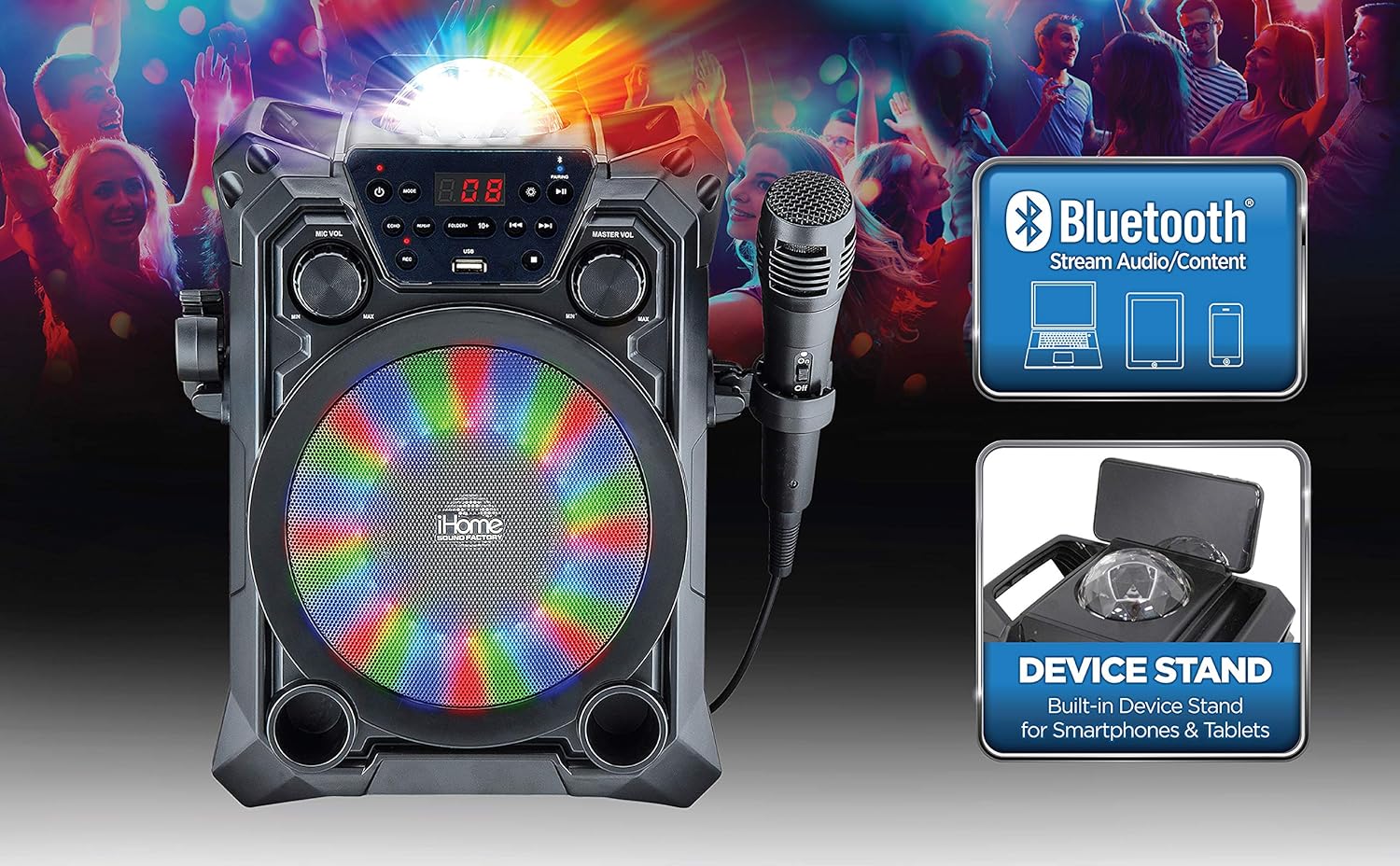
Image: The iHome Karaoke Machine with its vibrant multi-color LED lights illuminated, creating a dynamic visual effect.

Image: A visual representation of the iHome Karaoke Machine's key features: Bluetooth streaming, USB recording, and flashing party lights.
Itoju
- Ninu: Lo asọ asọ ti o gbẹ lati nu ode ti ẹyọ naa. Ma ṣe lo abrasive ose tabi epo.
- Ibi ipamọ: When not in use, store the karaoke machine in a cool, dry place away from direct sunlight and extreme temperatures.
- Itọju Batiri: To prolong battery life, avoid fully discharging the battery frequently. Charge the unit regularly, even if not in use for extended periods.
Laasigbotitusita
| Isoro | Owun to le Fa | Ojutu |
|---|---|---|
| Unit ko ni agbara lori | Batiri naa kere tabi ti dinku. | Gba agbara si ẹrọ naa nipa lilo okun USB gbigba agbara. |
| Ko si ohun lati agbọrọsọ | Volume is too low or muted. Bluetooth not connected. | Increase Master Volume. Ensure Bluetooth is properly paired. |
| Gbohungbohun ko ṣiṣẹ | Microphone switch is OFF. Microphone not fully plugged in. Mic Volume is too low. | Turn microphone switch ON. Re-insert microphone plug firmly. Increase Mic Volume. |
| Sisopọ Bluetooth kuna | Device is too far. Unit is already paired to another device. | Move device closer to the unit. Disconnect from other devices and try pairing again. |
Awọn pato
| Ẹya ara ẹrọ | Ẹ̀kúnrẹ́rẹ́ |
|---|---|
| Nọmba awoṣe | ISF-22 |
| Brand | eKids |
| Iṣagbesori Iru | Tabili |
| Orisun agbara | Agbara Batiri (Batiri Lithium ion 1 nilo) |
| Asopọmọra Iru | USB |
| Ohun elo | Metal, Alloy Steel, Plastic |
| Iwọn Nkan | 4.99 iwon (2.27 kilo) |
| Nọmba ti awọn ikanni | 2 |
| Input Audio | Bluetooth, Wired Microphone |
| Ọja Mefa | 9.88 x 7.43 x 12.26 inches |
| Àwọ̀ | Olona-awọ |
| Iwọn Agbọrọsọ | 1 |
| Awọn ẹrọ ibaramu | Kọǹpútà alágbèéká, Foonuiyara, Tabulẹti |
Atilẹyin ọja ati Support
This product is typically covered by a 30-day return policy. For specific warranty details, product support, or to explore other products from eKids, please visit the official eKids store on Amazon or refer to the contact information provided with your purchase documentation.
O le wa alaye diẹ sii ati atilẹyin ni eKids Store.


