1. Ifihan
This manual provides detailed instructions for the proper setup, operation, and maintenance of your SmallRig Mini Ball Head, model BUT2665. Please read this manual thoroughly before use to ensure optimal performance and longevity of the product.

Image 1.1: SmallRig Mini Ball Head BUT2665. This image displays the main components including the ball head, quick release plate, and the included 3/8 inch to 1/4 inch screw adapter.
2. Ọja irinše
The SmallRig Mini Ball Head BUT2665 includes the following key components:
- Awo itusilẹ ni iyara: Arca-type compatible plate with a 1/4" screw for attaching cameras.
- Ball Head Knob: Used to lock and unlock the ball joint for tilt and swivel adjustments.
- Panning Knob: Used to lock and unlock the base for 360° panoramic rotation.
- 360° Panning Dial: Marked in 5° increments for precise panoramic adjustments.
- Ipele Bubble: Integrated for accurate horizontal alignment.
- 3/8" Thread Hole: Located at the base for mounting onto tripods or monopods.
- 1/4" to 3/8" Screw Adapter: Included for broader compatibility with mounting platforms.
- Anti-fall Screws: On the quick release plate to prevent accidental camera detachment.

Image 2.1: Labeled diagram of the SmallRig Mini Ball Head components. This image highlights the quick release plate, 1/4" screw, bubble level, ball head knob, panning knob, 3/8" thread hole, and 360° panning dial.
3. Awọn ilana iṣeto
- Mounting the Ball Head to a Tripod/Monopod:
Locate the 3/8" thread hole at the base of the ball head. Screw the ball head onto the 3/8" screw of your tripod or monopod. If your tripod has a 1/4" screw, use the included 1/4" to 3/8" screw adapter by first screwing it into the ball head's 3/8" thread, then mounting it onto your tripod.
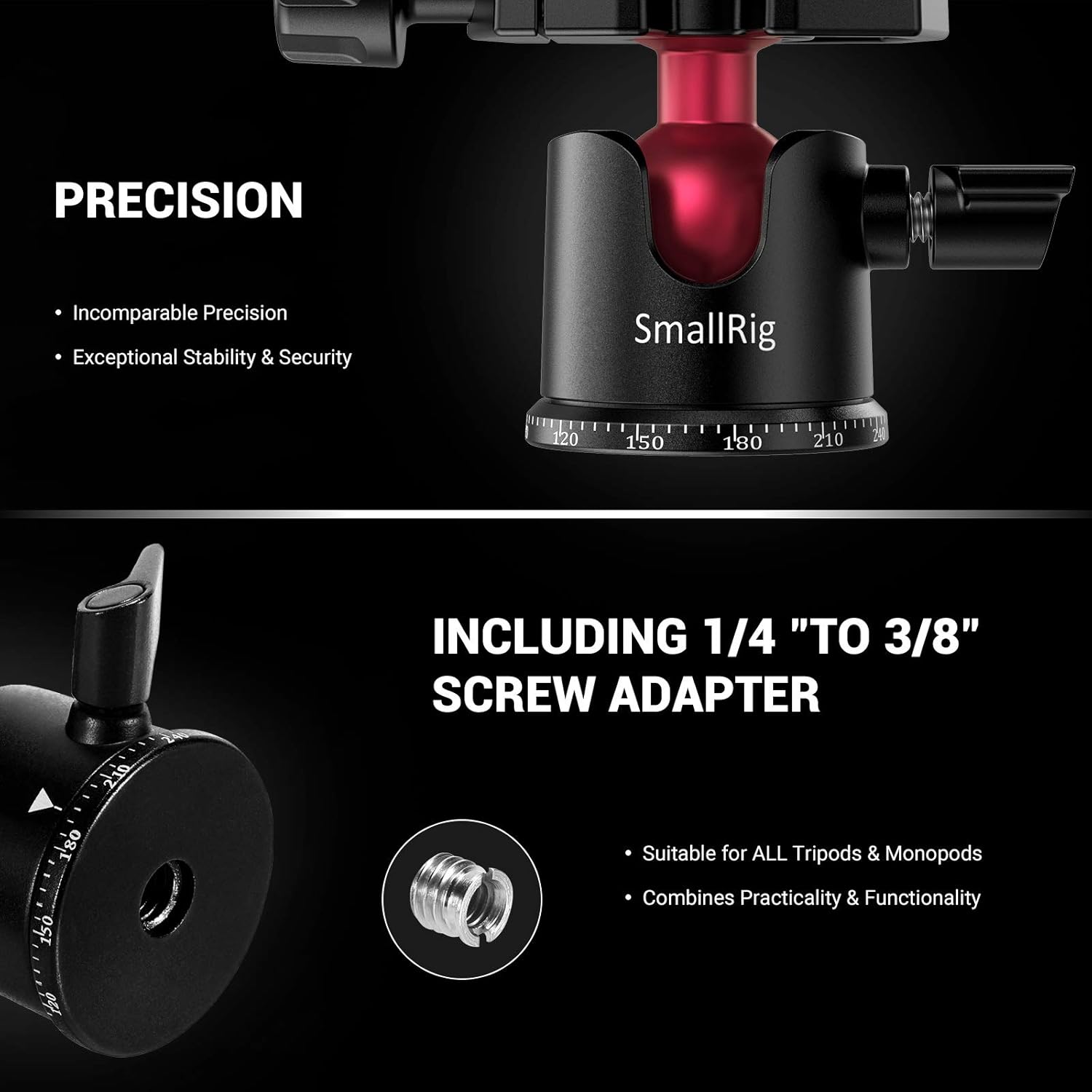
Image 3.1: The 1/4" to 3/8" screw adapter and the 3/8" thread hole for tripod mounting.
- Attaching Your Camera to the Quick Release Plate:
Unscrew the 1/4" screw on the quick release plate. Align the screw with the tripod mount hole on the bottom of your camera. Tighten the screw securely. Ensure the anti-fall screws on the quick release plate are engaged to prevent accidental camera release.
- Securing the Quick Release Plate to the Ball Head:
Tu silẹ ni iyara clamp on the ball head. Slide the quick release plate with your camera attached into the clamp. Ensure it is fully seated and then tighten the clamp securely until the camera is firmly held in place.

Image 3.2: Various angles of the ball head and quick release plate, illustrating how the camera attaches and the plate secures.
4. Awọn ilana Iṣiṣẹ
- Adjusting Camera Angle (Ball Head Knob):
To adjust the tilt or swivel of your camera, loosen the Ball Head Knob. Position your camera to the desired angle (up to -90°/+45° front tilt and -50°/+50° lateral tilt). Once the desired angle is achieved, tighten the Ball Head Knob firmly to secure the camera in place.

Image 4.1: Demonstrating camera angle adjustment using the ball head knob.
- Panoramic Rotation (Panning Knob and Dial):
For horizontal panoramic movements, loosen the Panning Knob located at the base of the ball head. The 360° Panning Dial, marked in 5° increments, allows for precise rotation. Rotate the camera to the desired panoramic position. Tighten the Panning Knob to lock the rotation.
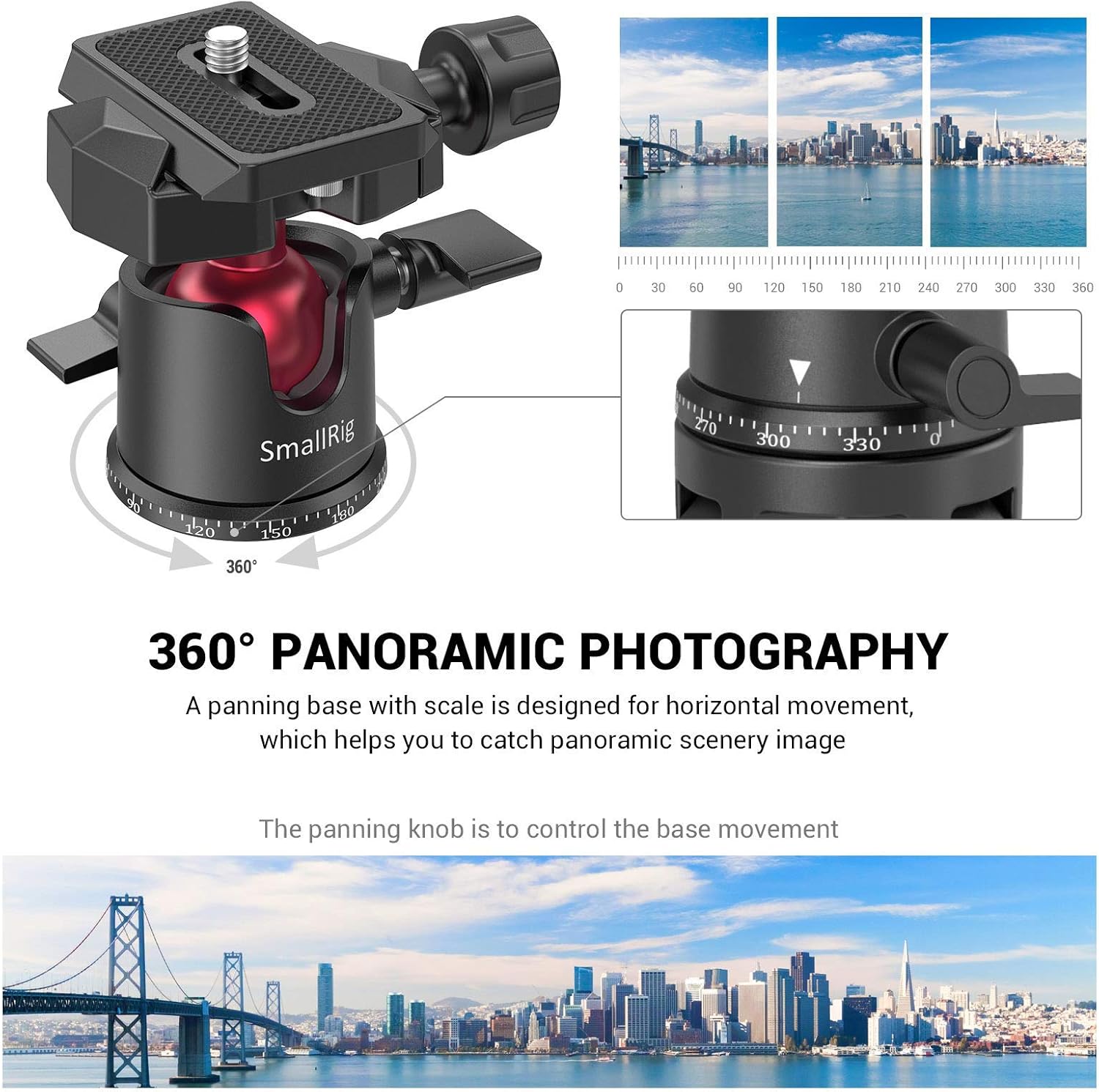
Image 4.2: The 360° panoramic base with its scale for accurate horizontal movement.

Aworan 4.3: Example of a panoramic image, demonstrating the capability of the ball head's panning function.
- Using the Bubble Level:
The integrated bubble level assists in achieving a perfectly horizontal setup. Adjust the tripod legs or the ball head's tilt until the bubble is centered within the level indicator.
5. Itọju
- Ninu: Use a soft, dry cloth to clean the ball head. For stubborn dirt, a slightly damp asọ le ṣee lo, atẹle nipa gbigbe lẹsẹkẹsẹ. Yago fun abrasive ose tabi epo.
- Lubrication: The ball joint is designed for smooth operation and typically does not require lubrication. If movement becomes stiff, consult SmallRig support.
- Ibi ipamọ: Store the ball head in a dry, dust-free environment when not in use.
- Ayewo: Periodically check all screws and knobs for tightness. Ensure the quick release plate mechanism operates smoothly and securely.
6. Laasigbotitusita
- Camera not secure on quick release plate:
Ensure the 1/4" screw is fully tightened to the camera and the quick release clamp on the ball head is firmly secured. Verify that the anti-fall screws are engaged.
- Ball head movement is stiff or loose:
Adjust the Ball Head Knob. If it's too stiff, loosen it slightly. If it's too loose, tighten it. Do not overtighten.
- Panoramic rotation is stiff or loose:
Adjust the Panning Knob. Ensure it is loosened for rotation and tightened for locking.
- Limited vertical tilt range:
In some configurations, especially with larger cameras or specific tripod mounts, the quick release plate or camera body may contact the tripod mount when tilting vertically. Ensure sufficient clearance. An additional spacer may be required in certain setups to achieve full vertical tilt without obstruction.

Image 6.1: Vertical camera orientation. Ensure adequate clearance between the camera/plate and the tripod base during extreme tilts.
- Product failure or damage:
Discontinue use immediately. Contact SmallRig customer support for assistance.
7. Awọn pato
| Ẹya ara ẹrọ | Ẹ̀kúnrẹ́rẹ́ |
|---|---|
| Nọmba awoṣe | SUGBON2665 |
| Ohun elo | Aluminiomu Alloy |
| O pọju fifuye Agbara | 4.4 lbs (2 kg) |
| Ọja Mefa | 3.15 x 2.56 x 2.36 inches (80 x 65 x 60 mm) |
| Iwọn Nkan | 6.6 iwon (188 giramu) |
| Mounting Screw (Top) | 1/4" |
| Mounting Thread (Base) | 3/8" (with 1/4" to 3/8" adapter included) |
| Panoramic Yiyi | 360° |
| Iwaju Titẹ | -90°/+45° |
| Lẹsẹ Tẹ | -50°/+50° |
| Awọn ọna Tu Awo | Arca-Iru ibamu |
| Awọn ẹrọ ibaramu | DSLR cameras, camcorders, smartphones (with adapter), GoPro (with adapter) |
8. Atilẹyin ọja ati Support
Alaye Atilẹyin ọja: Specific warranty terms and conditions for the SmallRig Mini Ball Head BUT2665 are provided with your product packaging or can be found on the official SmallRig webojula. Jọwọ ṣe idaduro ẹri rira rẹ fun awọn iṣeduro atilẹyin ọja.
Atilẹyin Onibara: For technical assistance, troubleshooting, or warranty inquiries, please visit the official SmallRig website or contact their customer service department. Contact details are typically available on the product packaging or the SmallRig webojula.


