1. Ọja Ipariview
The RØDE NT-USB Mini is a compact, studio-quality USB microphone designed for direct recording to a computer or tablet. It offers simple setup and use, with a smooth frequency response and directional pickup pattern ideal for vocals, instruments, livestreaming, gaming, and voice calls. Key features include a detachable magnetic desk stand, a built-in pop filter, and zero-latency headphone monitoring for crisp, clear audio.
- Pristine sound quality tailored for warmth and presence.
- Studio-grade headphone amplifier with precision volume control for monitoring.
- Integrated digital signal processing (via RØDE Connect software) for noise gate, compressor, APHEX Aural Exciter, and Big Bottom.
- Perfect for podcasting, music recording, and Zoom calls.
2. Eto ati Asopọmọra
The NT-USB Mini is designed for plug-and-play operation, requiring no additional drivers or complex interfaces. Simply connect it to your computer or tablet via the provided USB-C cable.
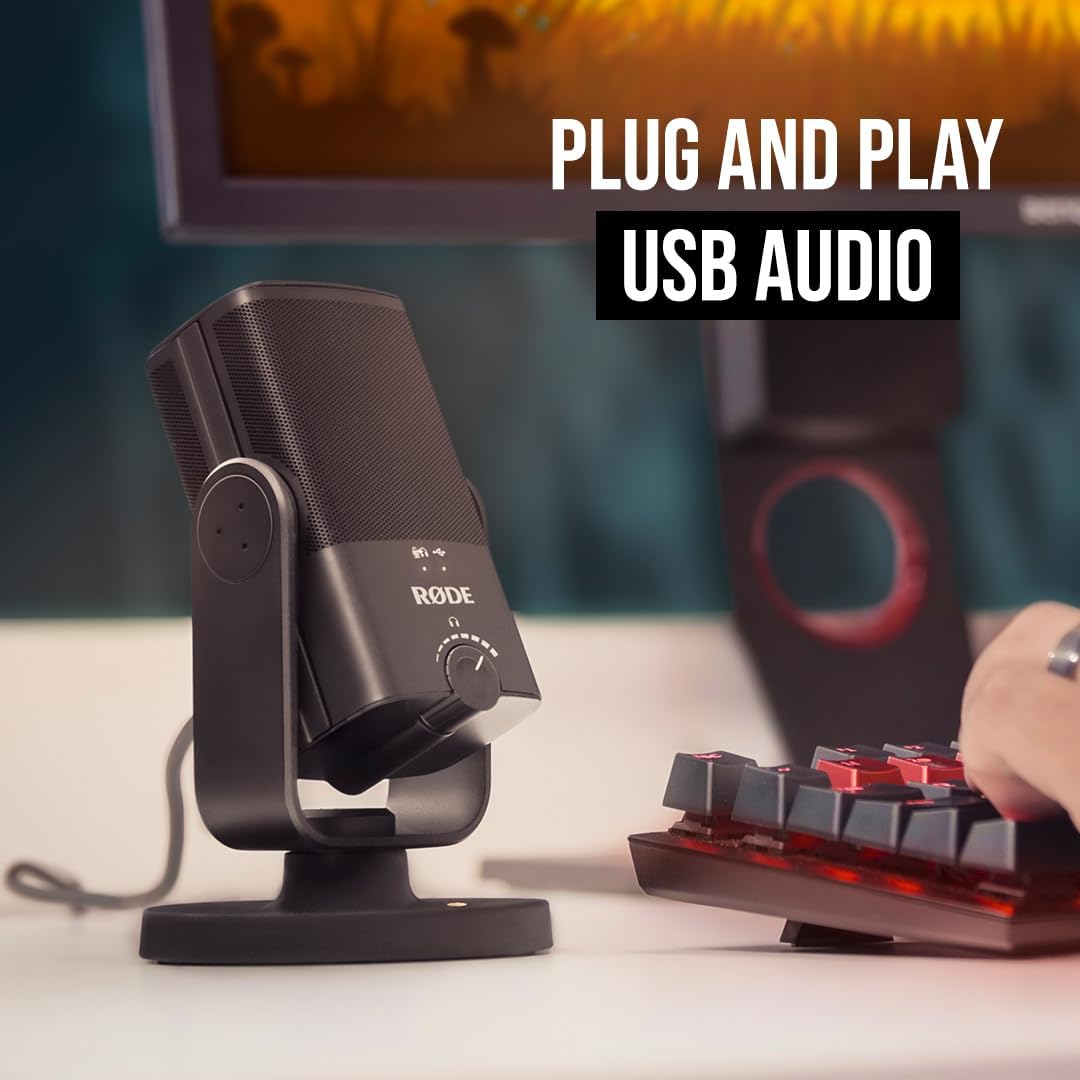
Figure 2.1: The RØDE NT-USB Mini connected to a laptop, demonstrating its simple plug-and-play USB audio connectivity.
The microphone comes with a long USB cable, providing flexibility in placement. It connects directly to your device's USB port, eliminating the need for XLR cables or external audio interfaces.
Fidio 2.1: Ipariview of the RØDE NT-USB Mini, highlighting its features and ease of setup. This video demonstrates the microphone's physical aspects and connectivity options.
3. Ṣiṣẹ gbohungbohun
The NT-USB Mini features a studio-grade headphone amplifier and a 3.5mm headphone output for zero-latency monitoring. The precision volume control knob on the front allows you to adjust your monitoring level.

Figure 3.1: User monitoring audio through headphones connected to the RØDE NT-USB Mini, showcasing the zero-latency headphone output feature.
The microphone's design includes a detachable magnetic desk stand, offering versatility for desktop use or mounting on mic stands and studio arms. The built-in pop filter helps reduce plosive sounds for clearer audio.
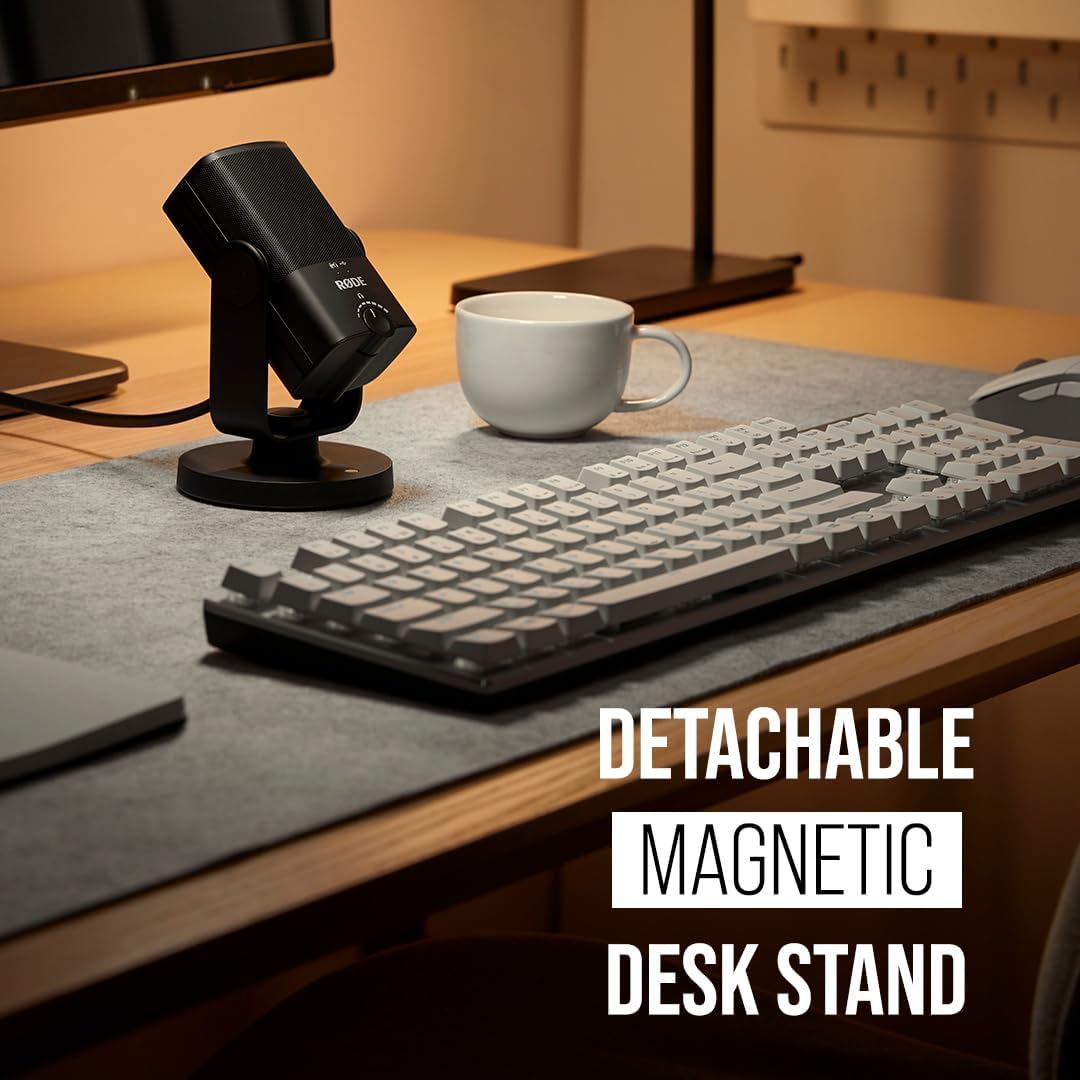
Figure 3.2: The RØDE NT-USB Mini showcasing its detachable magnetic desk stand, allowing for flexible placement.
4. Itọju
The RØDE NT-USB Mini is built with high-quality materials, including a metal build and cage, ensuring durability. To maintain optimal performance, keep the microphone clean and free from dust. Use a soft, dry cloth to wipe the exterior. Avoid exposing the microphone to extreme temperatures or moisture.
While robust, ensure proper handling, especially when mounting or detaching from stands, to prevent accidental drops or damage.
5. Laasigbotitusita
| Isoro | Owun to le Fa | Ojutu |
|---|---|---|
| Low Audio Volume | Input gain too low; distance from microphone. | Adjust gain settings via RØDE Connect software. Ensure you are speaking within 6 inches of the microphone. |
| Audio ti a daru | Input gain too high; plosive sounds. | Reduce gain settings. Utilize the built-in pop filter and maintain proper speaking distance. |
| Microphone Not Recognized | Loose USB connection; driver issue (rare for plug-and-play). | Ensure USB-C cable is securely connected to both the microphone and the computer. Try a different USB port or restart your computer. |
6. Awọn pato
- Orukọ awoṣe: NT-USB Mini
- Ìwọ̀n Nkan: 585 Giramu (1.29 poun)
- Okunfa Fọọmu Gbohungbohun: Mini
- Awọn Iwọn Nkan (L x W x H): 7.28 x 2.36 x 1.97 inches
- Orisun Agbara: USB, USB-C
- Eto Ifihan-si-Noise: 82 dB
- Platform Hardware: PC, Tabulẹti
- Nọmba awọn ikanni: 1
- Iwọn Igbohunsafẹfẹ: 20 Hz - 20 kHz
- Olupese: RØDE
- Imọ-ẹrọ Asopọmọra: USB
- Àpẹẹrẹ Pola: Alaiṣedeede (Cardioid)
- Awọn eroja to wa: Microphone, detachable magnetic desk stand, built-in pop filter
7. Atilẹyin ọja ati Support
For warranty information and technical support, please refer to the official RØDE website or contact their customer service. RØDE products are known for their robust build quality and reliability.
Additional protection plans may be available from your retailer at the time of purchase.


