Ọrọ Iṣaaju
Thank you for choosing the Daytech Wireless Caregiver Call Button System. This system is designed to provide peace of mind and quick assistance for caregivers and those in need of care, such as the elderly, patients, or individuals with limited mobility. The system includes one portable battery-operated receiver and one wireless call button, allowing for easy communication and prompt response within the home or care unit.

Nọmba 1: The Daytech Wireless Caregiver Call Button System, showing the portable receiver and the call button. The receiver has a sleek, modern design with indicator lights, and the call button is compact with a prominent red call button and lanyard attachment.
Ọja Awọn ẹya ara ẹrọ ati awọn anfani
- Wireless Care Pager System: This system includes a portable battery-operated receiver and a wireless call button, enabling caregivers to attend to other tasks while remaining alert to calls for assistance from residents or loved ones.
- Rọrun lati Lo: Designed for simplicity, a single press of the call button sends an alert to the caregiver, making it ideal for urgent situations, especially during the night.
- Awọn Itaniji Iṣatunṣe: The receiver offers 55 distinct ringtones and 5 adjustable volume levels, ranging from 0 dB (silent with flashing light) to 110 dB, ensuring an alert suitable for any environment.
- Ibi ti o gbooro sii: The wireless signal boasts an operating range of up to 500 feet (approximately 150 meters) in open areas, ensuring reliable communication within a typical home or care unit.
- Ohun elo to pọ: Suitable for seniors, patients, individuals with special needs, pregnant women, and children, providing an effective and compact remote control for requesting assistance.

Nọmba 2: Illustrates various individuals who can benefit from the Daytech Wireless Caregiver Call Button System, including those requiring elderly care, disabled care, patient care, and bedridden individuals.

Nọmba 3: Demonstrates the system's flexibility with 55 ringtones and 5 adjustable volume levels. It shows how different call buttons can be set to distinct ringtones for specific locations, such as a bedroom or bathroom, and highlights the range of volume options.
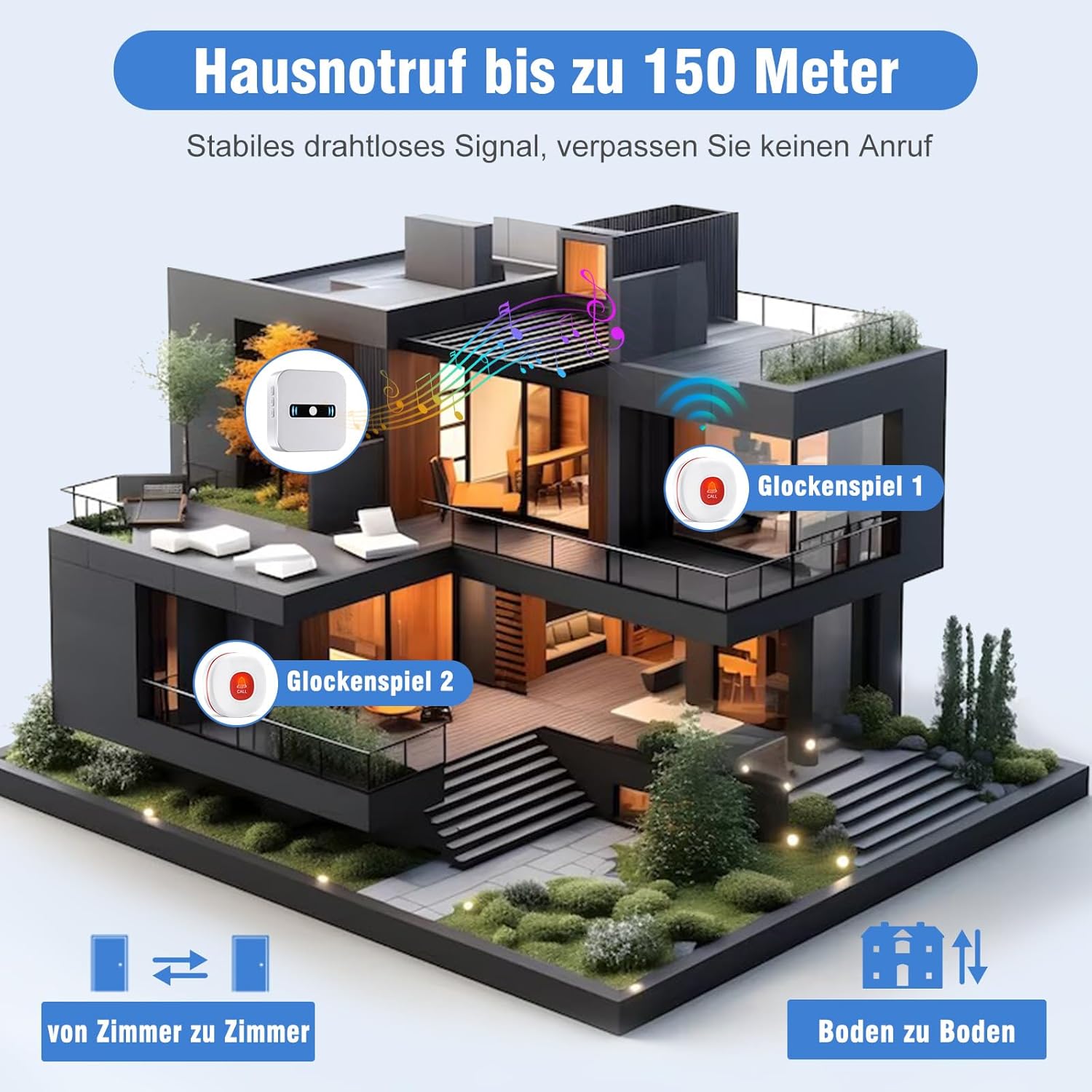
Nọmba 4: Visual representation of the system's impressive wireless range, capable of transmitting signals up to 150 meters (500 feet) within a home, ensuring reliable alerts across multiple rooms and floors.
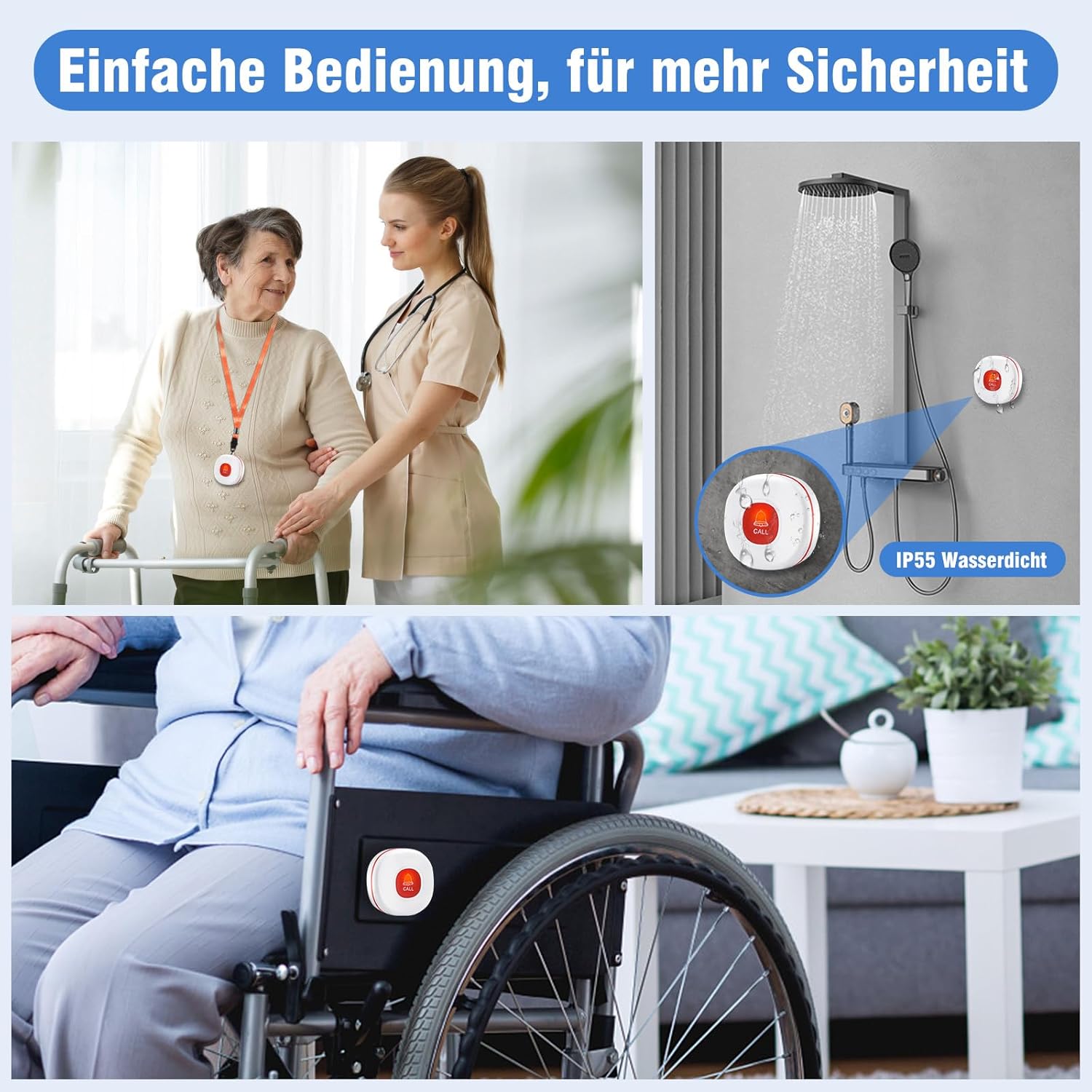
Nọmba 5: Highlights the ease of operation and enhanced safety features, including its IP55 waterproof rating for use in wet environments like showers, and its suitability for attachment to wheelchairs for convenient access.
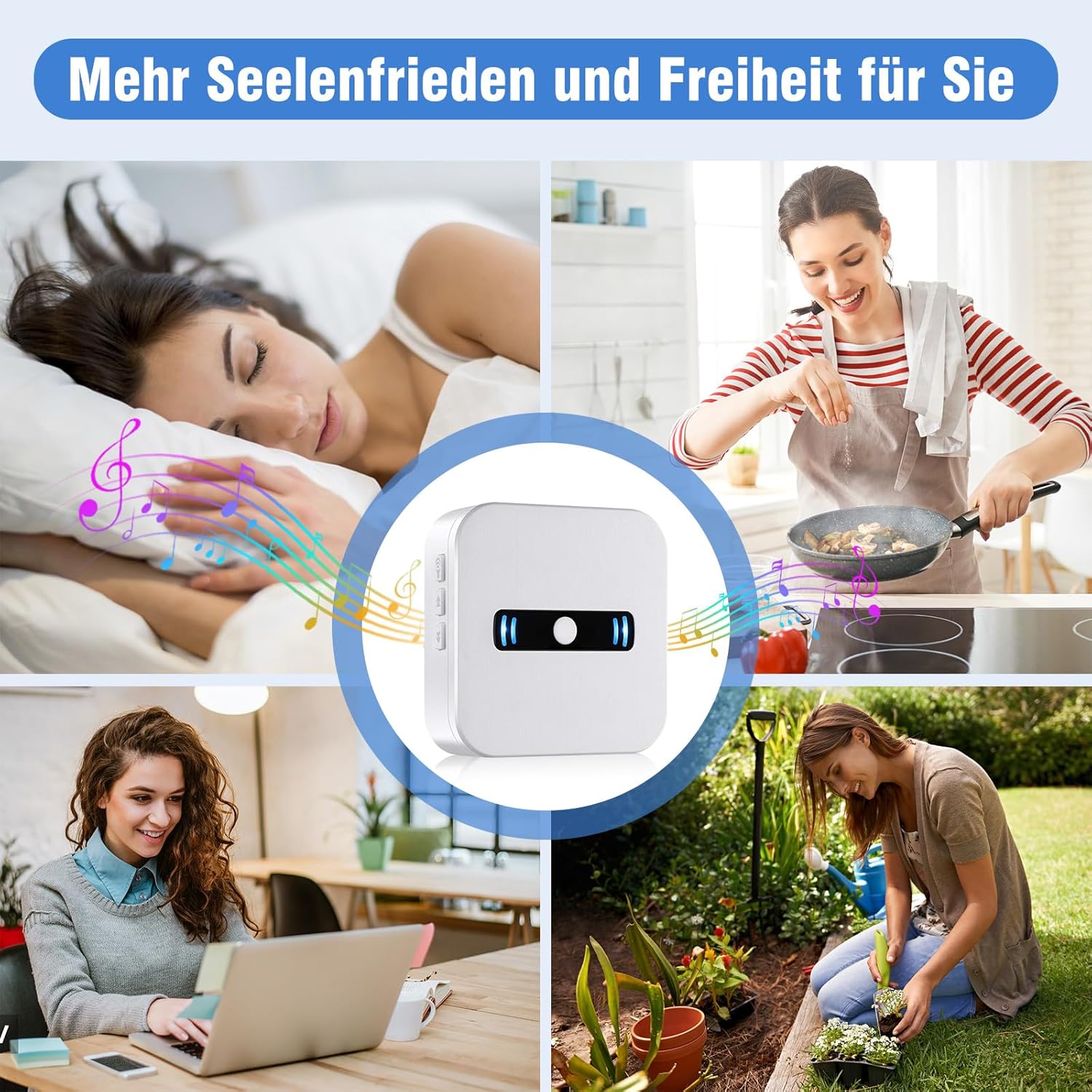
Nọmba 6: Illustrates how the system provides caregivers with greater peace of mind and freedom, allowing them to perform other tasks around the house while remaining confident that they will be alerted if assistance is needed.
Eto Itọsọna
1. Unpacking ati Ibẹrẹ Ayewo
Carefully remove all components from the packaging. Ensure you have the portable receiver, the call button, and any included accessories. Inspect all items for any signs of damage.
2. Fifi sori ẹrọ batiri (Olugba)
- Locate the battery compartment on the back of the portable receiver.
- Ṣii ideri iyẹwu batiri naa.
- Insert 2 AAA alkaline batteries (included) into the compartment, ensuring correct polarity (+/-).
- Pa ideri batiri naa ni aabo.
Nọmba 7: Ẹyìn view of the receiver, illustrating the battery compartment where 2 AAA batteries are to be inserted. Note: The image shows 3 batteries, but the product specifications state 2 AAA batteries are required for this model.
3. Call Button Battery
The call button comes with a pre-installed battery. Please remove any protective tab if present before first use. If the battery needs replacement in the future, refer to the Maintenance section.
4. Pairing (Pre-Paired)
Your Daytech Wireless Caregiver Call Button System is typically pre-paired at the factory. To test, simply press the call button, and the receiver should sound an alert. If the units do not respond, or if you wish to pair additional buttons (sold separately), please refer to the troubleshooting section or the full manual for pairing instructions.
5. Ifiweranṣẹ
- Olugba: Place the receiver in a central location where the caregiver can easily hear or see the alerts. Consider placing it in a bedroom, living room, or kitchen.
- Bọtini Ipe: The call button can be worn around the neck using the included lanyard, placed on a bedside table, or mounted in a convenient location such as a bathroom or near a bed. Its IP55 waterproof rating allows for safe use in wet environments like showers.
Awọn ilana Iṣiṣẹ
1. Initiating a Call
To request assistance, simply press the large red 'CALL' button on the wireless call button. The button will send a signal to the receiver.
2. Receiving an Alert
Upon receiving a signal from the call button, the portable receiver will:
- Sound the selected ringtone.
- Flash its indicator lights.
The alert will continue for approximately 10 seconds or until the caregiver responds.
3. Adjusting Volume and Ringtones
The receiver has buttons on its side to adjust settings:
- Iṣakoso iwọn didun: Use the volume buttons (usually indicated by speaker icons or up/down arrows) on the side of the receiver to cycle through the 5 volume levels (0 dB to 110 dB). The 0 dB setting provides a silent alert with only flashing lights.
- Aṣayan ohun orin ipe: Use the ringtone selection button (often indicated by a music note or similar icon) to cycle through the 55 available melodies. Press the button repeatedly until you find your preferred ringtone.
Itoju
1. Batiri Rirọpo
- Olugba: When the receiver's batteries are low, it will emit a
Awọn iwe aṣẹ ti o jọmọ - CC02 1-1 UK

Ìwé Ìtọ́sọ́nà àti Ìtọ́sọ́nà Olùlò Àwòrán Ọwọ́ Ọlọ́gbọ́n Aláìlókùn
Ìwé ìtọ́ni yìí fún àwọn olùlò ní àwọn ìtọ́ni àti àwọn ìlànà pàtó fún Olùgbàlejò/Ẹ̀rọ Àfọwọ́kọ Aláìlókùn, ó tún ní àwọn ìlànà ìṣètò, ìṣiṣẹ́, ìṣòro, àti àwọn àlàyé ìmọ̀-ẹ̀rọ fún àwòṣe SW06.
Multifunctional Pager Ilana Isẹ ati Itọsọna olumulo
Iwe afọwọkọ olumulo okeerẹ fun Multifunctional Pager, ṣe alaye irisi rẹ, awọn ilana agbara-agbara, sisopọ pẹlu bọtini SOS, Asopọmọra ohun elo alagbeka (Tuya Smart/Smart Life), awọn iṣẹ ohun elo pẹlu awọn eto itaniji ati iṣakoso ẹrọ, itọsọna fifi sori ẹrọ, awọn pato, laasigbotitusita Q&A, ati alaye iṣẹ lẹhin-tita.
Ìwé Ìtọ́sọ́nà Olùlò Ohun Aláìlókùnkùn/Ojú-ìwé Daytech - INST-EN-CC01-T-20230214
Ìwé ìtọ́ni tó péye fún Daytech Wireless Chime/Pager (INST-EN-CC01-T-20230214), tó ní àwọn ẹ̀yà ara ẹ̀rọ, àwọn ìlànà pàtó, fífi sori ẹ̀rọ, iṣẹ́, ìṣòro, àti ìtọ́jú.
Itọsọna Olumulo ati Ibamu Bọtini Ipe Ọwọ Daytech E-05W
Ìwé ìtọ́ni fún bíbọ́tìnì ìpè ọwọ́ Daytech E-05W (Àwòṣe: E-05W-GY), tí ó bo ọjà náà lóríview, ìyípadà bátírì, ìṣiṣẹ́, àti ìwífún nípa ìbámu pẹ̀lú FCC/ISED.
Ilana Itọsọna fun CC16BL Alailowaya Doorbell System
Ilana itọnisọna pipe fun CC16BL alailowaya ilẹkun ati eto pager, awọn ẹya alaye, fifi sori ẹrọ, isẹ, ati laasigbotitusita.
Ìwé Ìtọ́sọ́nà Olùlò Ètò Daytech LC01 Alailowaya Pager/Chime
Ìwé ìtọ́ni tó péye fún ètò Daytech LC01 Wireless Pager àti Chime, tó ní àwọn ẹ̀yà ara rẹ̀, àwòrán ọjà, àwọn ìtọ́sọ́nà ìfisílé, àwọn ìtọ́sọ́nà ìṣiṣẹ́, ìṣòro, àwọn ìlànà pàtó, àti àkójọ àwọn ohun orin.