1. Ifihan
Thank you for choosing the AIRMATE Standing Pedestal Fan. This manual provides essential information for the safe and efficient operation of your new fan. Please read it thoroughly before use and retain it for future reference.
Awọn ẹya pataki:
- LED Light with 3 Adjustable Colors: Integrated LED light offering warm white, white, and blue color temperature options for ambiance or practical lighting.
- Customizable Oscillation & Height Adjustment: Three oscillation angles (60°, 90°, 120°) and adjustable height from 12” to 39” for versatile use.
- Powerful Airflow Circulation: Max wind speed of 26.5 ft/s, fan speed up to 1700 RPM, delivering airflow up to 92 ft with 1000 CFM.
- Isẹ ti o ni ipalọlọ: Operates at just 25 decibels, ideal for quiet environments.
- 16 Speeds, Remote Control & 12H Timer: Precision speed control, programmable timer, and intuitive remote for convenient operation.
2. Awọn ilana aabo
Jọ̀wọ́ tẹ̀lé àwọn ìlànà ààbò wọ̀nyí láti dín ewu iná, ìkọlù iná mànàmáná, tàbí ìpalára kù.
- Yọọ igbafẹfẹ nigbagbogbo ṣaaju ṣiṣe mimọ tabi ṣiṣe itọju eyikeyi.
- Má ṣe fi ìka tàbí ohunkóhun sínú iná mànàmáná nígbà tí afẹ́fẹ́ bá ń ṣiṣẹ́.
- Rii daju pe a gbe afẹfẹ sori iduro, ipele ipele lati ṣe idiwọ tipping.
- Jeki okun agbara kuro lati awọn aaye ti o gbona.
- Ma ṣe ṣiṣẹ afẹfẹ pẹlu okun tabi plug ti o bajẹ.
- Ohun elo yii wa fun lilo inu ile nikan.
3. Package Awọn akoonu
Jẹrisi pe gbogbo awọn paati wa ninu package:
- Fan Head Apejọ
- Pedestal Pole (Adjustable)
- Ipilẹ
- Isakoṣo latọna jijin
- Adapter agbara
- Base Screw and Washer
- Screwdriver/Allen Wrench
- Itọsọna olumulo
4. Eto ati Apejọ
Follow these steps to assemble your AIRMATE Standing Pedestal Fan:
- Yọ awọn ohun elo kuro: Fara yọ gbogbo awọn ẹya kuro ninu apoti.
- Attach Base to Pedestal: Turn the fan upside down. Align the jutting point in the base with the base cutout on the pedestal pole. Insert the base into the pedestal. Make sure the base doesn't move when rotating it.
- Ṣe aabo ipilẹ: Align the flat washer with the hole at the bottom of the base. Insert the base screw through the flat washer and fasten it using the included screwdriver.
- Attach Remote Control Holder: Turn the fan upright. Attach the remote control holder to the pedestal pole at a convenient height.
- So agbara: Plug the power adapter into the fan's power port and then into a suitable power outlet.
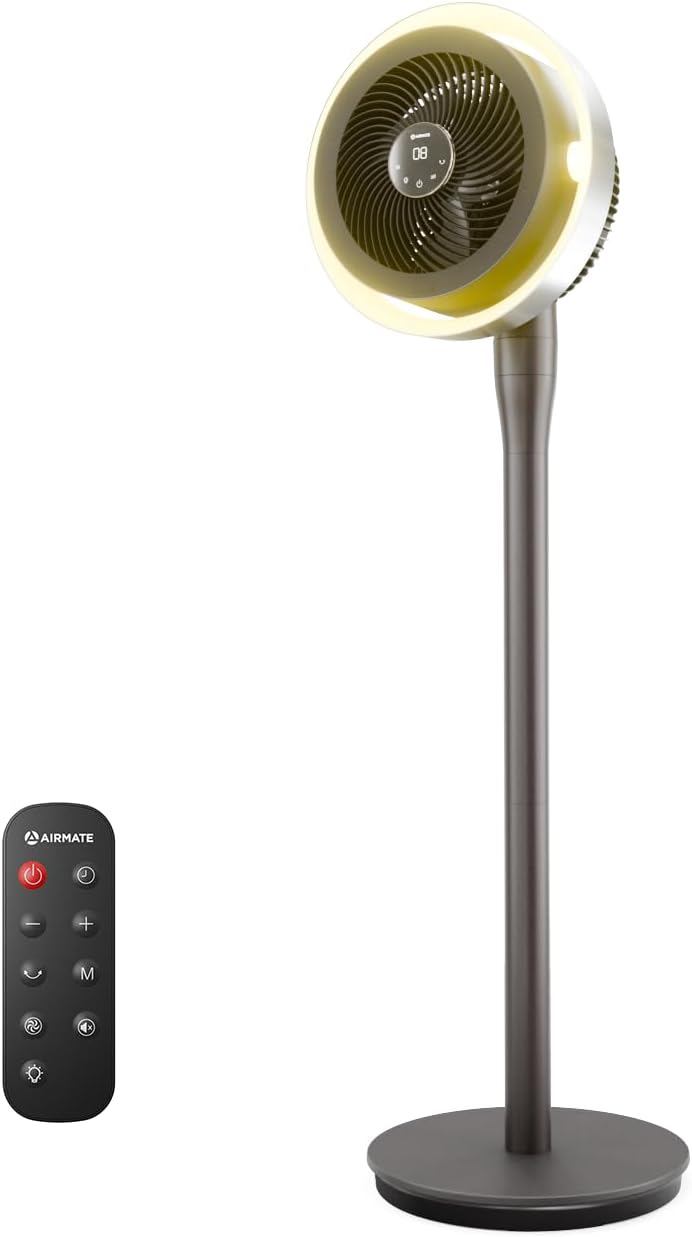
Figure 1: AIRMATE Standing Pedestal Fan with Remote Control.

Figure 2: All components included in the AIRMATE Standing Pedestal Fan package.
5. Awọn ilana Iṣiṣẹ
Your fan can be operated using the digital touch display on the pedestal or the included remote control.
Ifihan Ifọwọkan Dijital:
- Bọtini agbara: Press to turn the fan On/Off.
- Speed/Mode Button: Press to cycle through 16 speed settings and various modes (Normal, Auto, Sleep, Natural).
- Bọtini Swing: Press to activate/deactivate oscillation and adjust oscillation angles (60°, 90°, 120°).
- Timer/Light Button: Press to set the 12-hour timer or change the LED light color.
Isakoṣo latọna jijin:
The remote control provides full functionality from a distance. Ensure the remote has active batteries (pull tab to activate).
- All functions available on the digital display are also accessible via the remote control.
- Point the remote directly at the fan's display for optimal response.

Figure 3: Digital touch display and remote control for the AIRMATE fan.
LED Light Functionality:
The integrated LED light offers three color options: warm white, white, and blue. Cycle through these options using the Timer/Light button on the fan or remote. This feature is ideal for creating ambiance or providing subtle illumination.
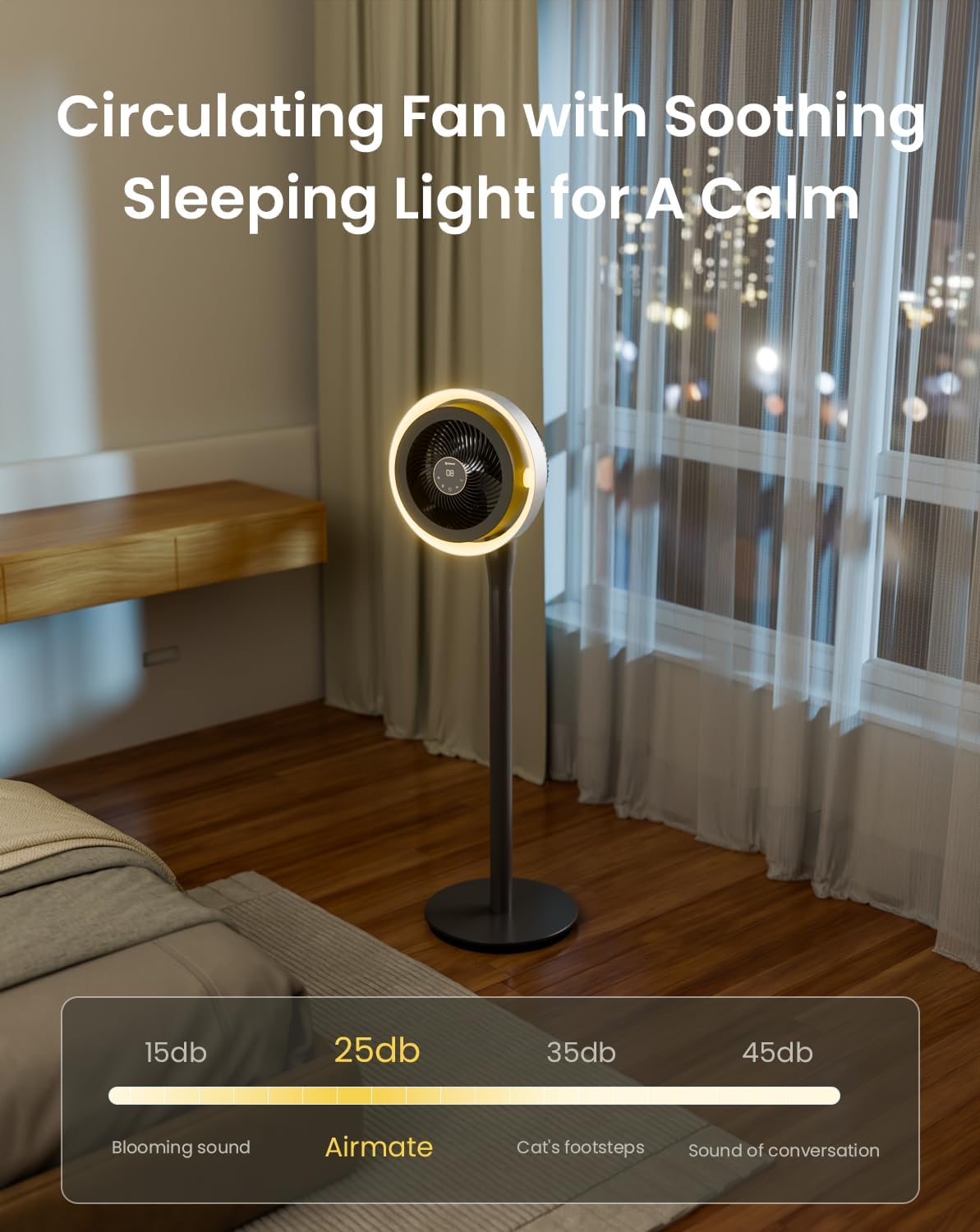
Figure 4: The fan's LED light can be adjusted to three different colors: warm white, white, and blue.
Height and Oscillation Adjustment:
The fan's height is adjustable from 12 inches (tabletop) to 39 inches (pedestal). To adjust, rotate the adjustment collar counterclockwise to loosen, set to desired height, and then rotate clockwise to tighten. The fan head also offers 60°, 90°, or 120° horizontal oscillation and can be manually tilted vertically.

Figure 5: The fan offers wide oscillation angles and vertical tilt for comprehensive airflow coverage.
6. Itọju
Wíwẹ̀ déédéé máa ń mú kí afẹ́fẹ́ rẹ ṣiṣẹ́ dáadáa, ó sì máa ń pẹ́ títí.
Ninu Fan naa:
- Yọọ igbafẹfẹ nigbagbogbo ṣaaju ṣiṣe mimọ.
- The fan features a detachable design for easy cleaning of the blades and grilles. Refer to the quick start guide for detailed disassembly instructions.
- Mu ese ita gbangba pẹlu asọ, damp asọ. Ma ṣe lo abrasive ose tabi epo.
- Rí i dájú pé gbogbo àwọn ẹ̀yà ara rẹ̀ ti gbẹ pátápátá kí o tó tún kó wọn jọ kí o sì so afẹ́fẹ́ mọ́ wọn.
7. Laasigbotitusita
If you encounter any issues with your fan, please refer to the following common problems and solutions:
- Olufẹ ko tan: Ensure the power cord is securely plugged into a working outlet. Check if the power button has been pressed.
- Ilọ afẹfẹ ti ko lagbara: Verify that the fan speed is set to a higher level. Ensure the grilles are not obstructed and are clean.
- Olufẹ n pariwo: Check for any obstructions in the fan blades. Ensure the fan is on a stable surface.
- Iṣakoso latọna jijin ko ṣiṣẹ: Check the batteries in the remote control. Ensure there are no obstructions between the remote and the fan.
For further assistance, please contact AIRMATE customer support.
8. Awọn pato
| Brand | ỌFẸ |
| Orukọ awoṣe | FB20187R |
| Àwọ̀ | DarkGrey |
| Electric Fan Design | Fan Fan |
| Orisun agbara | DC |
| Ọja Mefa | 13"D x 13"W x 45"H |
| Adijositabulu Giga | 12" si 39" |
| Ariwo Ipele | 25 Decibels |
| Wattage | 20 watt |
| Air Sisan Agbara | 1000 Onigun Ẹsẹ Fun iseju |
| Iyara | 1980 RPM (16 levels) |
| Voltage | 230 Volts |
| Ọna Iṣakoso | Latọna jijin, Iṣakoso Fọwọkan |
| Pataki Awọn ẹya ara ẹrọ | Adjustable Height, LED Light, Oscillating, Timer |
9. Atilẹyin ọja ati Support
For warranty information or technical support, please contact AIRMATE USA directly. Refer to the contact details provided in your product packaging or visit the official AIRMATE webojula.
AIRMATE USA
Webojula: AIRMATE Store on Amazon


