Ọrọ Iṣaaju
O ṣeun fun riraasing the LENRUE A15 Speaker. This manual provides essential information for setting up, operating, and maintaining your speaker. Please read it thoroughly before use to ensure optimal performance and longevity of your device.
The LENRUE A15 is a versatile and portable Bluetooth speaker designed for high-quality audio playback. Its robust construction and advanced features make it suitable for various environments, including outdoor use.
Key Awọn ẹya ara ẹrọ
- IPX7 mabomire: Designed to withstand immersion in water up to 1 meter for 30 minutes, making it ideal for pool, beach, and outdoor use.
- Rich Bass & Ultra Clear Sound: Equipped with dual high-performance drivers for immersive 360-degree stereo audio.
- Bass+ Mode: One-click trigger for enhanced bass performance.
- Akoko Idaraya: Títí dé wákàtí mẹ́rìnlélógún ti ìgbọ́ orin láìdáwọ́dúró lórí àpò kan.
- Awọn aṣayan Asopọmọra pupọ: Supports Bluetooth, Auxiliary (AUX), and USB connections.
- Apẹrẹ to gbe: Sleek and compact with a convenient lanyard for easy carrying.
Package Awọn akoonu
Jọwọ ṣayẹwo apoti fun awọn nkan wọnyi:
- LENRUE A15 Speaker (Gray)
- Okun Ngba agbara USB
- AX Audio Okun
- Itọsọna olumulo
Ọja Pariview

olusin 1: Iwaju view of the LENRUE A15 Speaker, showcasing its sleek design and speaker grille.

Figure 2: The LENRUE A15 Speaker demonstrating its IPX7 waterproof capability, suitable for use near water.
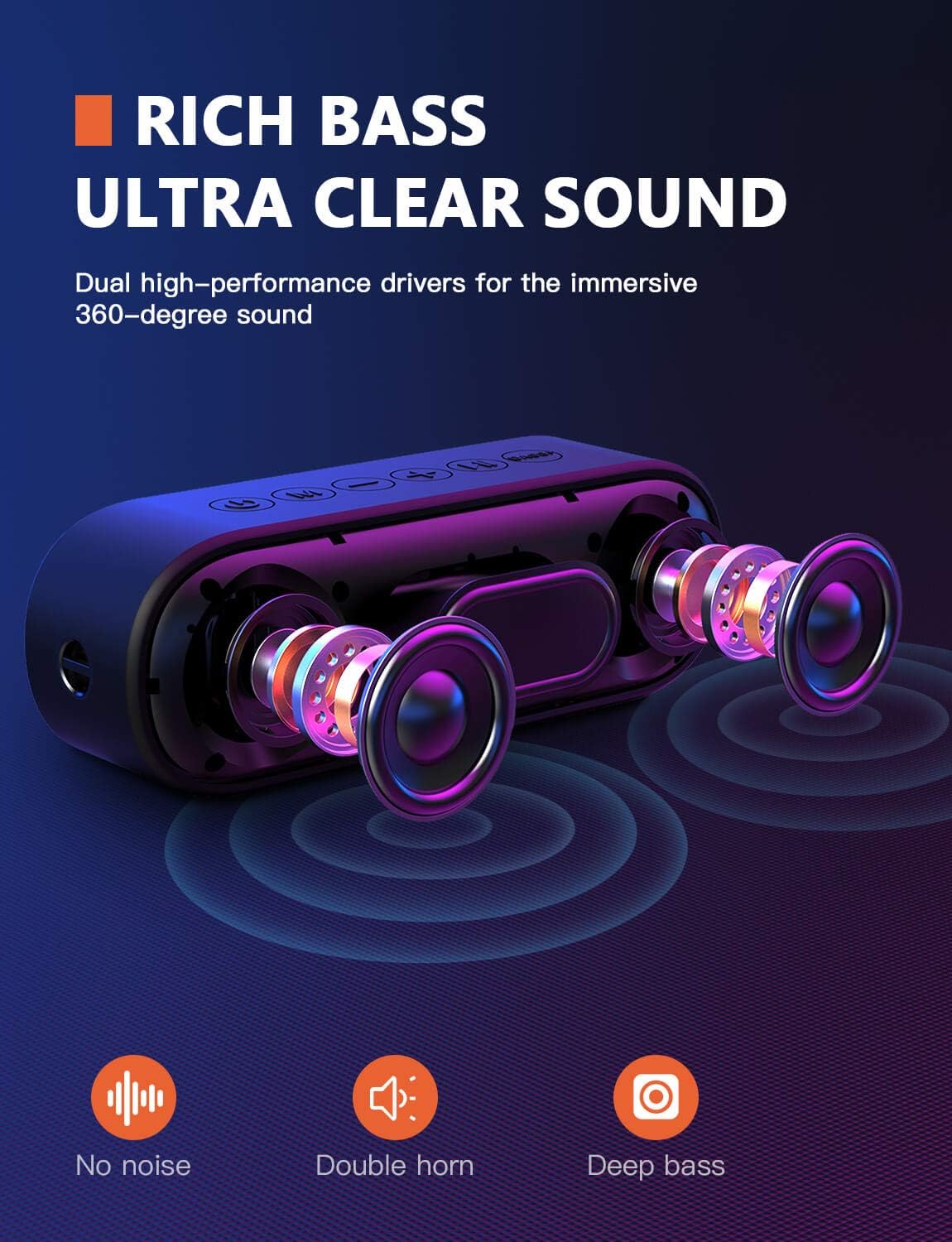
Figure 3: An internal diagram illustrating the dual high-performance drivers responsible for the speaker's rich bass and ultra-clear sound.

Figure 4: A hand activating the Bass+ mode on the speaker, which enhances bass output with a single press.

Figure 5: The speaker being held, emphasizing its sleek, rounded design and portability, including the integrated lanyard.
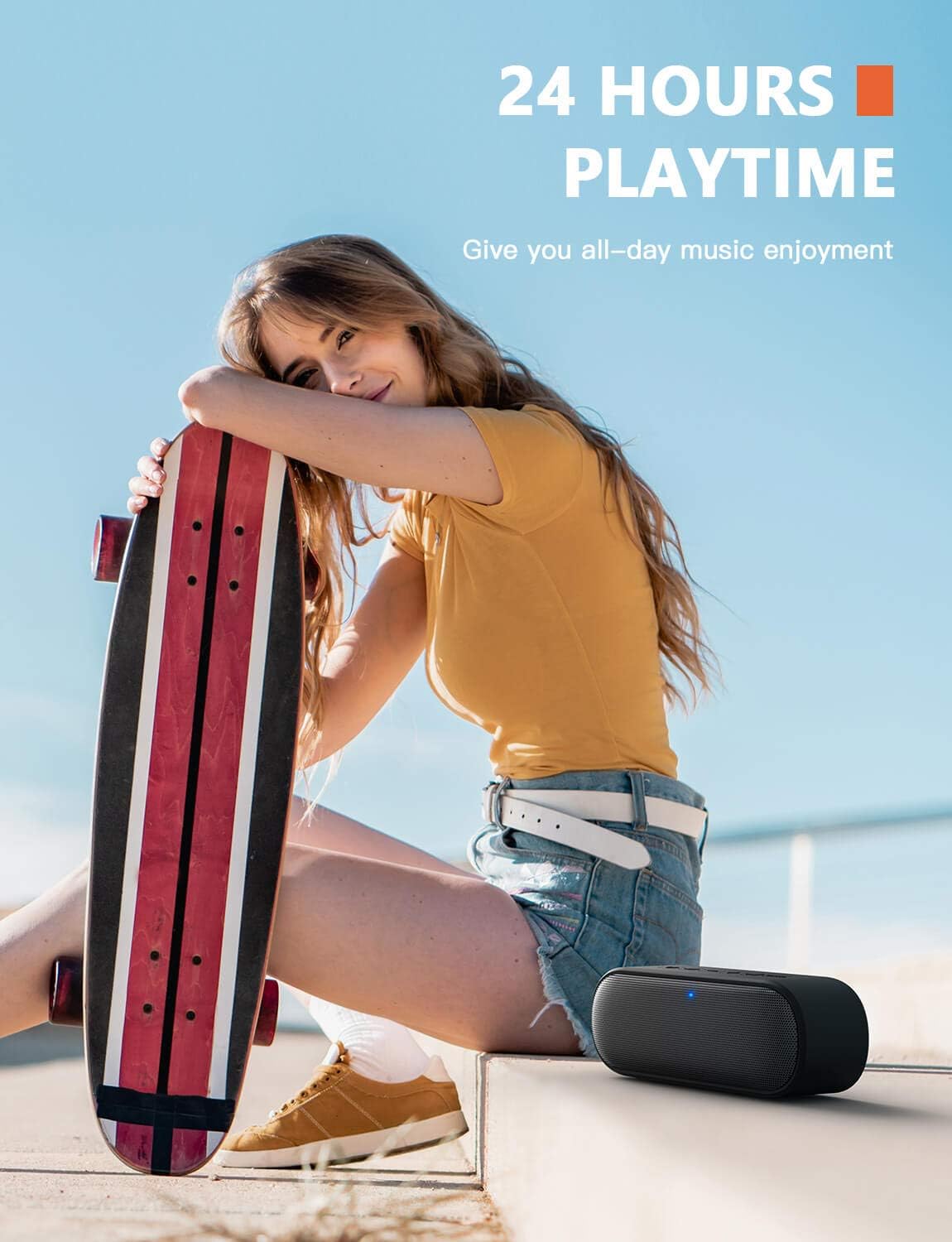
Figure 6: The speaker in an outdoor setting, highlighting its impressive 24-hour playtime for extended use.
Eto ati gbigba agbara
Gbigba agbara si Agbọrọsọ
Before first use, fully charge the speaker. Connect the provided USB charging cable to the speaker's charging port and the other end to a USB power adapter (not included) or a computer's USB port. The charging indicator light will illuminate during charging and turn off when fully charged.
- Charging Time: Approximately 3-4 hours for a full charge.
- Battery Life: Up to 24 hours of playtime (varies with volume and audio content).
Titan / Pipa agbara
To power on the speaker, press and hold the Power button for 2-3 seconds until you hear an audible prompt and the LED indicator lights up. To power off, press and hold the Power button again for 2-3 seconds until the indicator light turns off.
Awọn ilana Iṣiṣẹ
Asopọ Bluetooth
- Rii daju pe agbọrọsọ ti wa ni titan ati ni ipo sisọpọ Bluetooth (Atọka LED yoo seju ni kiakia).
- Lori ẹrọ rẹ (foonuiyara, tabulẹti, kọmputa), mu Bluetooth ṣiṣẹ ki o wa awọn ẹrọ to wa.
- Yan "LENRUE A15" lati inu akojọ awọn ẹrọ.
- Once paired, the speaker will provide an audible confirmation, and the LED indicator will turn solid blue.
- Agbọrọsọ yoo tun sopọ laifọwọyi si ẹrọ ti o so pọ to kẹhin nigbati o ba wa ni ina, ti ẹrọ naa ba wa laarin ibiti ati Bluetooth ti ṣiṣẹ.
Awọn iṣẹ bọtini
| Bọtini | Išẹ |
|---|---|
| Bọtini agbara | Tẹ mọlẹ lati Tan/Pa a. |
| Bọtini Muu ṣiṣẹ/Daduro | Press to Play/Pause music. Press to Answer/End calls. Press and hold to Reject calls. |
| Iwọn didun soke (+) | Tẹ kukuru lati mu iwọn didun pọ si. Tẹ gun fun orin atẹle. |
| Iwọn didun isalẹ (-) | Tẹ kukuru lati dinku iwọn didun. Tẹ gun fun orin iṣaaju. |
| Bọtini Ipo (M) | Tẹ lati yipada laarin awọn ipo Bluetooth, AUX, ati USB. |
| Bass + Bọtini | Press to activate/deactivate Bass+ mode for enhanced bass. |
Awọn ọna ohun
- Ipo Bluetooth: Connect wirelessly to your Bluetooth-enabled devices.
- Ipo AUX: Connect external audio devices using the provided 3.5mm AUX cable. The speaker will automatically switch to AUX mode when the cable is inserted.
- Ipo USB: Play audio directly from a USB flash drive inserted into the USB port.
Sound Quality Demonstration
Video 1: Demonstration of the speaker's clear sound quality and lack of static noise, showcasing its audio fidelity.
Video 2: A visual demonstration of the speaker's IPX7 waterproof capabilities, showing its resilience to water exposure.
Itoju
- Sọ agbọrọsọ mọ pẹlu asọ asọ ti o gbẹ. Ma ṣe lo abrasive ose tabi epo.
- Ensure the charging port cover is securely closed when using the speaker near water to maintain its waterproof rating.
- Tọju agbohunsoke ni itura, ibi gbigbẹ nigbati o ko ba lo.
- Yago fun ṣiṣafihan agbọrọsọ si awọn iwọn otutu to gaju tabi imọlẹ orun taara fun awọn akoko gigun.
Laasigbotitusita
| Isoro | Ojutu |
|---|---|
| Agbọrọsọ ko ni agbara lori. | Rii daju pe batiri ti gba agbara. Sopọ si orisun agbara ati gbiyanju lẹẹkansi. |
| Ko le so pọ pẹlu ẹrọ Bluetooth. | Ensure the speaker is in pairing mode. Turn off and on Bluetooth on your device. Move speaker closer to your device. Clear previous Bluetooth connections on your device. |
| Ko si ohun tabi iwọn kekere. | Increase volume on both the speaker and your connected device. Ensure the correct audio mode is selected (Bluetooth, AUX, USB). Check if the AUX cable is fully inserted. |
| Iparun ohun. | Din iwọn didun silẹ lori mejeeji agbọrọsọ ati ẹrọ rẹ. Rii daju pe orisun ohun ko daru. |
| Speaker not waterproof after exposure. | Ensure the charging port cover was securely closed before water exposure. Damage due to improper sealing is not covered by warranty. |
Awọn pato
| Ẹya ara ẹrọ | Ẹ̀kúnrẹ́rẹ́ |
|---|---|
| Nọmba awoṣe | A15-Dúdú |
| Agbọrọsọ Iru | Ita gbangba |
| Asopọmọra Technology | Bluetooth, Iranlọwọ, USB |
| Ilana Bluetooth | Bluetooth (version not specified, but implied by connectivity) |
| Mabomire Rating | IPX7 |
| Orisun agbara | Agbara Batiri |
| Agbọrọsọ Agbara Ijade ti o pọju | 10 Wattis |
| Ipo Ijade Ohun | Sitẹrio |
| Awọn iwọn Ọja (L x W x H) | 1.96 x 7.08 x 2.56 inches |
| Iwọn Nkan | 1.08 iwon |
| Àwọ̀ | Grẹy |
Atilẹyin ọja ati Support
The LENRUE A15 Speaker comes with a standard manufacturer's warranty. For detailed warranty information, please refer to the warranty card included in your package or contact LENRUE customer support.
If you encounter any issues or have questions regarding your speaker, please contact our customer support team through the official LENRUE website or the contact information provided in your product packaging. Please have your model number (A15-Black) and purchase details ready when contacting support.


