Ọrọ Iṣaaju
The Trust Primo Touch Bluetooth True Wireless Earphones offer a truly wireless audio experience with intuitive touch controls. Designed for freedom and convenience, these earphones provide up to 10 hours of playtime on the go, thanks to their compact charging case.
- Truly wireless earphones for ultimate freedom (10 meter range).
- Stylish and on-trend design.
- Comfort fit ear shell pods that keep you alert for nearby sounds.
Ọja Pariview

The Trust Primo Touch True Wireless Earbuds are shown in their open charging case, with both earbuds upright and ready for use or charging.

A detailed close-up of the Trust Primo Touch True Wireless Earbuds, showcasing their sleek design and the subtle Trust branding.

A user enjoying music outdoors with the Trust Primo Touch Earbuds, demonstrating the freedom of movement provided by the wireless design.
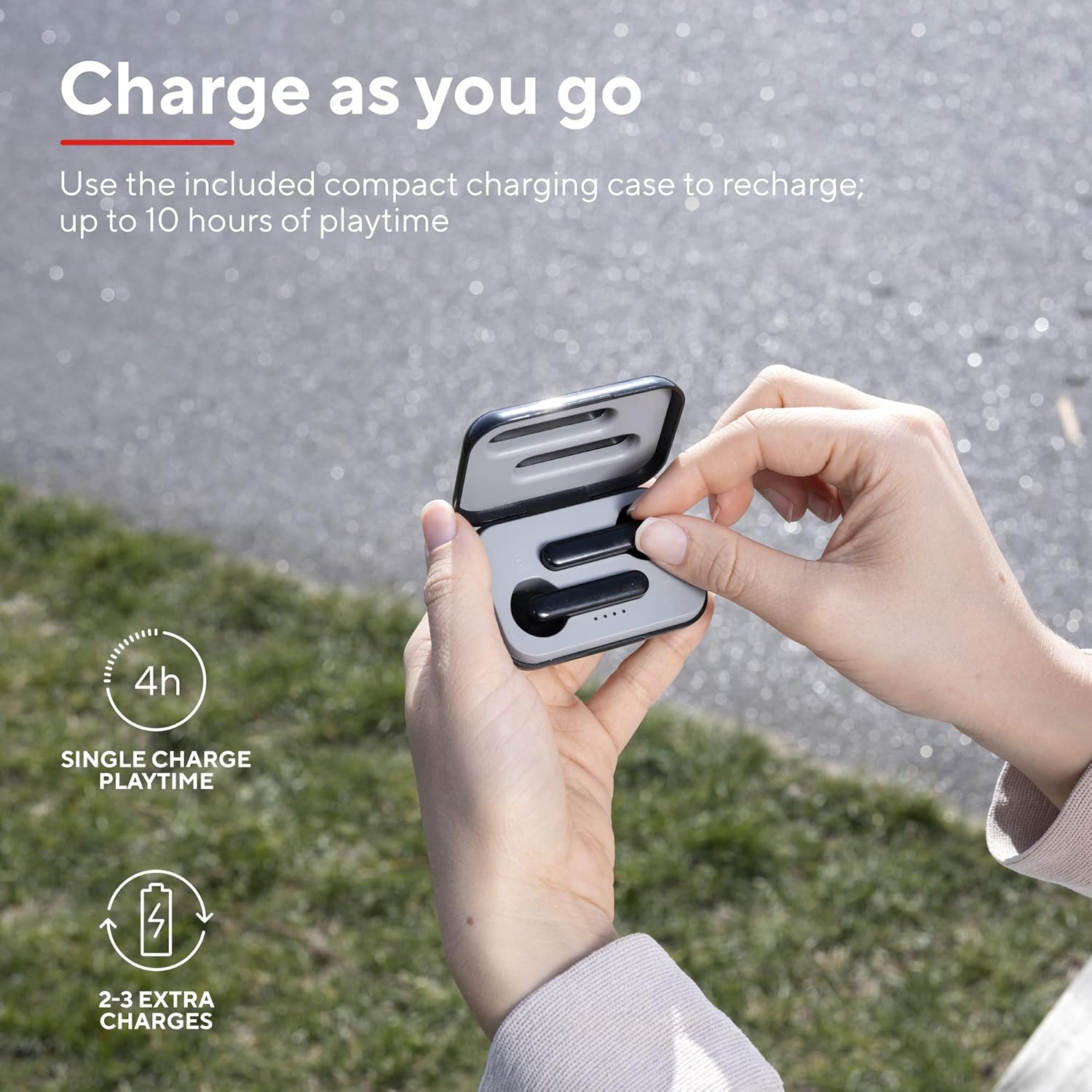
A user placing an earbud into the compact charging case, highlighting the convenience of recharging on the go for extended playtime.

A sunmọ-soke view of the earbuds, showcasing their modern, minimalist design and emphasizing their clear sound quality.

A user interacting with the touch controls on an earbud, illustrating the ease of managing audio playback and calls without reaching for a device.

A ẹgbẹ profile of a person wearing one of the earbuds, demonstrating its ergonomic design for a comfortable and secure fit.
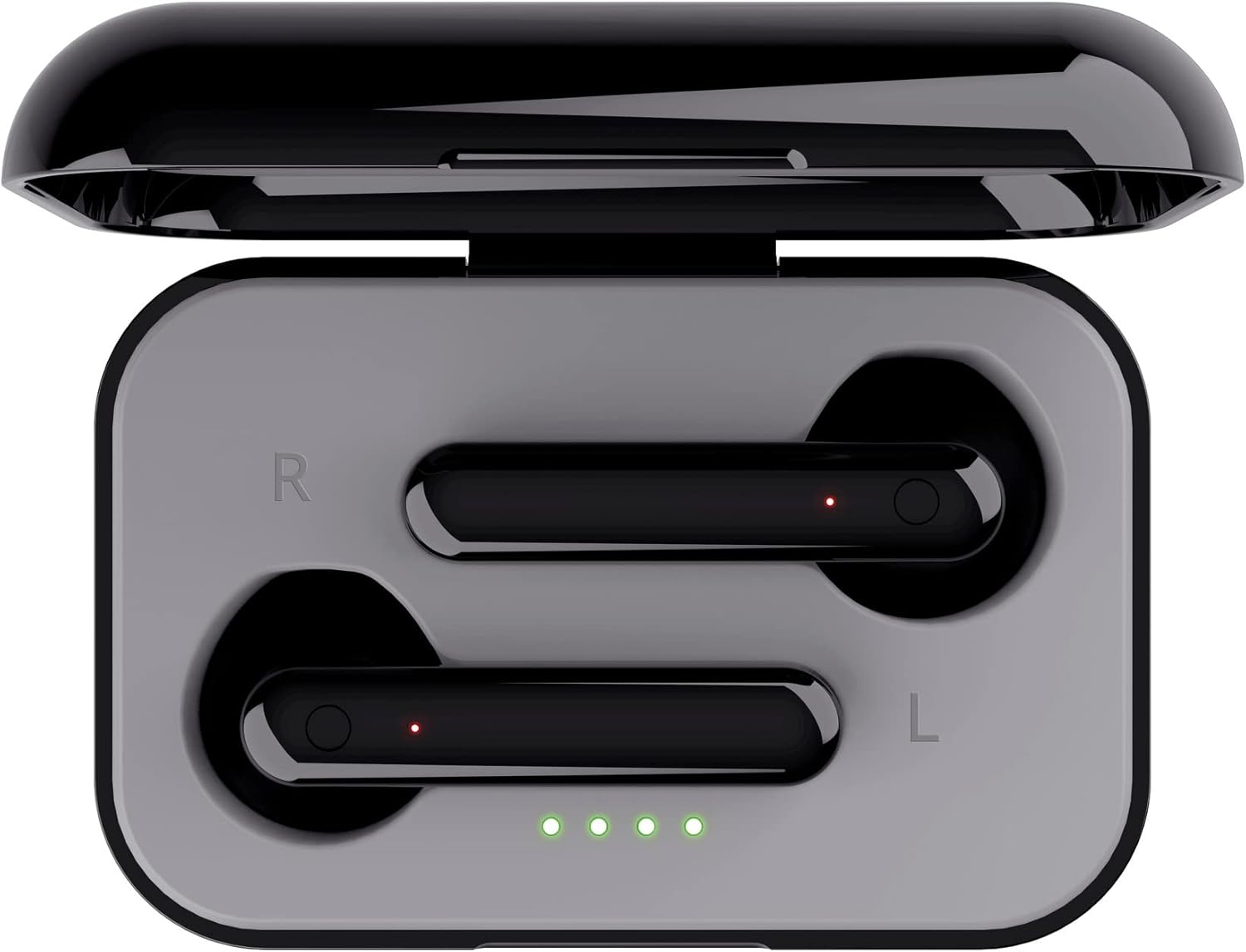
A oke-isalẹ view of the open charging case with the earbuds inside, clearly showing the LED charging indicators.

A oke-isalẹ view of the closed charging case, featuring the Trust brand logo on its sleek black surface.

The Trust Primo Touch Earbuds are displayed alongside their open charging case, providing a complete view ti awọn ẹya ara ọja.
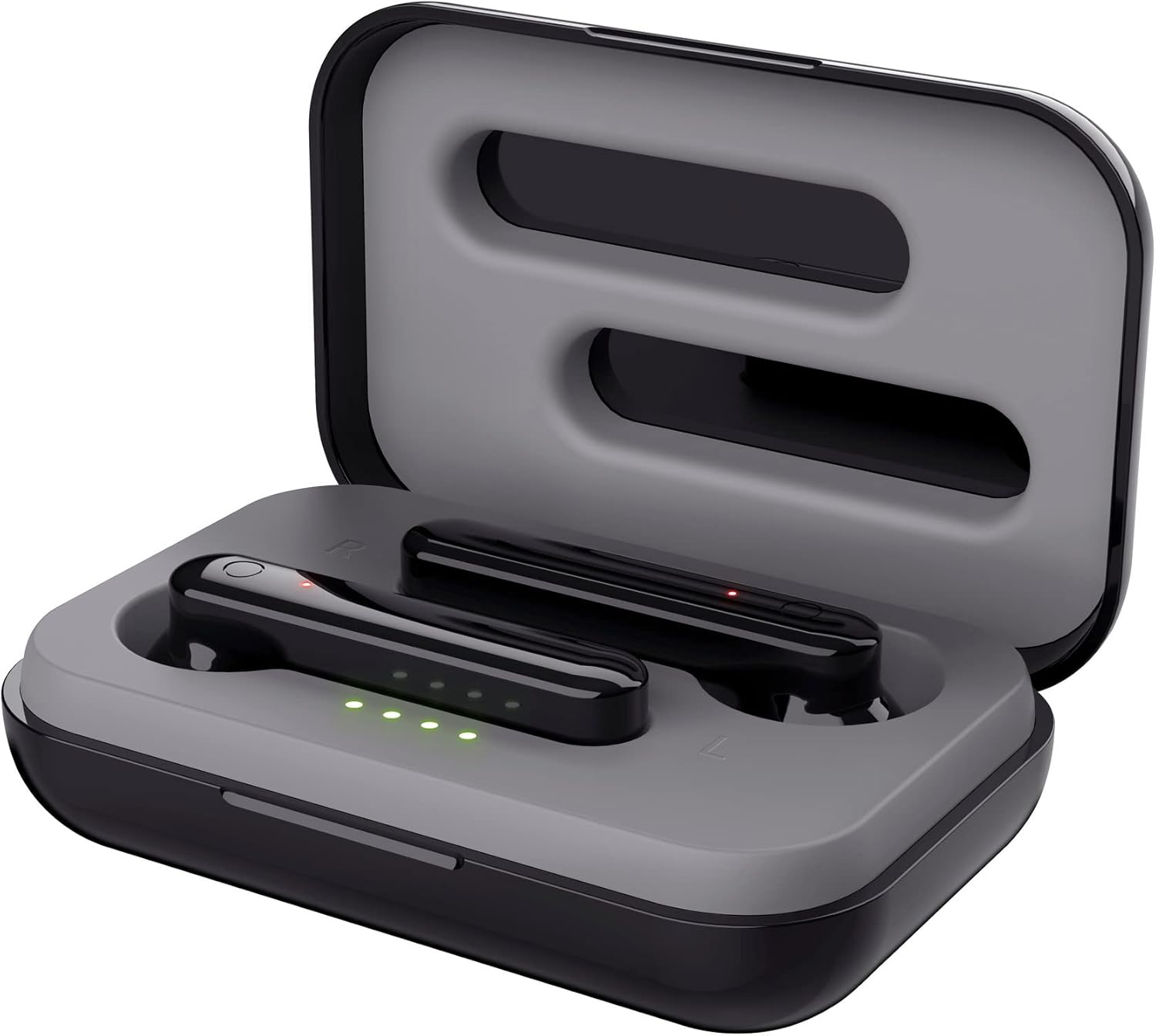
An angled top view of the earbuds nestled within their open charging case, showing the precise fit and charging contacts.

The retail packaging for the Trust Primo Touch Wireless Earphones, showcasing bọtini awọn ẹya ara ẹrọ ati oniru eroja.
Ṣeto
1. Ngba agbara si Earphones ati Case
Before first use, fully charge the earphones and the charging case. Place the earbuds into the charging case. Connect the charging case to a USB power source using the provided cable. The LED indicators on the case will show the charging status. A full charge provides up to 4 hours of playtime for the earbuds, with the case offering 2-3 additional charges.
2. Sisopọ pẹlu Ẹrọ Rẹ
- Rii daju pe awọn agbekọri ti gba agbara.
- Open the charging case. The earphones will automatically enter pairing mode (indicated by flashing LEDs on the earbuds).
- Lori ẹrọ rẹ (foonuiyara, tabulẹti, ati bẹbẹ lọ), lọ si awọn eto Bluetooth ki o tan-an Bluetooth.
- Wa fun available devices and select "Trust Primo Touch" from the list.
- Ni kete ti a ti sopọ, Awọn LED agbekọri yoo da didan didan duro, nfihan sisopọ aṣeyọri.
Ṣiṣẹ
Awọn iṣakoso ifọwọkan
The Trust Primo Touch earphones feature intuitive touch controls on each earbud. Refer to the following for common functions:
| Iṣe | Išẹ |
|---|---|
| Tẹ ẹyọkan (Afikun Osi/Ọtun) | Mu orin ṣiṣẹ/Danuduro, Dahun/Pari ipe |
| Tẹ ni kia kia lẹẹmeji (Ẹkọ Atẹti ọtun) | Next Track |
| Tẹ ni kia kia lẹẹmeji (Agbohun Akọkọ osi) | Ti tẹlẹ Track |
| Tẹ gígùn (Eti osi/ọtun) | Muu Iranlọwọ ohun ṣiṣẹ (Siri, Iranlọwọ Google) |
| Tẹ ni gígùn (nigba ipe ti nwọle) | Kọ Ipe |
Titan / Paa
- Agbara Tan: Open the charging case, or long-press the touch area on both earbuds for a few seconds if they are out of the case and off.
- Agbara Pa: Place the earbuds back into the charging case and close the lid, or long-press the touch area on both earbuds for a few seconds until the indicator light turns off.
Itoju
Ninu
- Mọ awọn afikọti nigbagbogbo ati apoti gbigba agbara pẹlu asọ ti o gbẹ, asọ ti ko ni lint.
- Maṣe lo awọn afọmọ abrasive, ọti-lile, tabi awọn nkan ti kemikali.
- Rọra nu awọn olubasọrọ gbigba agbara lori mejeeji agbekọri ati ọran naa lati rii daju gbigba agbara to dara.
Ibi ipamọ
Nigbati o ko ba si ni lilo, tọju awọn agbekọri sinu apoti gbigba agbara wọn lati daabobo wọn lọwọ eruku ati ibajẹ. Tọju ni itura, ibi gbigbẹ kuro lati awọn iwọn otutu to gaju.
Laasigbotitusita
Earbuds Not Pairing with Each Other or Device
- Rii daju pe awọn agbekọri mejeeji ti gba agbara.
- Gbe awọn agbekọri mejeeji pada sinu apoti gbigba agbara, pa ideri naa, duro fun iṣẹju diẹ, lẹhinna ṣi i lẹẹkansi.
- On your device, forget or unpair "Trust Primo Touch" from your Bluetooth settings.
- Restart your device and attempt the pairing process again.
Ko si Ohun tabi Iwọn didun Kekere
- Ṣayẹwo ipele iwọn didun lori ẹrọ rẹ mejeeji ati awọn agbekọri.
- Rii daju pe awọn agbekọri ti sopọ daradara si ẹrọ rẹ.
- Nu idoti eyikeyi kuro lati awọn grilles agbọrọsọ agbekọri.
Awọn ọrọ gbohungbohun
- Ensure the earbuds are properly connected and selected as the audio input device on your phone.
- Check for any obstructions near the microphone opening on the earbuds.
Awọn pato
| Ẹya ara ẹrọ | Ẹ̀kúnrẹ́rẹ́ |
|---|---|
| Brand | Gbekele |
| Nọmba awoṣe | 23712 |
| Àwọ̀ | Dudu |
| Gbigbe Eti | Ninu Eti |
| Fọọmù ifosiwewe | Ninu Eti |
| Ariwo Iṣakoso | Iyasọtọ ohun |
| Ọja Mefa | 150 x 5 x 5 cm; 40g |
| Awọn batiri | 1 Batiri ti a beere (pẹlu) |
| Olupese | Gbekele |
| Akọkọ Wa Ọjọ | 14 Oṣu Keje ọdun 2020 |
Atilẹyin ọja ati Support
Fun alaye atilẹyin ọja ati atilẹyin imọ-ẹrọ, jọwọ tọka si Igbẹkẹle osise website or contact Trust customer service directly. Keep your proof of purchase for any warranty claims.
You can typically find support resources, FAQs, and contact details on the manufacturer's official webojula:


