Ọrọ Iṣaaju
O ṣeun fun riraasing the Wireless Gear Secure Fit Wireless Bluetooth Earbuds. This manual provides essential information for setting up, operating, maintaining, and troubleshooting your new device. Please read it carefully to ensure optimal performance and longevity of your earbuds.
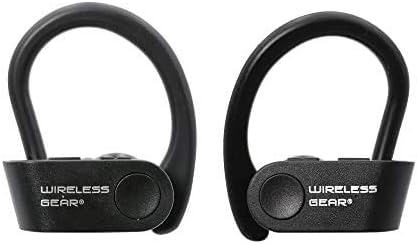
Image: A pair of black Wireless Gear Secure Fit Wireless Bluetooth Earbuds, showing their ergonomic design with ear hooks.
Ṣeto
Follow these steps to set up your Wireless Gear earbuds for the first time.
1. Ngba agbara si Earbuds
Before first use, ensure the earbuds are fully charged. While specific charging instructions are not provided, these earbuds typically charge via a USB cable. Connect the charging cable to the earbuds and a power source. A full charge usually takes 1-2 hours.
2. Sisopọ pẹlu Ẹrọ Rẹ
The Wireless Gear earbuds feature automatic pairing for seamless connection.
- Ensure your earbuds are charged and powered on.
- Activate Bluetooth on your smartphone, tablet, laptop, or MP3 player.
- Wa fun available Bluetooth devices. The earbuds should appear as "Wireless Gear Earbuds" or a similar name.
- Select the earbuds from the list to connect. Once connected, you will hear an audio confirmation.
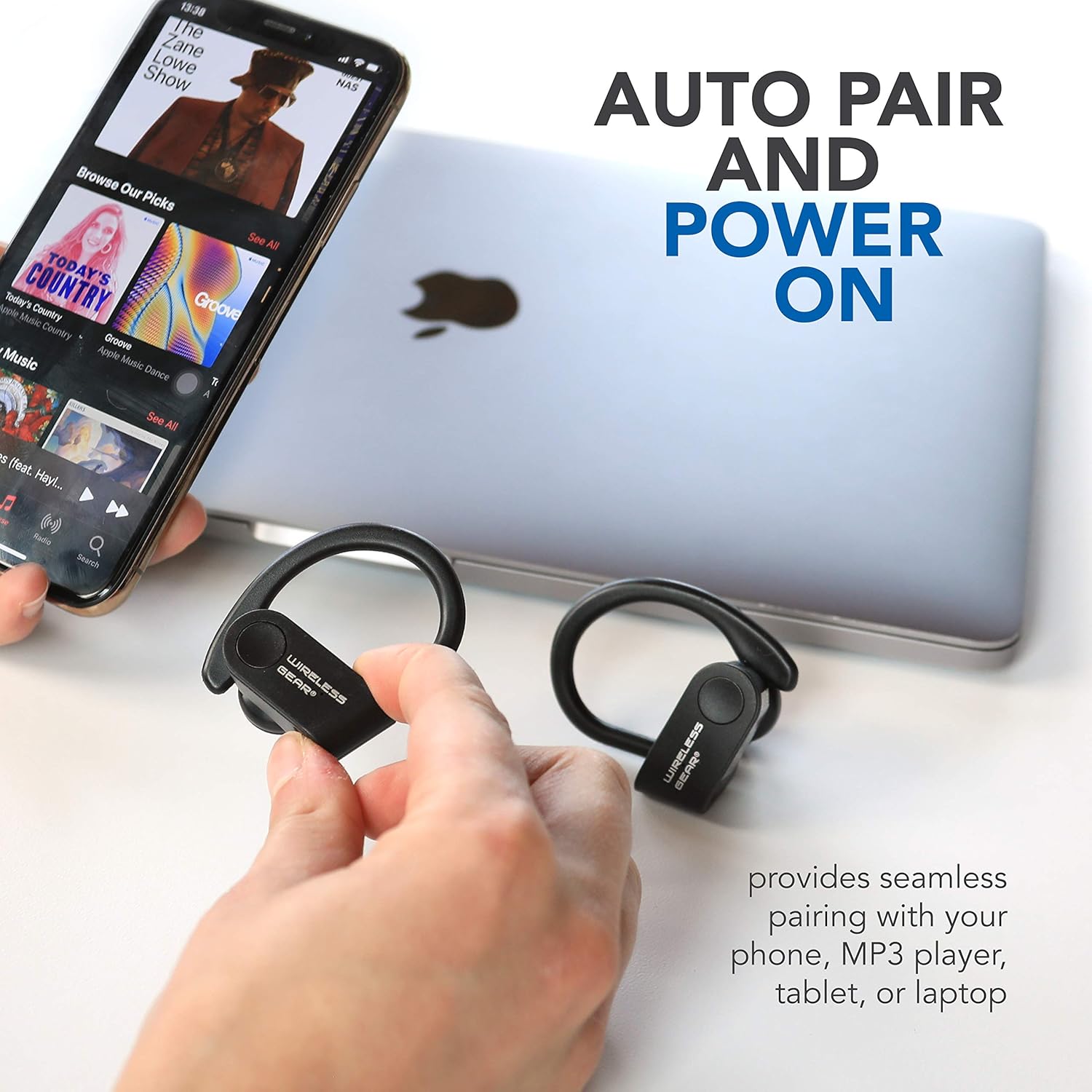
Image: The earbuds shown next to a smartphone and laptop, illustrating the automatic pairing and power-on feature for seamless connection with various devices.
3. Aṣeyọri a Secure Fit
The earbuds are designed with secure behind-the-ear hooks and ear gels for comfortable all-day wear, especially during activities like sports.
- Fi rọra gbe agbekọri naa sinu odo eti rẹ.
- Position the ear hook over the back of your ear, ensuring it rests comfortably and securely.
- Adjust the earbud and hook until you achieve a snug fit that feels stable without causing discomfort.

Image: A person wearing the Wireless Gear earbuds, demonstrating the secure behind-the-ear fit provided by the contoured shape and ear hooks.
Awọn ilana Iṣiṣẹ
The Wireless Gear earbuds feature convenient one-touch controls for easy operation.
Iṣakoso ṣiṣiṣẹsẹhin orin
- Ṣiṣẹ/Daduro: Single tap the touch button on either earbud.
- Orin t’okan: Double tap the touch button on the right earbud.
- Tẹlẹ Orin: Double tap the touch button on the left earbud.
Isakoso Ipe
With the built-in microphone, you can manage calls hands-free.
- Idahun/Ipe Ipari: Single tap the touch button on either earbud during an incoming call.
- Kọ Ipe: Press and hold the touch button for 2 seconds during an incoming call.
Muu ṣiṣẹ Iranlọwọ ohun
For iOS devices, you can activate Siri using the earbuds.
- Mu Siri ṣiṣẹ: Triple tap the touch button on either earbud.
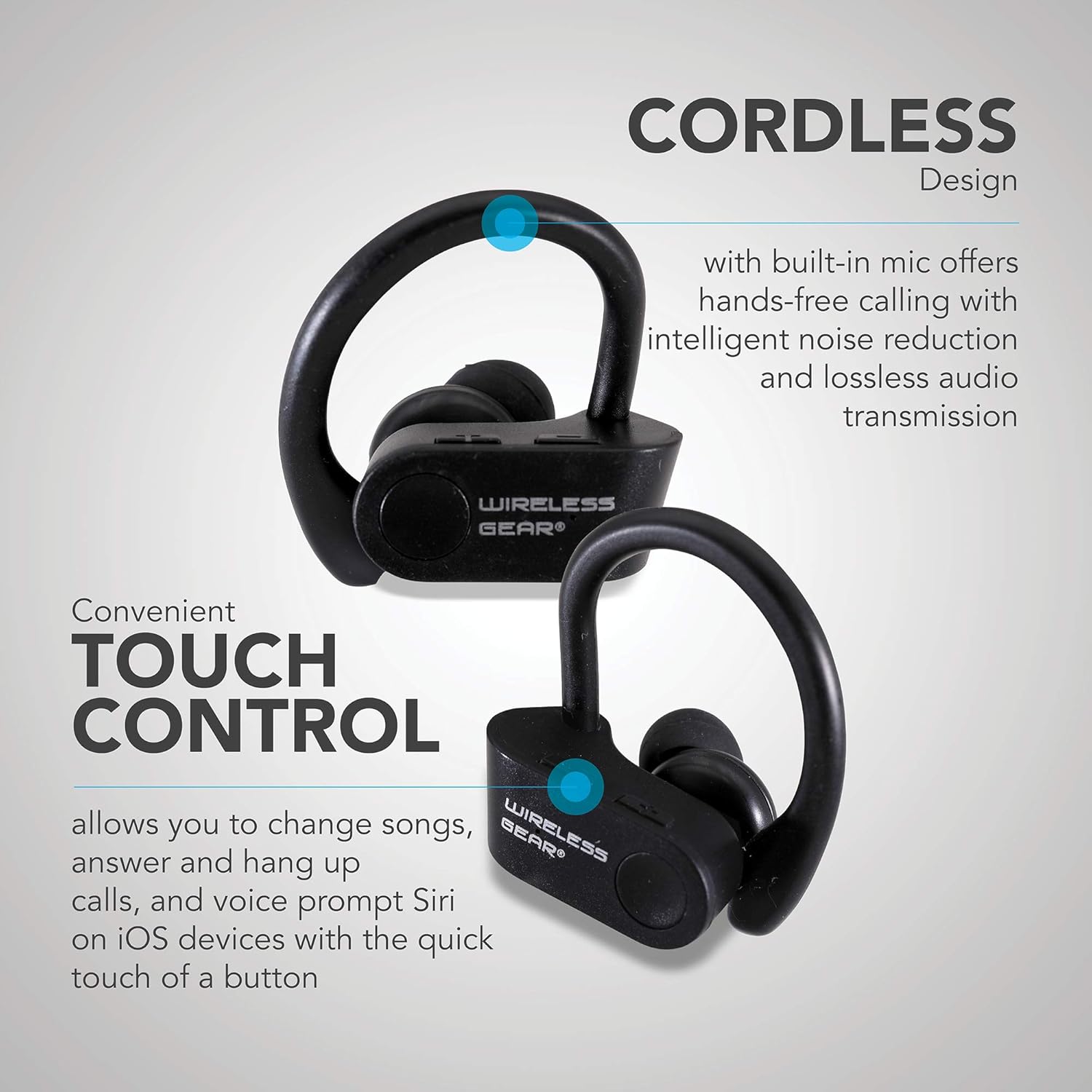
Aworan: Isunmọ view of the earbuds highlighting the touch control area and indicating features like hands-free calling with noise reduction.
Igbesi aye batiri
The earbuds provide up to 8 hours of playtime on a single charge, depending on usage volume and conditions.
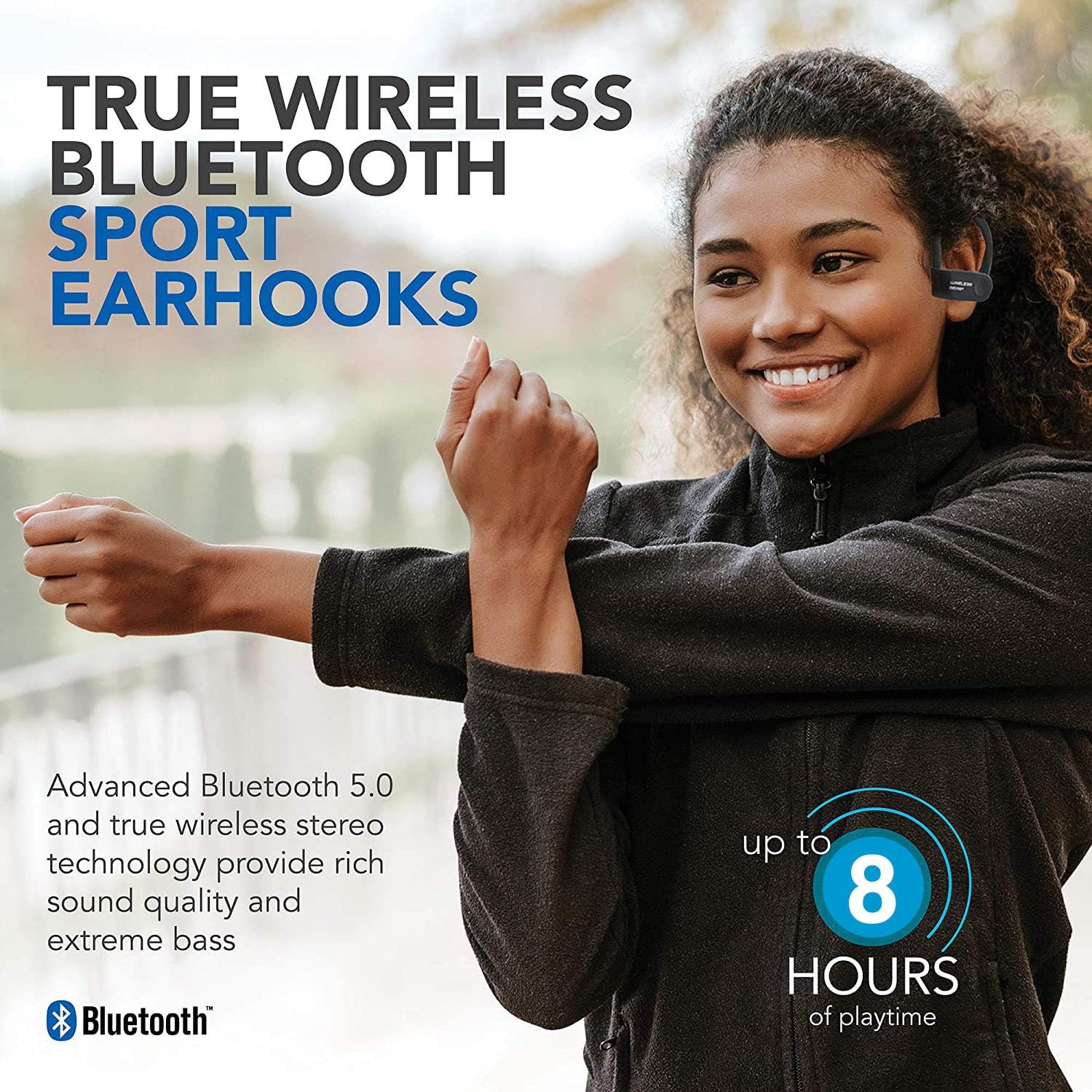
Image: A person wearing the earbuds, with text indicating "True Wireless Bluetooth Sport Earhooks," "up to 8 HOURS of playtime," and "Advanced Bluetooth 5.0."
Itoju
Itọju to dara yoo fa igbesi aye awọn agbekọri rẹ pọ si.
- Ninu: Use a soft, dry, lint-free cloth to clean the earbuds. Do not use harsh chemicals or abrasive materials.
- Ibi ipamọ: Tí o kò bá lò ó, tọ́jú àwọn ètí ìgbọ́rọ̀ náà sí ibi tí ó tutù tí ó sì gbẹ, tí kò sí ìmọ́lẹ̀ oòrùn tààrà àti ooru líle koko.
- Ifihan omi: Avoid exposing the earbuds to excessive moisture or submerging them in water. While designed for sports, they are not fully waterproof unless specified.
Laasigbotitusita
Ti o ba pade awọn iṣoro pẹlu awọn agbekọri rẹ, gbiyanju awọn ojutu wọnyi:
| Isoro | Owun to le Fa | Ojutu |
|---|---|---|
| Àwọn etí kò ní tan. | Batiri kekere. | Gba agbara awọn agbekọri naa patapata. |
| Ko le so pọ pẹlu ẹrọ. | Bluetooth is off on device; earbuds not in pairing mode; too far from device. | Ensure Bluetooth is enabled. Make sure earbuds are powered on and discoverable. Move earbuds closer to the device (within 10 meters). Try forgetting the device on your phone and re-pairing. |
| Ko si ohun tabi didara ohun ti ko dara. | Volume too low; earbuds not properly connected; interference. | Increase volume on both earbuds and connected device. Reconnect the earbuds. Move away from sources of strong electromagnetic interference. |
| Awọn agbekọri nigbagbogbo ge asopọ. | Kò sí ní ìpele tó yẹ; bátìrì kékeré; ìdènà. | Stay within Bluetooth range. Charge the earbuds. Avoid strong Wi-Fi signals or other Bluetooth devices nearby. |
Awọn pato
| Ẹya ara ẹrọ | Ẹ̀kúnrẹ́rẹ́ |
|---|---|
| Orukọ awoṣe | Wireless Gear True Wireless Bluetooth Secure Fit Earbuds, Black |
| Nọmba awoṣe | G0688 |
| Brand | Alailowaya jia |
| Asopọmọra Technology | Ailokun (Bluetooth 5.0) |
| Gbigbe Eti | In-Ear with Secure Ear Hooks |
| Ọna Iṣakoso | Fọwọkan |
| Àwọ̀ | Dudu |
| Awọn ẹrọ ibaramu | Laptops, MP3 Players, Tablets, Mobile Phones |
| Pataki Awọn ẹya ara ẹrọ | Designed for Sports, Hands-free Calling, Noise Reduction |
| Batiri Iru | 2 Lithium ion (pẹlu) |
| Ifoju Playtime | Titi di wakati 8 |
| Ọja Mefa | Approx. 5.7 cm x 5.7 cm x 1.9 cm (2.25" x 2.25" x 0.75" each earbud) |
| Package Mefa | 13.97 x 7.62 x 3.81 cm |
| Iwọn Ọja | 227 g (package weight) |

Image: Diagram showing the approximate dimensions of the Wireless Gear earbuds, indicating their compact size.
Atilẹyin ọja ati Support
For detailed warranty information and customer support, please refer to the documentation included with your purchase or visit the official Wireless Gear webojula. Jeki ẹri rira rẹ fun eyikeyi awọn ibeere atilẹyin ọja.
Atilẹyin Ayelujara: www.wirelessgear.com/support (Eksample ọna asopọ, jọwọ tọkasi lati gangan ọja iwe fun ti o tọ URL)


