1. Ifihan
The REXING Woodlens H6 is an advanced dual-camera trail camera designed for capturing high-quality video and still images of wildlife, property, or other outdoor subjects. Featuring both a 4K Ultra HD lens for daytime recording and an FHD Infrared lens for night vision, the H6 ensures clear visuals in various lighting conditions. Its robust, weather-resistant design and long standby time make it an ideal solution for extended outdoor surveillance.
2. Ọja Ipariview ati Key Awọn ẹya ara ẹrọ
- Eto Kamẹra Meji: Captures 4K Ultra HD video during the day and FHD Infrared video at night with simultaneous audio recording. Designed to avoid IR CUT switching sounds that might disturb wildlife.
- Aworan Ipinnu Giga: Supports up to 20MP still images and cinematic video quality.
- Integrated LCD & Speaker: Features a built-in 2.4-inch LCD screen and speaker for direct viewing and editing of recordings without external devices.
- Ilọsiwaju Alẹ Iran: Equipped with 35M IR Flash and double 850nm high-powered Infrared lights, illuminating subjects up to 65 feet away for clear night images.
- Iyara Nfa: Responds to motion within 0.2 seconds via 110° PIR sensors (Front + Side Sensor).
- Awọn aṣayan Gbigbasilẹ Rọ: Allows manual scheduling for recording start/stop times and supports time-lapse videos and photos.
- Durable and Secure Design: IP66 rated sturdy open/close case protects against rain and dust. The camera can be password-protected and secured with a lock.
- Imurasilẹ ti o gbooro: Supports up to 512GB SD card and offers up to 12 months of standby time.
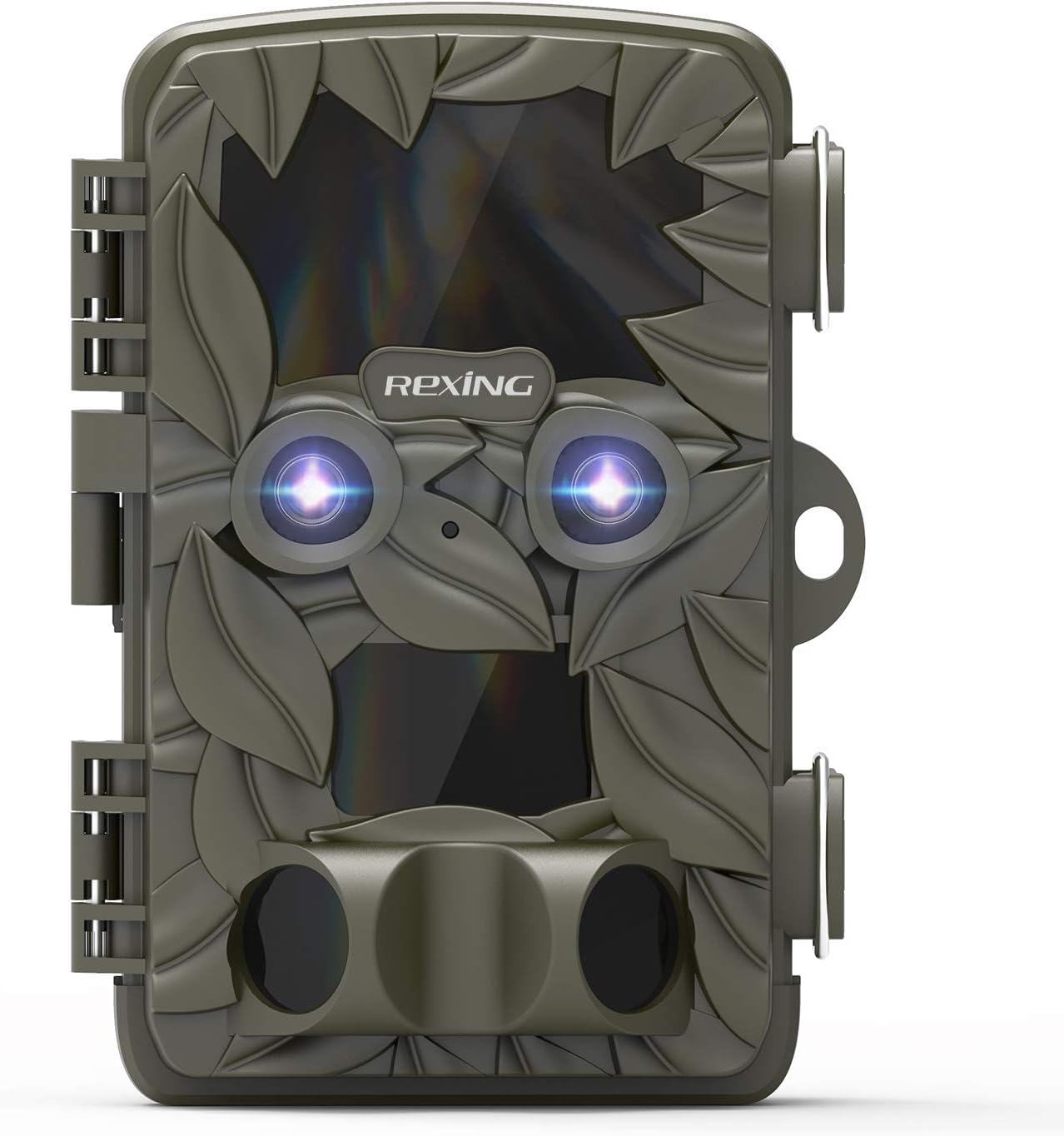
olusin 2.1: Iwaju view of the REXING Woodlens H6 Trail Camera, showcasing its camouflage design and dual lenses.
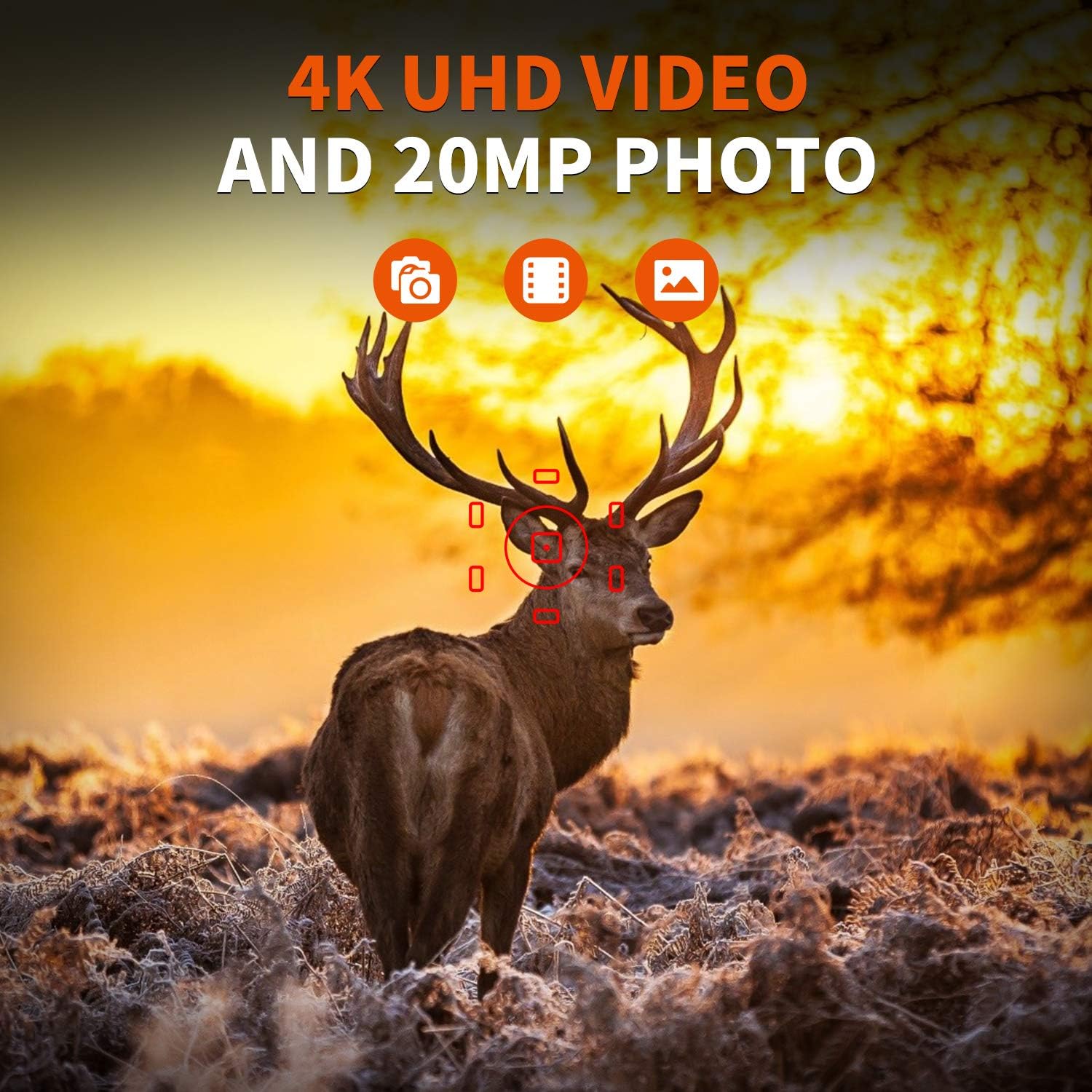
Figure 2.2: The REXING Woodlens H6 captures stunning 4K UHD video and 20MP photos, as demonstrated by this image of a deer in its natural habitat.
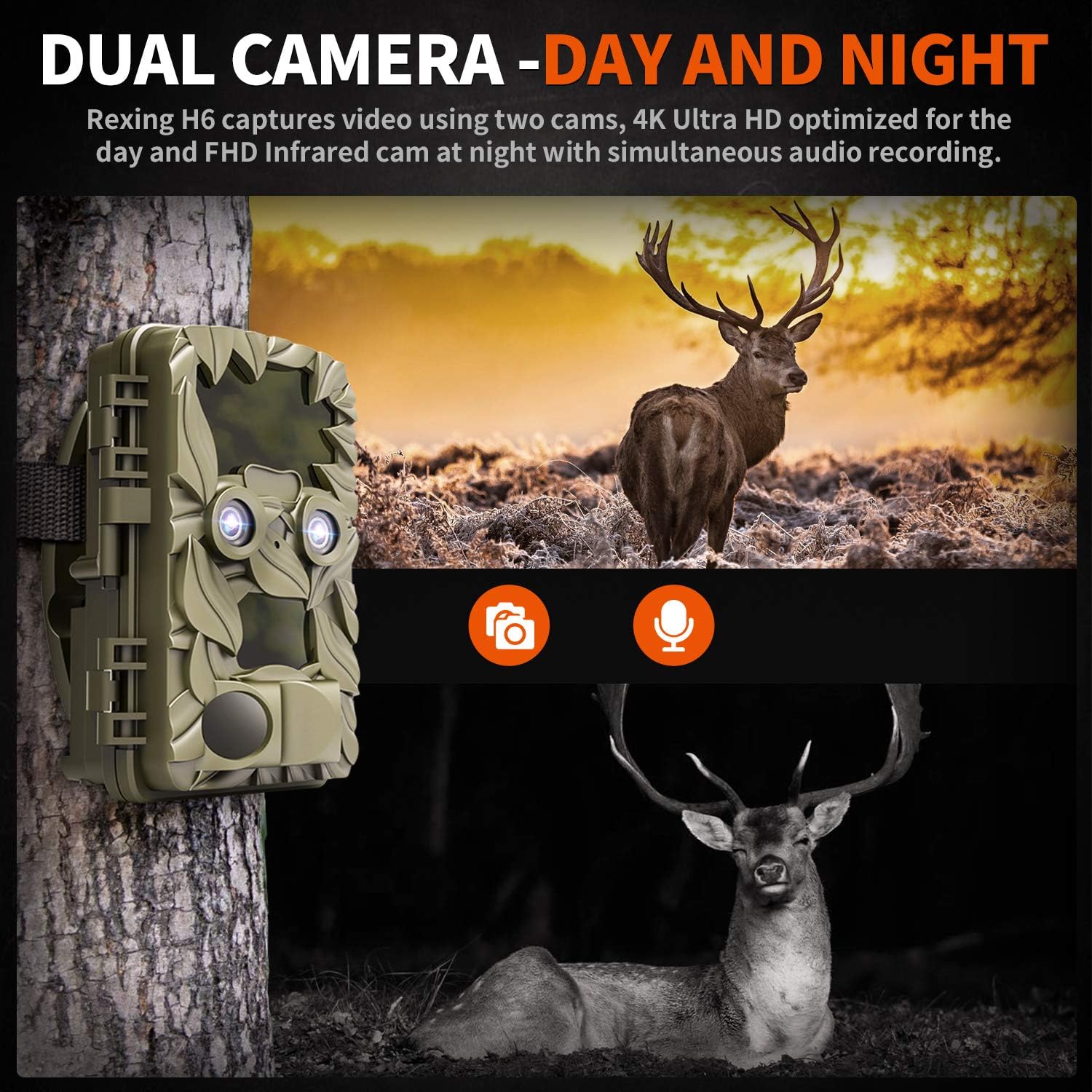
Figure 2.3: The H6 features a dual camera system, optimized for both day (4K) and night (FHD Infrared) recording, ensuring comprehensive surveillance around the clock.

Figure 2.4: Enhanced night vision capabilities of the H6, capturing clear images of wildlife up to 35 meters away in low light conditions, without disturbing sounds.

Figure 2.5: The H6 boasts a 120-degree detection angle and an ultra-fast 0.2-second trigger speed, ensuring no motion is missed.

Figure 2.6: Built to withstand the elements, the H6 is IP56 rated, making it resistant to heavy rain, ice, snow, dust, and mud.

Figure 2.7: The H6 is designed for low power consumption, compatible with 8x AA batteries, providing up to 12 months of standby time.

Figure 2.8: The REXING Woodlens H6 is versatile, suitable for multiple applications including wildlife monitoring, farm surveillance, and security.
3. Package Awọn akoonu
Jọwọ ṣayẹwo awọn akoonu package lati rii daju pe gbogbo awọn ohun kan wa:
- REXING Woodlens H6 Trail Camera
- Iṣagbesori Okun
- Okun USB
- AV Cable
- Itọsọna olumulo
- (Optional: 8x AA Batteries - check product packaging)
4. Eto
4.1 Fifi sori batiri
- Open the camera's outer casing nípa ṣíṣí àwọn gíláàsì ẹ̀gbẹ́.
- Wa yara batiri naa.
- Fi awọn batiri AA 8x sii, ki o rii daju pe polarity ti o tọ (+/-) gẹgẹ bi a ti fihan ninu yara naa.
- Pa ideri batiri naa ni aabo.
4.2 Fi kaadi SD sii
- With the camera open, locate the SD card slot.
- Insert a compatible SD card (up to 512GB) into the slot until it clicks into place. Ensure the card is inserted in the correct orientation.
- It is recommended to format the SD card via the camera's menu before first use.
4.3 Iṣagbesori Kamẹra
- Select a suitable location for the camera, such as a tree or pole, ensuring a clear view ti agbegbe ti o fẹ.
- Fi okùn ìsopọ̀ tí a pèsè sí inú àwọn ihò tí ó wà ní ẹ̀yìn kámẹ́rà náà.
- Securely fasten the strap around the tree or pole, adjusting the camera's angle as needed.
- Alternatively, the camera can be wall-mounted using appropriate hardware (not included) via the mounting point.
4.4 Ibẹrẹ Agbara Lori
- Lẹ́yìn tí o bá ti fi àwọn bátìrì àti káàdì SD sí i, yí kámẹ́rà náà padà sí ipò "ON".
- The LCD screen will power on, and you can begin configuring settings.
5. Awọn ilana Iṣiṣẹ
5.1 Lilọ kiri lori Akojọ aṣayan
Use the control buttons (MENU, UP, DOWN, LEFT, RIGHT, OK, SHOT) located next to the LCD screen to navigate through the camera's settings and modes.
- Akojọ: Wọle si akojọ aṣayan eto akọkọ.
- UP / isalẹ: N lọ kiri nipasẹ awọn aṣayan akojọ aṣayan.
- OSI ỌTUN: Adjusts values or selects sub-options.
- O DARA: Jẹrisi yiyan.
- ÌBỌ́: Manually takes a photo or starts/stops video recording in preview mode.
5.2 Awọn ọna Gbigbasilẹ
The H6 supports various recording modes:
- Ipo Fọto: Captures still images (up to 20MP).
- Ipo Fidio: Records video (4K UHD day, FHD night).
- Ipo Fọto + Fidio: Captures a still image followed by a video clip upon detection.
- Ipo Aago: Captures photos or videos at set intervals to create time-lapse sequences.
5.3 Setting Up Scheduled Recording
To set specific times for the camera to operate:
- Tẹ Akojọ aṣyn.
- Navigate to the "Timer" or "Schedule" setting.
- Set the desired start and end times for recording. The camera will only be active during these periods.
5.4 ViewṢíṣe àti Ṣíṣe Àkóso Àwọn Ìgbàsílẹ̀
Awọn igbasilẹ le jẹ viewed directly on the camera or on an external device:
- On-Camera Playback: Use the built-in 2.4-inch LCD screen and navigation buttons to review Yaworan awọn fọto ati awọn fidio.
- Asopọ TV: Connect the camera to a TV using the provided AV cable to view recordings on a larger screen.
- Asopọ Kọmputa: Connect the camera to a computer via the USB cable, or remove the SD card and insert it into a card reader, to transfer and view files.
5.5 Ọrọigbaniwọle Idaabobo
To prevent unauthorized access to your camera settings and recordings:
- Tẹ Akojọ aṣyn.
- Navigate to the "Password" or "Security" setting.
- Set a 4-digit PIN. Remember this PIN as it will be required to access the camera.
Video 5.1: Official product video demonstrating the features and operation of the REXING Woodlens H6 Trail Camera, including its dual lens capabilities, night vision, and user interface.
6. Itọju
- Ninu: Use a soft, dry cloth to clean the camera body and lenses. Avoid abrasive cleaners or solvents.
- Rirọpo Batiri: Replace all batteries simultaneously when the low battery indicator appears to ensure optimal performance and prevent leakage.
- Iṣakoso Kaadi SD: Regularly back up important recordings and format the SD card periodically to maintain optimal recording performance and prevent data corruption.
- Ibi ipamọ: Nigbati o ko ba wa ni lilo fun awọn akoko ti o gbooro sii, yọ awọn batiri kuro ki o fi kamẹra pamọ si ibi ti o tutu, ibi gbigbẹ kuro lati orun taara.
7. Laasigbotitusita
| Isoro | Owun to le Fa | Ojutu |
|---|---|---|
| Kamẹra ko ṣiṣẹ. | Awọn batiri kekere tabi okú; fifi sori batiri ti ko tọ. | Rọpo gbogbo awọn batiri pẹlu awọn tuntun, ki o rii daju pe o peye polarity. |
| Camera stops functioning after installation / No data recorded. | SD card full or corrupted; incorrect SD card insertion; camera settings preventing recording. | Format the SD card (backup data first); ensure SD card is properly inserted; check recording mode and schedule settings. Ensure sufficient battery power. |
| Dídára àwòrán/fídíò ní alẹ́ kò dára. | IR lights obstructed; subject too far; low battery affecting IR performance. | Ensure clear line of sight for IR lights; position camera closer to subjects (within 65ft); replace batteries. |
| Camera not triggering motion. | PIR sensor obstructed; sensitivity setting too low; subject outside detection range. | Clear obstructions from PIR sensors; increase PIR sensitivity in settings; ensure subjects pass within the 110° detection angle. |
| Camera screen counts down and switches off. | This is normal behavior for the camera to enter monitoring mode after a brief display. | No action required. The camera is functioning as designed. |
| Ko si Wi-Fi Asopọmọra. | The REXING Woodlens H6 model does not feature Wi-Fi connectivity. | This model requires direct connection via AV/USB cable or SD card removal for data transfer. |
8. Awọn pato
| Ẹya ara ẹrọ | Ẹ̀kúnrẹ́rẹ́ |
|---|---|
| Brand | ATUNTUN |
| Awoṣe | H6 |
| Ipinnu Yaworan fidio | 2160p (4K UHD) |
| Ipinnu Iduro ti o munadoko | 20 MP |
| Fọto sensọ Technology | CMOS |
| Alẹ Iranran | 35M IR Flash, Double 850nm High Powered Infrared Light |
| PIR erin igun | 110° (Front + Side Sensor) |
| Iyara Nfa | 0.2 aaya |
| Ifihan | Built-in 2.4-inch LCD |
| Ibi ipamọ | Kaadi SD (to 512GB) |
| Orisun agbara | 8x AA Batteries (12 Month Standby) |
| Asopọmọra | AV Output, USB |
| International Idaabobo Rating | IP66 |
| Awọn iwọn Package Nkan | 7.68 x 4.92 x 3.9 inches |
| Package iwuwo | 0.61 kilo |
| UPC | 810046601815 |
9. Atilẹyin ọja ati Support
For warranty information and technical support, please refer to the official REXING webojula tabi kan si wọn onibara iṣẹ taara. Tọju iwe-ẹri rira rẹ bi ẹri rira fun eyikeyi awọn ibeere atilẹyin ọja.
Ibi iwifunni:
- Webojula: www.rexingusa.com (Jọwọ ṣe idaniloju osise naa website for the most current information)
- Imeeli: Tọkasi awọn webojú-òpó wẹ́ẹ̀bù fún ìfiranṣẹ́ ìrànlọ́wọ́.
- Foonu: Tọkasi awọn webaaye fun nọmba foonu atilẹyin.


