1. Ifihan
This manual provides detailed instructions for the installation, operation, and maintenance of your BOIFUN DD202 2K Wi-Fi Outdoor Security Camera. Please read this manual thoroughly before using the product to ensure proper functionality and safety. The BOIFUN DD202 is a battery-powered outdoor camera designed for reliable surveillance, featuring 2K Full HD resolution, color night vision, and intelligent motion detection.

Image 1.1: BOIFUN DD202 2K Wi-Fi Outdoor Security Camera
2. Package Awọn akoonu
Jọ̀wọ́ ṣàyẹ̀wò ohun tó wà nínú àpò náà nígbà tí o bá gbà á. Tí àwọn nǹkan kan bá sọnù tàbí tí wọ́n bá bàjẹ́, kàn sí ìrànlọ́wọ́ oníbàárà.
- 1 × BOIFUN DD202 Battery Camera
- 1 × Fixed Mounting Bracket
- 4 × Iṣagbesori skru
- 4 × Wall Plugs (Nuts)
- 1, USB Ngba agbara USB
- 1 × Afowoyi olumulo
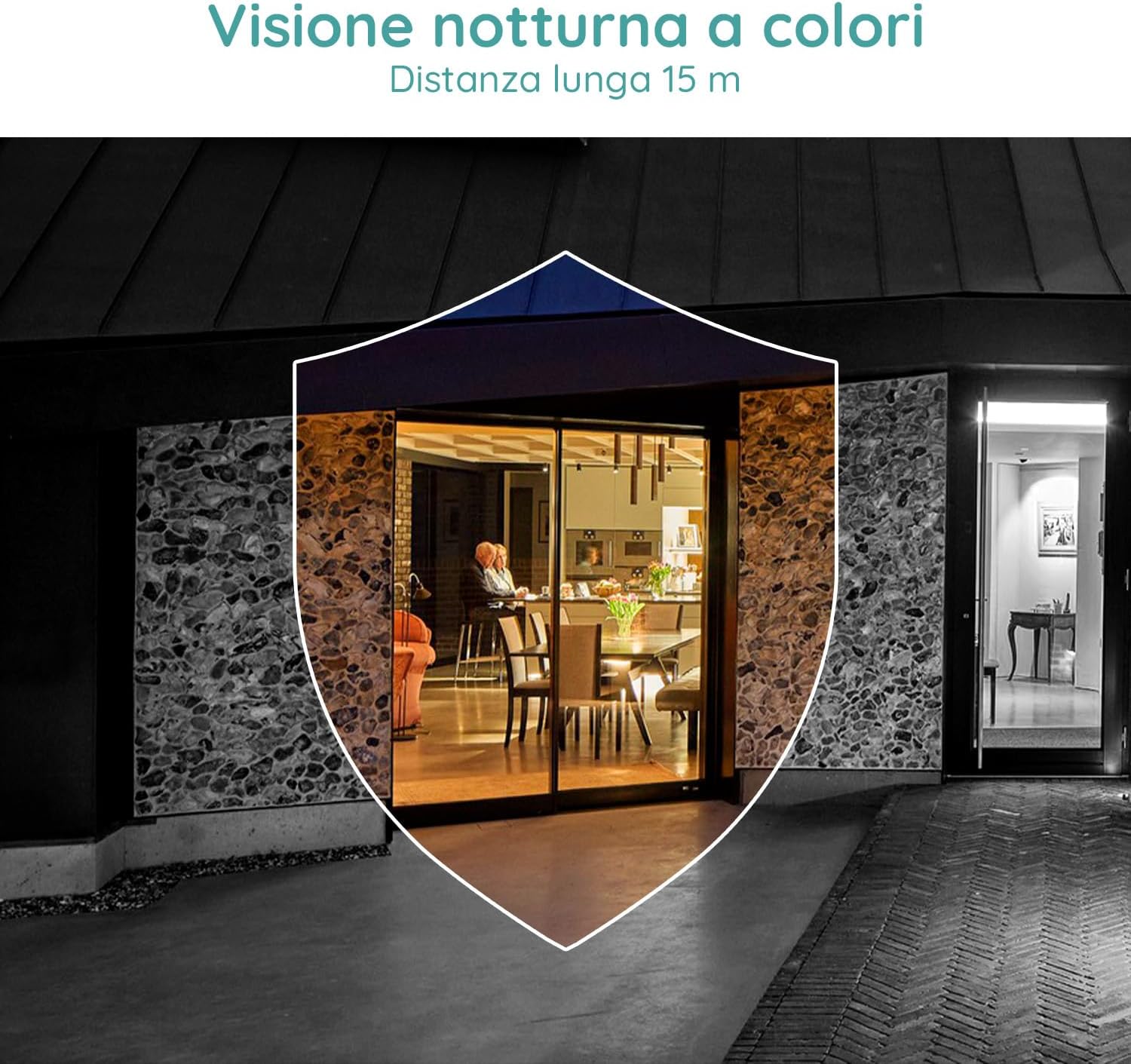
Image 2.1: Included components for the BOIFUN DD202 camera.
3. Ọja Ipariview
The BOIFUN DD202 camera is designed for outdoor security with several key features:
- 2K Full HD Resolution: Yaworan foo fidio ko o ati alayetage.
- Oju Alẹ Awọ: Provides full-color video even in low-light conditions up to 20 meters.
- Iwari išipopada PIR: Advanced AI algorithm for accurate human motion detection, reducing false alarms.
- Acoustic Alarm & Spotlight: Deters intruders with a 110 dB siren and bright spotlight.
- Igbesi aye batiri 120-ọjọ: Long-lasting 10400 mAh battery (based on 10 wake-ups/day).
- Audio Ọna Meji: Communicate with visitors or deter unwanted guests remotely.
- IP66 Oju ojo: Ti ṣe apẹrẹ lati koju ọpọlọpọ awọn ipo oju ojo ita gbangba.
- Asopọmọra Wi-Fi 2.4 GHz: Ensures stable wireless connection.

Image 3.1: The camera continues to function and record even if the main power supply is interrupted, thanks to its internal battery.
4. Eto
4.1 Ngba agbara si Kamẹra
Before initial use, fully charge the camera using the provided USB cable. Connect the cable to the camera's charging port and a standard USB power adapter (not included).
4.2 Fifi sori ẹrọ ati Ṣiṣẹda Akọọlẹ
- Download the official BOIFUN app from your smartphone's app store (iOS or Android).
- Ṣí àpù náà kí o sì tẹ̀lé àwọn ìtọ́ni tó wà lójú ìbòjú láti ṣẹ̀dá àkọọ́lẹ̀ tuntun tàbí wọlé tí o bá ti ní ọ̀kan tẹ́lẹ̀.
4.3 Wi-Fi Asopọ
The camera supports 2.4 GHz Wi-Fi networks only. Ensure your smartphone is connected to a 2.4 GHz Wi-Fi network during the setup process.
- Nínú àpù náà, yan 'Fi Ẹ̀rọ kún' kí o sì yan àwòṣe kámẹ́rà rẹ.
- Follow the app's instructions to connect the camera to your Wi-Fi network. This typically involves scanning a QR code displayed on your phone with the camera.

Image 4.1: The camera supports 2.4 GHz Wi-Fi, offering better penetration and range compared to 5 GHz networks.
4.4 Fifi sori ti ara
The camera is designed for wall mounting. Choose a location that provides the desired viewing angle and is within range of your 2.4 GHz Wi-Fi network.
- Samisi awọn aaye liluho lori ogiri nipa lilo akọmọ iṣagbesori bi awoṣe.
- Lu ihò ki o si fi ogiri plugs.
- So awọn iṣagbesori akọmọ si awọn odi lilo awọn skru.
- Secure the camera to the mounting bracket. Adjust the angle as needed.
5. Awọn ilana Iṣiṣẹ
5.1 Live View ati Gbigbasilẹ
Access the live feed of your camera through the BOIFUN app. You can manually record video or take screenshots from the live view.
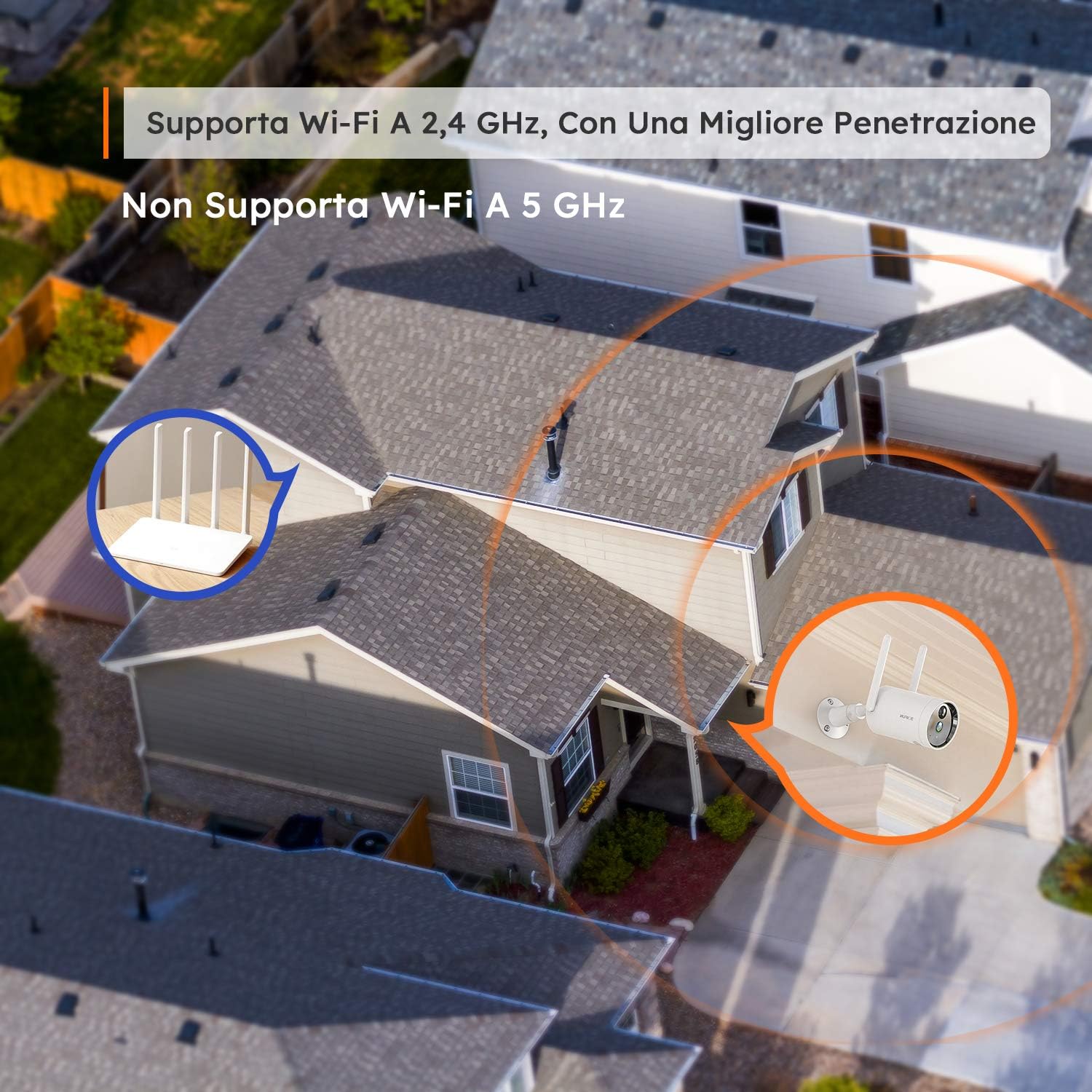
Image 5.1: Monitor multiple camera feeds simultaneously through the BOIFUN app on your smartphone.
5.2 Wiwa išipopada
The camera features PIR (Passive Infrared) motion detection combined with an advanced AI algorithm to distinguish between humans and other moving objects, minimizing false alarms.
- Iwari eniyan: Configure the camera to only alert you when a human figure is detected.
- Ifamọ ti o le ṣatunṣe: Customize the detection sensitivity (levels 1-10) to suit your environment.
- Custom Alarm Zone: Ṣetumo awọn agbegbe kan pato laarin kamẹra view nibiti wiwa išipopada yẹ ki o ṣiṣẹ.
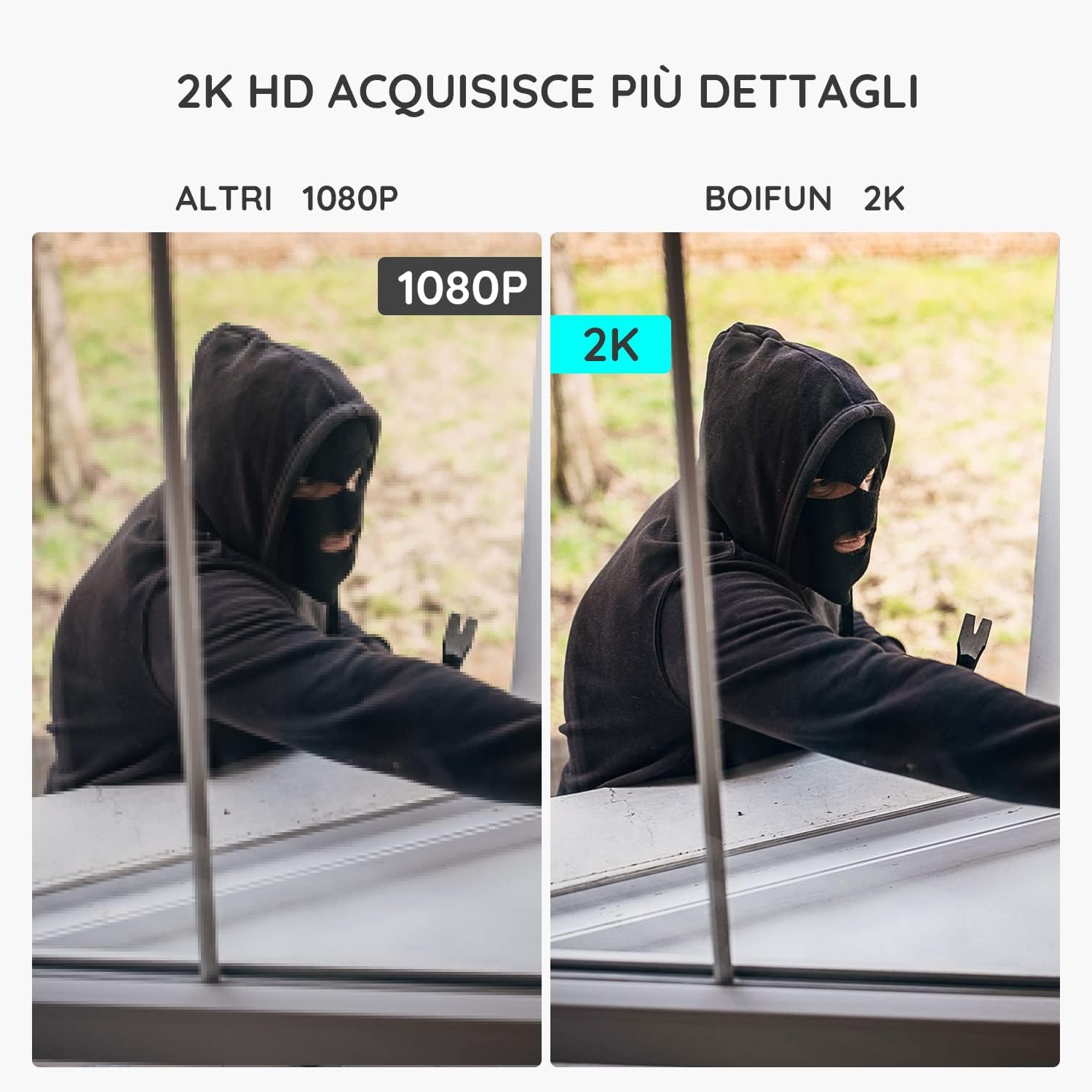
Image 5.2: The camera's PIR human detection accurately identifies people while ignoring other movements like pets or falling leaves, reducing unnecessary alerts.
5.3 Night Vision
The BOIFUN DD202 offers 2K Full HD color night vision, allowing you to see clear, detailed, and color images even in complete darkness up to 20 meters. When a human is detected at night, the fill lights automatically activate to provide color footage.

Aworan 5.3: Example of the camera's color night vision capability, providing clear visibility in low-light conditions.
5.4 Awọn iṣẹ itaniji
Upon detecting motion, the camera can trigger an acoustic alarm (up to 110 dB) and activate its spotlight to deter intruders. You will also receive real-time notifications on your smartphone.

Image 5.4: The camera's real-time alert system, featuring a siren and spotlight to deter potential threats.
5.5 Meji-Ona Audio
The integrated microphone and speaker allow for two-way communication. You can speak through the camera to interact with visitors or warn off unwanted individuals.
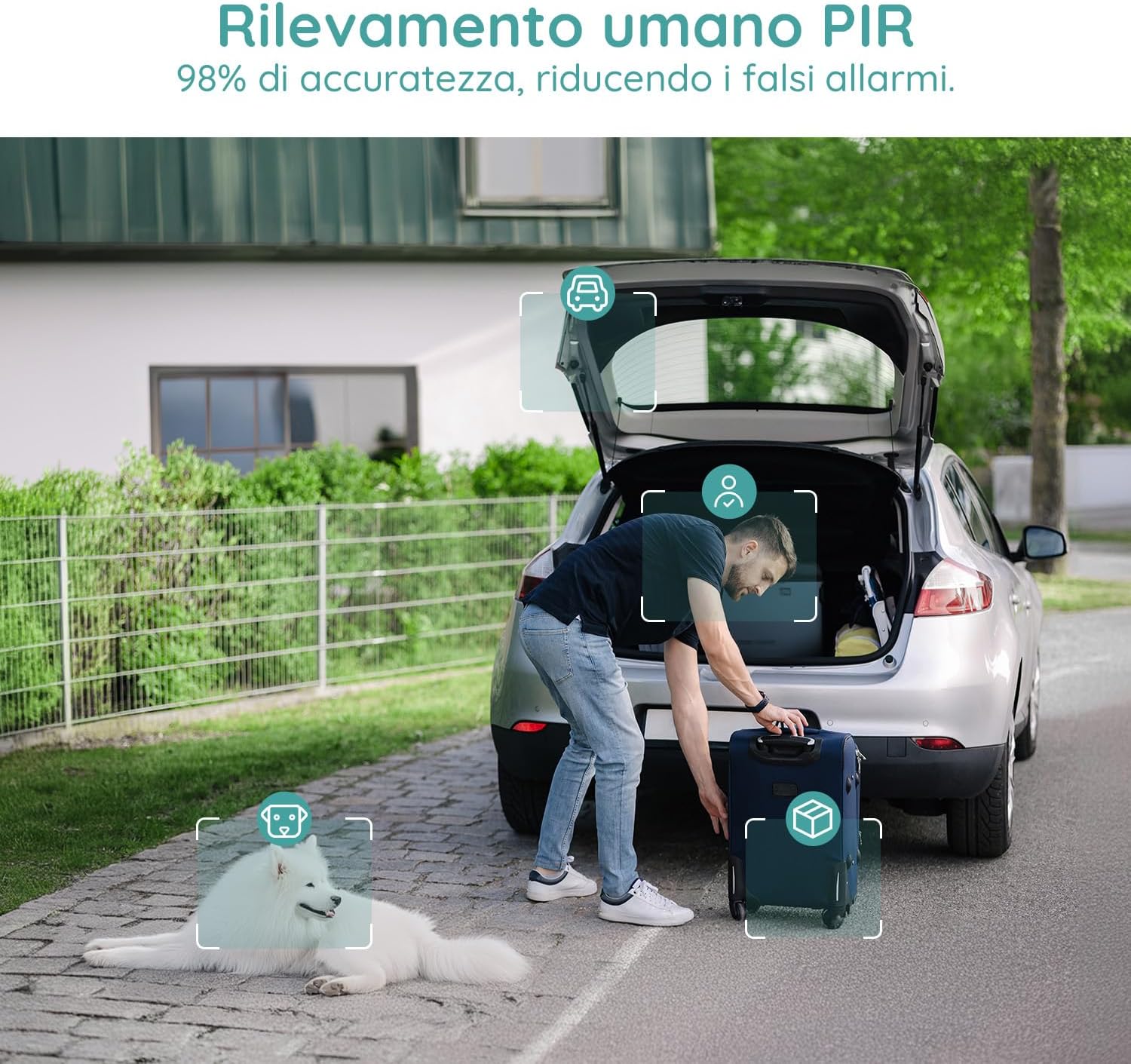
Image 5.5: Use the two-way audio feature to communicate with people near your camera.
5.6 Ibi ipamọ Aw
- Kaadi SD Micro: Supports up to 128GB Micro SD card (not included) for local storage. When the card is full, older footaga ó tún kọ e padà láìfọwọ́kọ.
- Ibi ipamọ awọsanma: Offers a 7-day free trial for cloud storage. Subsequent cloud storage requires a subscription. All video files are encrypted for privacy.
6. Itọju
- Ninu: Regularly wipe the camera lens and body with a soft, dry cloth to ensure clear image quality. Avoid using harsh chemicals.
- Ngba agbara batiri: Monitor the battery level via the app and recharge the camera when necessary to ensure continuous operation.
- Awọn imudojuiwọn famuwia: Check the app periodically for firmware updates to ensure optimal performance and security.
7. Laasigbotitusita
7.1 Kamẹra Ko Sopọ si Wi-Fi
- Rí i dájú pé nẹ́tíwọ́ọ̀kì Wi-Fi rẹ jẹ́ 2.4 GHz. Kámẹ́rà náà kò lè lo 5 GHz Wi-Fi.
- Ṣàyẹ̀wò pé kámẹ́rà náà wà láàrín ibi tí ẹ̀rọ ìbánisọ̀rọ̀ Wi-Fi rẹ wà.
- Rí i dájú pé ọ̀rọ̀ìpamọ́ Wi-Fi rẹ ti tẹ síta dáadáa nínú àpù náà.
- Restart your router and the camera, then try connecting again.
7.2 Awọn itaniji eke loorekoore
- Adjust the motion detection sensitivity in the app to a lower level.
- Utilize the 'Human Detection' feature to filter out non-human movements.
- Set up a 'Custom Alarm Zone' to exclude areas with frequent irrelevant motion (e.g., busy roads, swaying trees).
7.3 Aworan Didara
- Rii daju pe lẹnsi kamẹra jẹ mimọ ati ofe lati eruku tabi smudges.
- Ṣàyẹ̀wò agbára àmì Wi-Fi rẹ. Àmì tí kò lágbára lè ní ipa lórí dídára ìṣàfihàn fídíò.
- Verify the video resolution setting in the app is set to 2K (HD).
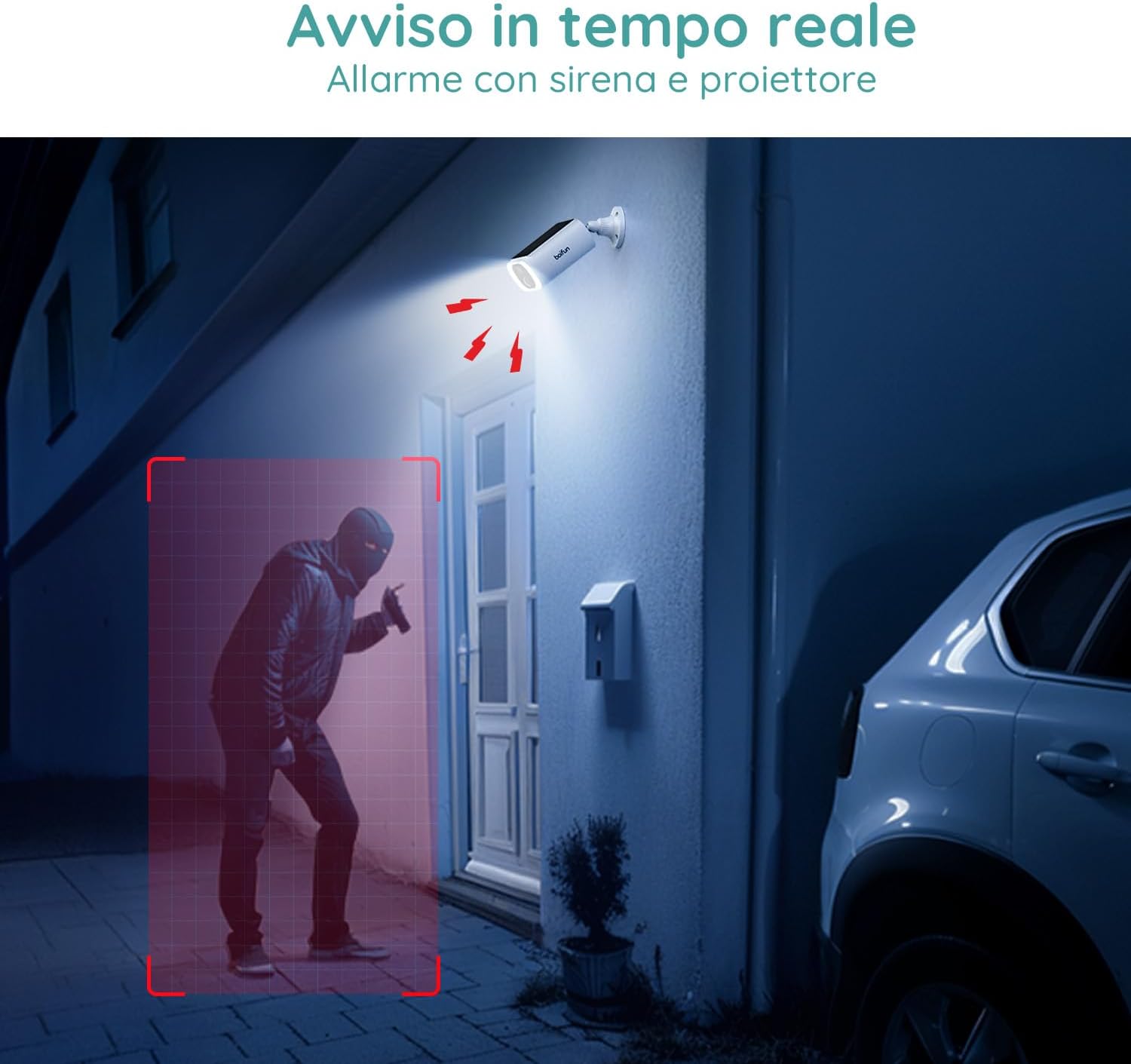
Image 7.1: Comparison illustrating the enhanced detail provided by 2K resolution compared to 1080p.
8. Awọn pato
| Orukọ awoṣe | DD202 |
| Brand | BOIFUN |
| Ipinnu fidio | 2K (1296p) |
| Viewigun igun | Awọn iwọn 130 |
| Ibiti Iran Night | 20 Mita |
| Alailowaya Technology | Wi-Fi (2.4 GHz) |
| Orisun agbara | Battery Powered (10400 mAh Lithium-ion) |
| Omi Resistance | IP66 (Mabomire) |
| Ohun elo | Ṣiṣu |
| Awọn iwọn (L x W x H) | 12 x 8.5 x 20 cm |
| Iwọn | 710 giramu |
| Awọn ẹrọ ibaramu | Smartphone, Tablet (Android & iOS) |
9. Atilẹyin ọja ati Support
BOIFUN is committed to providing advanced intelligent protection solutions and excellent customer service.
- Atilẹyin ọja: Ọja yii wa pẹlu atilẹyin ọja ọdun mẹta.
- Ilana Pada: Gbadun eto imulo ipadabọ ọfẹ fun ọjọ 30.
- Atilẹyin Onibara: 24/7 after-sales support is available.
For any questions or assistance, please contact us at: admin@boifun.net

Image 9.1: BOIFUN offers 9 years of focus, a 3-year warranty, and timely support within 24 hours.


