Ọrọ Iṣaaju
The Korg LP-380U digital piano is designed to provide a realistic piano experience within a compact home setting. It features Korg’s advanced Real Weighted Hammer Action 3 (RH3) keybed, replicating the feel of a traditional grand piano. The integrated speaker system delivers rich, expressive sound from 30 different instruments. Its versatile modes, such as Layer Mode for combining sounds and Partner Mode for duets or lessons, enhance its functionality. With USB connectivity, the LP-380U seamlessly integrates with computers for music production, recording, and educational applications, making it an impressive instrument for any home.

olusin 1: Iwaju view of the KORG LP-380U Digital Home Piano.
Key Awọn ẹya ara ẹrọ
- Realistic Piano Feel and Response: The Real Weighted Hammer Action 3 (RH3) keyboard reproduces the same playing experience as on a grand piano, with heavier response in the lower register that becomes lighter as you play upward.
- Didara Ohun Didara: Explore 30 sounds including expressive pianos, vintage electric pianos, vibrant strings, and more. Layer Mode lets you play two sounds together, and Partner Mode divides the keyboard into left and right regions for two people.
- Elegant & Compact Design: The LP-380U digital piano is designed to match any interior styling. Merely 26cm in depth, it's slim enough to fit anywhere. The wooden key cover is flat on top, allowing the instrument to blend elegantly into your room.
- Igbalode Asopọmọra: USB Audio and MIDI offers flexible connectivity to recording software, virtual instruments and piano learning apps. A free software bundle is included, including 3-months access to Skoove Piano Learning software and more.
- 3-Pedal Unit: The LP-380U includes all three pedals that are normally found on a concert grand piano for expressive playability, including realistic half-pedaling on both the damper and soft pedals.
Ṣeto
The KORG LP-380U is designed for straightforward assembly, allowing you to set up your digital piano with ease. Follow the included instructions for a quick and simple setup process.

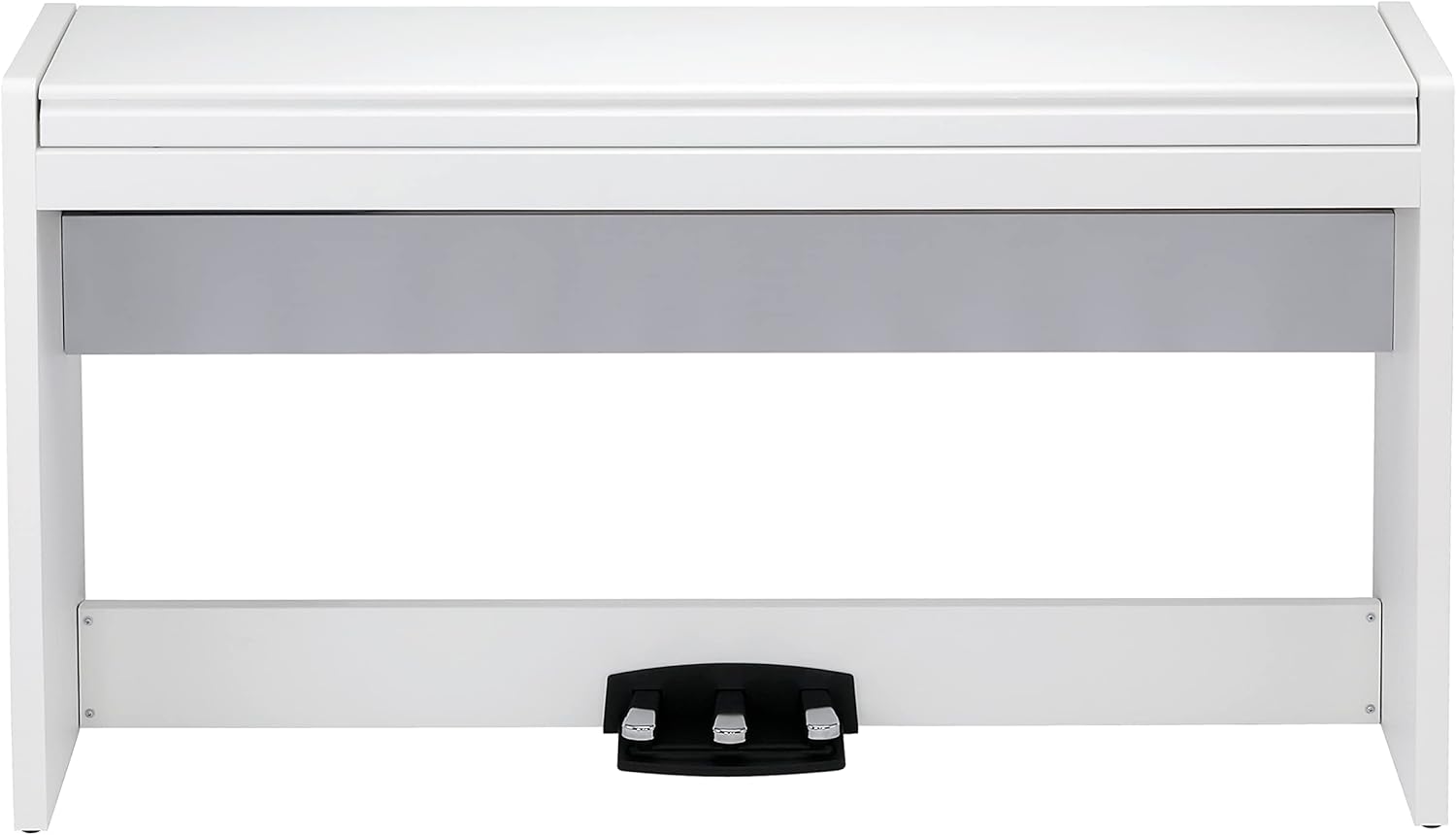
Figure 2: Components included with the KORG LP-380U.
Its elegant and compact design ensures it fits seamlessly into various living spaces. The slim profile, with a depth of just 13.82 inches, makes it an ideal choice for smaller rooms or apartments.
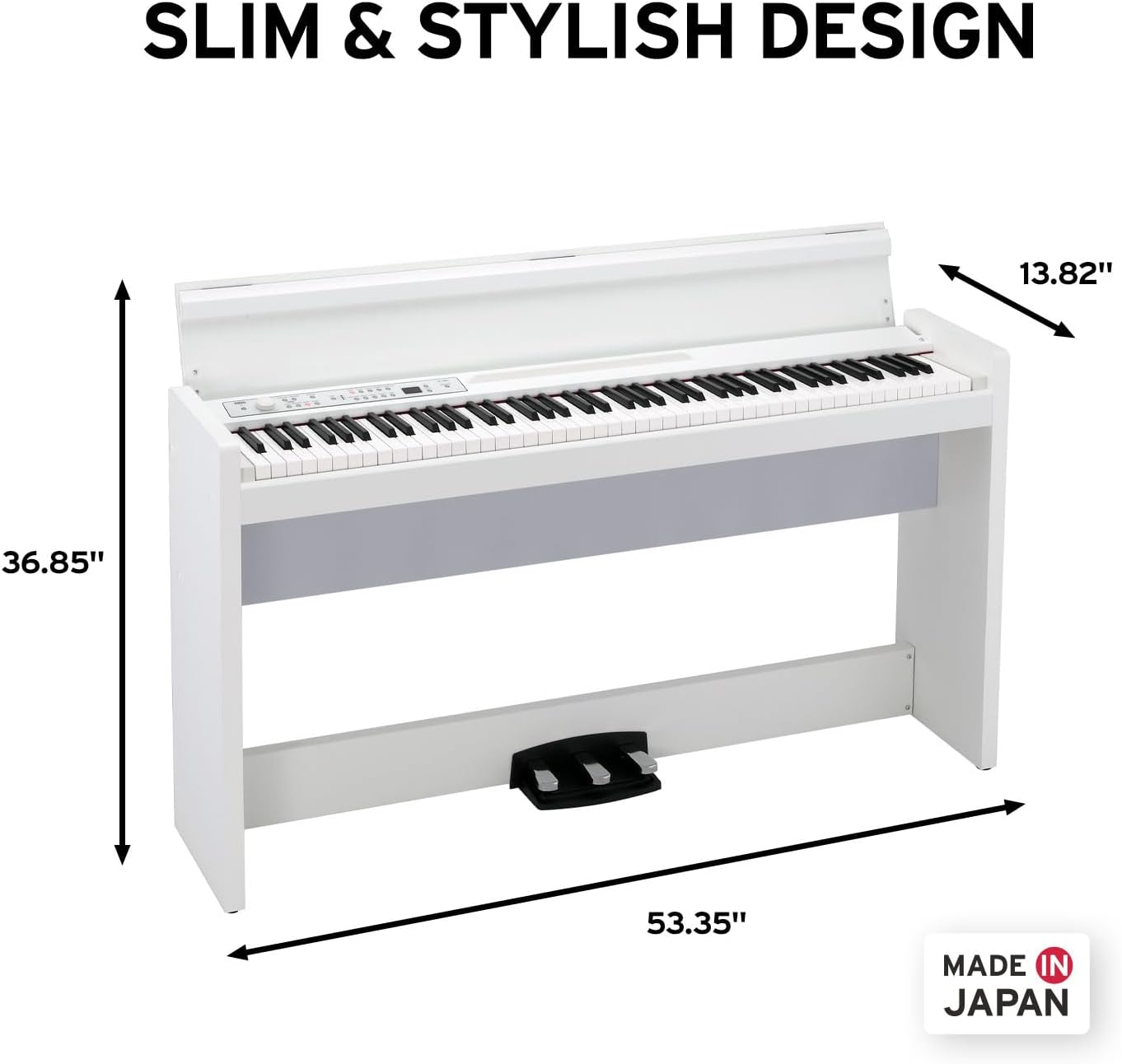
Figure 3: Dimensions of the KORG LP-380U.
Awọn ilana Iṣiṣẹ
Iṣe bọtini
The KORG LP-380U features the Real Weighted Hammer Action 3 (RH3) keybed, designed to replicate the authentic feel of a grand piano. The keys are progressively weighted, with a heavier response in the lower register and lighter touch as you move up the keyboard, similar to an acoustic piano.
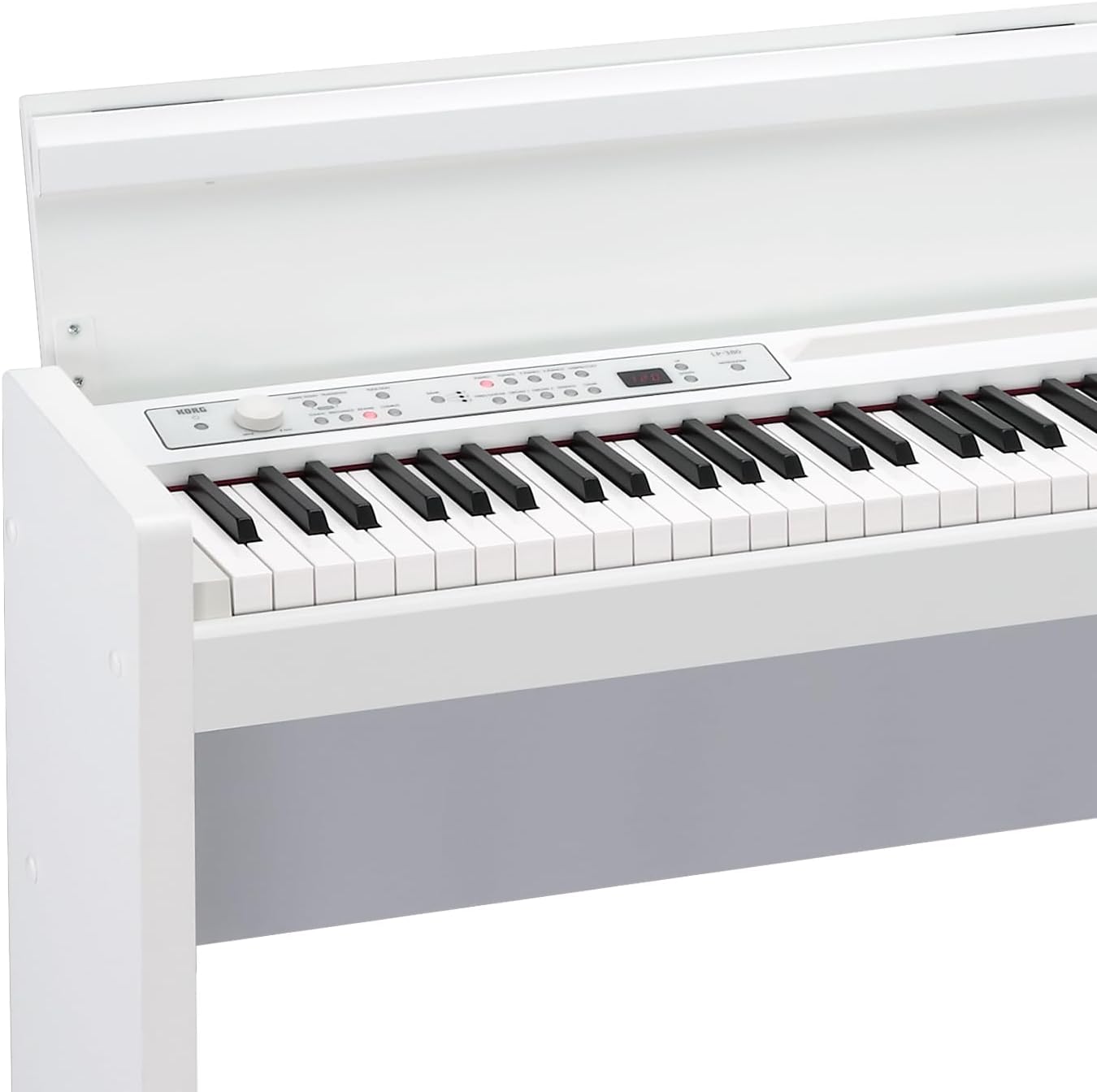
Figure 4: Detail of the RH3 Graded Hammer Action Keybed.
The key noise is well-dampened, contributing to a quiet playing experience. This is achieved through careful design, including a red felt liner at the key pivots, which helps minimize mechanical noise.
Didara ohun
The LP-380U comes pre-loaded with 30 high-quality sounds, including various acoustic pianos, electric pianos, strings, and more. These sounds are meticulously sampled to provide a rich and expressive musical palette.
Olusin 5: Pariview of the 30 premium quality sounds.
You can select different instrument sounds using the dedicated buttons on the control panel. The piano also features configurable Reverb, Chorus, and Brilliance effects, allowing you to fine-tune the sound to your preference. These effects are often automatically applied based on the selected voice for optimal sound.

Figure 6: KORG LP-380U control panel.
Functions & Connectivity
The LP-380U offers modern connectivity options, including USB Audio and MIDI. This allows for flexible integration with recording software, virtual instruments, and piano learning applications on your computer. A free software bundle is often included to enhance your musical journey.
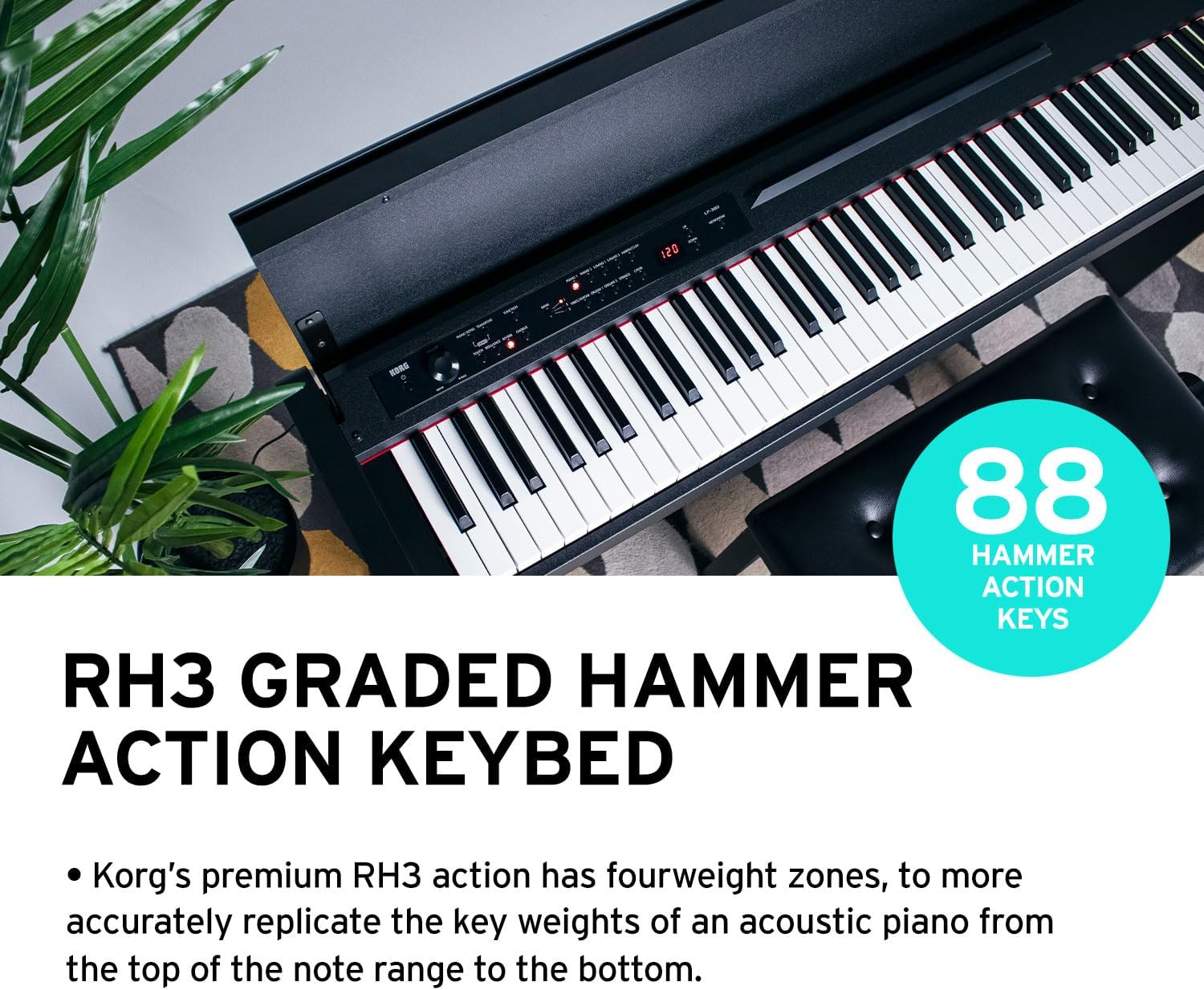
Figure 7: Modern connectivity features of the LP-380U.
The piano includes a 3-pedal unit (Damper, Sostenuto, and Soft) for expressive playability, supporting realistic half-pedaling. A built-in metronome helps students maintain rhythm, and a Transpose function is available for adjusting the key of your performance.
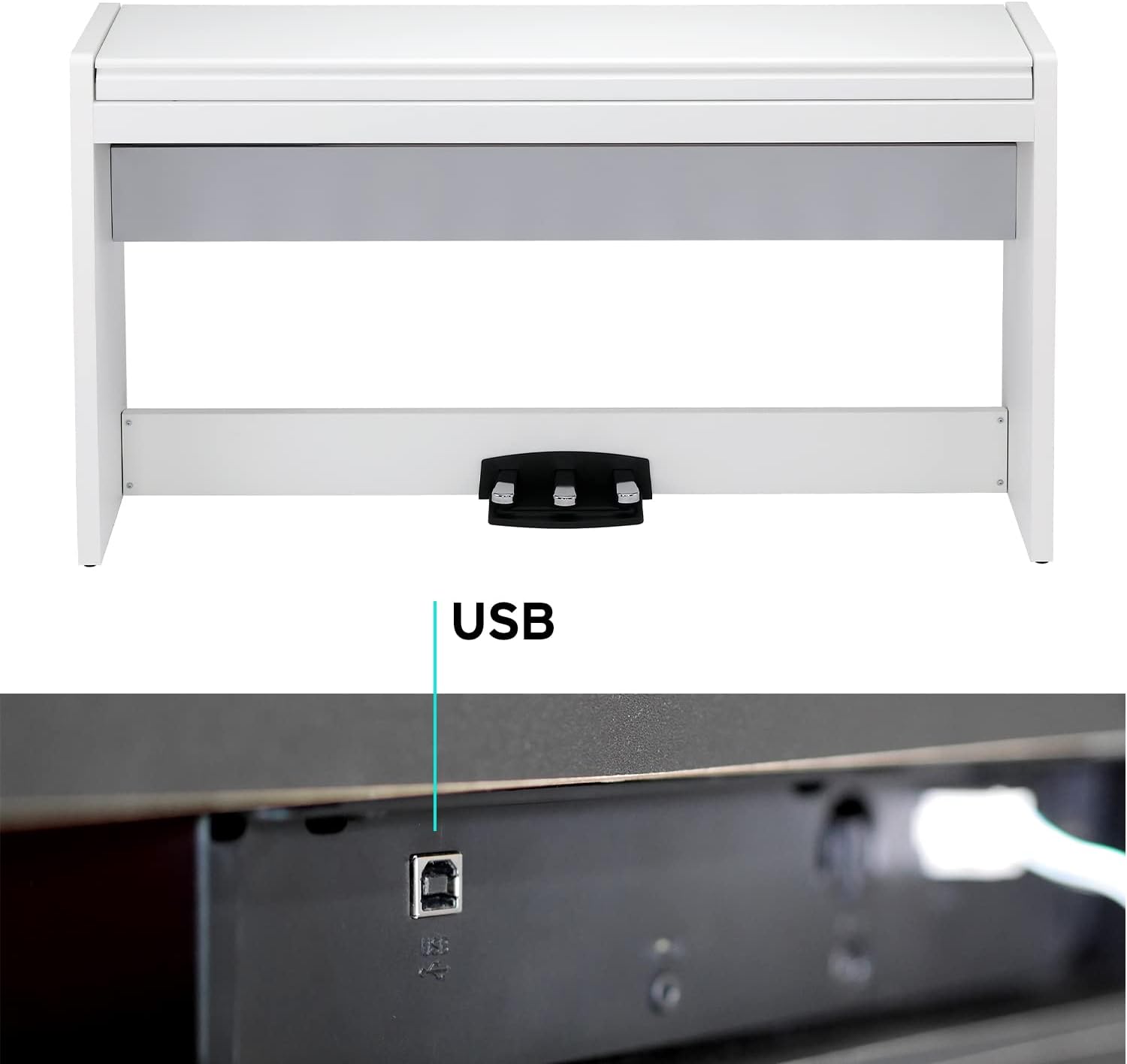
Figure 8: USB port for connectivity.
For private practice or lessons, the LP-380U is equipped with two 3.5mm headphone jacks, allowing two users to listen simultaneously without disturbing others.
Itoju
To ensure the longevity and optimal performance of your KORG LP-380U, regular maintenance is recommended. Keep the piano clean by wiping it with a soft, dry cloth. Avoid using abrasive cleaners or solvents that could damage the finish. Protect the instrument from direct sunlight, extreme temperatures, and humidity, as these can affect the wood and electronic components.
The wooden key cover is designed to protect the keys when not in use. Ensure it is closed gently to prevent any damage to the keys or the cover itself. The soft-close mechanism on the key cover ensures safe and smooth operation.
Laasigbotitusita
If you encounter any issues with your KORG LP-380U, please refer to the following common troubleshooting tips:
- Ko si Ohun: Ensure the power adapter is securely connected and the piano is turned on. Check the volume knob and make sure it is not set to minimum. If headphones are plugged in, unplug them to check speaker output.
- Awọn bọtini Ko Dahun: Verify that the piano is powered on. If using external MIDI devices, ensure proper connection and settings.
- Ohun Yiyi: Lower the volume to see if distortion persists. Check all cable connections for looseness.
- Pedals Not Working: Ensure the pedal unit is correctly connected to the piano.
For more complex issues or if troubleshooting steps do not resolve the problem, please contact KORG customer support.
Awọn pato
| Ẹya ara ẹrọ | Ẹ̀kúnrẹ́rẹ́ |
|---|---|
| Orukọ awoṣe | LP-380U |
| Nọmba Awoṣe Nkan | LP-380-WH U |
| Brand | KORG |
| Àwọ̀ | FUNFUN |
| Nọmba ti Awọn bọtini | 88 |
| Iṣe bọtini | Real Weighted Hammer Action 3 (RH3) |
| Iwọn Nkan | 81.6 iwon |
| Ọja Mefa | 53.15 x 13.82 x 30.39 inches |
| Asopọmọra Technology | USB |
| Awọn agbekọri Jack | 3.5mm Jack |
| Wattage | 22 watt |
| Olupese | Korg |
Atilẹyin ọja ati Support
The KORG LP-380U Digital Home Piano comes with a manufacturer's warranty. Please refer to the warranty card included in your product packaging for specific terms and conditions. For technical support, service, or any inquiries not covered in this manual, please visit the official KORG webojula tabi kan si wọn onibara iṣẹ Eka.
O le wa alaye diẹ sii ati awọn orisun atilẹyin ni aaye naa KORG Store on Amazon.


