1. Ifihan
This manual provides instructions for the safe and efficient use of your Itel Magic3 it6350 feature phone. Please read this manual carefully before using your device to ensure proper operation and to understand its features.

Aworan: Iwaju view of the Itel Magic3 it6350 feature phone, showcasing its display and keypad.
2. Package Awọn akoonu
Daju pe gbogbo awọn ohun kan wa ninu akopọ ọja rẹ:
- Itel Magic3 it6350 Device
- Battery (pre-installed in some units)
- Ṣaja Adapter
- Agbohunsoke
- Quick Bẹrẹ Itọsọna
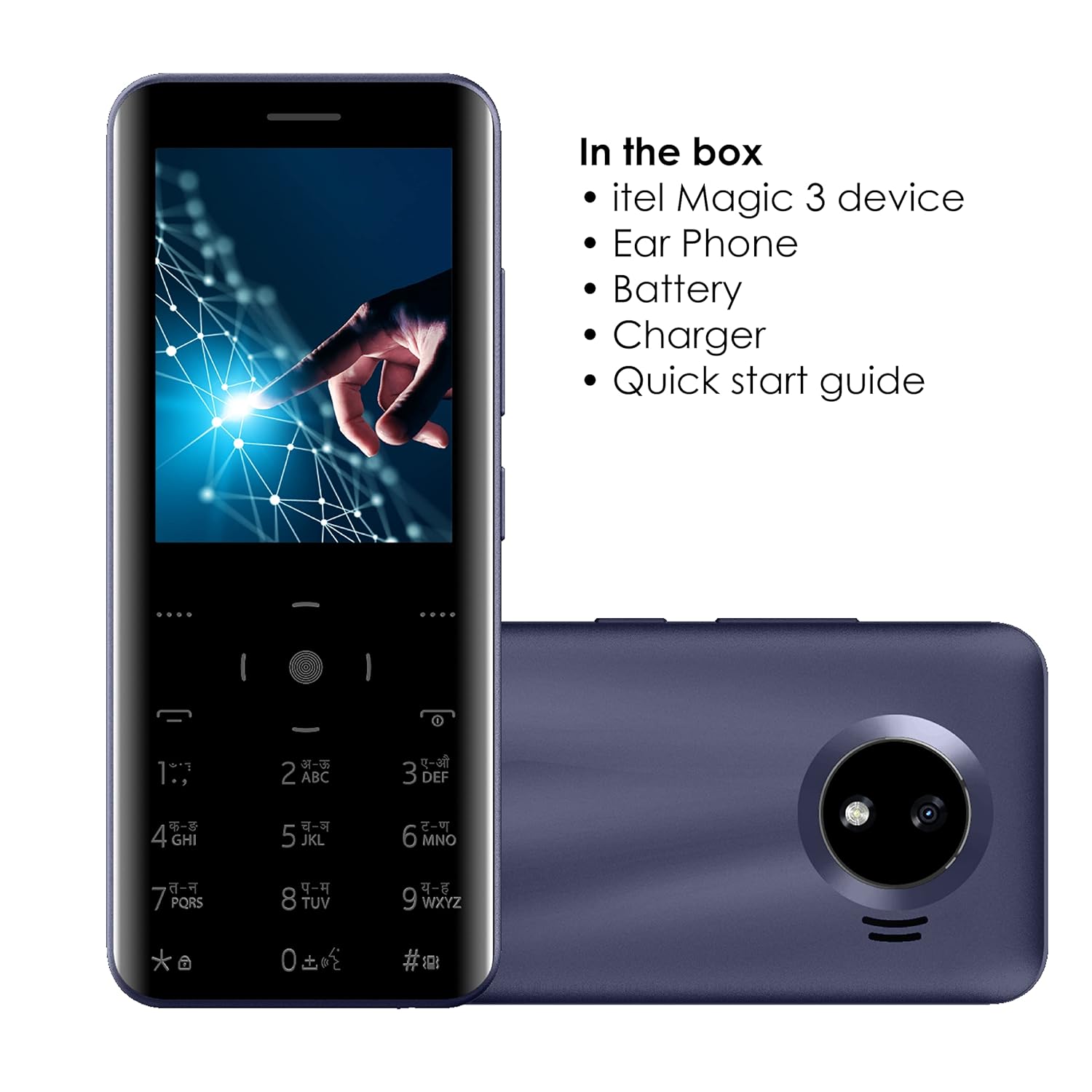
Image: Illustration of the Itel Magic3 it6350 phone alongside its included accessories: earphone, battery, charger, and quick start guide.
3. Device Ìfilélẹ
Familiarize yourself with the physical components of your Itel Magic3 it6350.

Aworan: Ẹyin view of the Itel Magic3 it6350, highlighting the 1.3MP rear camera with LED flash.

Aworan: Apa view of the Itel Magic3 it6350, illustrating its slim 9.5mm unibody design.
4. Eto
4.1. Fi kaadi SIM ati batiri sii
- Pa ẹ̀rọ náà kí o sì yọ ideri ẹ̀yìn rẹ̀ kúrò.
- Insert your SIM card(s) into the designated slot(s).
- Fi batiri sii sinu yara rẹ, aridaju pe awọn olubasọrọ mö.
- Rọpo ideri ẹhin.
4.2. Agbara akọkọ Lori ati gbigba agbara
- Press and hold the Power key until the screen lights up.
- If the battery is low, connect the charger to the device and a power outlet.
- Allow the device to charge fully before first use for optimal battery life.
5. Awọn ilana Iṣiṣẹ
5.1. Ipilẹ Lilọ kiri
The Itel Magic3 it6350 features a Smart Touch Keypad and a 7.11cm (2.8") QVGA display for navigation.
- Use the navigation keys to move through menus and options.
- Press the center key to select an option.
- Use the 'Back' or 'End Call' key to return to the previous screen or exit a menu.

Image: A hand interacting with the Smart Touch Keypad of the Itel Magic3 it6350.
5.2. Ṣiṣe awọn ipe
- Láti ojú ìbojú ilé, tẹ nọ́mbà fóònù náà sí i nípa lílo keyboard náà.
- Press the 'Call' key (usually green) to initiate the call.
- To end a call, press the 'End Call' key (usually red).
5.3. Fifiranṣẹ Awọn ifiranṣẹ
- Lilö kiri si akojọ aṣayan 'Awọn ifiranṣẹ'.
- Select 'Create New Message' or 'New SMS'.
- Tẹ nọmba olugba sii tabi yan lati awọn olubasọrọ.
- Tẹ ifiranṣẹ rẹ sii nipa lilo bọtini foonu.
- Yan 'Firanṣẹ́'.
5.4. Iwe foonu
The device supports a Smart Phonebook with up to 2000 contacts, including photo and icon support.
- Access the 'Contacts' or 'Phonebook' menu to manage your contacts.
- Add new contacts, edit existing ones, or search for contacts.
6. Awọn ẹya ara ẹrọ
6.1. Kamẹra
The Itel Magic3 it6350 is equipped with a 1.3MP camera and LED flash.
- Go to the 'Camera' application from the main menu.
- Ṣe fireemu ibọn rẹ nipa lilo ifihan.
- Press the capture button (usually the center key) to take a photo.
6.2. Wireless FM Radio
Enjoy radio broadcasts without needing to connect earphones as an antenna.
- Access the 'FM Radio' application.
- Lo awọn bọtini lilọ kiri lati ṣe ayẹwo fun awọn ibudo tabi ṣatunṣe pẹlu ọwọ.
- Recording functionality may be available within the FM Radio app.
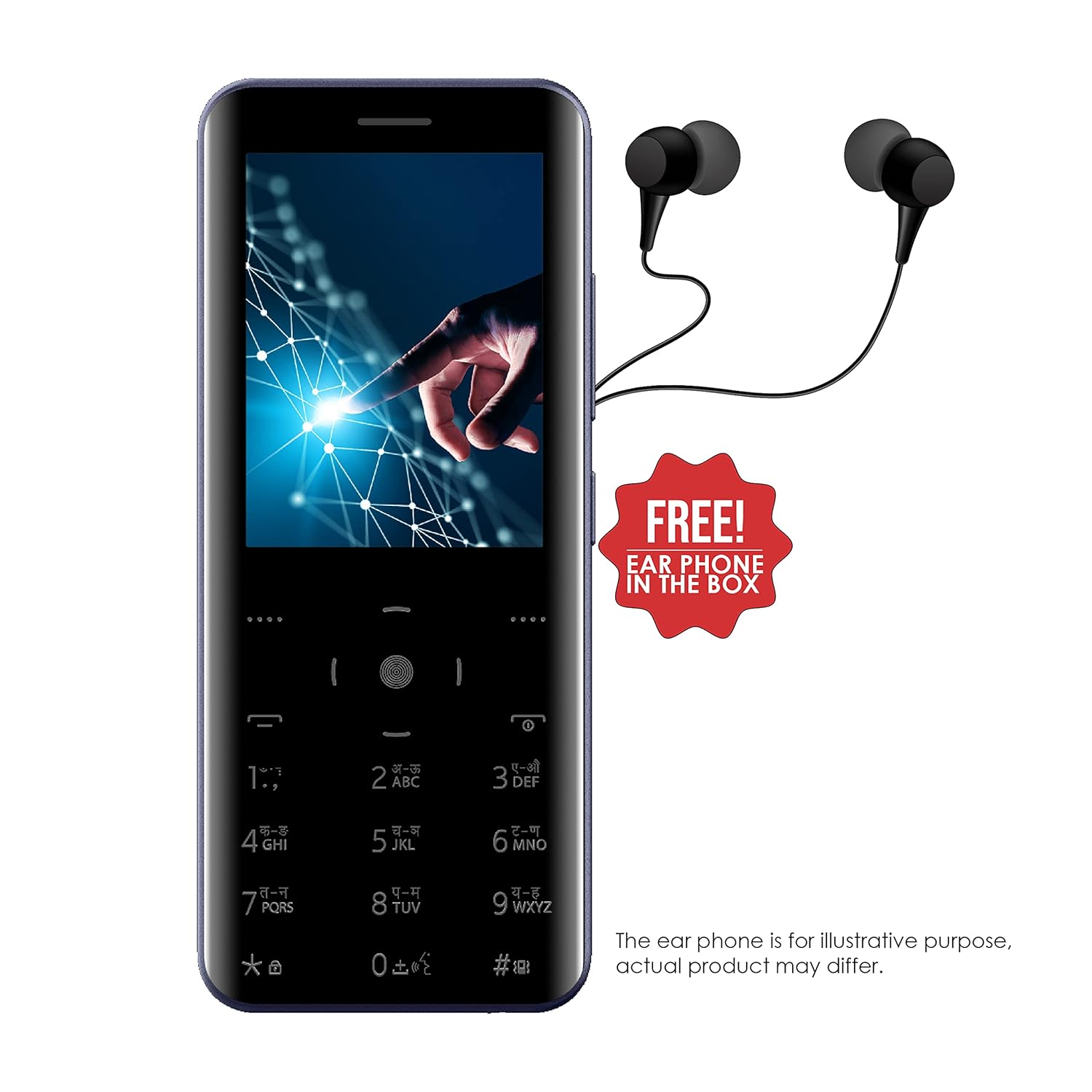
Image: The Itel Magic3 it6350 phone shown with included earphones, which can be used for private listening.
6.3. KingVoice
The KingVoice feature provides audio assistance for various phone functions, enhancing accessibility.
- Refer to the device settings to enable or disable KingVoice.
- KingVoice can read out menu options, incoming caller ID, and messages.
6.4. Connectivity (Bluetooth, Wi-Fi, USB)
The device supports basic connectivity options.
- Bluetooth: For connecting to compatible wireless accessories like headsets or for file transfer. Access via 'Settings' > 'Bluetooth'.
- Wi-Fi: For internet access where Wi-Fi networks are available. Access via 'Settings' > 'Wi-Fi'.
- USB: For charging and connecting to a computer for file gbigbe.
6.5. Miiran Awọn ẹya ara ẹrọ
- Atilẹyin ede: Supports 9 Indian languages. Change language in 'Settings'.
- JAVA Games: The device supports JAVA games. Access via the 'Games' menu.
- WAP/GPRS Support: For basic internet browsing and accessing online content.
- Facebook Support: A pre-installed or downloadable Facebook application may be available.
- Smart Transfer: For easy sharing of files laarin awọn ẹrọ.
7. Itọju
7.1. Itọju batiri
- Use only the original charger and battery provided with the device.
- Yago fun ṣiṣafihan batiri si awọn iwọn otutu to gaju.
- Má ṣe gún batiri náà, má ṣe tú u ká, tàbí ṣe àtúnṣe rẹ̀.
- Recycle used batteries responsibly.
7.2. Ninu ẹrọ
- Mu ese ẹrọ rẹ jẹ pẹlu asọ, asọ gbigbẹ.
- Yẹra fun lilo awọn kẹmika ti o lewu, awọn nkan mimu mimọ, tabi awọn ohun ọṣẹ ti o lagbara.
7.3. Ibi ipamọ
- Tọju ẹrọ naa ni itura, aye gbigbẹ kuro lati orun taara ati awọn iwọn otutu to gaju.
- If storing for an extended period, ensure the battery is partially charged (around 50%) to preserve its lifespan.
8. Laasigbotitusita
Ti o ba pade awọn ọran pẹlu ẹrọ rẹ, tọka si awọn iṣoro ti o wọpọ ati awọn ojutu wọnyi:
| Isoro | Owun to le Solusan |
|---|---|
| Ẹrọ naa ko ṣiṣẹ | Rii daju pe o ti fi batiri sii daradara ati gbigba agbara. So ṣaja pọ ki o tun gbiyanju lẹẹkansi. |
| Ko le ṣe tabi gba awọn ipe wọle | Check if the SIM card is properly inserted and activated. Verify network signal strength. |
| Didara ohun afetigbọ nigba awọn ipe | Ensure the earpiece/speaker is not blocked. Adjust call volume. Move to an area with better network coverage. |
| Batiri n ṣan ni kiakia | Din imọlẹ iboju din. Pa awọn ohun elo ti ko lo. Idinwo isale data lilo. |
| Bọtini foonu ko ṣe idahun | Restart the device. Ensure the keypad is clean and free from debris. |
9. Awọn pato
Detailed technical specifications for the Itel Magic3 it6350:
- Awoṣe: o6350
- Ifihan: 7.11cm (2.8") QVGA
- Apẹrẹ: 9.5mm Slim Unibody Design
- Bọtini foonu: Smart Touch Keypad
- Kamẹra: 1.3MP with LED Flash (Rear)
- Batiri: 1500mAh Lithium Ion (In-built)
- Asopọmọra: Wi-Fi, Bluetooth, USB
- Jack Audio: 3.5 mm
- Agbara Iwe foonu: 2000 Awọn olubasọrọ
- Awọn ẹya pataki: KingVoice, 9 Indian Language Support, WAP/GPRS, JAVA Games, Facebook Support, Smart Transfer, Wireless FM Radio with Recording
- Awọn iwọn (LxWxH): 13.9 x 5.9 x 1 cm
- Ìwúwo: 120 g
- Akoko Ọrọ: Titi di awọn wakati 18
- Akoko Iduro: Titi di ọjọ 6

Image: Diagram illustrating the dimensions of the Itel Magic3 it6350: 139mm length, 59mm width, and 9.5mm thickness.
10. Atilẹyin ọja ati Support
Your Itel Magic3 it6350 device comes with a 1-year warranty. For warranty claims or technical support, please contact Itel's authorized service center.
- Akoko atilẹyin ọja: Odun 1
- Olupese: S MOBILE DEVICES PRIVATE LTD
- Ibi iwifunni: Refer to the warranty card included in your package or visit the official Itel website for service center locations and contact details.


