Logitech C930s Pro HD Webkamẹra olumulo Afowoyi
Awoṣe: 960-001403
Brand: Logitech
1. Eto Itọsọna
1.1 Kini ni Apoti
- Webkamẹra pẹlu 5 ft (1.5 m) ti a so pọ USB-A USB
- Titiipa ikọkọ ti o le so
- Olumulo iwe aṣẹ

Image: The Logitech C930s Pro HD Webcam, its attached USB-A cable, the detachable privacy shutter, and user documentation are neatly arranged, showing all included components.
1.2 Connecting Your Webkamẹra
The Logitech C930s Pro HD Webcam is designed for easy plug-and-play setup. Follow these steps to connect your webkamẹra:
- Unfold the universal mounting clip on the webKame.awo-ori.
- Gbe awọn webcam on your monitor, laptop, or a tripod. Ensure the clip is securely resting on the top edge of your display, with the front lip flush with the screen.
- Pulọọgi okun USB-A lati inu webKamera sinu ibudo USB ti o wa lori kọmputa rẹ (PC tabi Mac).
- Awọn webcam should be automatically recognized by your operating system (Windows, macOS, ChromeOS) and ready for use with most video conferencing applications.

Aworan: A ko o iwaju view of the Logitech C930s Pro HD Webcam, highlighting its lens and sleek design, ready for mounting.
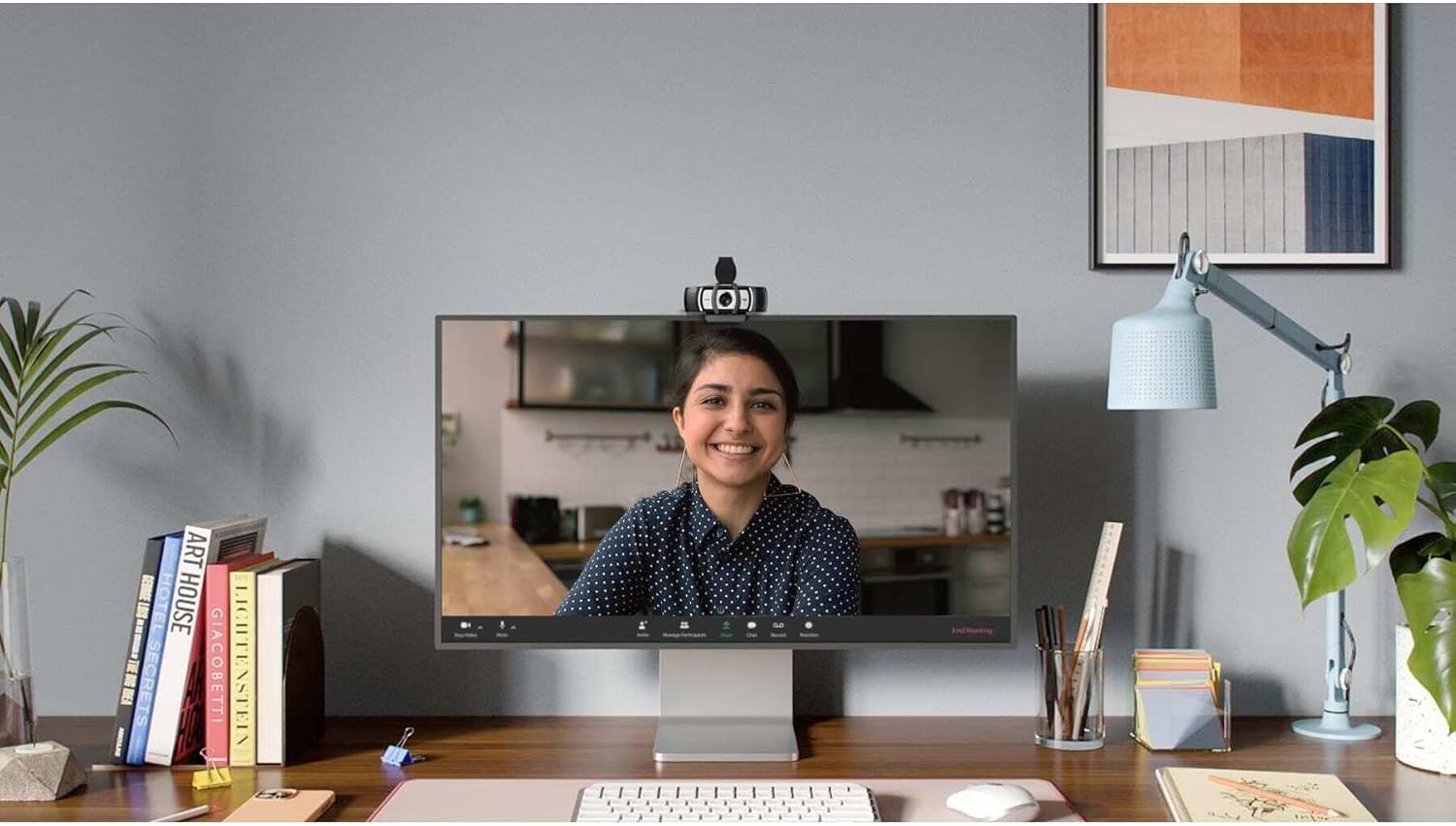
Image: The Logitech C930s Pro HD Webcam is shown mounted securely on top of a computer monitor, demonstrating its typical placement for video calls.
1.3 Installing Software (Optional)
For advanced features and customization, download and install the Logi Tune or G HUB software from the official Logitech webojula. Sọfitiwia yii gba ọ laaye lati:
- Adjust camera settings such as brightness, contrast, and white balance.
- Utilize 4x HD zoom, pan, and tilt capabilities.
- Receive automated firmware updates.
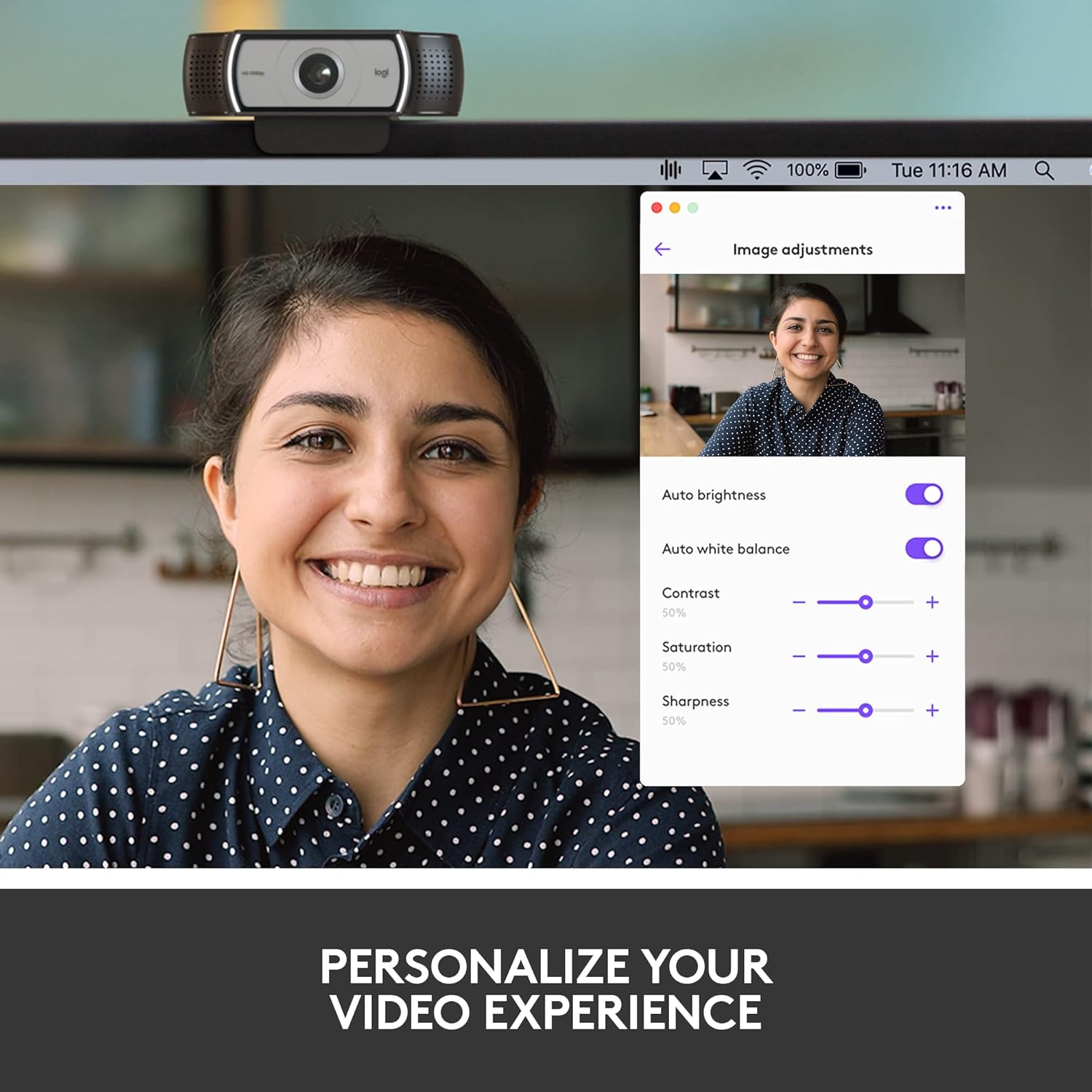
Image: A screenshot of the Logi Tune software interface, showing various image adjustment options like auto brightness, white balance, contrast, saturation, and sharpness, allowing users to personalize their video experience.
2. Operating Your Webkamẹra
2.1 Video Quality Features
The C930s Pro HD Webcam is equipped with features to ensure high-quality video output:
- Fidio 1080p HD ni kikun: Delivers crystal-clear video calls at 1080p resolution.
- RightLight 2 Technology: Automatically adjusts lighting to compensate for low light or backlighting, ensuring you look your best.
- Wide 90° Field of View: Allows you to include more of your surroundings or multiple participants in the frame.
- Up to 60 Frames Per Second (fps): Provides smooth and vivid recordings, ideal for dynamic presentations or streaming.

Image: A person smiling during a video call, with text overlay stating "1080P LETS YOU LOOK YOUR BEST ON VIDEO CALLS", illustrating the high-definition video capability.
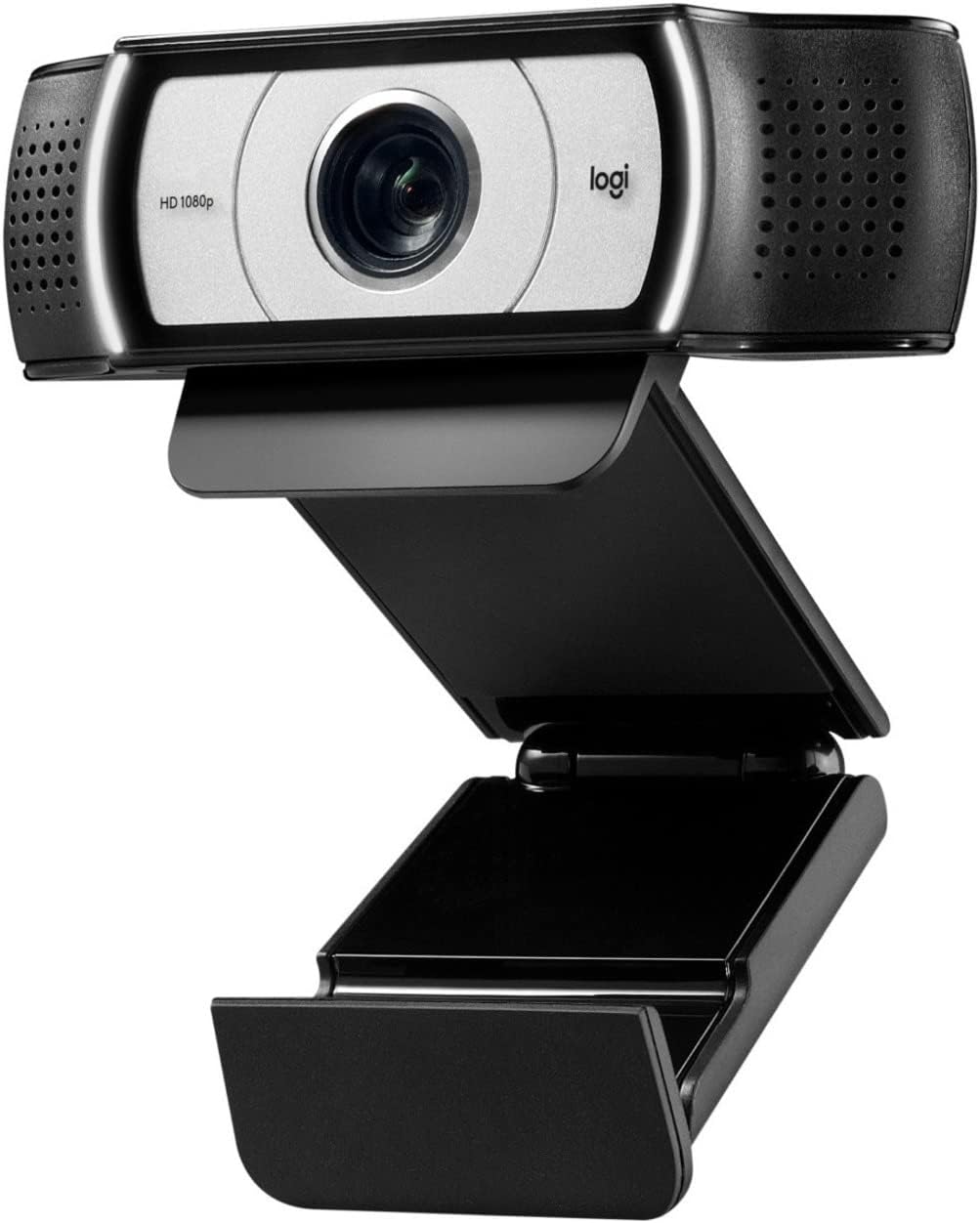
Image: A side-by-side comparison showing a person's face, with one side appearing darker and the other brighter, accompanied by text "HD RESOLUTION WITH AUTO LIGHT CORRECTION", demonstrating the webcam's ability to improve image quality in various lighting conditions.

Image: A person's face with white bracket lines around it, indicating the ability to "FRAME YOURSELF PERFECTLY" using the webcam's field of view and zoom features.

Image: A computer screen displaying a business graph, with text overlay "UP TO 60 FPS HIGH FRAME RATE", indicating the webcam's capability for smooth video capture.
2.2 Audio Awọn ẹya ara ẹrọ
The C930s Pro HD Webcam ensures clear audio capture:
- Dual Omnidirectional Mics: Capture your voice clearly from up to one meter away, making conversations natural and easy to hear.

Image: The Logitech C930s Pro HD Webcam with stylized sound waves emanating from its sides, accompanied by the text "COMMUNICATE WITH EXCEPTIONAL CLARITY", highlighting its dual microphone capability.
2.3 Using the Privacy Shutter
The attachable privacy shutter provides physical security for your webkamẹra:
- To cover the lens, simply flip the shutter down.
- To expose the lens for use, flip the shutter up.

Image: A detailed diagram of the Logitech C930s Pro HD Webcam, pointing out key features such as the attachable privacy shade, ultra-wide 90° dFOV, dual mics, auto light correction, and versatile mounting options.
3. Itọju
To ensure the longevity and optimal performance of your Logitech C930s Pro HD WebKame.awo-ori, tẹle awọn itọnisọna itọju wọnyi:
- Fifọ lẹnsi naa: Gently wipe the lens with a soft, lint-free cloth. Avoid using abrasive cleaners or solvents that could damage the lens coating.
- Ninu ara: Lo asọ, damp asọ lati nu ode ti awọn webkamẹra. Maa ko submerge awọn webKame.awo-ori ninu omi tabi lo ọrinrin pupọ.
- Ibi ipamọ: When not in use, especially during transport, use the privacy shutter to protect the lens from dust and scratches. Store the webcam in a cool, dry place.
- Itọju USB: Yago fun awọn atunse didasilẹ tabi kọnks ninu okun USB lati yago fun ibajẹ inu.
4. Laasigbotitusita
If you encounter issues with your Logitech C930s Pro HD Webkamẹra, gbiyanju awọn ojutu wọnyi:
| Isoro | Owun to le Solusan |
|---|---|
| No video or image |
|
| Poor image quality (blurry, dark, grainy) |
|
| Ko si ohun afetigbọ tabi didara ohun ti ko dara |
|
| Webcam not recognized by computer |
|
Fun alaye diẹ sii laasigbotitusita, jọwọ tọkasi osise naa Ilana olumulo (PDF).
5. Awọn pato
| Ẹya ara ẹrọ | Ẹ̀kúnrẹ́rẹ́ |
|---|---|
| Brand | Logitech |
| jara | Logitech C930s Pro HD Webkamẹra |
| Nọmba Awoṣe Nkan | 960-001403 |
| Ipinnu Iboju ti o pọju | FHD (1080p) |
| Ipinnu Yaworan fidio | 1080p |
| Hardware Platform | Mac, PC, Laptop |
| Iwọn Nkan | 5.7 iwon |
| Awọn iwọn Ọja (LxWxH) | 2.8 x 3.7 x 1.69 inches |
| Àwọ̀ | Dudu / Fadaka |
| Ẹyìn WebKame.awo-ori Ipinnu | 2 MP |
| Fọto sensọ Technology | Omiiran |
| Ipari Ifojusi ti o pọju | 1 |
| O pọju Iho | 2 f |
| Flash Memory Iru | SD |
| Fidio Yaworan kika | MP4 |
| Atilẹyin Audio kika | MP3, AAC |
| Iwon iboju | 2.4 inches |
| Asopọmọra Technology | USB |
6. Atilẹyin ọja ati Support
6.1 Atilẹyin ọja
The Logitech C930s Pro HD WebKame.awo-ori wa pẹlu kan 1-odun lopin atilẹyin ọja hardware lati ọjọ ti o ra. Atilẹyin ọja yi ni wiwa awọn abawọn ninu awọn ohun elo ati iṣẹ ṣiṣe labẹ lilo deede.
For full terms and conditions of the warranty, please refer to the documentation included with your product or visit the official Logitech support webojula.
6.2 Onibara Support
For technical assistance, product registration, or to access the latest drivers and software, please visit the official Logitech support website. You can also find frequently asked questions and community forums there.
A comprehensive User Manual in PDF format is available for download: Logitech C930s Pro HD Webcam User Manual (PDF).


