1. Ifihan
This manual provides instructions for the safe and effective use of your Paladone Disney Princess Projection Night Light. This device is designed to project various Disney Princess scenes onto walls and ceilings, offering multiple lighting modes and an optional music function to create a relaxing atmosphere.
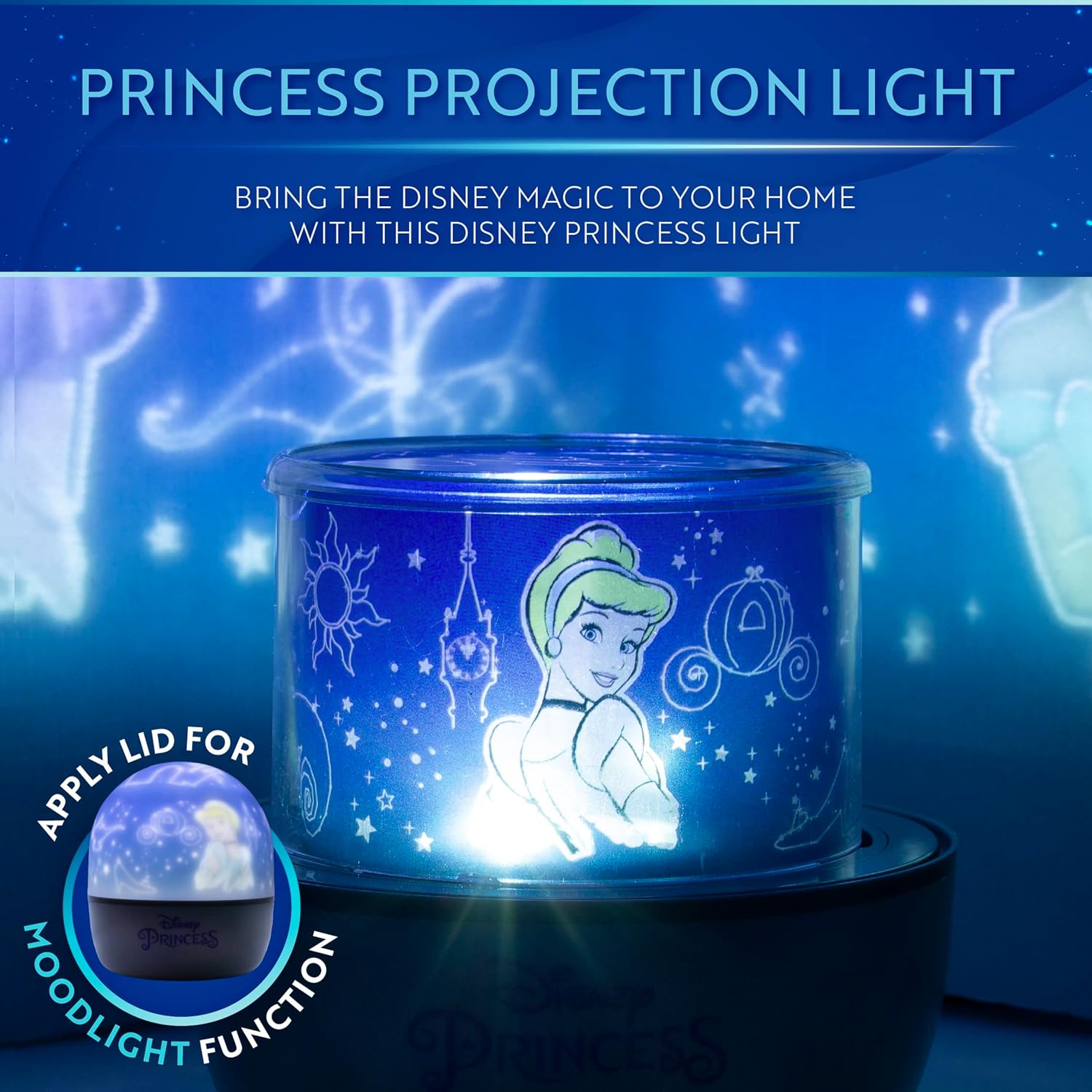
Image: The Disney Princess Projection Night Light in operation, projecting a scene featuring Cinderella onto a wall.
2. Alaye Aabo
- Jeki ẹrọ naa kuro ninu omi tabi awọn olomi miiran.
- Ma ṣe gbiyanju lati tunto tabi yi ẹrọ naa pada.
- Use only the specified power source (USB cable or 3x AA batteries).
- Yago fun ifihan oju taara si orisun ina.
- This product is not a toy. Adult supervision is recommended for children.
- Ensure proper ventilation around the device during use.
3. Package Awọn akoonu
Jẹrisi pe gbogbo awọn ohun kan wa ninu package:
- Disney Princess Projection Night Light Unit
- Okun Agbara USB
- 4 x Projection Sheets (featuring Ariel, Rapunzel, Cinderella, Mulan, Princess Castle, and Little Mermaid Heart designs)
- Plastic Dome (for mood light function)

Image: The four included projection sheets, showing various Disney Princess characters and themed patterns.
4. Eto
4.1 Agbara ẹrọ naa
The night light can be powered by either a USB cable or 3x AA batteries (not included).
- Agbara agbara USB: Connect the provided USB cable to the Micro USB input port on the device and plug the other end into a compatible USB power adapter (5V DC 500mA) or a USB port on a computer.
- Agbara Batiri: Open the battery compartment on the bottom of the unit and insert 3x AA batteries, ensuring correct polarity. Close the compartment securely.

Aworan: A alaye view of the night light's base, showing the Micro USB input and control buttons.
4.2 Inserting Projection Sheets
- Carefully remove the clear plastic film from both sides of your chosen projection sheet.
- Bend the projection sheet into a cylinder and insert it into the clear inner cylinder of the night light unit. Ensure the tabs on the sheet align with the slots in the cylinder to secure it.
- Place the circular top piece of the projection sheet onto the top of the inner cylinder.
4.3 Attaching the Plastic Dome (Mood Light Function)
For a mood light effect without projections, place the opaque plastic dome over the inner projection cylinder. This diffuses the light, creating a softer glow.
5. Awọn ilana Iṣiṣẹ
5.1 Awọn bọtini Iṣakoso
The device features three control buttons on its base:
- Power Button (Light Modes): Press and hold for 3 seconds to turn the device ON/OFF. Short press to cycle through different light colors/modes.
- Rotation Mode Button: Press to activate or deactivate the rotation of the projected images.
- Bọtini Orin: Press to play or stop the built-in music.
5.2 Ipo asọtẹlẹ
With a projection sheet inserted and the plastic dome removed:
- Press and hold the Power Button to turn on the light.
- Short press the Power Button to change the light color (e.g., white, blue, yellow, multi-color fade).
- Press the Rotation Mode Button to make the projected images rotate.
- Press the Music Button to play the built-in music.

Image: The night light projecting an underwater scene with Ariel onto a bedroom wall.
5.3 Mood Light Mode
With the plastic dome attached:
- Press and hold the Power Button to turn on the light. The light will be diffused by the dome.
- Short press the Power Button to change the mood light color.
- The rotation and music functions operate the same as in projection mode.
5.4 Osise Video ọja
Video: An official product video demonstrating the features of the Disney Princess Projection Light, including projection, music, rotation, and mood light functions.
6. Itọju
- Ninu: Fi aṣọ gbígbẹ tó rọ, tó sì gbẹ nu ẹ̀rọ náà. Má ṣe lo àwọn ohun ìfọṣọ tàbí kí o fi omi wẹ̀ ẹ́.
- Ibi ipamọ: When not in use for extended periods, remove batteries and store the device in a cool, dry place.
- Projection Sheets: Handle projection sheets carefully to avoid scratches or damage. Store them flat when not in use.
7. Laasigbotitusita
| Isoro | Owun to le Fa | Ojutu |
|---|---|---|
| Ẹrọ ko tan. | Ko si agbara tabi awọn batiri kekere. | Rii daju pe okun USB ti sopọ daradara tabi rọpo awọn batiri. |
| Projections are blurry or unclear. | Protective film still on projection sheet; incorrect sheet placement. | Remove clear protective film from both sides of the projection sheet. Ensure the sheet is correctly seated in the inner cylinder. |
| Music is too loud or distorted. | Ko si ẹya iṣakoso iwọn didun. | The device does not have a volume adjustment. If the music is too loud, consider using the light without the music function. |
| Images are not rotating. | Rotation mode is not activated. | Press the Rotation Mode Button to activate rotation. |
8. Awọn pato
- Orukọ awoṣe: Disney Princess Projection Night Light
- Nọmba awoṣe: RS561105
- Brand: Paladone
- Awọn iwọn ọja: 4.52"D x 4.52"W x 5.31"H (11.48 cm D x 11.48 cm W x 13.49 cm H)
- Ìwọ̀n Nkan: 9.9 iwon (0.28 kilo)
- Ohun elo: Ṣiṣu
- Orisun Imọlẹ Imọlẹ: LED
- Orisun Agbara: Battery Powered (3x AA, not included) or USB (5V, 500mA)
- Voltage: 5 Volts
- Ọna Iṣakoso: Buttons on unit
- Lilo inu ile/ita gbangba: Ninu ile
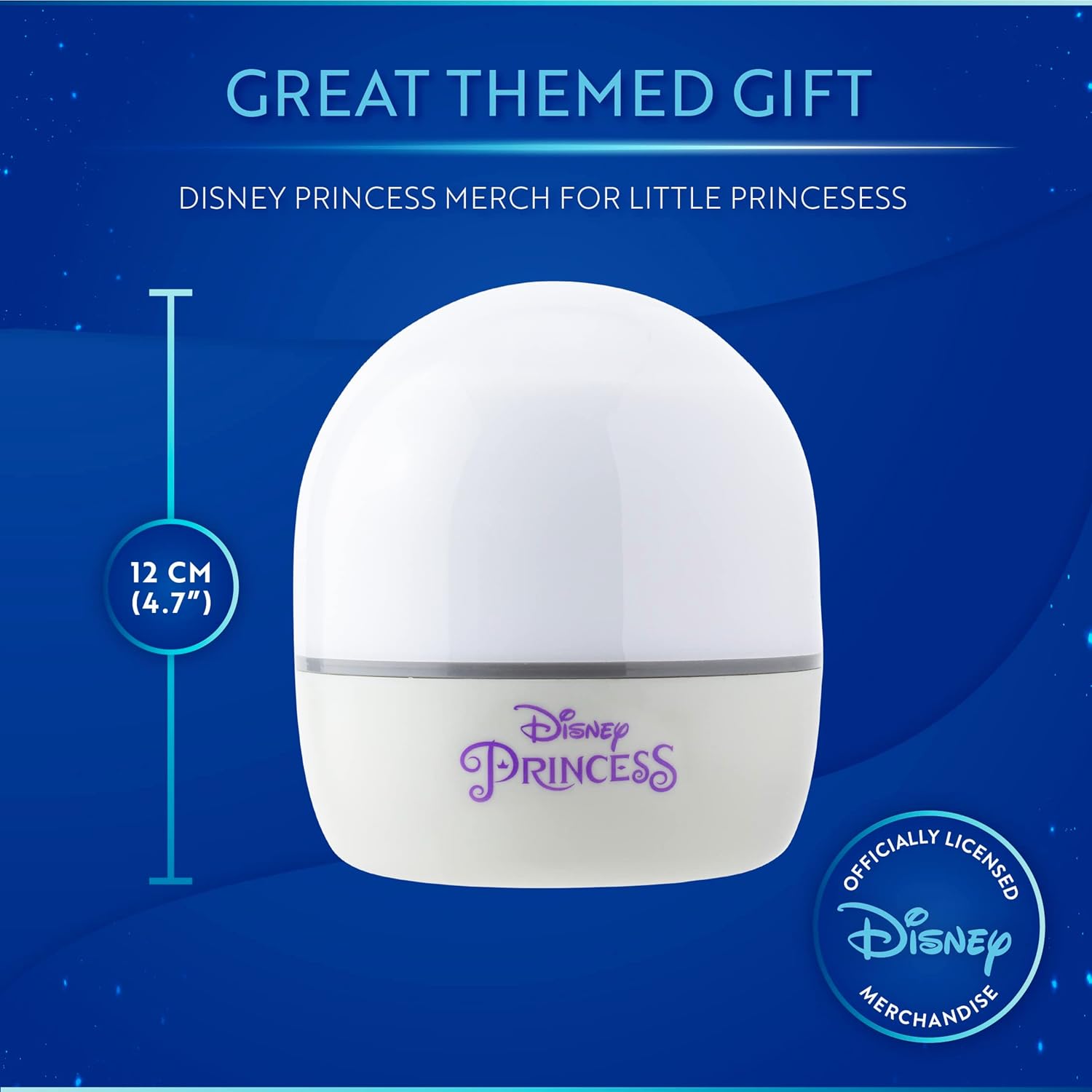
Image: The Disney Princess Night Light with its height dimension (12 cm / 4.7") indicated.
9. Atilẹyin ọja & Atilẹyin
Atilẹyin ọja: This product comes with no warranty as per manufacturer specifications.
Atilẹyin: For further assistance or inquiries, please refer to the retailer's customer service or visit the official Paladone webojula.


