Ọrọ Iṣaaju
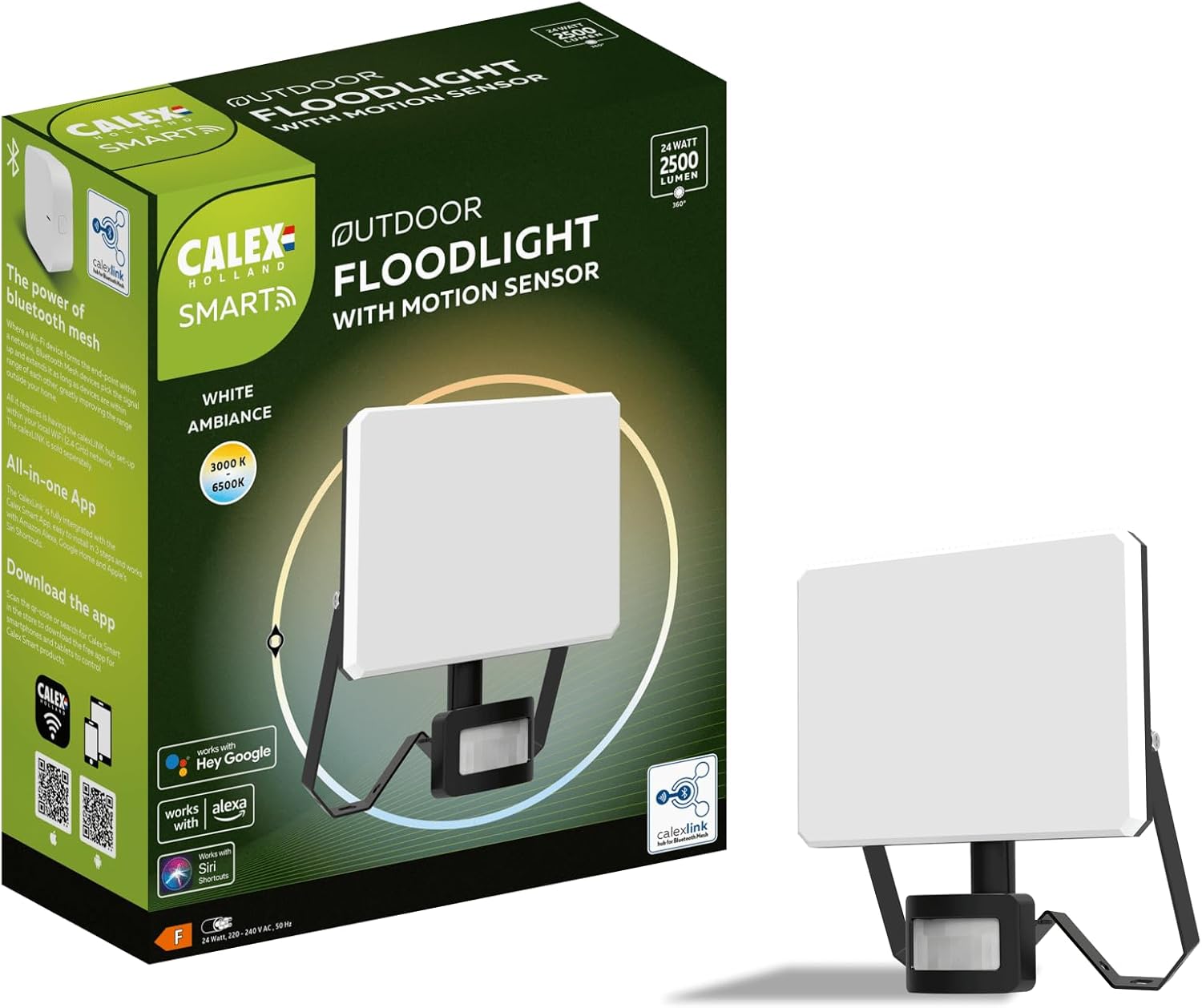
The CALEX Smart Outdoor Floodlight with Motion Sensor is designed to provide intelligent and secure outdoor lighting. This device integrates a motion detector and offers smart control capabilities via a mobile application, enhancing the safety and convenience of your outdoor spaces. It features adjustable color temperature and is compatible with popular voice assistants.
Ṣeto
1. Unpacking
Carefully unpack the floodlight. The package should contain:
- 1x CALEX Smart Outdoor Floodlight
- iṣagbesori hardware
2. fifi sori
Assembly is required for this product. Ensure the power source is a standard electrical cable connection. The floodlight is rated IP54, making it suitable for outdoor use and resistant to dust and splashing water.
- Choose a suitable outdoor location for mounting.
- Use the provided mounting hardware to securely attach the floodlight to a wall or desired surface.
- Connect the floodlight to a power supply using an electrical cable. It is recommended to consult a qualified electrician for electrical connections.
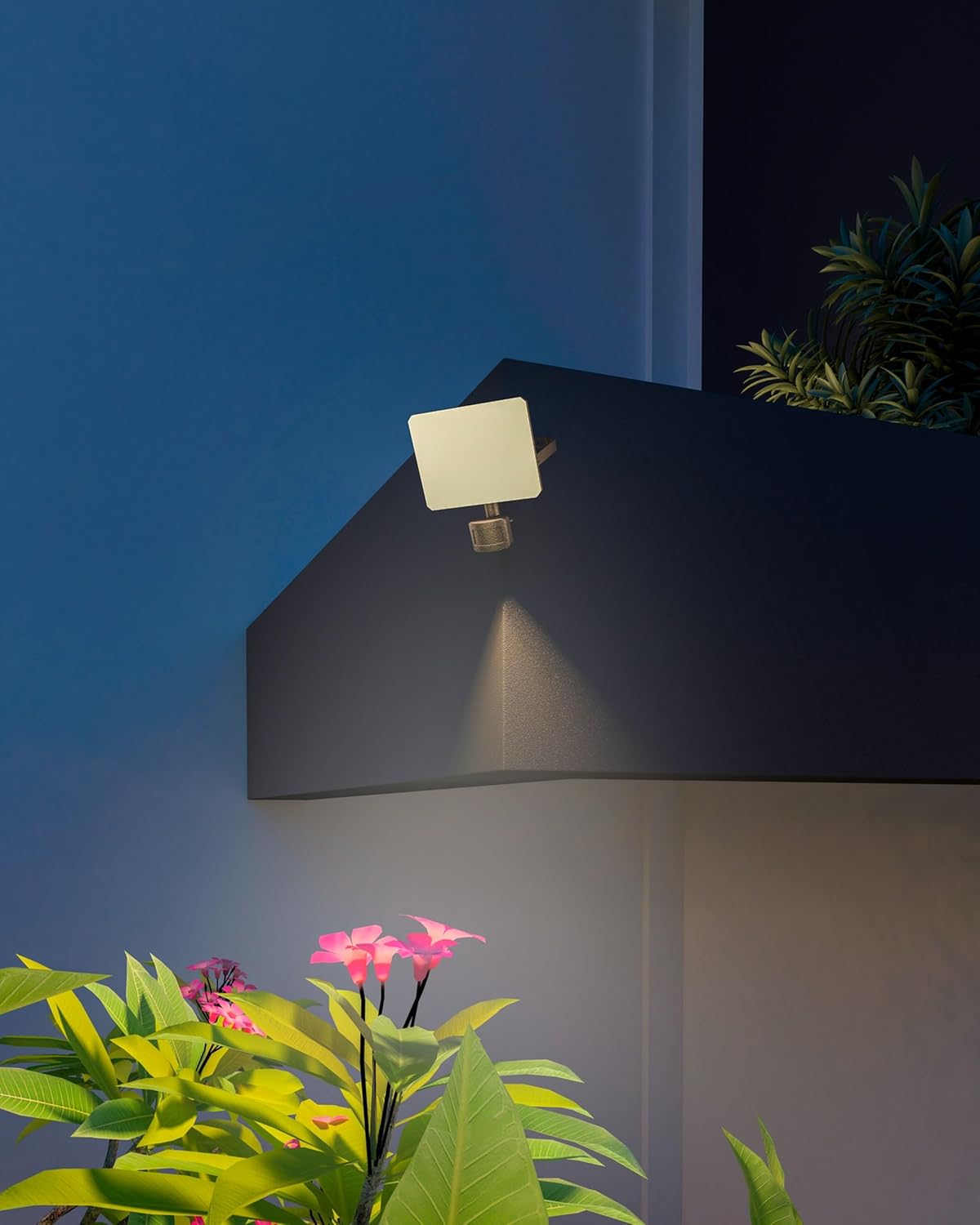
Image: CALEX Smart Outdoor Floodlight installed on an exterior wall, illuminating plants below.
3. App Asopọ
To utilize the smart features, download the Calex Smart app on your smartphone. The app allows for easy configuration and remote management of your lighting.
- Download the Calex Smart app from your device's app store.
- Follow the in-app instructions to add your new floodlight.
- For optimal range and stable connection for all your outdoor smart lights, especially in larger gardens, consider using the separately available Calex Bluetooth Link. This device converts the WiFi signal into a Bluetooth Mesh signal.
Awọn ilana Iṣiṣẹ
1. Ipilẹ isẹ
Once connected to power and configured via the app, the floodlight can be controlled manually or through smart settings.
2. Išipopada Sensọ Iṣẹ
The integrated motion sensor detects movement up to 10 meters away, automatically activating the light for enhanced security. You can adjust the sensor's sensitivity and duration settings within the Calex Smart app.

Aworan: Isunmọ view of the CALEX Smart Outdoor Floodlight, highlighting the integrated motion sensor at the bottom.
3. Àwọn Ẹ̀yà Ọlọ́gbọ́n àti Ìṣàkóso Ohùn
The Calex Smart app allows you to:
- Ṣe akanṣe Imọlẹ: Adjust the color temperature from cool white to warm white to suit your preference.
- Set Timers and Scenarios: Create schedules for automatic on/off times or specific lighting scenarios.
- Isakoṣo latọna jijin: Control your lights from anywhere using the app.
- Iṣakoso ohun: The floodlight is compatible with Google Home, Amazon Alexa, and Siri shortcuts for hands-free operation.
Itoju
Regular maintenance ensures optimal performance and longevity of your floodlight.
Ninu
To clean the floodlight, ensure it is disconnected from the power supply. Use a soft, damp cloth to wipe the surfaces. Avoid abrasive cleaners or solvents that could damage the finish or electronic components.
For more information on cleaning bulbs, refer to general guidelines for LED lighting maintenance.
Laasigbotitusita
If you encounter issues with your CALEX Smart Outdoor Floodlight, consider the following:
- Ko si Agbara: Check the electrical connection and ensure the power supply is active.
- Awọn oran Asopọmọra: Ensure your Wi-Fi network is stable and the floodlight is within range. If using a Calex Bluetooth Link, verify its connection. Try restarting the floodlight and your router.
- Motion Sensor Not Responding: Check the sensor settings in the Calex Smart app. Ensure the sensor is not obstructed and its range is appropriately set.
- Awọn iṣoro Iṣakoso Ohun elo: Verify that the Calex Smart app is updated to the latest version and your smartphone has a stable internet connection.
If problems persist, contact CALEX customer support for further assistance.
Awọn pato
| Ẹya ara ẹrọ | Ẹ̀kúnrẹ́rẹ́ |
|---|---|
| Nọmba awoṣe | 5401000800 |
| Brand | CALEX |
| Awọn iwọn (L x W x H) | 164L x 68W x 192H sẹntimita |
| Iwọn | 420 giramu |
| Ohun elo | Irin, Ṣiṣu |
| Àwọ̀ | Funfun |
| Orisun agbara | Cable ina |
| Flux Imọlẹ | 2500 lumen |
| Iwọn otutu awọ | Adjustable (Cool White to Warm White) |
| Igun tan ina | 120 iwọn |
| Ibi sensọ išipopada | 10 mita |
| Ingress Idaabobo (IP) Rating | IP54 |
| Apejọ ti a beere | Bẹẹni |
| Awọn Lilo pato | Garden, Outdoor Security |
Ọja Data Dì

Image: Official product data sheet for the CALEX Smart Outdoor Floodlight, detailing technical specifications and compliance information.
Agbara Aami
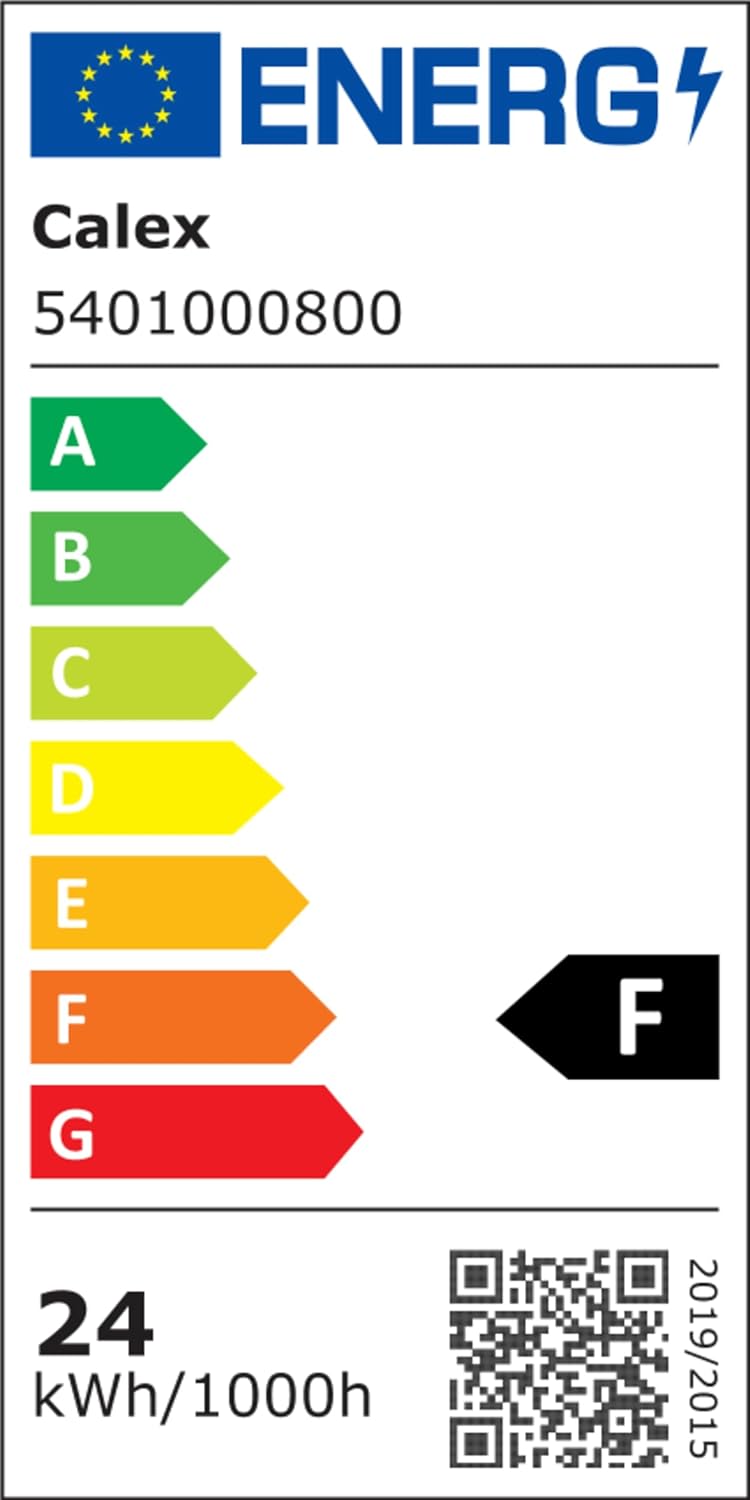
Image: Energy efficiency label for the CALEX Smart Outdoor Floodlight, showing its energy class and consumption.
For detailed energy information, please visit the Database database EPREL.
Atilẹyin ọja ati Support
For warranty information or technical support, please refer to the documentation included with your product or visit the official CALEX website. You can also explore other CALEX products and support resources at the CALEX Brand Store.


