Hama MW-300 V2 Wireless Optical Mouse User Manual
Model: MW-300 V2
1. Ifihan
This manual provides comprehensive instructions for the Hama MW-300 V2 Wireless Optical Mouse. It covers setup, operation, maintenance, and troubleshooting to ensure optimal performance and longevity of your device. The MW-300 V2 is designed for precise and smooth cursor control, featuring silent main buttons and a compact USB receiver for convenience.
2. Package Awọn akoonu
Jọwọ ṣayẹwo package fun awọn nkan wọnyi:
- 1 Hama MW-300 V2 Wireless Optical Mouse
- 1 Olugba USB
- 2 AAA Micro Batteries
- 1 Afowoyi olumulo
3. Eto
3.1. Fifi awọn batiri sii
- Wa yara batiri ni isalẹ ti Asin.
- Ṣii ideri iyẹwu batiri naa.
- Insert the two AAA Micro batteries, ensuring correct polarity (+/-).
- Pa ideri batiri naa ni aabo.
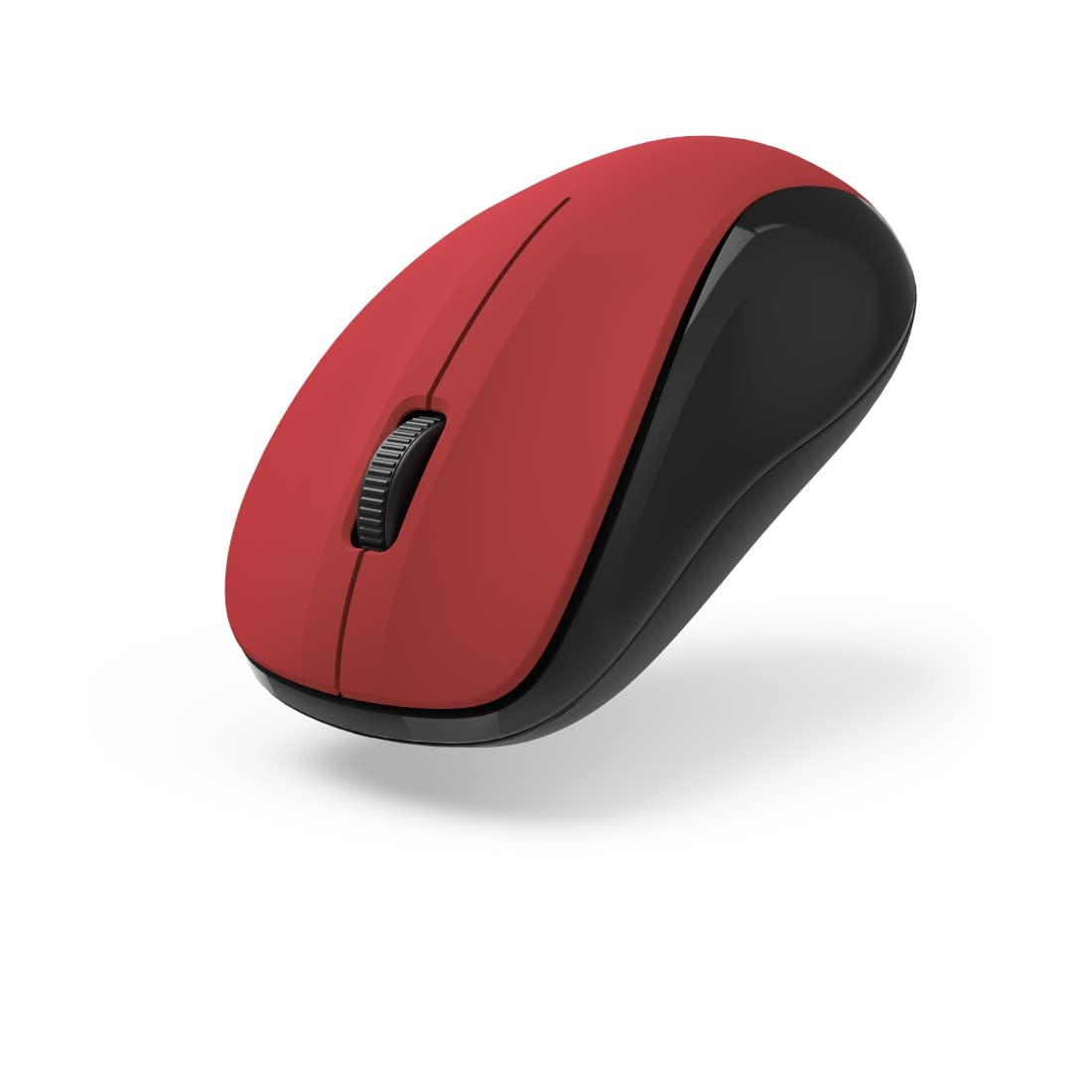
olusin 1: Top view of the Hama MW-300 V2 Wireless Optical Mouse. This image displays the mouse's ergonomic shape, the central scroll wheel, and the left and right click buttons. The red top surface contrasts with the black sides.
3.2. Nsopọ Olugba USB
- Remove the compact USB receiver from its storage slot, usually located within the battery compartment or near it.
- Plug the USB receiver into an available USB-A port on your computer (laptop or PC).
- The mouse will automatically connect to the receiver using Smart Link technology. No additional drivers are typically required for Windows or macOS.

olusin 2: Angled view of the Hama MW-300 V2 Wireless Optical Mouse. This perspective shows the comfortable curve of the mouse, designed for both left and right-handed users, and the textured scroll wheel.
4. Awọn ilana Iṣiṣẹ
4.1. Awọn iṣẹ ipilẹ
- Tẹ osi: Aṣayan akọkọ ati imuṣiṣẹ.
- Tẹ-ọtun: Ṣii awọn akojọ aṣayan ọrọ.
- Yi lọ Kẹkẹ: Yi lọ awọn iwe aṣẹ ati web awọn oju-iwe ni inaro. Yiyi kẹkẹ tun awọn iṣẹ bi a arin tẹ bọtini.
4.2. Ẹ̀yà ara títẹ̀ láìsí ìdákẹ́jẹ́ẹ́
The main buttons of the MW-300 V2 mouse are designed to be silent, providing a quiet working environment. This feature is integrated into the mouse's design and does not require any special activation.
4.3. Wireless Range and Power Saving
The mouse operates on a reliable 2.4 GHz wireless technology with a range of up to 10 meters, depending on environmental conditions. To conserve battery life, the mouse features an automatic power-saving mode that activates during periods of inactivity. To reactivate, simply move the mouse or click a button.
5. Itọju
- Ninu: Lo asọ asọ ti o gbẹ lati nu asin naa. Yago fun lilo awọn kẹmika lile tabi awọn ohun elo abrasive.
- Rirọpo Batiri: Replace batteries when the mouse performance degrades or stops responding. Always use new AAA Micro batteries.
- Ibi ipamọ: When not in use for extended periods, remove the batteries to prevent leakage. The USB receiver can be stored inside the mouse for safe transport.
6. Laasigbotitusita
| Isoro | Ojutu |
|---|---|
| Asin ko dahun |
|
| Iṣipopada kọsọ aiṣedeede |
|
| Awọn oran asopọ |
|
7. Awọn pato
| Orukọ awoṣe | MW-300 V2 |
| Brand | Hama |
| Asopọmọra Technology | 2.4 GHz RF Wireless, USB Receiver |
| Sensọ Iru | Opitika |
| DPI ifamọ | 1200 DPI |
| Nọmba ti Awọn bọtini | 3 (Osi, ọtun, Yi lọ Kẹkẹ/Tẹ Aarin) |
| Ọwọ Iṣalaye | Ambidextrous |
| Pataki Awọn ẹya ara ẹrọ | Silent Clicks, Power Saving Mode, Rubberized Surface, PTFE Gliding Pads |
| Alailowaya Ibiti | Ti o to awọn mita 10 |
| Ibamu Awọn ọna ṣiṣe | Windows 11/10/8/7, macOS 10.10 or higher |
| Batiri Iru | 2 x AAA Micro (included) |
| Awọn iwọn (W x H x D) | 5.8 x 3.7 x 10.3 cm |
| Àwọ̀ | Pupa/dudu |
8. Atilẹyin ọja ati Support
Hama products are covered by a limited warranty. For detailed warranty information, please refer to the warranty card included with your product or visit the official Hama website. For technical support, product inquiries, or service, please contact Hama customer support through their official channels.
Jọwọ ṣe idaduro ẹri rira rẹ fun awọn iṣeduro atilẹyin ọja.
© 2023 Hama GmbH & KG. Gbogbo awọn ẹtọ wa ni ipamọ.


