1. Ifihan
This manual provides essential information for the safe and effective use of your GRACETOP RS500SR Portable Digital Video Magnifier Battery. This product is a replacement 2500mAh Li-ion battery designed to power compatible 5.0-inch portable digital video magnifiers. Please read this manual thoroughly before installation and use.

Image 1.1: The GRACETOP RS500SR 2500mAh Li-ion Battery.
2. Ọja Ipariview
The RS500SR battery is specifically engineered to provide reliable power to your 5.0-inch portable digital video magnifier. It features a 2500mAh capacity, ensuring extended usage time for reading and viewing tasks. The battery is a 3.7V Li-ion type, providing stable power delivery.
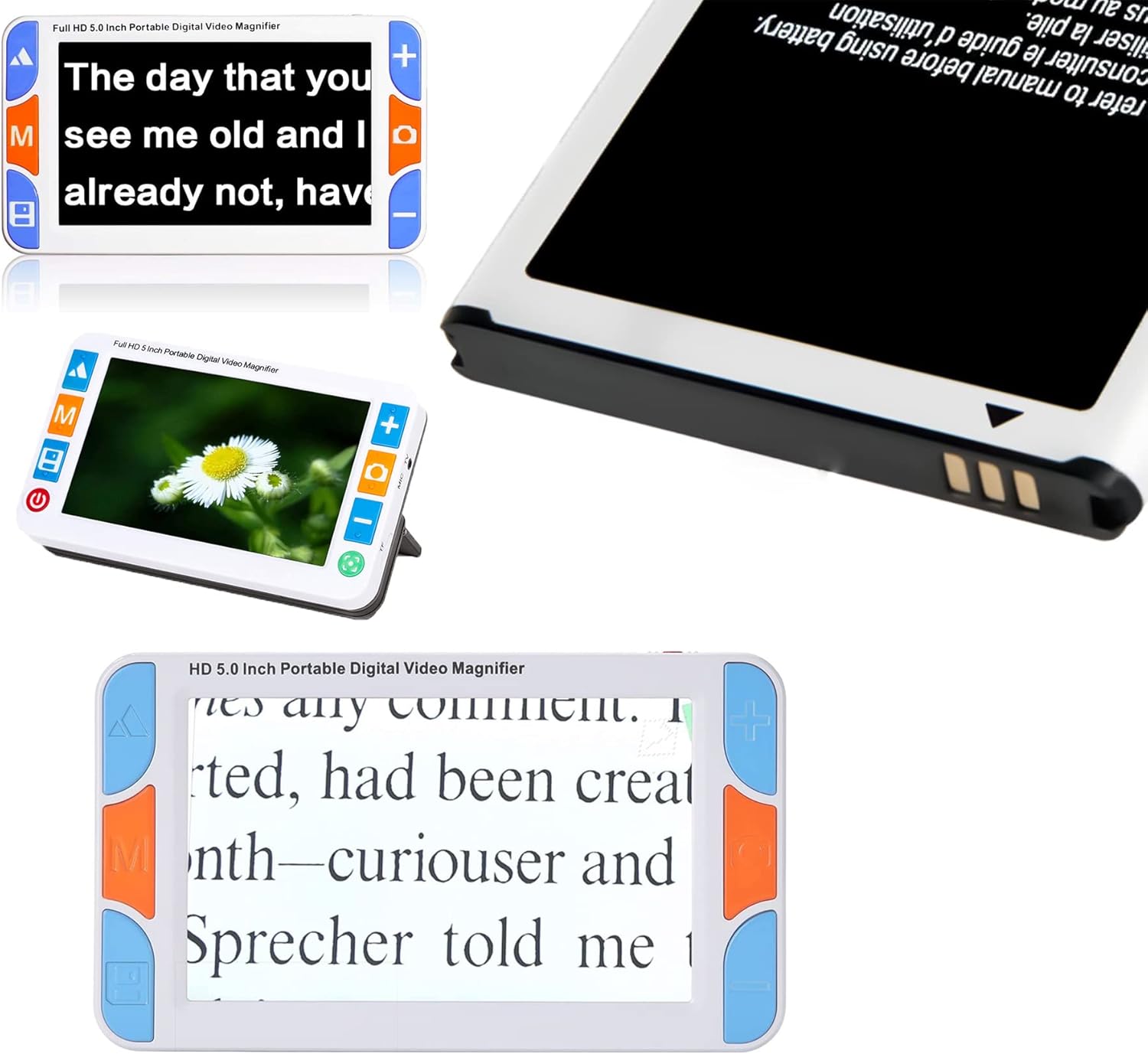
Image 2.1: The RS500SR battery shown with a compatible digital video magnifier.

Aworan 2.2: Example of a digital video magnifier in use, powered by the battery.
3. Eto ati fifi sori
To install the RS500SR battery into your digital video magnifier, follow these steps:
- Ensure the digital video magnifier is powered off and disconnected from any charging source.
- Locate the battery compartment on the back of your digital video magnifier. This compartment typically has a removable cover.
- Gently open or slide off the battery compartment cover.
- Align the RS500SR battery with the battery contacts inside the compartment. Ensure the battery is oriented correctly according to the polarity indicators (+/-) if present.
- Insert the battery firmly into the compartment until it is securely seated.
- Replace the battery compartment cover, ensuring it clicks into place or is securely fastened.
Your digital video magnifier is now ready for use with the new battery. It is recommended to fully charge the battery before initial use.

Aworan 3.1: Isunmọ view of the battery being inserted into the magnifier's battery compartment.

Image 3.2: The RS500SR battery fully installed in the digital video magnifier.
4. Ṣiṣẹ Batiri naa
The RS500SR battery powers your digital video magnifier. Once installed, the magnifier will draw power from the battery. The battery is designed to provide approximately 4 hours of continuous work time on a full charge, depending on the magnifier's usage patterns and settings (e.g., screen brightness, light usage).
Gbigba agbara
To charge the battery, connect your digital video magnifier to its original power adapter and a power outlet. The magnifier's charging indicator (if available) will show the charging status. A full charge typically takes a few hours. Avoid overcharging the battery by disconnecting the charger once it's fully charged.
5. Itọju
Proper maintenance can extend the life of your RS500SR battery:
- Ibi ipamọ: If storing the battery for an extended period, ensure it is charged to about 50% capacity. Store it in a cool, dry place away from direct sunlight and extreme temperatures.
- Iwọn otutu: Avoid exposing the battery to extreme heat or cold, as this can degrade performance and shorten lifespan.
- Ninu: Jẹ́ kí bátírì náà mọ́ tónítóní, kí ó má sì sí eruku tàbí ìdọ̀tí. Lo aṣọ gbígbẹ, rírọ̀ láti nu wọ́n tí ó bá pọndandan.
- Idasonu: Do not dispose of the battery with household waste. Follow local regulations for proper disposal of Li-ion batteries.
6. Laasigbotitusita
If you encounter issues with your RS500SR battery, consider the following common solutions:
- Batiri ko gba agbara:
- Ensure the charging cable and adapter are securely connected to both the magnifier and the power outlet.
- Daju pe iṣan agbara jẹ iṣẹ-ṣiṣe.
- Check if the battery is correctly installed in the magnifier.
- Igbesi aye batiri kukuru:
- Rii daju pe batiri ti gba agbara ni kikun ṣaaju lilo.
- Reduce screen brightness or turn off unnecessary features on the magnifier to conserve power.
- Battery capacity naturally degrades over time. If the battery is old, consider replacing it.
- Magnifier not turning on:
- Confirm the battery is charged and properly installed.
- If the magnifier still does not turn on, the issue may be with the magnifier itself, not the battery.
Ti awọn iṣoro ba wa, jọwọ kan si atilẹyin alabara.
7. Awọn pato
| Ẹya ara ẹrọ | Ẹ̀kúnrẹ́rẹ́ |
|---|---|
| Brand | GRACETOP |
| Awoṣe | RS500SR |
| Batiri Iru | Batiri Li-ion |
| Voltage | 3.7V |
| Agbara | 2500mAh |
| Agbara | 9.25Wh |
| Estimated Work Time | Titi di awọn wakati 4 (da lori lilo) |
8. Alaye Aabo
Jọwọ tẹ̀lé àwọn ìkìlọ̀ ààbò wọ̀nyí láti dènà ìpalára tàbí ìbàjẹ́:
- Ẹrọ yii ni ibamu pẹlu apakan 15 ti Awọn ofin FCC. Isẹ jẹ koko ọrọ si awọn ipo meji wọnyi: (1) Ẹrọ yii le ma fa kikọlu ipalara, ati (2) ẹrọ yii gbọdọ gba kikọlu eyikeyi ti o gba, pẹlu kikọlu ti o le fa iṣẹ ti ko fẹ.
- WARNING: TO AVOID DANGER OF SUFFOCATION, KEEP THIS PLASTIC BAG AWAY FROM BABIES AND CHILDREN. DO NOT USE THIS BAG IN CRIBS, BEDS, CARRIAGES, OR PLAY PENS. THIS BAG IS NOT A TOY.
- IKILO: EWU FOKE and Be Careful of EGBO dida. Not for children under 3 years.
- Má ṣe tú batiri náà ká, má ṣe gún un, tàbí kí o yí i padà.
- Ma ṣe fi batiri han si ina tabi awọn iwọn otutu giga.
- Ma ṣe fi batiri bọ inu omi tabi awọn olomi miiran.
- If the battery shows signs of damage, swelling, or leakage, discontinue use immediately and dispose of it properly.

Image 8.1: Product packaging displaying safety warnings and compliance information.
9. Package Awọn akoonu
The package for the GRACETOP RS500SR Portable Digital Video Magnifier Battery includes:
- 1 x GRACETOP RS500SR Video Magnifier Battery
Please note: The digital video magnifier itself is excluded and sold separately.
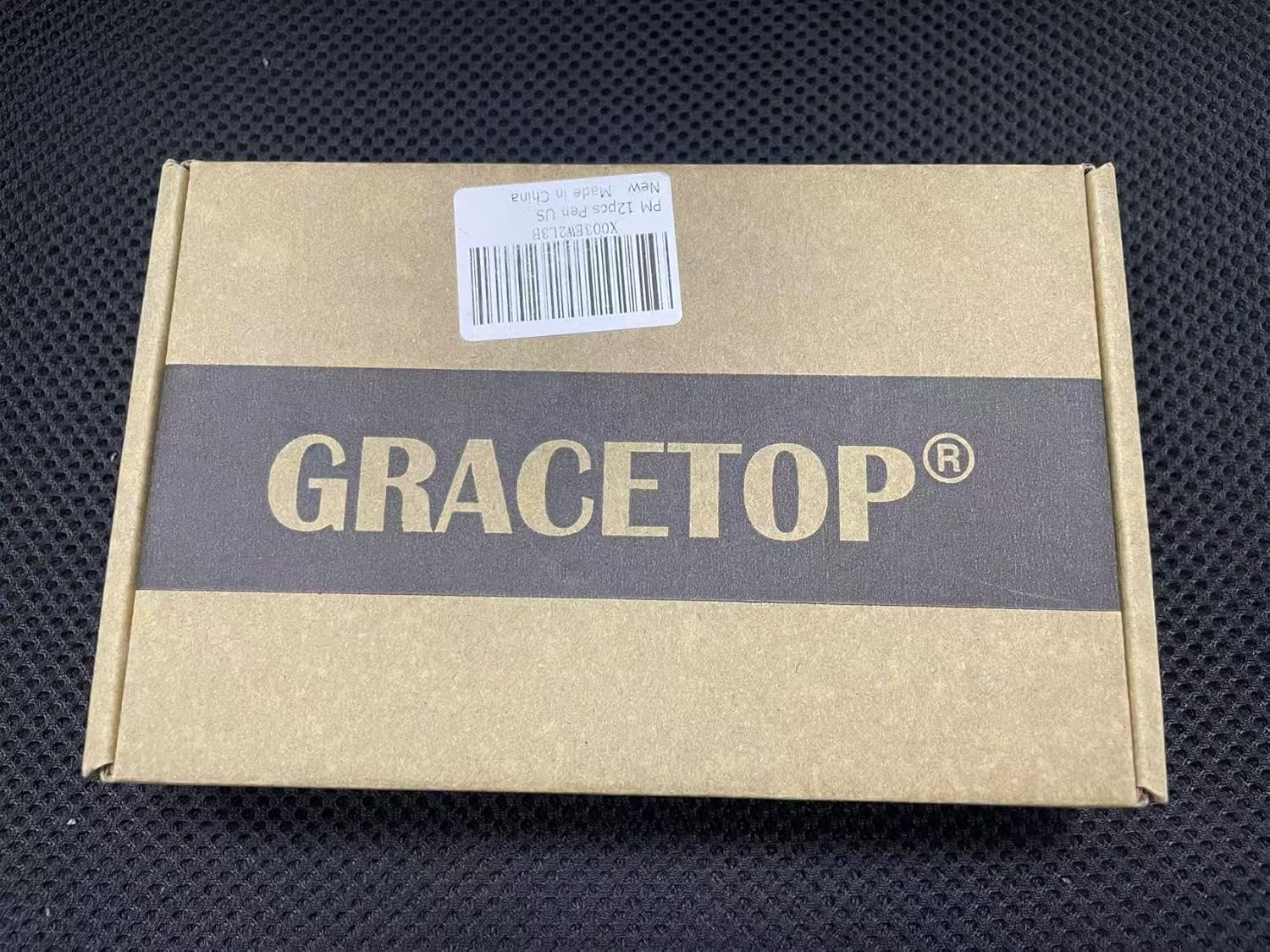
Image 9.1: The GRACETOP product box containing the battery.
10. Alaye atilẹyin
For any inquiries or support regarding your GRACETOP RS500SR battery, please contact the manufacturer:
Olupese: Shenzhen Aimrui Technology Co., Ltd (GRACETOP)
Imeeli: amr5012@outlook.com
Alternative Email (EU Representative): olubasọrọ@evatmaster.com
Adirẹsi: Room 201, Building 11, Lane 1, Kengwei West, Jihua Road, Buji street, Longgang District, Shenzhen, Guangdong, China