1. Ifihan
Thank you for choosing the itel IEB54 Pro Bluetooth in-ear earphones. These earphones are designed to provide a superior audio experience with features like AI Environmental Noise Cancellation (ENC), extended playback time, powerful bass, and fast charging. This manual will guide you through the proper use and care of your new earphones.

Image: itel IEB54 Pro Bluetooth Earphones in blue, showcasing the neckband design and magnetic earbuds.
2. Ohun ti o wa ninu Apoti
Jọwọ ṣayẹwo awọn akoonu package lati rii daju pe gbogbo awọn ohun kan wa:
- itel IEB54 Pro Bluetooth Earphones
- Okun gbigba agbara (USB)
- Eartips (oriṣiriṣi titobi)
- Itọsọna olumulo
3. Eto
3.1. Gbigba agbara si awọn agbekọri rẹ
Before first use, fully charge your earphones. The itel IEB54 Pro supports fast charging, providing 4 hours of playback with just a 10-minute charge.
- So okun gbigba agbara pọ si ibudo gbigba agbara lori awọn agbekọri.
- So opin okun miiran pọ si orisun agbara USB (fun apẹẹrẹ, ibudo USB kọnputa, ohun ti nmu badọgba ogiri).
- The LED indicator will show charging status (refer to the LED indicator section for details).
- Ni kete ti o ti gba agbara ni kikun, ge asopọ okun naa.

Image: Illustration of the fast charging capability, highlighting 10 minutes of charge for 4 hours of playback.
3.2. Sisopọ Bluetooth
The earphones use Bluetooth v5.3 for stable and efficient wireless connectivity. They also support dual pairing.
- Agbara Tan: Tẹ mọlẹ bọtini iṣẹ-ọpọlọpọ titi ti afihan LED yoo tan bulu ati pupa, nfihan ipo sisopọ.
- Mu Bluetooth ṣiṣẹ: Lori ẹrọ rẹ (foonuiyara, tabulẹti, kọǹpútà alágbèéká), mu Bluetooth ṣiṣẹ.
- Yan Ẹrọ: In your device's Bluetooth settings, search for "itel IEB54 Pro" and select it to connect.
- Ìmúdájú: The LED indicator on the earphones will turn solid blue (or flash slowly) once successfully paired, and you may hear an audio prompt.
Isopọ Meji: To connect to a second device, disconnect from the first device (or put the earphones back into pairing mode if they support it automatically after disconnection). Pair with the second device. The earphones will remember both devices and can switch between them effortlessly when both are in range and Bluetooth is active.

Image: itel IEB54 Pro earphones shown with a laptop and smartphone, illustrating dual pairing capability.
4. Awọn ilana Iṣiṣẹ
4.1. Awọn iṣakoso
The itel IEB54 Pro features intuitive touch controls for easy management of your audio and calls.
| Išẹ | Iṣe |
|---|---|
| Titan / Paa | Press and hold multi-function button |
| Mu ṣiṣẹ/Danu Orin duro | Single tap multi-function button |
| Next Track | Tẹ bọtini iwọn didun + mọlẹ |
| Ti tẹlẹ Track | Tẹ mọlẹ Iwọn didun - bọtini |
| Iwọn didun soke | Single tap Volume + button |
| Iwọn didun isalẹ | Single tap Volume - button |
| Idahun/Pari Ipe | Single tap multi-function button |
| Kọ Ipe | Press and hold multi-function button |
| Mu Oluranlọwọ Ohun ṣiṣẹ | Double tap multi-function button |
4.2. AI Environmental Noise Cancellation (ENC)
The AI ENC technology reduces background noise during calls, ensuring clear communication. This feature is automatically active during phone calls.

Image: Visual representation of Environmental Noise Cancellation (ENC) with sound waves.
4.3. Extended Playback Time
Enjoy up to 35 hours of continuous audio playback on a single full charge. Actual battery life may vary based on volume level and audio content.
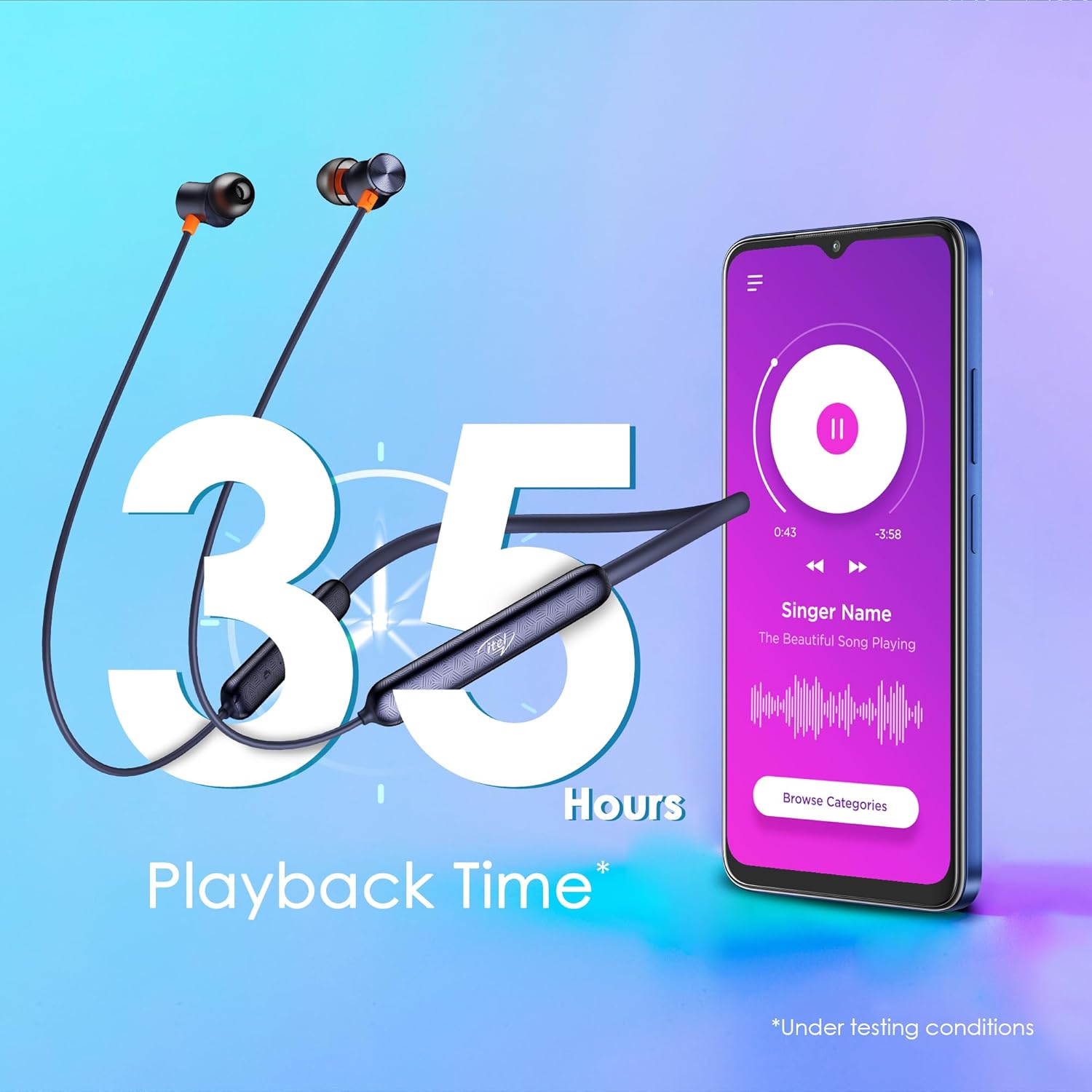
Image: Graphic illustrating 35 hours of playback time with the earphones and a smartphone playing music.
4.4. Earbuds oofa
The earbuds feature a magnetic design, allowing them to securely snap together when not in use. This prevents tangles and makes them convenient to carry around your neck.

Image: Close-up of the magnetic earbuds snapping together, preventing tangles.
5. Itọju
5.1. Ninu
To maintain optimal performance and hygiene, regularly clean your earphones:
- Use a soft, dry, lint-free cloth to wipe the surface of the earphones.
- Fi pẹ̀lẹ́pẹ̀lẹ́ yọ gbogbo ìdọ̀tí etí tàbí ìdọ̀tí kúrò nínú etí àti àwọ̀n ohùn tí a fi ń sọ̀rọ̀ nípa lílo búrọ́ọ̀ṣì kékeré tàbí swab owú.
- Ma ṣe lo awọn kẹmika ti o lewu, awọn nkan mimu mimọ, tabi awọn ohun ọṣẹ ti o lagbara.
5.2. Omi Resistance (IPX5)
The itel IEB54 Pro earphones are rated IPX5 water resistant, meaning they can withstand sweat and light splashes of water. They are suitable for workouts and outdoor activities. However, they are not designed for submersion in water or exposure to pressurized water jets.
- Do not intentionally submerge the earphones in water.
- If they get wet, wipe them dry thoroughly before charging or storing.

Image: Illustration showing the earphones with water splashing, indicating IPX5 water resistance.
6. Laasigbotitusita
If you encounter any issues with your itel IEB54 Pro earphones, please refer to the following common solutions:
- Àwọn agbekọri tí kò ń tan: Ensure the earphones are fully charged. Connect them to a power source and try again.
- Ko le so pọ pẹlu ẹrọ:
- Make sure Bluetooth is enabled on your device and the earphones are in pairing mode (flashing blue and red LED).
- Rí i dájú pé àwọn agbekọri náà wà láàárín ìwọ̀n Bluetooth tí ó tó mítà 10 nínú ẹ̀rọ rẹ.
- Forget "itel IEB54 Pro" from your device's Bluetooth list and try pairing again.
- Restart both your device and the earphones.
- Ko si ohun tabi iwọn kekere:
- Ṣayẹwo awọn ipele iwọn didun lori mejeeji agbekọri rẹ ati ẹrọ ti o sopọ.
- Rii daju pe awọn agbekọri ti sopọ daradara si ẹrọ rẹ.
- Gbìyànjú láti gbọ́ ohùn tó yàtọ̀ síra files tabi lati awọn ohun elo oriṣiriṣi.
- Clean any debris from the eartips and speaker mesh.
- Awọn iṣoro gbigba agbara:
- Rii daju pe okun gbigba agbara ti sopọ ni aabo si mejeeji agbekọri ati orisun agbara.
- Gbiyanju ibudo USB ti o yatọ tabi ohun ti nmu badọgba agbara.
- Ensure the charging port on the earphones is clean and free of debris.
Ti ọrọ naa ba wa, jọwọ kan si atilẹyin alabara.
7. Awọn pato
| Ẹya ara ẹrọ | Ẹ̀kúnrẹ́rẹ́ |
|---|---|
| Orukọ awoṣe | IEB 54 Pro |
| Asopọmọra Technology | Ailokun (Bluetooth v5.3) |
| Audio Driver Iwon | 10mm Yiyi Awakọ |
| Ariwo Iṣakoso | AI Environmental Noise Cancellation (ENC) |
| Akoko Sisisẹsẹhin | Titi di awọn wakati 35 |
| Gbigba agbara yara | 10 mins charge = 4 hours playback |
| Omi Resistance | IPX5 |
| Iṣakoso Iru | Iṣakoso ifọwọkan |
| Awọn ẹrọ ibaramu | Àwọn Kọ̀ǹpútà alágbèéká, Àwọn Fóònù alágbèéká, Àwọn Tábìlẹ́ẹ̀tì |
| Iwọn Nkan | 30 giramu |
| Ọja Mefa | 18.5 x 13 x 1.3 cm |
| Olupese | IMMORTECH PRIVATE LIMITED |
| Ilu isenbale | India |

Image: A comprehensive collage highlighting key features of the itel IEB54 Pro earphones.
8. Atilẹyin ọja ati Support
Your itel IEB54 Pro earphones come with a standard manufacturer's warranty. For specific warranty terms and conditions, please refer to the warranty card included in your product packaging or visit the official Itel webojula.
For technical support, troubleshooting assistance, or warranty claims, please contact Itel customer service. Contact details can typically be found on the product packaging or the official Itel support webojula.
Manufacturer: IMMORTECH PRIVATE LIMITED


