Ọrọ Iṣaaju
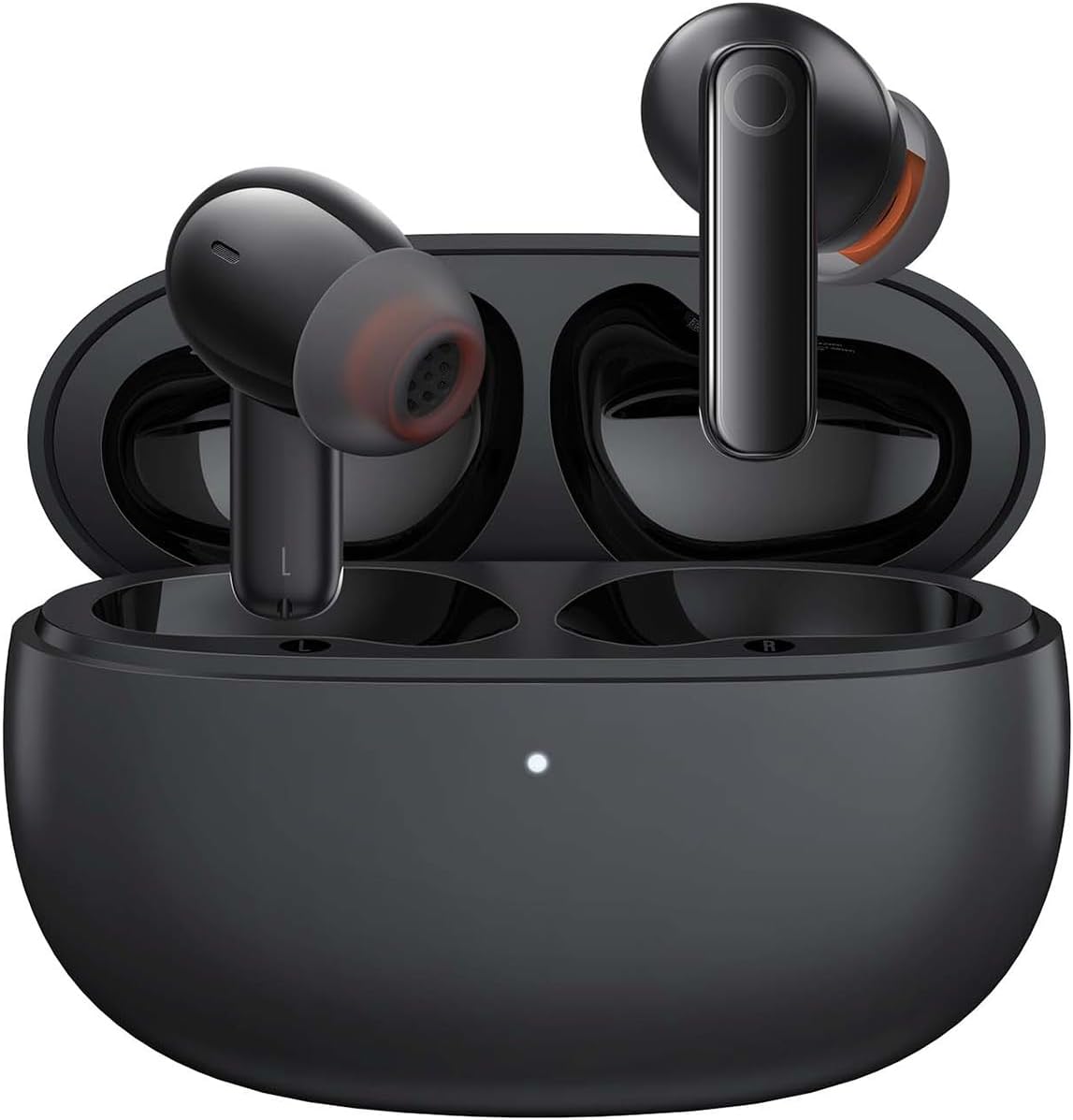
Image: The Baseus Bowie MZ10 True Wireless Stereo Earphones, shown in their open charging case, ready for use.
This manual provides detailed instructions for the operation, maintenance, and troubleshooting of your Baseus Bowie MZ10 TWS Earphones. Please read this manual thoroughly before using the product to ensure proper function and longevity.
Ohun ti o wa ninu Apoti
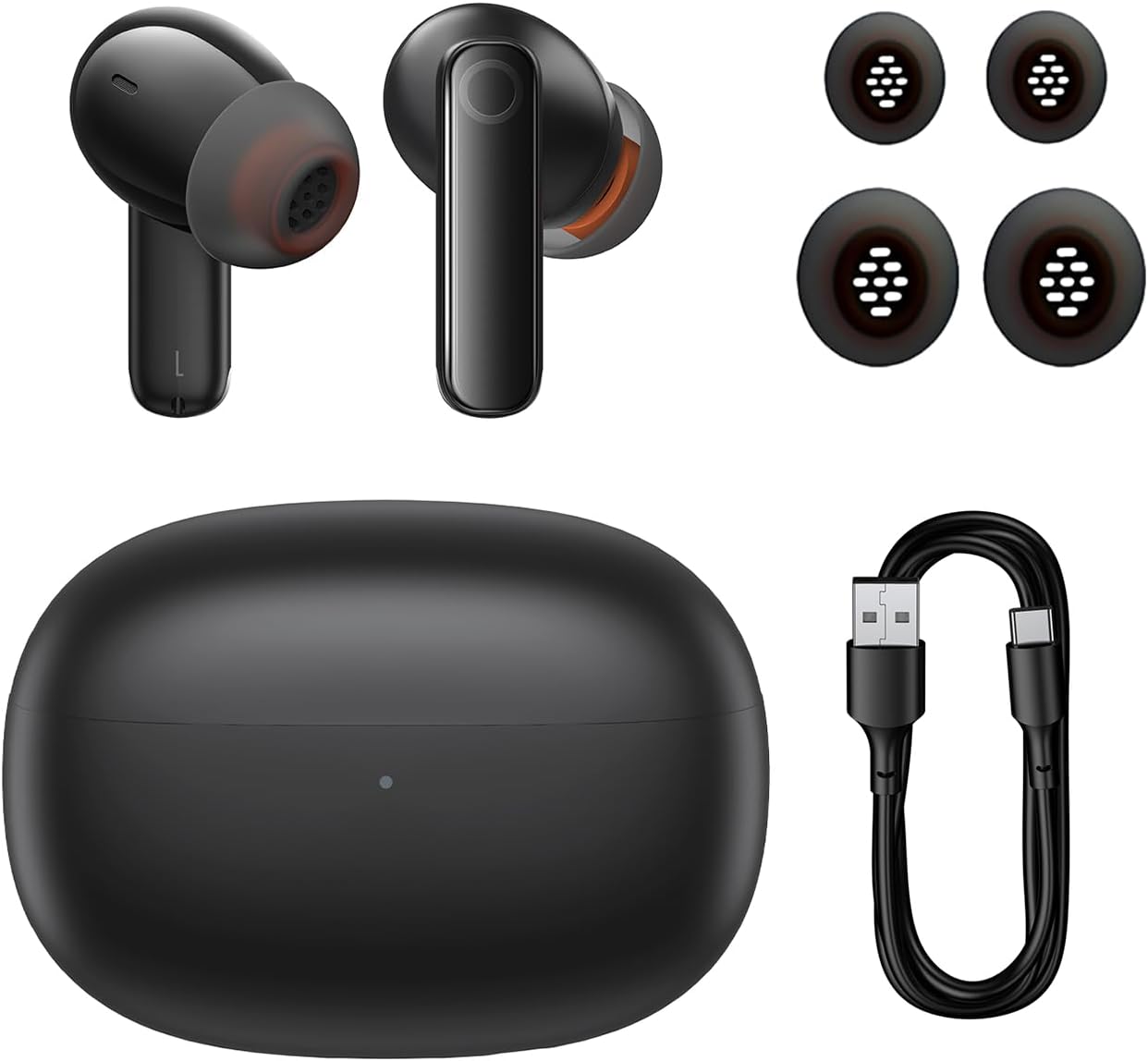
Image: The package contents of the Baseus Bowie MZ10 TWS Earphones, showing the two earbuds, the charging case, multiple sizes of ear tips, and a USB-C charging cable.
- Baseus Bowie MZ10 TWS Earbuds (Left and Right)
- Ngba agbara Case
- USB-C Ngba agbara Cable
- Awọn imọran Eti Silikoni (awọn titobi oriṣiriṣi)
- Afowoyi Olumulo (iwe-ipamọ yii)
Ṣeto
1. Ngba agbara si Earphones ati Case
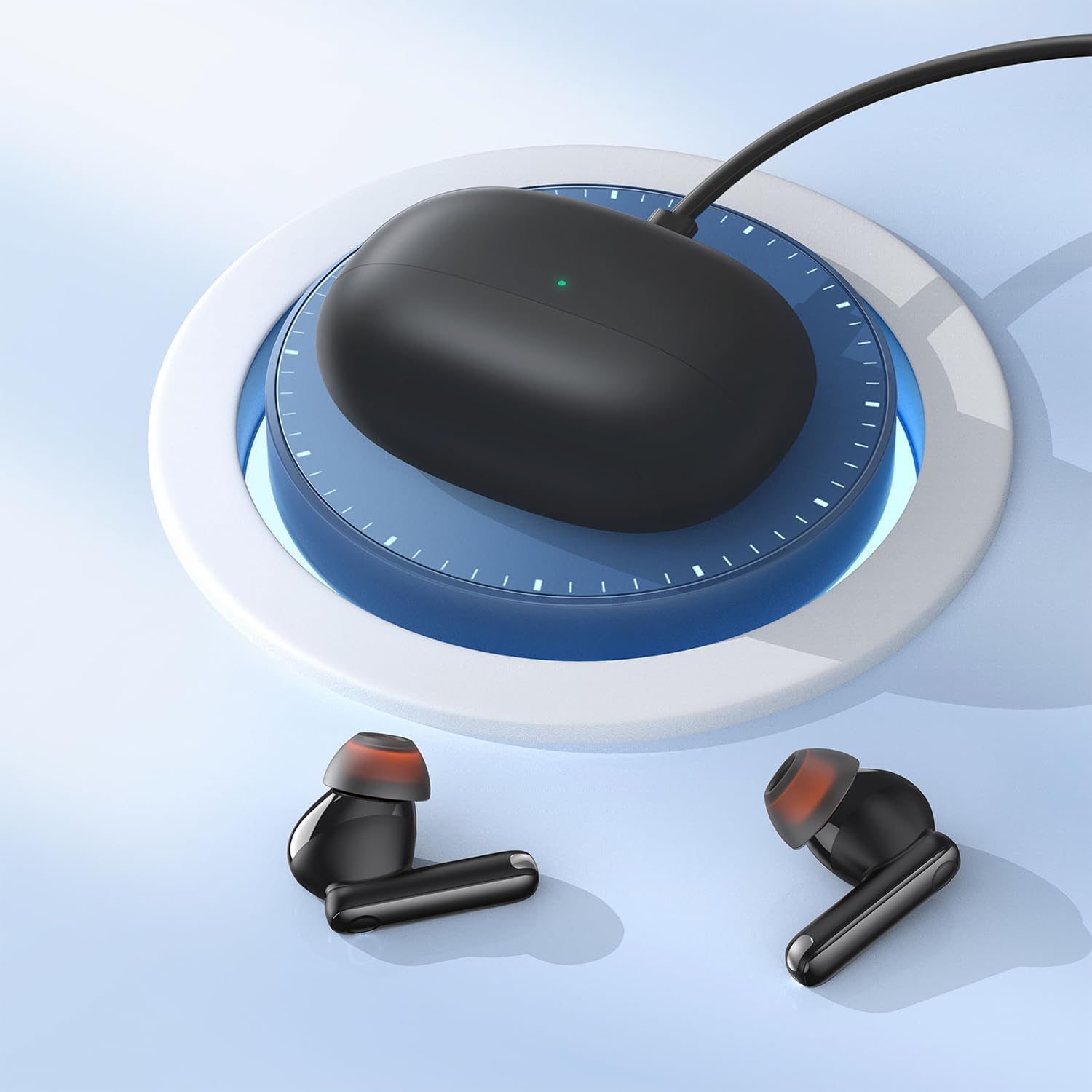
Image: The Baseus Bowie MZ10 charging case being charged via a USB-C cable, indicated by a green light on the case.
- Ṣaaju lilo akọkọ, gba agbara ni kikun apoti gbigba agbara ati awọn agbekọri.
- Connect the USB-C charging cable to the charging port on the case and a power source.
- The indicator light on the case will show charging status. A full charge is indicated when the light remains solid.
- Place the earbuds into the charging case to charge them. The earbuds will automatically charge when placed correctly in the case.
2. Sisopọ Bluetooth
- Open the charging case. The earbuds will automatically enter pairing mode, and the indicator light on the case will flash.
- Lori ẹrọ rẹ (foonuiyara, tabulẹti, ati be be lo), jeki Bluetooth.
- Wa fun "Baseus Bowie MZ10" in the list of available Bluetooth devices.
- Select "Baseus Bowie MZ10" to connect. Once connected, the indicator light on the case will turn off or show a steady light.
- Tí ìsopọ̀ náà bá kùnà, pa àpótí náà, dúró fún ìṣẹ́jú-àáyá díẹ̀, kí o sì tún ṣe àwọn ìgbésẹ̀ náà.
Awọn ilana Iṣiṣẹ
Awọn iṣakoso ifọwọkan
The Baseus Bowie MZ10 earphones feature touch-sensitive controls on each earbud. The specific functions may vary slightly depending on your device and application.
| Iṣe | Išẹ |
|---|---|
| Tẹ ẹyọkan (osi/ọtun) | Mu ṣiṣẹ/sinmi orin, Dahun/pari ipe |
| Tẹ lẹẹmeji (ọtun) | Itele orin |
| Tẹ lẹẹmeji (Osi) | Ti tẹlẹ orin |
| Tẹ Gigun (Osi/Ọtun) | Switch between ANC/Transparency Mode (if applicable) |
| Tẹ lẹẹmẹta (Osi/Ọtun) | Mu Oluranlọwọ Ohun ṣiṣẹ |
Fagilee Ariwo Ti nṣiṣe lọwọ (ANC)
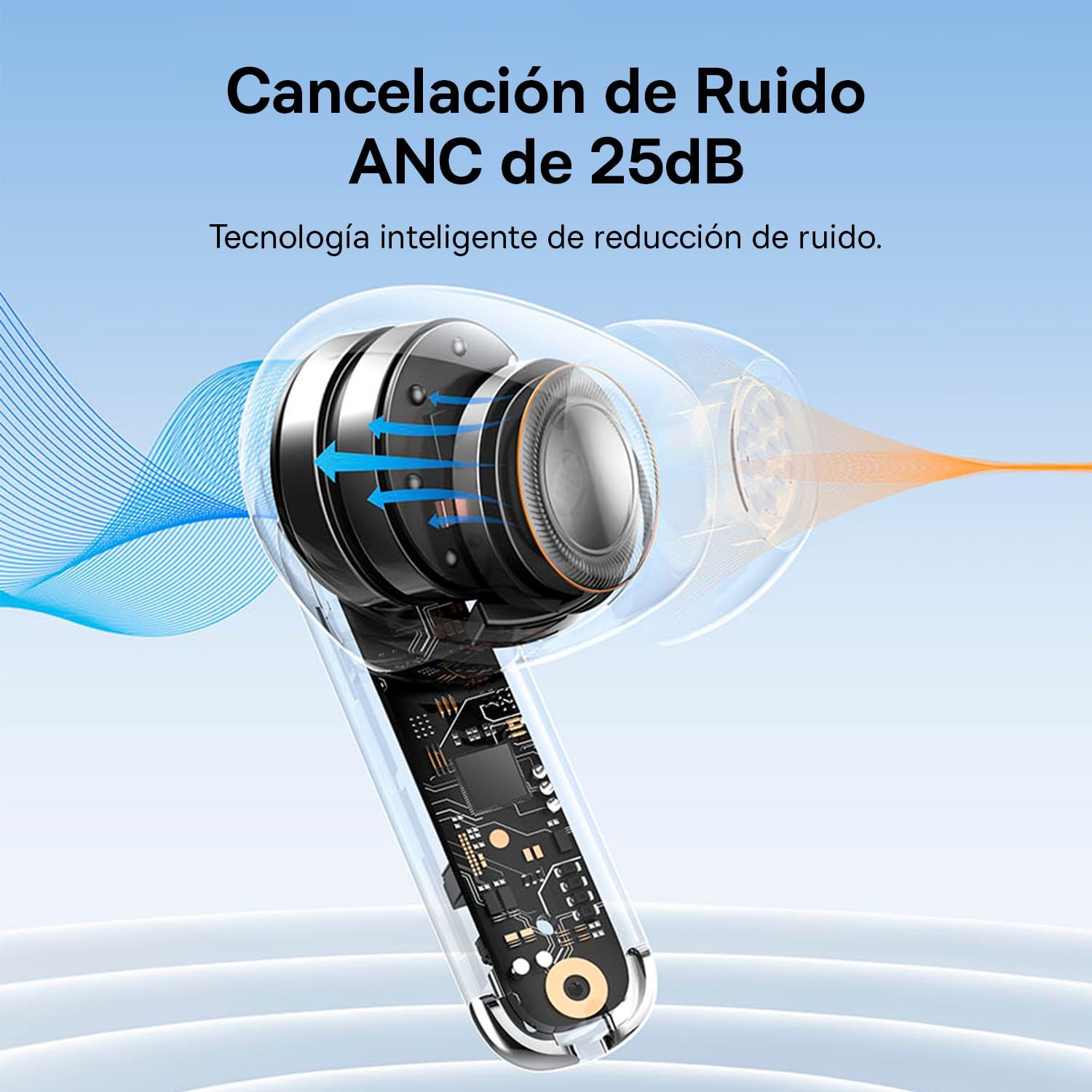
Image: A diagram showing how Active Noise Cancellation (ANC) works within the earbud, with sound waves being cancelled out.
The Baseus Bowie MZ10 earphones feature Active Noise Cancellation to reduce ambient noise. To activate or deactivate ANC, perform a long press on the touch area of either earbud. You may hear an audible prompt indicating the mode change.
Ifagile Ariwo Ayika (ENC) fun Awọn ipe
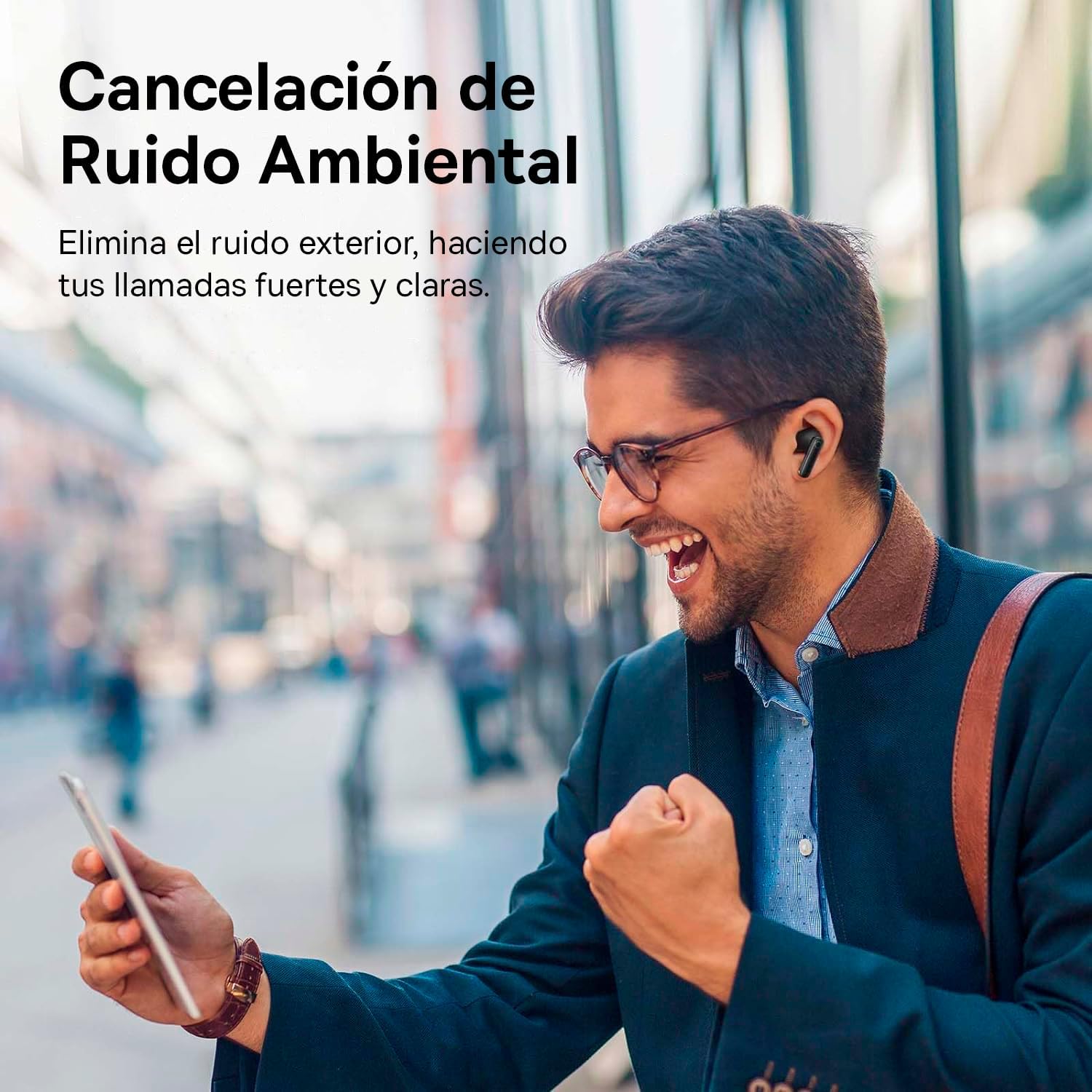
Image: A person smiling while using the Baseus Bowie MZ10 earphones in an outdoor setting, suggesting clear call quality despite ambient noise.
The earphones are equipped with Environmental Noise Cancellation (ENC) technology, which helps to suppress background noise during phone calls, ensuring your voice is transmitted clearly to the other party.
Low Latency Mode for Gaming
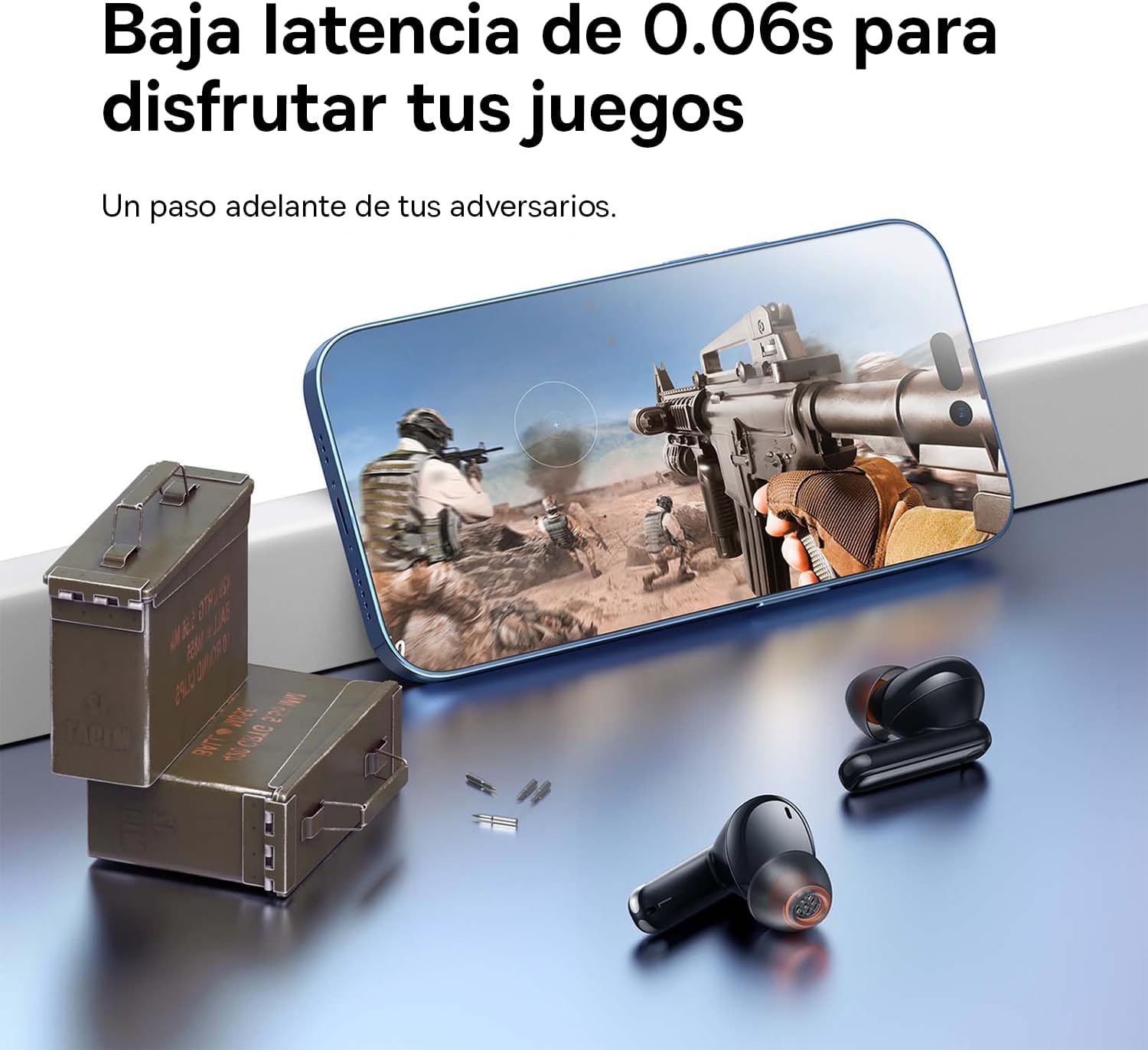
Image: The Baseus Bowie MZ10 earphones positioned near a smartphone displaying a video game, highlighting their low latency feature for an enhanced gaming experience.
For an optimized gaming experience, the Baseus Bowie MZ10 earphones offer a low latency mode. This mode reduces audio delay, ensuring that sound effects and dialogue are synchronized with on-screen actions. Refer to the Baseus app or specific earbud gestures (if available) to activate this mode.
Itoju
- Ninu: Regularly clean the earbuds and charging case with a soft, dry, lint-free cloth. Do not use abrasive cleaners or immerse the product in water.
- Italolobo Eti: Yọ awọn eti kuro nigbagbogbo ki o si fọ wọn pẹlu ipolowoamp Aṣọ. Rí i dájú pé wọ́n gbẹ pátápátá kí o tó tún so wọ́n pọ̀ mọ́ ara wọn.
- Ibi ipamọ: Tí o kò bá lò ó, fi àwọn ètígbọ́ náà sínú àpótí ìgbóná wọn láti dáàbò bò wọ́n kí wọ́n sì máa gba agbára. Tọ́jú sí ibi tí ó tutù, tí ó gbẹ, tí kò sí ìmọ́lẹ̀ tààrà àti ooru tó le koko.
- Itọju Batiri: To preserve battery life, avoid fully discharging the battery frequently. Charge the earphones regularly, even if not in constant use.
Laasigbotitusita
| Isoro | Owun to le Solusan |
|---|---|
| Earbuds ko so pọ pẹlu ẹrọ |
|
| Ohun agbekọri kan ṣoṣo ti n dun |
|
| Iwọn kekere tabi didara ohun ko dara |
|
| Ngba agbara ko gba agbara |
|
Awọn pato
- Brand: Baseus
- Nọmba awoṣe: NGTW340001
- Iru ọja: True Wireless Stereo (TWS) Earphones
- Àwọ̀: Dudu
- Batiri: Lithium-ion (ṣe gbigba agbara)
- Awọn ẹya: Active Noise Cancellation (ANC), Environmental Noise Cancellation (ENC), Low Latency Mode
- Asopọmọra: Bluetooth (version not specified, but typically 5.0 or higher for TWS)
- Oju-ọna gbigba agbara: USB-C
Atilẹyin ọja ati Support
Baseus products are designed and manufactured to the highest quality standards. For information regarding warranty coverage, technical support, or service, please refer to the warranty card included with your purchase or visit the official Baseus webojula. Jeki ẹri rira rẹ fun awọn iṣeduro atilẹyin ọja.
For further assistance, you may contact Baseus customer support through their official channels.


