Ọrọ Iṣaaju
Thank you for choosing the RG N35 TWS Gaming Headset. This manual provides essential information for setting up, operating, and maintaining your new wireless earbuds. Please read this manual thoroughly before use to ensure optimal performance and longevity of your device.
Package Awọn akoonu
- RG N35 TWS Gaming Earbuds (Left and Right)
- Ngba agbara Case
- Ngba agbara USB
- Itọsọna olumulo
Ọja Pariview
The RG N35 TWS Gaming Headset features a low-latency design optimized for gaming, true wireless stereo audio, and touch controls. The earbuds are housed in a distinctive charging case with LED indicators.

RG N35 TWS Gaming Earbuds in their charging case, with the lid open, showcasing the earbuds and the case's internal design.
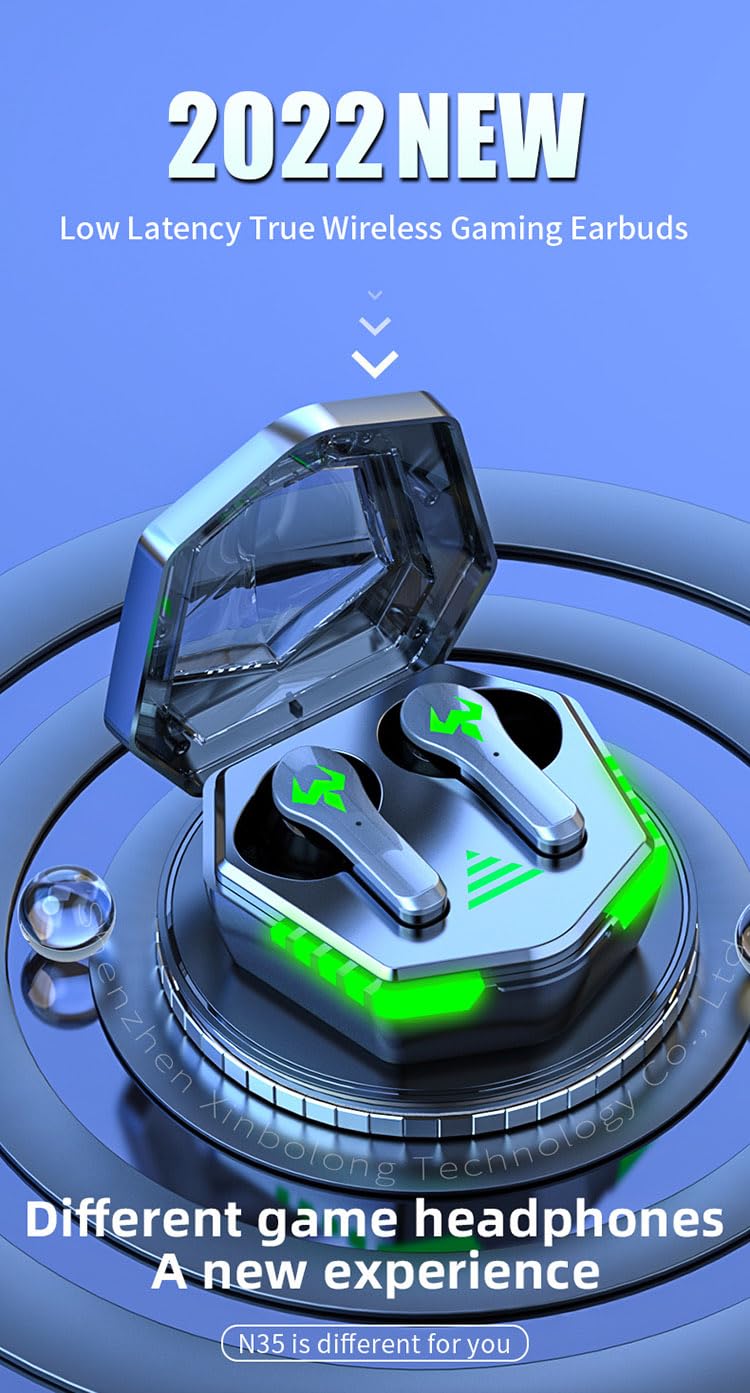
A visual representation of the RG N35 TWS Gaming Earbuds and charging case, emphasizing their low latency and gaming-specific design.
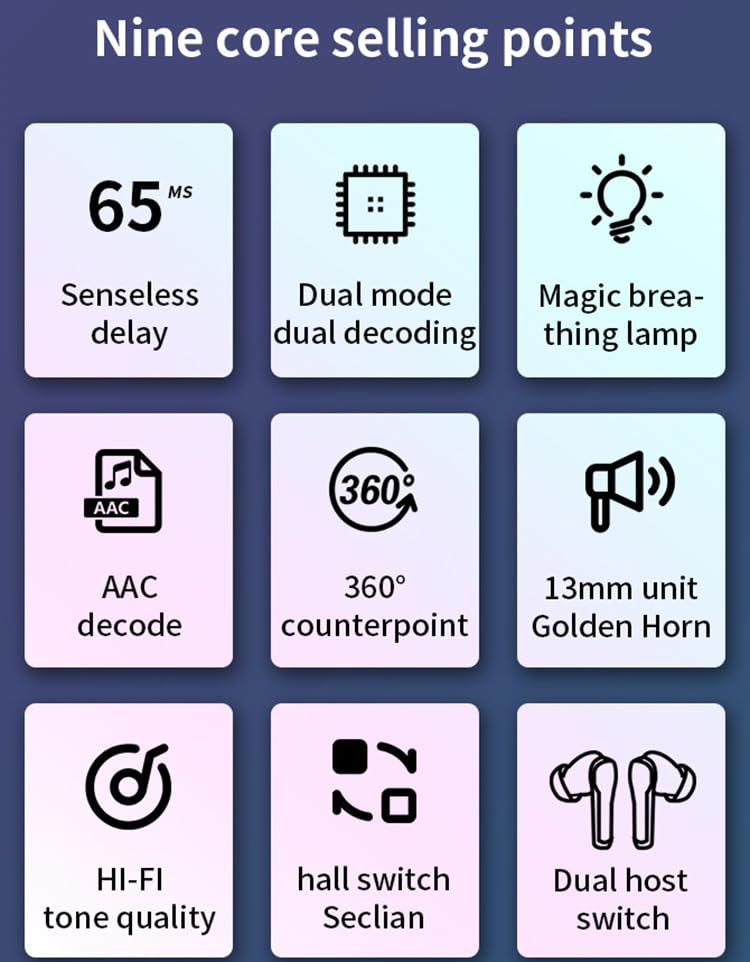
An infographic detailing key features of the RG N35 earbuds, including 65ms low latency, dual mode decoding, breathing lamp, AAC decode, 360-degree sound, 13mm driver, Hi-Fi audio, hall switch, and dual host switch.
Ṣeto
1. Ngba agbara ẹrọ
Before first use, fully charge the earbuds and the charging case. Connect the provided charging cable to the charging port on the case and a compatible USB power source. The LED indicators on the case will show the charging status. A full charge typically takes approximately 1.5 hours.
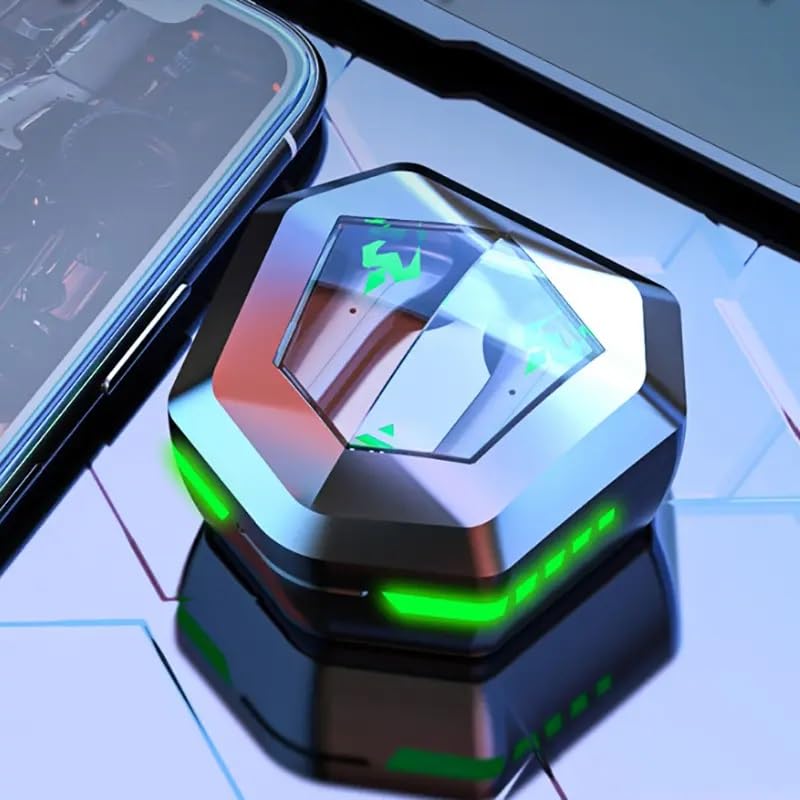
The RG N35 TWS Gaming Earbuds charging case, closed, displaying its hexagonal shape and illuminated green LED accents, indicating charging or power status.
2. Ibẹrẹ Ibẹrẹ
- Rii daju pe awọn agbekọri ti gba agbara.
- Ṣii apoti gbigba agbara. Awọn agbekọri yoo tan ina laifọwọyi ati tẹ ipo sisopọ pọ sii.
- On your device (smartphone, computer, etc.), enable Bluetooth.
- Wa fun available Bluetooth devices and select "N35" from the list.
- Ni kete ti a ti sopọ, itọka ohun kan yoo jẹrisi isọdọkan aṣeyọri.
The earbuds support synchronous transmission, meaning either earbud can function independently after initial pairing, allowing for single-ear use.
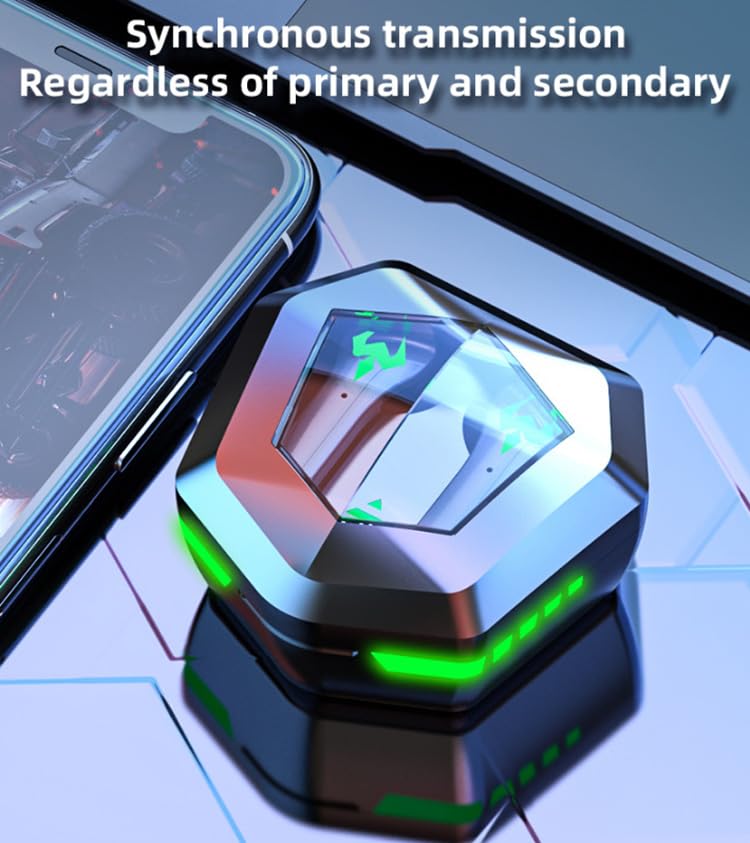
An image depicting the synchronous transmission capability of the earbuds, indicating that either earbud can function independently as primary or secondary.
Awọn ilana Iṣiṣẹ
Titan / Paa
- Agbara Tan: Open the charging case, or long-press the touch area on both earbuds for 3 seconds.
- Agbara Pa: Fi àwọn ètítíkì náà padà sínú àpótí ìgbóná kí o sì ti ìbòrí náà, tàbí kí o tẹ ibi ìfọwọ́kàn náà fún ìṣẹ́jú-àáyá márùn-ún.
Ipo Orin/Ere Yipada
The RG N35 features a dual mode for music and gaming. In gaming mode, the earbuds provide ultra-low latency (approximately 45-65ms) for a synchronized audio-visual experience.
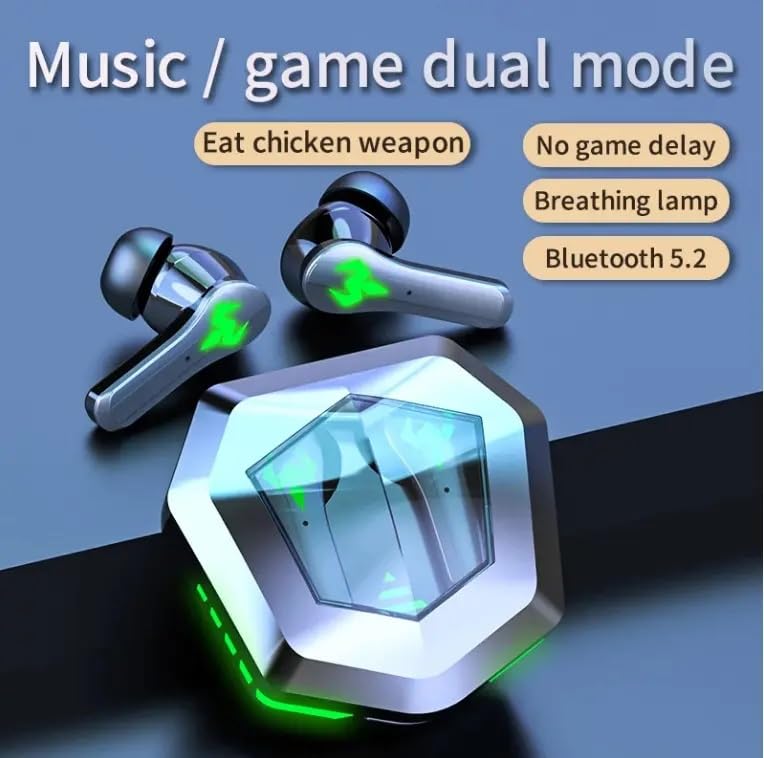
An illustration highlighting the dual mode functionality (music/game) of the RG N35 earbuds, emphasizing low latency for gaming and Bluetooth 5.2 connectivity.
To switch between modes, triple-tap the touch area on either earbud. A voice prompt will indicate the current mode.
Awọn iṣakoso ifọwọkan
The earbuds are equipped with touch-sensitive controls for various functions:
- Ṣiṣẹ/Daduro: Single-tap either earbud.
- Orin t’okan: Fọwọ ba agbekọri ọtun lẹẹmeji.
- Tẹlẹ Orin: Fọwọ ba agbekọri osi lẹẹmeji.
- Iwọn didun Up: Long-press the right earbud.
- Iwọn didun isalẹ: Long-press the left earbud.
- Activate Voice Assistant (Siri, Google Assistant, Alexa): Triple-tap either earbud (when not in game mode).
Ṣiṣe awọn ipe
- Idahun/Ipe Ipari: Single-tap either earbud.
- Kọ Ipe: Tẹ gun boya agbekọri fun iṣẹju meji 2.
Itoju
Ninu
Máa fọ àwọn ètí ìgbọ́rọ̀ rẹ àti àpótí ìgbóná rẹ déédéé láti rí i dájú pé ó ṣiṣẹ́ dáadáa àti pé ó mọ́ tónítóní. Lo aṣọ rírọ̀, gbígbẹ, tí kò ní àbàwọ́n. Fún ìdọ̀tí líle, fi díẹ̀ sí i.amp cloth can be used, but ensure no moisture enters the charging ports or speaker grilles. Do not use harsh chemicals or abrasive materials.
Ibi ipamọ
When not in use, store the earbuds in their charging case to protect them from dust and damage. Store the device in a cool, dry place away from direct sunlight and extreme temperatures.
Omi Resistance
The RG N35 earbuds are rated IPX-5 water resistant and sweatproof. This means they can withstand splashes of water and sweat, making them suitable for workouts and light rain. They are not designed for submersion in water or exposure to heavy rain. Ensure the earbuds are dry before placing them back in the charging case to prevent damage.
Laasigbotitusita
| Isoro | Owun to le Solusan |
|---|---|
| Earbuds ko ṣiṣẹ lori | Ensure the earbuds and charging case are fully charged. Place earbuds in the case, close, then reopen. |
| Ko le ṣe alawẹ-meji pẹlu ẹrọ | Make sure Bluetooth is enabled on your device. Ensure earbuds are in pairing mode (open case). Forget "N35" from your device's Bluetooth list and try pairing again. Move closer to your device. |
| Kò sí ohùn tàbí ohùn tí ó ń dákẹ́lẹ́sẹ̀ | Check volume levels on both earbuds and your connected device. Ensure earbuds are properly seated in your ears. Reconnect the earbuds to your device. |
| Awọn iṣakoso ifọwọkan ko dahun | Rii daju pe awọn ika ọwọ rẹ mọ ati gbẹ. Gbiyanju lati tun awọn agbekọri bẹrẹ nipa gbigbe wọn sinu ọran naa ki o tun mu wọn jade lẹẹkansi. |
| Low latency not active in game mode | Ensure you have successfully switched to game mode (triple-tap either earbud). Verify your device's settings are not interfering with Bluetooth performance. |
Awọn pato
| Ẹya ara ẹrọ | Ẹ̀kúnrẹ́rẹ́ |
|---|---|
| Orukọ awoṣe | N35 |
| Asopọmọra Technology | Ailokun (Bluetooth) |
| Imọ-ẹrọ Ibaraẹnisọrọ Alailowaya | Bluetooth 5.2 |
| Bluetooth Ibiti | 10m - 15m |
| Ilana Vocalism | Iwontunwonsi Armature Driver |
| Audio Driver Iwon | 13mm kuro |
| Kika kika | AAC |
| Àkókò Ìdádúró Aláìlókùn | 45-65 ms (Gaming Mode) |
| Agbara Batiri Earbud | 35mAh |
| Gbigba agbara Box agbara | 300mAh |
| Akoko gbigba agbara | Isunmọ. Awọn wakati 1.5 |
| Akoko Sisisẹsẹhin Orin | Isunmọ. Awọn wakati 5 |
| Aago Ọrọ | Isunmọ. Awọn wakati 5 |
| Mabomire Standard | IPX-5 (Water Resistant, Sweatproof) |
| Iṣakoso Iru | Iṣakoso ifọwọkan, Iṣakoso iwọn didun |
| Gbohungbohun | Ti a ṣe sinu |
| Ere Atmosphere Light | Single Color (LED Display) |
| Awọn ẹrọ ibaramu | Mobile Phone, Computer, MP3 Player, Smartphone |
| Ọja Mefa | 5 x 5 x 5 cm |
| Iwọn Nkan | 200 g |
Atilẹyin ọja ati Support
For warranty information or technical support, please refer to the documentation provided at the time of purchase or contact your seller directly. Keep your proof of purchase for any warranty claims.