Ọrọ Iṣaaju
Thank you for choosing the Volkano Remus Series 30,000mAh PD Power Bank. This high-capacity portable power bank is designed to keep your devices charged efficiently while on the go. Please read this manual carefully to ensure proper use and maintenance of your device.
Alaye Aabo
Láti dènà ìbàjẹ́ sí ilé ìpamọ́ agbára tàbí ìpalára fún ara rẹ, jọ̀wọ́ tẹ̀lé àwọn ìlànà ààbò wọ̀nyí:
- Má ṣe fi páńkì agbára sí ojú ọjọ́ tó le koko (gbóná tàbí òtútù), oòrùn tààrà, tàbí ọ̀rinrin tó ga.
- Má ṣe tú ẹ̀rọ náà ká, má ṣe yípadà, tàbí gbìyànjú láti tún un ṣe. Èyí yóò sọ àtìlẹ́yìn náà di òfo.
- Jeki banki agbara kuro lati omi ati awọn olomi miiran.
- Maṣe ju silẹ, puncture, tabi lo agbara ti o pọju si banki agbara.
- Lo awọn kebulu gbigba agbara ifọwọsi nikan ati awọn oluyipada.
- Jeki kuro ni arọwọto awọn ọmọde.
- Sọ banki agbara kuro ni ifojusọna ni ibamu si awọn ilana agbegbe. Ma ṣe sọ ọ nù sinu egbin ile.
Package Awọn akoonu
Jọwọ rii daju pe gbogbo awọn nkan wa ninu package rẹ:
- Volkano Remus Series 30,000mAh PD Power Bank
- 2-in-1 Fast Charging Cable (Micro-USB and Type-C compatible)
- Itọsọna olumulo
Ọja Pariview
The Volkano Remus Series Power Bank features a robust design and high-capacity battery to provide reliable power for your mobile devices.
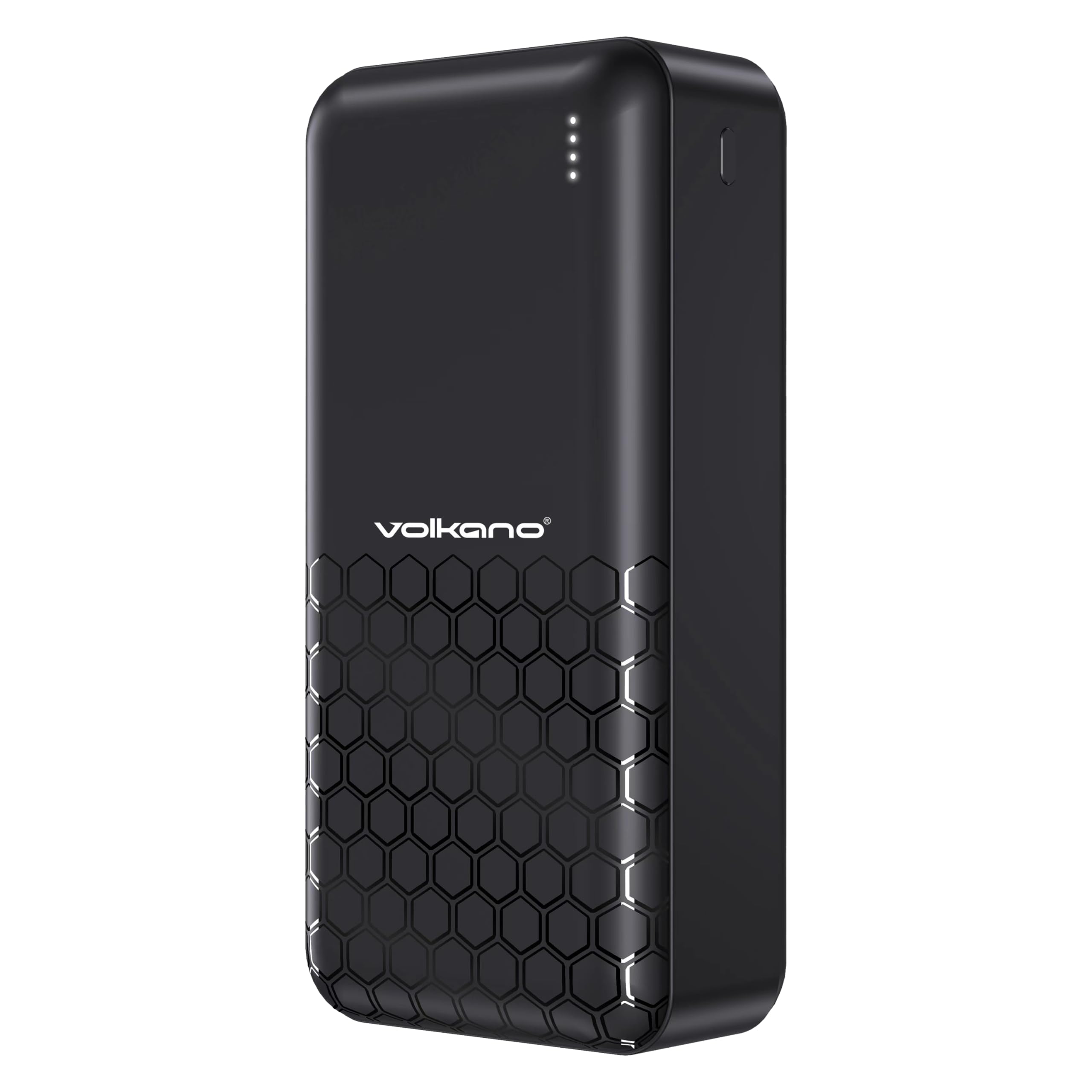
Iwaju view of the Volkano Remus power bank, displaying the Volkano logo and four LED indicator lights.

Igun view of the Volkano Remus power bank, highlighting the various charging ports including USB-A and USB-C.

The Volkano Remus Series 30,000 mAh Power Bank, showcasing awọn oniwe-aso oniru.
Awọn ẹya pataki:
- Agbara giga: Massive 30,000mAh battery capacity for multiple device charges.
- Imọ-ẹrọ Ifijiṣẹ Agbara (PD): Charges compatible devices at higher speeds, up to 50% in 30 minutes.
- 2-in-1 Fast Charging Cable: Includes a versatile cable compatible with both Micro-USB and Type-C devices.
- Ọpọ Awọn ibudo Gbigba agbara: Features 1x 20W PD Type-C Port and 2x USB-C Charging Ports, along with 22.5W USB-A Quick Charge.
- Atọka LED: Ṣe afihan ipele batiri lọwọlọwọ.

Alaye view of the power bank's charging ports and the versatile 2-in-1 fast charging cable.

The power bank demonstrating its fast charging capabilities for various devices, including smartphones and tablets.
Ṣeto
Gbigba agbara akọkọ ti Bank Power
Before first use, it is recommended to fully charge your Volkano Remus Power Bank.
- Connect the included 2-in-1 charging cable (or a compatible USB-C cable) to the power bank's input port (Type-C).
- So opin keji okun naa pọ mọ adapter odi USB (ko si ninu rẹ) tabi ibudo USB ti o ni agbara.
- The LED indicator lights will illuminate to show the charging progress. All four lights will be solid when fully charged.
Nsopọ awọn ẹrọ fun gbigba agbara
To charge your mobile devices:
- Use the included 2-in-1 cable or your device's original charging cable.
- Connect one end of the cable to an output port on the power bank (USB-A or Type-C).
- So awọn miiran opin si ẹrọ rẹ ká gbigba agbara ibudo.
- Ile-ifowopamọ agbara yoo bẹrẹ gbigba agbara ẹrọ rẹ laifọwọyi.
Awọn ilana Iṣiṣẹ
Ngba agbara si Awọn ẹrọ rẹ
Once your device is connected to the power bank, charging will typically start automatically. The power bank's intelligent charging system will detect your device and deliver the optimal charging speed.
Ṣiṣayẹwo Ipele Batiri
The LED indicator lights on the power bank show the remaining battery capacity:
- Awọn LED 4: 75% - 100% idiyele
- Awọn LED 3: 50% - 75% idiyele
- Awọn LED 2: 25% - 50% idiyele
- 1 LED: 0% - 25% idiyele (gba agbara laipẹ)

The LED indicator lights provide a clear visual of the power bank's remaining battery charge.
Itoju
Proper care will extend the life of your power bank:
- Ninu: Fi aṣọ rírọrùn, gbígbẹ, nu bank power. Má ṣe lo àwọn ohun ìfọṣọ tàbí àwọn ohun èlò ìfọṣọ.
- Ibi ipamọ: Store the power bank in a cool, dry place away from direct sunlight and extreme temperatures. If storing for extended periods, charge it to about 50% every 3-6 months to maintain battery health.
- Mimu: Yago fun sisọ tabi tẹriba banki agbara si awọn ipa to lagbara.
Laasigbotitusita
If you encounter issues with your power bank, refer to the following common solutions:
- Ile-ifowopamọ agbara ko gba agbara: Ensure the charging cable is securely connected to both the power bank and the power source. Try a different cable or wall adapter.
- Ẹrọ ko gba agbara lati banki agbara: Check if the power bank has sufficient charge. Ensure the cable connecting your device to the power bank is working correctly and securely connected. Try a different output port.
- Gbigba agbara lọra: Ensure you are using a fast-charging compatible cable and your device supports fast charging. Some cables or older devices may charge at standard speeds.
- Awọn ifihan LED ko ṣiṣẹ: If the power bank is not responding, try fully discharging it and then recharging it. If the issue persists, contact support.
Awọn pato
| Ẹya ara ẹrọ | Sipesifikesonu |
|---|---|
| Brand | Volkano |
| Nọmba awoṣe | VK-9017-BK |
| Agbara Batiri | 30,000mAh |
| Gbigba agbara Technology | Power Delivery (PD), Quick Charge (QC) |
| Awọn ibudo igbewọle | Iru-C |
| Awọn ibudo ti njade | 1x 20W PD Type-C, 2x USB-C, 22.5W USB-A |
| Àwọ̀ | Dudu |
| Ọjọ Akọkọ Wa | Oṣu Kẹsan Ọjọ 19, Ọdun 2023 |
Atilẹyin ọja ati Support
Your Volkano Remus Series Power Bank is covered by a 1-odun lopin atilẹyin ọja from the date of purchase, reflecting our commitment to quality and performance. You can register your product to get an additional 12-month extension, for a total of 24 months coverage by Volkano.
For any questions, technical support, or warranty claims, please contact Volkano customer service via the official Volkano Page. Your satisfaction is important to us.