1. Ifihan
The eufy RoboVac G30 Hybrid SES is a certified like-new 2-in-1 robotic vacuum cleaner designed for efficient cleaning of carpets and hard floors. It combines vacuuming and mopping capabilities with a self-emptying station, dynamic navigation, and strong suction power to provide a hassle-free cleaning experience.

Figure 1: eufy RoboVac G30 Hybrid SES with Self-Emptying Station
2. Ohun ti o wa ninu Apoti
Your eufy RoboVac G30 Hybrid SES package includes the following components:
- RoboVac G30 Hybrid SES Robot Vacuum
- Self-Emptying Station with 3.2-liter dust bag (1 included)
- Adapter agbara
- Module Mopping
- Reusable Mop Pads
- Awọn gbọnnu ẹgbẹ
- Ọpa mimọ
- Itọsọna olumulo ati Itọsọna Ibẹrẹ kiakia
3. Eto
- Gbigbe Ibusọ Gbigba agbara: Place the self-emptying station against a wall in an open, uncluttered area. Ensure there is at least 1.5 ft (0.5 m) of clear space on both sides and 5 ft (1.5 m) in front of the station. Plug the power adapter into the station and a wall outlet.
- Idiyele Ibẹrẹ: Place the RoboVac onto the charging station. Ensure the charging pins align. Allow the RoboVac to fully charge before its first use (approximately 5-6 hours).
- App Download & Wi-Fi Connection: Download the eufyHome app from your smartphone's app store. Follow the in-app instructions to connect your RoboVac to your home Wi-Fi network. Note: The RoboVac supports 2.4GHz Wi-Fi networks only.
- Ìyàwòrán: For optimal performance, allow the RoboVac to complete an initial mapping run of your home through the app. This helps it understand your floor plan for efficient cleaning.
4. Awọn ilana Iṣiṣẹ
4.1 ninu awọn ipo
- Mọ Aifọwọyi: The RoboVac automatically cleans your entire floor plan.
- Ibi Mọ: Direct the RoboVac to clean a specific area with concentrated effort.
- Mọ agbegbe: Define specific zones on your home map via the app for targeted cleaning.
4.2 Iṣeto
Use the eufyHome app to set cleaning schedules for specific times and days. You can customize cleaning modes and target rooms for each schedule.
4.3 Iṣakoso ohun
The RoboVac G30 Hybrid SES is compatible with Amazon Alexa and Google Assistant. Connect your RoboVac to your preferred voice assistant through the eufyHome app to start, stop, or send it back to its charging station using voice commands.
4.4 Mopping Išė
Attach the mopping module with a wet mop pad to enable mopping. Control the water level (low, medium, high) through the eufyHome app to suit your floor type and cleaning needs.

Figure 2: RoboVac G30 Hybrid SES in 2-in-1 Vacuum and Mop Mode
5. Awọn ẹya ara ẹrọ
- 2-in-1 Sweep and Mop: Simultaneously vacuums and mops for comprehensive floor cleaning.
- Ibudo Ofo Ara-ẹni: Automatically empties the RoboVac's dustbin into a 3.2-liter dust bag, providing up to 8 weeks of hands-free cleaning. Features efficient dust transfer, triple dust filtration, and an auto-locking dust bag.
- Lilọ kiri Yiyi: Utilizes a Path Tracking Sensor for purposeful and efficient cleaning paths across all surfaces, avoiding random patterns.
- 2000 Pa Alagbara afamora: Delivers powerful suction to pick up more debris from various floor types. BoostIQ Technology automatically increases suction on carpets.
- Ultra-Slim Body: At only 2.85 inches tall, it easily cleans under furniture and in hard-to-reach areas.
- Iṣakoso Ohun elo Latọna jijin: Manage cleaning schedules, modes, and view cleaning history from your smartphone. Set no-go zones to restrict access to certain areas.
- Auto-Return Cleaning: When the battery is low, the RoboVac automatically returns to the charging base and resumes cleaning from where it left off once charged to 80%.
- Drop-Proof Technology: Equipped with drop-sensing technology to prevent falls from stairs or ledges.
- Sensọ Anti-Collision: 9 anti-collision, infrared sensors help the RoboVac avoid bumping into obstacles.
- Allergy Care Certified: Multi-layer filtration inhibits 99.9% of germs and blocks 99.9% of particulates, keeping your home smelling fresh and reducing airborne allergens.

Figure 3: Self-Emptying Station with Allergy Care Features
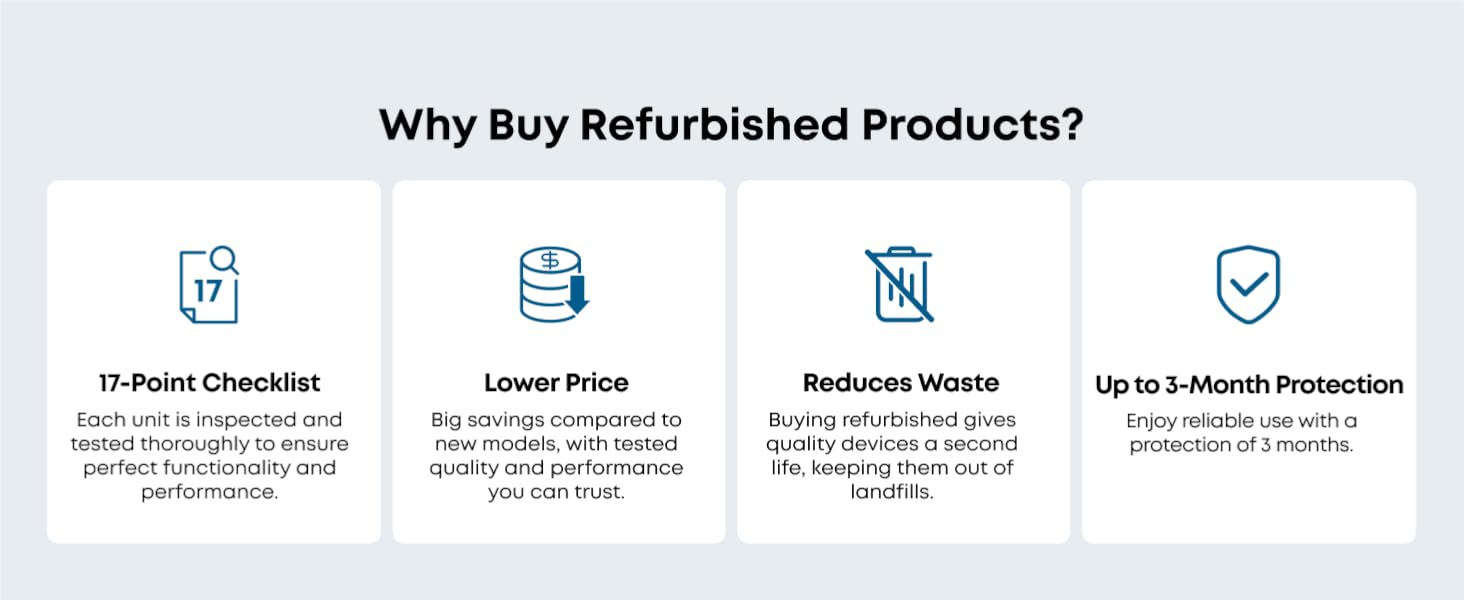
Figure 4: Dynamic Navigation for Purposeful Cleaning

Figure 5: Remote App Control for Scheduling and Monitoring
Official Product Video: Eufy Smart Vacuum product showcase
Video 1: A brief showcase of the eufy Smart Vacuum's features and operation.
Official Product Video: Very easy to use
Video 2: Demonstrates the ease of use for the eufy RoboVac G30 Hybrid SES, including app controls and self-emptying.
6. Itọju
Regular maintenance ensures optimal performance of your RoboVac. Always turn off the RoboVac and unplug the charging station before performing any maintenance.
- Ṣofo Apo Eruku naa: The self-emptying station's 3.2-liter dust bag should be replaced approximately every 8 weeks, depending on usage and household environment.
- Awọn Ajọ mimọ: The HEPA filter and foam filter inside the RoboVac's dustbin should be cleaned weekly. Rinse with water and allow to air dry completely before reinserting.
- Cleaning the Main Brush: Remove the main brush cover and lift out the main brush. Use the provided cleaning tool to cut and remove any hair or debris tangled around the brush. Clean the brush bearings.
- Awọn fọọti ẹgbẹ mimọ: Regularly check side brushes for tangled hair or debris. Gently pull them off to clean and reattach. Replace if damaged.
- Awọn paadi Mop mimọ: Remove and wash mop pads after each mopping session. They are reusable.
- Cleaning Sensors and Charging Contacts: Use a dry cloth to wipe the drop sensors, anti-collision sensors, and charging contacts on both the RoboVac and the charging station.
7. Laasigbotitusita
- RoboVac does not turn on: Ensure the battery is charged. Place the RoboVac on the charging station to charge.
- RoboVac gets stuck frequently: Clear obstacles from the cleaning path. Use the app to set no-go zones around problematic areas or loose cables.
- Poor suction performance: Check if the dust bag in the self-emptying station is full and replace it. Clean the main brush, side brushes, and filters.
- Mopping is ineffective: Ensure the water tank is filled and the mop pad is properly attached and wet. Adjust the water flow level in the app.
- Awọn iṣoro asopọ Wi-Fi: Ensure your router is operating on a 2.4GHz frequency band. Restart your router and the RoboVac, then attempt to reconnect via the app.
- Excessive hair tangling: Regularly clean the main brush and side brushes using the provided cleaning tool. The hair detangling technology helps, but manual removal is sometimes necessary.
8. Awọn pato
| Ẹya ara ẹrọ | Sipesifikesonu |
|---|---|
| Brand | eufy |
| Orukọ awoṣe | eufy Like-New RoboVac G30 Hybrid SES |
| Nọmba awoṣe | T2273 |
| Pataki Ẹya | Bagless, 2-in-1 Sweep and Mop, Self-Emptying, Dynamic Navigation, Allergy Care |
| Àwọ̀ | Dudu |
| Ọja Mefa | 17.6"L x 17.3"W x 13.9"H |
| Iwọn Nkan | 17.42 iwon |
| Àlẹmọ Iru | Aṣọ |
| Igbesi aye batiri | 100 iṣẹju |
| Eruku Apo Agbara | 3.2 liters |
| Orisun agbara | Agbara Batiri (Batiri Lithium ion 1 to wa) |
| Ọna Iṣakoso | App |
| Dada iṣeduro | Ilẹ-ilẹ lile, Awọn kapeti |
9. Atilẹyin ọja ati Support
This eufy Certified Like-New RoboVac G30 Hybrid SES comes with a 90-day limited warranty. For technical support, troubleshooting, or warranty claims, please refer to the contact information provided in your product packaging or visit the official eufy support webojula.
For additional protection, 2-Year and 3-Year Protection Plans are available for purchase separately.


