1. Ifihan ati Loriview
Thank you for choosing the QUOLIX Q-268 Walkie Talkies. These devices are designed to provide clear and reliable communication for children, fostering imaginative play and outdoor adventure. With features like a built-in LED flashlight, VOX function, and a durable design, the Q-268 offers a fun and safe way for kids to stay connected.
This manual provides essential information on setting up, operating, maintaining, and troubleshooting your walkie talkies to ensure optimal performance and longevity.
2. Package Awọn akoonu
Jọwọ ṣe àyẹ̀wò àpótí náà láti rí i dájú pé gbogbo ohun kan wà níbẹ̀:
- 4 x QUOLIX Q-268 Walkie Talkies
- 4 x USB Charging Cables (Type-C)
- 4 x Awọn agekuru igbanu
- 4 x Lanyards
- Ìwé Ìtọ́sọ́nà Olùlò Gẹ̀ẹ́sì 1 x

Image: The complete set of QUOLIX Q-268 Walkie Talkies, showcasing the four vibrant colors and included accessories.
3. Awọn ẹya Ọja
- Batiri gbigba agbara: Built-in lithium-ion battery with convenient USB-C charging.
- Ohun Crystal-Ko: Equipped with noise cancellation technology for clear voice communication.
- Iṣẹ VOX: Voice-activated transmission allows for hands-free communication without pressing the PTT button.
- Ina filaṣi LED: Integrated flashlight for use in low-light conditions or during nighttime play.
- Rọrun lati Lo: Simple interface with intuitive buttons, suitable for young users.
- Iwapọ & iwuwo fẹẹrẹ: Designed with rounded corners for comfortable and safe handling by children.
- Awọn ikanni 22: Multiple channels available to ensure private and clear communication.
- Titiipa Bọtini: Prevents accidental channel changes during use.
- Portable & Wearable: Includes belt clips and lanyards for easy carrying during outdoor activities.
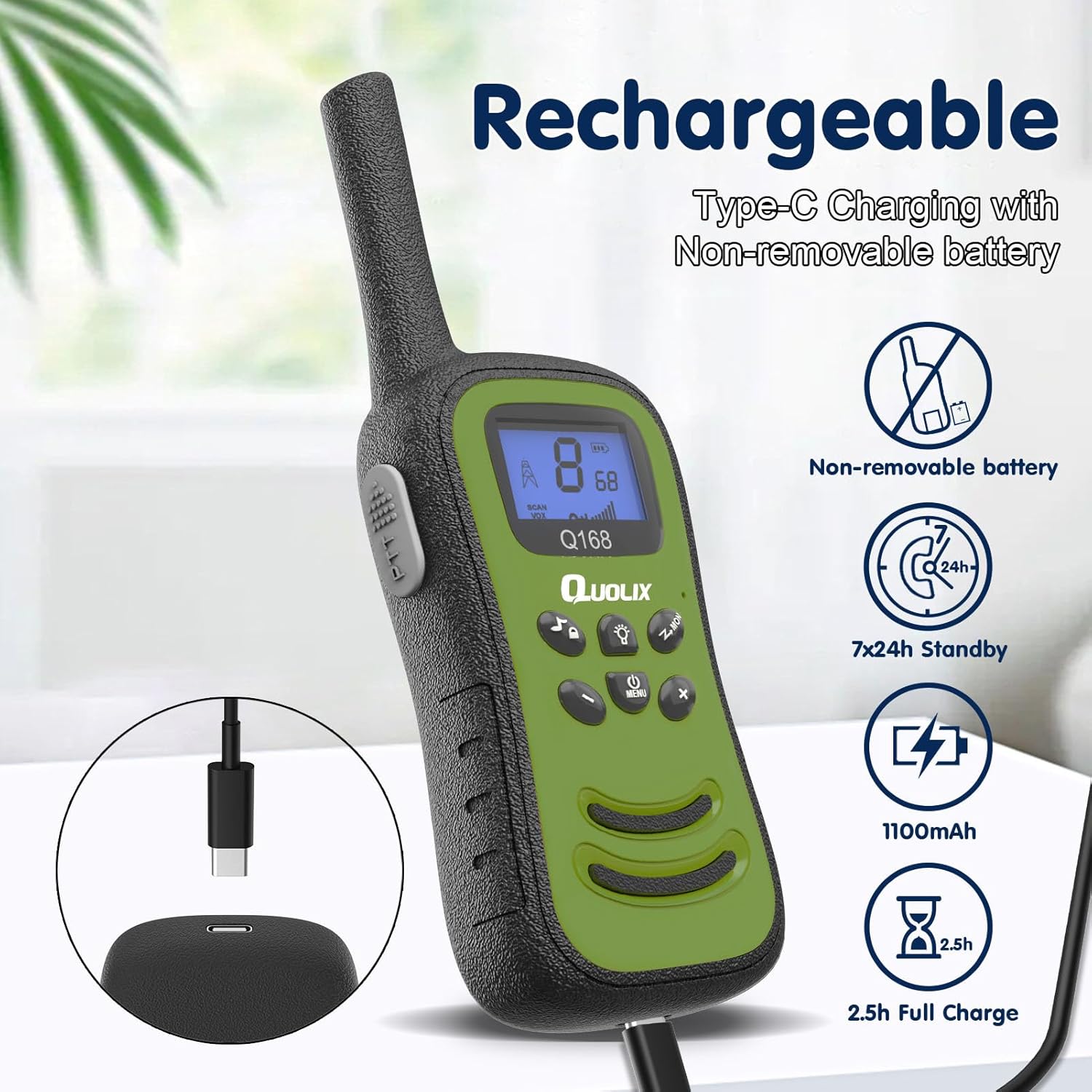
Image: Illustration of the rechargeable feature, showing the USB-C charging port and battery specifications.
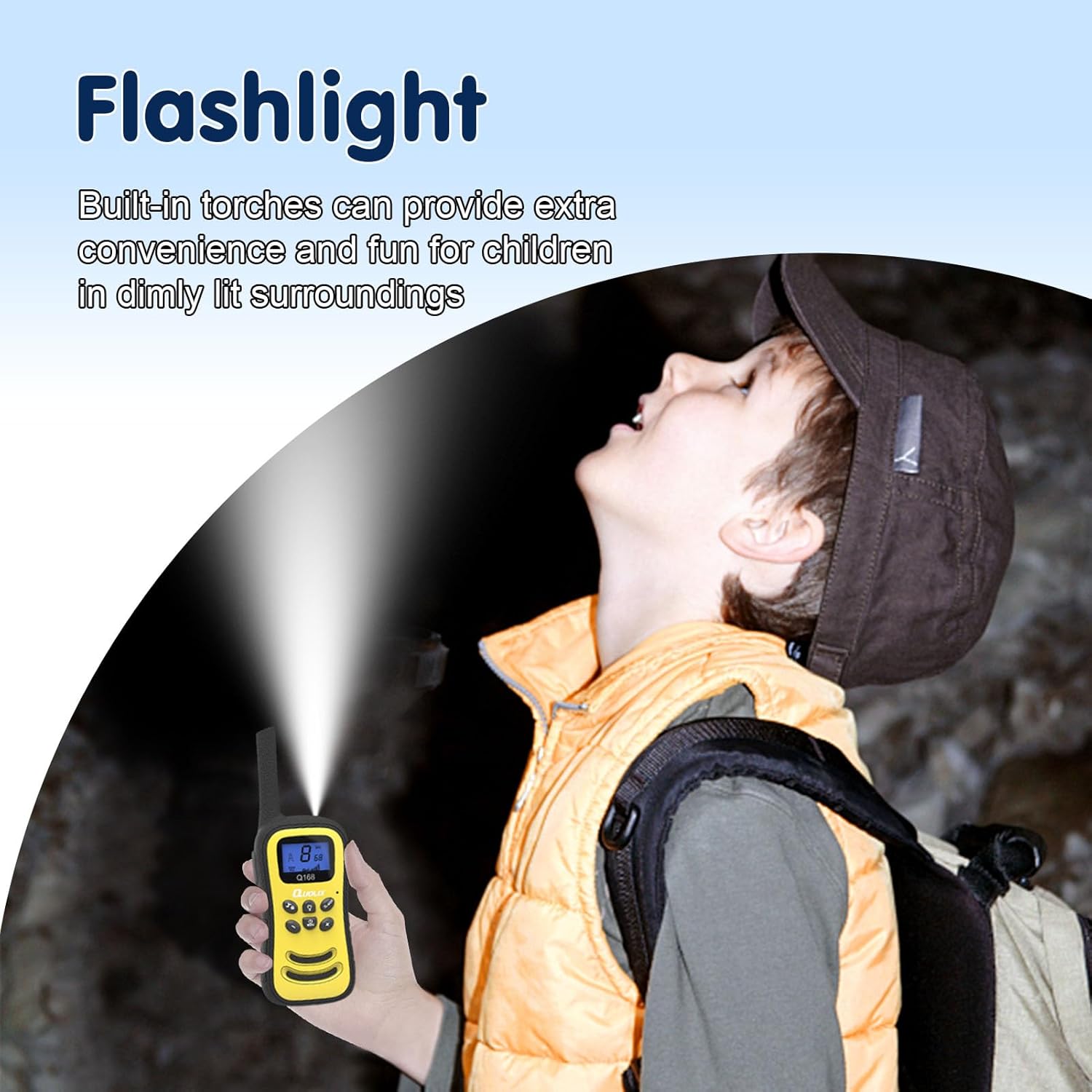
Image: A child using the integrated LED flashlight feature of the walkie talkie in a dimly lit setting.

Image: The walkie talkies are shown to be perfectly sized for children's hands, making them light and easy to handle.
4. Eto
4.1 Charging the Walkie Talkies
The QUOLIX Q-268 Walkie Talkies come with a built-in rechargeable lithium-ion battery. Before first use, or when the battery indicator is low, charge the devices fully.
- Connect the included USB-C charging cable to the charging port on the walkie talkie.
- Pulọọgi opin miiran ti okun USB-C sinu ohun ti nmu badọgba agbara USB ibaramu (kii ṣe pẹlu) tabi ibudo USB kọnputa kan.
- The charging indicator on the walkie talkie will illuminate during charging and turn off or change color when fully charged. A full charge typically takes approximately 2.5 hours.
4.2 Titan / Pa a
To power on or off the walkie talkie, press and hold the Agbara/Akojọ aṣyn button until the screen illuminates or turns off.
4.3 ikanni Yiyan
The walkie talkies operate on 22 channels. To communicate, all walkie talkies must be set to the same channel.
- Pẹ̀lú walkie talkie tí a ti ń ṣiṣẹ́, tẹ ẹ̀rọ tẹ Akojọ aṣyn button once. The channel number on the display will flash.
- Lo awọn UP or SILE awọn bọtini lati yan ikanni ti o fẹ (1-22).
- Tẹ awọn Akojọ aṣyn button again or wait a few seconds for the selection to be confirmed.
5. Awọn ilana Iṣiṣẹ
5.1 Basic Communication (Push-to-Talk)
To speak to another walkie talkie:
- Ensure all walkie talkies are on the same channel.
- Tẹ mọlẹ PTT (Titari-si-Ọrọ) button located on the side of the walkie talkie.
- Speak clearly into the microphone (MIC) located at the bottom of the device.
- Tu silẹ PTT button when you finish speaking to allow the other party to respond.
5.2 VOX Function (Voice-Activated Transmission)
The VOX function allows you to transmit your voice without pressing the PTT button.
- Tẹ awọn Akojọ aṣyn button multiple times until the VOX setting appears on the display.
- Lo awọn UP or SILE buttons to select the VOX sensitivity level (e.g., 1-3, with 3 being most sensitive) or to turn VOX off.
- Tẹ awọn Akojọ aṣyn bọtini lẹẹkansi lati jẹrisi.
When VOX is active, the walkie talkie will automatically transmit when it detects your voice.
5.3 Siṣàtúnṣe iwọn
Lo awọn UP ati SILE buttons to adjust the speaker volume during normal operation.
5.4 Lilo filaṣi LED
Láti mu fìtílà LED tí a ṣe sínú rẹ̀ ṣiṣẹ́, tẹ ẹ̀rọ náà Ina filaṣi button (often indicated by a light bulb icon). Press it again to turn off the flashlight.
5.5 Key Titiipa Išė
To prevent accidental changes to settings (like channel selection), activate the key lock.
- Tẹ mọlẹ Titiipa bọtini button (often indicated by a lock icon) for a few seconds.
- An icon will appear on the display indicating the keys are locked.
- Repeat the process to unlock the keys.
5.6 Ṣíṣàyẹ̀wò ikanni
The scanning feature allows you to quickly scan all 22 channels for active conversations.
- Tẹ awọn Ọlọjẹ/Atẹle button (often indicated by a scan icon).
- The walkie talkie will cycle through channels and stop on any active channel.
- Tẹ awọn Ọlọjẹ/Atẹle bọtini lẹẹkansi lati da wíwo.

Image: Depiction of the communication range, illustrating seamless interaction between users.
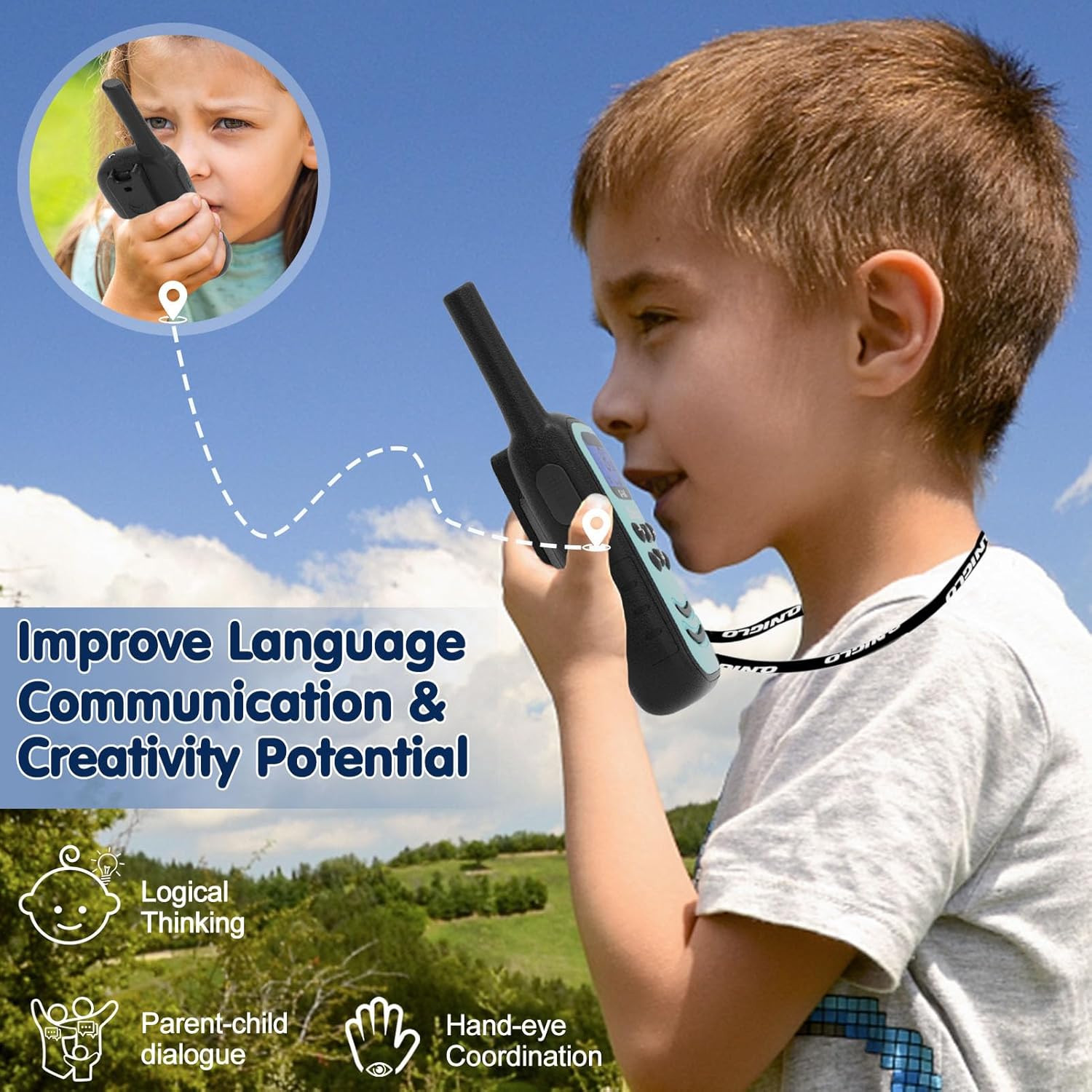
Image: The walkie talkies are shown to improve language, communication, and creativity potential in children.
6. Itọju
6.1 Ninu
To clean your walkie talkies, use a soft, dry cloth. Do not use abrasive cleaners or solvents, as they may damage the surface.
6.2 batiri Itọju
Lati pẹ igbesi aye batiri:
- Yago fun gbigba agbara si batiri ni kikun nigbagbogbo.
- Charge the walkie talkies regularly, even if not in frequent use.
- Ma ṣe fi awọn ẹrọ han si awọn iwọn otutu to gaju.
6.3 Ibi ipamọ
When storing the walkie talkies for extended periods, ensure they are fully charged and stored in a cool, dry place away from direct sunlight and moisture.
7. Laasigbotitusita
| Isoro | Owun to le Fa | Ojutu |
|---|---|---|
| Ko si agbara / Yoo ko tan | Batiri ti dinku. | Charge the walkie talkie fully using the USB-C cable. |
| Cannot communicate with another walkie talkie | Different channels selected. | Ensure all walkie talkies are set to the same channel. |
| Short communication range or static | Obstructions (buildings, hills) or interference. | Move to an open area. Reduce distance between devices. Ensure clear line of sight. |
| Voice is unclear or distorted | Volume too low/high, or microphone too far. | Adjust volume. Speak clearly into the microphone. Ensure noise cancellation is active if applicable. |
| Awọn bọtini ko ni idahun | Titiipa bọtini ti mu ṣiṣẹ. | Deactivate the key lock by pressing and holding the Key Lock button. |
8. Awọn pato
| Ẹya ara ẹrọ | Sipesifikesonu |
|---|---|
| Nọmba awoṣe | Q-268 |
| Iwọn Nkan | 1.28 iwon |
| Package Mefa | 10 x 7.91 x 1.61 inches |
| Ilu isenbale | China |
| Awọn batiri | Batiri Lithium ion 1 nilo (pẹlu) |
| Ifihan Iru | LED |
| Nọmba ti awọn ikanni | 22 |
| Iwọn Igbohunsafẹfẹ | 462.5625MHz ~ 462.7125MHz |
| Ti o pọju Ọrọ sisọ | 500 Ẹsẹ (isunmọ 150 mita) |
| Tuner Technology | UHF |
| Voltage | 3.6 Volts |
| Omi Resistance Ipele | Ko Omi Resistant |
| Pataki Awọn ẹya ara ẹrọ | Rechargeable, Integrated Flashlight, Lightweight, Noise Reduction, Shockproof |
9. Atilẹyin ọja ati Support
QUOLIX walkie talkies come with a 1-odun atilẹyin ọja from the date of purchase, as specified in the product details. Additionally, QUOLIX provides a 45-ọjọ owo-pada lopolopo.
All QUOLIX walkie talkies are FCC certified, ensuring they meet safety and quality standards.
If you encounter any issues or require assistance with your QUOLIX Q-268 Walkie Talkies, please do not hesitate to contact QUOLIX customer support. We aim to respond to inquiries within 16 hours.
For further support, please refer to the contact information provided on the product packaging or the official QUOLIX webojula.


