Ọrọ Iṣaaju
This manual provides detailed instructions for the proper use and maintenance of your MAYBESTA WM355-baise Professional Wireless Lavalier Microphone. Please read this manual thoroughly before operating the device to ensure optimal performance and longevity.
Package Awọn akoonu
Daju pe gbogbo awọn nkan wa ninu apo rẹ:
- Wireless Lavalier Microphone (Transmitter)
- Olùgbà (pẹ̀lú ìbáramu Lightning àti USB-C)
- Clip(s)
- Okun Ngba agbara USB
- Afowoyi Olumulo (iwe-ipamọ yii)
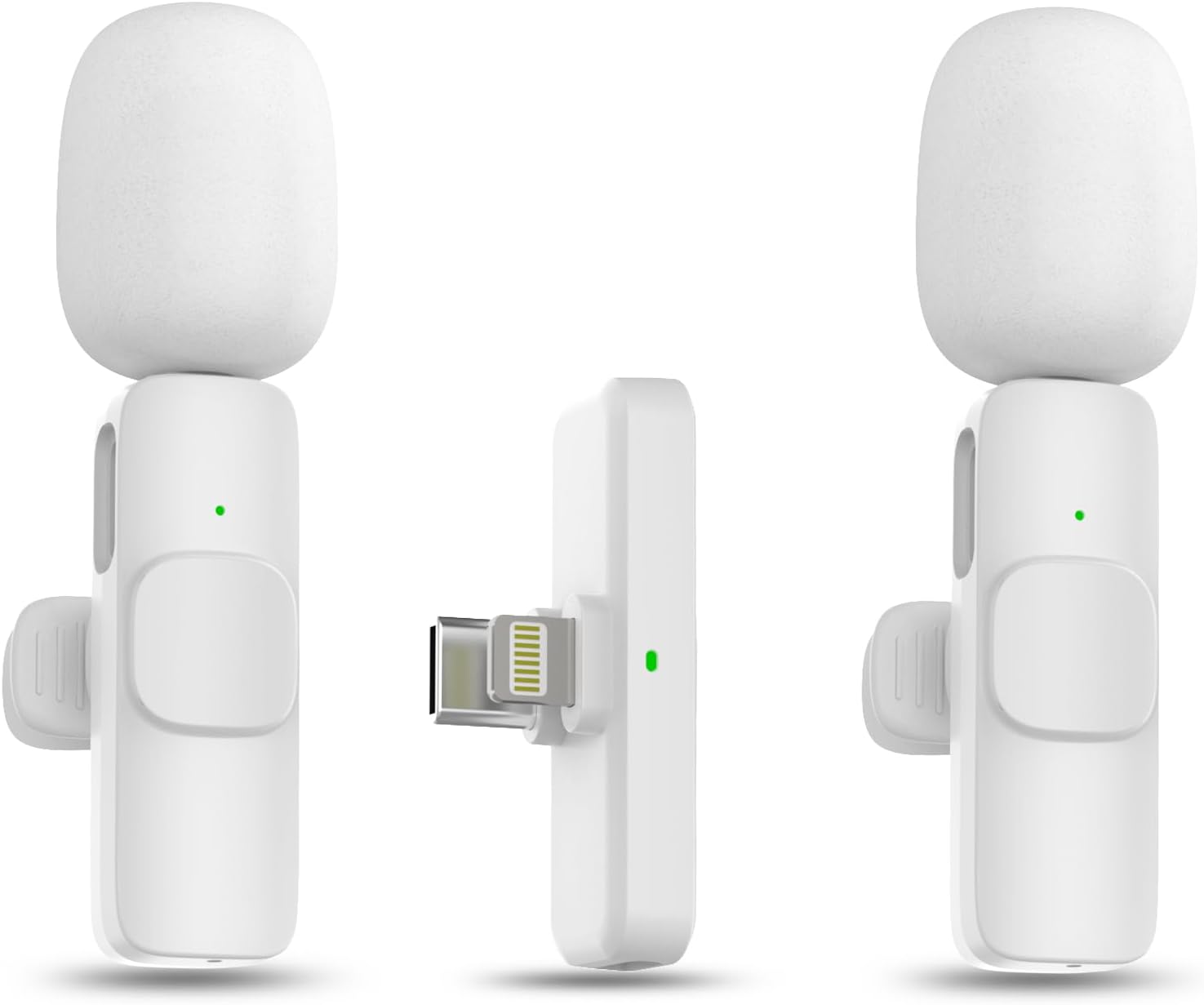
Image: The MAYBESTA Wireless Lavalier Microphone set, showing the transmitter and receiver units.
Ọja Pariview
The MAYBESTA WM355-baise is a compact, professional-grade wireless lavalier microphone system designed for mobile devices. It features automatic connection, omnidirectional sound reception, and intelligent noise cancellation for clear audio recording.
Awọn ẹya pataki:
- Asopọmọra Aifọwọyi: Plug-and-play functionality for quick setup.
- Ibamu gbooro: Supports both Lightning and USB-C ports for iOS and Android devices.
- Gbigba Ohùn Omnidirectional: Captures audio from all directions.
- Fagilé Ariwo Ọlọ́gbọ́n: Reduces ambient background noise for clearer recordings.
- Ominira Alailowaya: Bluetooth technology provides up to 50 feet of transmission range.
- Atilẹyin Gbohungbohun Meji: Package includes two microphones for recording two subjects simultaneously.
Awọn ilana iṣeto
1. Gbigba agbara si Gbohungbohun
Before first use, ensure the microphone (transmitter) is fully charged. Connect the microphone to a power source using the provided USB charging cable. The indicator light will show charging status.
2. Connecting to Your Device (Plug and Play)
- So Olugba sii: Insert the receiver into the charging port of your smartphone or tablet. Ensure your device is unlocked. The receiver is equipped with both Lightning and USB-C connectors for broad compatibility.
- Agbára lórí gbohungbohun: Press and hold the power button on the wireless microphone (transmitter) for approximately 3 seconds. A solid green light will illuminate on both the receiver and the microphone, indicating a successful connection.
- Bẹrẹ Gbigbasilẹ: Once connected, you can open your preferred audio or video recording application and start recording. No additional apps or Bluetooth pairing steps are required.

Image: Visual guide demonstrating the three-step plug-and-play connection process: Plug, Press, Connected.
Akiyesi: If your phone case is thick and prevents the receiver from fully inserting, please remove the case before plugging in the receiver.
Awọn ilana Iṣiṣẹ
1. Wearing the Microphone
The microphone can be held in hand or clipped to your clothing using the included clip. For optimal sound quality, position the microphone approximately 6-8 inches from your mouth.

Image: A woman demonstrating how to wear the lavalier microphone clipped to her shirt collar.
2. Recording with Two Microphones
If your package includes two microphones, both can be connected to the single receiver simultaneously. This allows for recording audio from two individuals at the same time, ideal for interviews or dual-host content.

Image: Two individuals wearing lavalier microphones while recording, demonstrating the dual-mic capability.
3. Ariwo Ifagile
The microphone features an intelligent chip for noise reduction, which helps to filter out ambient sounds and deliver clear audio. This function is automatically active when the microphone is in use.
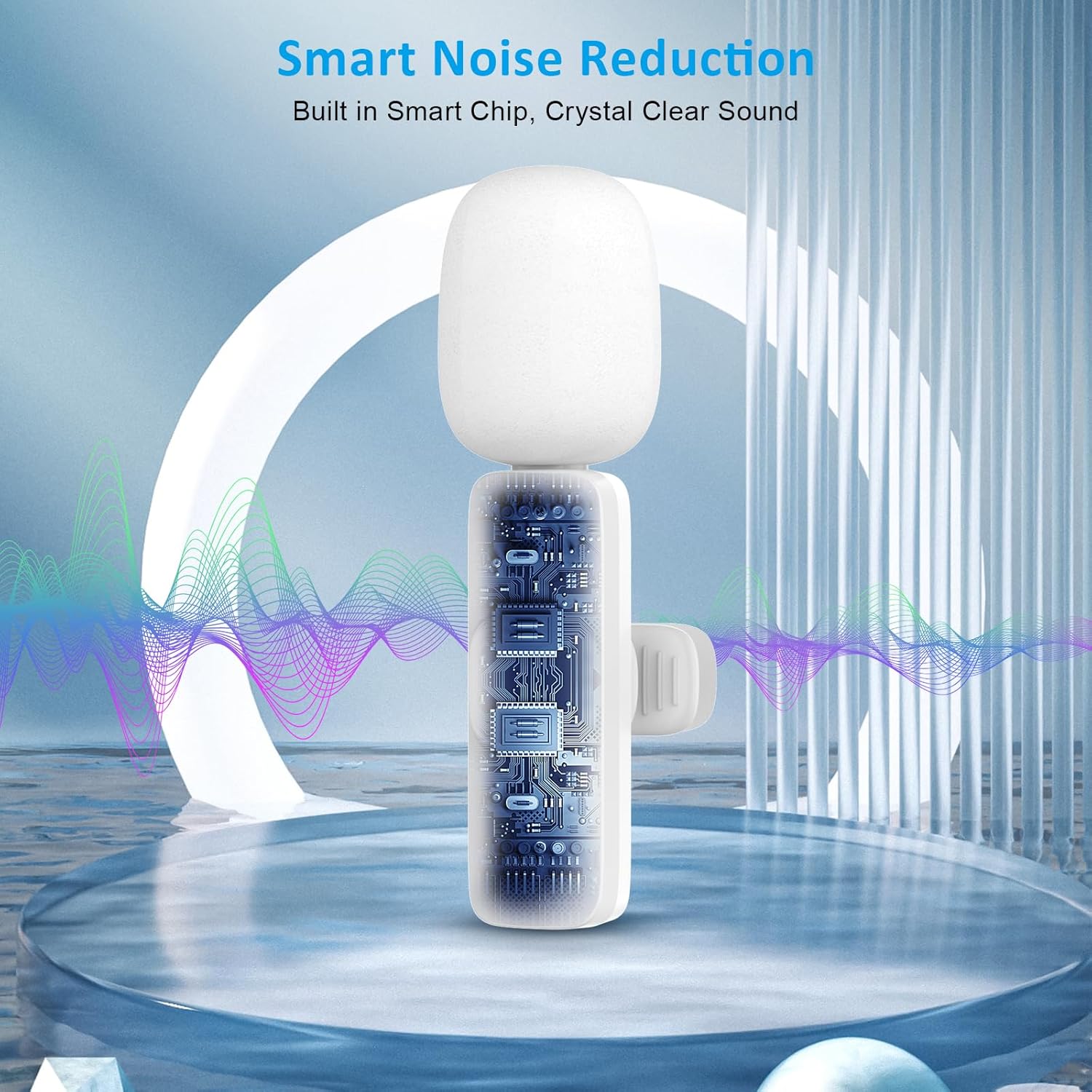
Aworan: inu view of the microphone highlighting the smart chip responsible for noise reduction.
4. Compatibility and Usage Scenarios
The MAYBESTA WM355-baise microphone is compatible with a wide range of devices and applications, including:
- Awọn ẹrọ iOS: All iPhone and iPad series, including iPhone 15 and iPad Pro (USB-C models).
- Awọn ẹrọ Android: Compatible with Android 6.0 and above.
- Awọn ohun elo: Suitable for video recording, interviewing, podcasting, vlogging, live streaming, and online teaching on platforms like YouTube, TikTok, and other social media.

Image: A detailed chart outlining compatible iPhone, iPad, and Android models.

Image: Collage showing the microphone being used for interviewing, vlogging, and podcasting, alongside logos of popular social media platforms.
Itoju
- Ninu: Lo aṣọ rírọrùn tí ó gbẹ láti nu gbohungbohun àti olugba. Yẹra fún lílo àwọn ohun èlò ìfọmọ́ tàbí àwọn ohun èlò ìfọmọ́.
- Ibi ipamọ: Tọju ẹrọ naa ni itura, aye gbigbẹ kuro lati orun taara ati awọn iwọn otutu to gaju.
- Itọju Batiri: To prolong battery life, avoid fully discharging the microphone frequently. Charge it regularly, even if not in constant use.
- Mimu: Handle the microphone and receiver with care to prevent damage from drops or impacts.
Laasigbotitusita
| Isoro | Owun to le Fa | Ojutu |
|---|---|---|
| Microphone not connecting. | Receiver not fully inserted; microphone not powered on; low battery. | Ensure receiver is fully inserted. Press and hold microphone power button for 3 seconds. Charge the microphone. |
| Ko si ohun tabi didara ohun ti ko dara. | Microphone too far from source; recording app settings; interference. | Position microphone closer to the speaker. Check your device's recording app settings. Move away from strong electromagnetic interference. |
| Iwọn alailowaya kukuru. | Awọn idiwọ; kikọlu ayika. | Ensure a clear line of sight between microphone and receiver. Avoid using in environments with many wireless devices. |
| Green light not solid. | Not connected or low battery. | Re-attempt connection steps. Charge the microphone. |
Awọn pato
- Orukọ awoṣe: gbohungbohun alailowaya
- Nọmba Awoṣe Nkan: WM355-baise
- Brand: MAYBESTA
- Okunfa Fọọmu Gbohungbohun: Lavalier
- Àpẹẹrẹ Pola: Omnidirectional
- Imọ-ẹrọ Asopọmọra: Bluetooth
- Orisi Asopọmọra: Mọ̀nàmọ́ná, USB Type-C
- Awọn ẹrọ ibaramu: Smartphone, Tablet (iOS, Android 6.0+)
- Orisun Agbara: Agbara Batiri (Batiri 1C wa ninu rẹ)
- Ohun elo: Acrylonitrile Butadiene Styrene
- Ìwọ̀n Nkan: 20 Giramu (0.705 iwon)
- Awọn iwọn Ọja (L x W x H): 0.55 x 0.27 x 2.56 inches
- Eto Ifihan-si-Noise: 78 dB
- Awọn ẹya pataki: Ìmọ́lẹ̀ Àmì Bátírì, Gígé, Iṣẹ́ Òdì, Ìdínkù Ariwo
Atilẹyin ọja ati Support
For warranty information or technical support, please refer to the contact details provided with your purchase documentation or visit the official MAYBESTA webojula. Jeki ẹri rira rẹ fun awọn iṣeduro atilẹyin ọja.
Olupese: MAYBESTA
Ọjọ Akọkọ Wa: Oṣu kọkanla ọjọ 29, ọdun 2023


