Ọrọ Iṣaaju
Thank you for choosing the Baseus Bowie MA10S Wireless Earbuds. This manual provides detailed instructions on how to set up, operate, and maintain your earbuds to ensure optimal performance and longevity. Please read this manual thoroughly before using the product.

Image: The Baseus Bowie MA10S Wireless Earbuds, showing both earbuds and their open charging case with a digital battery display.
Package Awọn akoonu
Rii daju pe gbogbo awọn nkan wa ninu package:
- Baseus Bowie MA10S Wireless Earbuds (Left and Right)
- Ngba agbara Case
- S/M/L Eartips (Left and Right pairs)
- S/M/L Earwings (Left and Right pairs)
- USB-C Ngba agbara Cable
- Afowoyi Olumulo (iwe-ipamọ yii)

Image: All components included in the Baseus Bowie MA10S package: the earbuds in their charging case, a USB-C charging cable, and various sizes of ear tips and ear wings.
Ṣeto
1. Gbigba agbara akọkọ
Before first use, fully charge the earbuds and the charging case. Connect the USB-C charging cable to the charging case and a power source. The digital display on the case will show the battery percentage. Àwọn agbekọri naa yoo gba agbara laifọwọyi nigbati a ba gbe e sinu apoti naa.

Image: The Baseus Bowie MA10S charging case demonstrating both USB-C wired charging and wireless charging capabilities, with a clear view of the digital power display showing "100%".
The charging case supports both wired USB-C charging and wireless charging. A full charge provides up to 38 hours of total playtime with the charging case, and 8 hours on a single charge for the earbuds.
2. Sisopọ Bluetooth
- Ṣii apoti gbigba agbara. Awọn agbekọri yoo tẹ ipo isọpọ sii laifọwọyi.
- Lori ẹrọ rẹ (foonuiyara, tabulẹti, kọǹpútà alágbèéká), mu Bluetooth ṣiṣẹ.
- Wa fun "Baseus Bowie MA10S" in the list of available Bluetooth devices.
- Select "Baseus Bowie MA10S" to connect. Once connected, a voice prompt will confirm the successful pairing.
The earbuds feature Bluetooth 5.3 for instant pairing, stable connection, and better interference resistance. They also support multipoint connection, allowing seamless pairing to two devices simultaneously.

Image: A visual representation of the Bluetooth 5.3 chip, highlighting its role in providing instant pairing and stable connections.

Image: A man seamlessly connected to both a smartphone and a laptop with the Baseus Bowie MA10S earbuds, illustrating the multipoint connection feature.
3. Baseus App Installation
For enhanced features and customization, download the official Baseus App from your device's app store. The app allows you to:
- Adjust Noise Cancelling levels (10 levels available)
- Select from 12 Preset Equalizers (EQs) or create custom ones
- Customize touch gestures for controls

Image: Screenshots of the Baseus App interface, demonstrating options for ambient sound control, equalizer presets, and custom gesture settings.
Awọn ilana Iṣiṣẹ
Awọn iṣakoso ifọwọkan
The Baseus Bowie MA10S earbuds feature intuitive touch controls. Refer to the following table for default functions. Custom gestures can be configured via the Baseus App.
| Iṣe | Išẹ | Awọn akọsilẹ |
|---|---|---|
| Put on / Take off | Ṣiṣẹ & Sinmi | Wiwa aifọwọyi |
| Single Tap (L or R) | Toggle Track / Adjust Volume | Customizable in App |
| Long Press (1.5s, L or R) | Noise Cancellation Cycle | ANC > Normal > Transparency mode (default) |
| Long Press (1.5s, L or R) | Spatial Audio Cycle | Music > Theater > Normal (default) |
| Long Press (1.5s, L or R) | Kọ Ipe | |
| Single Tap (L or R) | Answer / Hangup Call |

Image: A visual guide to the easy tap controls on the Baseus Bowie MA10S earbuds, showing functions like play/pause, track/volume adjustment, call management, and mode cycling.
Active Noise Cancellation (ANC) & Transparency Modes
The earbuds feature Hybrid Active Noise Cancelling technology, reducing disturbing noise by up to 95% (-48dB). Long press either earbud to cycle through ANC, Normal, and Transparency modes.
- Ipo ANC: Ideal for noisy environments like travel or office, blocking out ambient sound.
- Ipo deede: Standard audio experience without noise cancellation.
- Ipo akoyawo: Allows you to hear your surroundings while listening to audio, useful for safety or conversations.

Image: A man wearing the Baseus Bowie MA10S earbuds, with a visual overlay indicating the -48dB Hybrid Active Noise Cancellation feature, suggesting a quiet listening experience.

Image: A man walking outdoors while wearing the Baseus Bowie MA10S earbuds, illustrating the Transparent Mode feature which allows awareness of surroundings.
Audio Modes & Spatial Audio
The Bowie MA10S offers three tailored audio modes and immersive spatial audio:
- Ipo Bass: Enhanced bass for sports or music genres that benefit from powerful low frequencies.
- Ipo Orin: Balanced audio for daily immersive listening.
- Ipo Ere: Low-latency audio (0.038s) for synchronized audio and video during gaming.
Activate the Dual Channel Low-Latency (DCLL) mode for gaming to ensure audio and video are in full sync.

Image: The Baseus Bowie MA10S earbuds positioned next to a smartphone displaying a racing game, emphasizing the 0.038s low-latency feature for smooth and seamless gaming.
Experience Baseus Immersive Spatial Audio (BISA) which creates a virtual soundscape, keeping you at the center of the sound. Long press either earbud to cycle through Spatial Audio modes (Music > Theater > Normal).
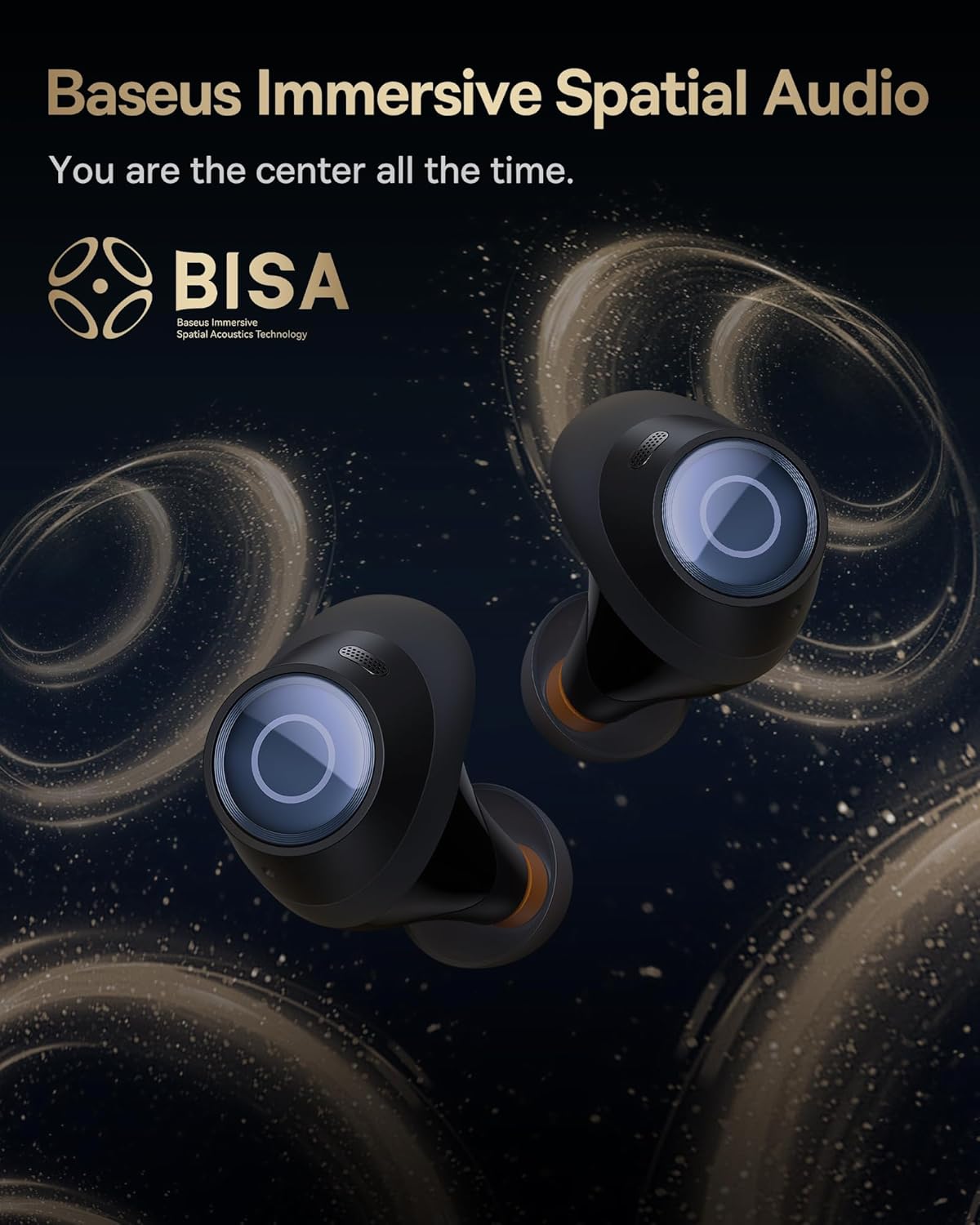
Image: The Baseus Bowie MA10S earbuds highlighted with the "BISA" (Baseus Immersive Spatial Audio) logo, indicating their advanced audio positioning capabilities.
Ko awọn ipe kuro
The earbuds are equipped with 4 Environmental Noise Cancelling (ENC) microphones. These mics capture ambient noise, and an AI algorithm cancels it, ensuring crystal-clear call quality even in noisy environments.

Image: An X-ray like view of the Baseus Bowie MA10S earbuds, illustrating the placement of the 4 Environmental Noise Cancelling (ENC) microphones designed for crystal-clear phone calls.
Gbigba agbara
Ngba agbara Earbud
Place the earbuds into the charging case. They will automatically begin charging. The case's digital display will show the charging status and battery level.
Case Charging (Wired & Wireless)
- Ti firanṣẹ Ngba agbara: Connect the provided USB-C cable to the charging port on the case and a USB power adapter.
- Gbigba agbara Alailowaya: Simply place the charging case on a compatible wireless charging pad.
The case features a smart power display, showing the exact battery percentage at a glance.

Aworan: A sunmọ-soke view of the Baseus Bowie MA10S charging case's built-in digital display, clearly showing "100%", indicating a full charge.
A quick 10-minute wired charge can provide up to 2 hours of playtime.

Image: The Baseus Bowie MA10S charging case connected for fast wired charging, with a graphic indicating "10m = 2H", signifying 10 minutes of charge provides 2 hours of playtime.
Itoju
Ninu
- Mọ awọn agbekọri nigbagbogbo, paapaa awọn imọran eti ati awọn olubasọrọ gbigba agbara, pẹlu asọ ti o gbẹ, ti ko ni lint.
- Yọ etí kúrò kí o sì fi búrọ́ọ̀ṣì kékeré tàbí owú swab nu gbogbo ìdọ̀tí etí tàbí ìdọ̀tí láti inú ihò etí.
- Clean the charging case with a soft, dry cloth.
- Maṣe lo awọn afọmọ abrasive, ọti-lile, tabi awọn nkan ti kemikali.
Ibi ipamọ
Nigbati o ko ba si ni lilo, tọju awọn afikọti sinu apoti gbigba agbara wọn lati daabobo wọn ki o jẹ ki wọn gba agbara. Tọju ọran naa ni itura, aye gbigbẹ kuro lati awọn iwọn otutu to gaju.
Atako Omi (IPX4)
The Baseus Bowie MA10S earbuds are IPX4 waterproof, meaning they are resistant to splashing water from any direction. This makes them suitable for workouts and light rain. However, they are not designed for swimming or submersion in water. Do not expose them to pressurized water or high-velocity water, such as showering or bathing.

Image: The Baseus Bowie MA10S earbuds shown with water splashing over them, indicating their IPX4 waterproof rating, suitable for sweat and light rain.
Laasigbotitusita
If you encounter issues with your Baseus Bowie MA10S earbuds, please refer to the following common solutions:
- Awọn agbekọri ti ko so pọ:
- Rii daju pe awọn agbekọri ti gba agbara.
- Paa ati tan Bluetooth lori ẹrọ rẹ.
- Fi àwọn agbekọri pada sinu apoti naa, ti ideri naa, duro fun iṣẹju-aaya diẹ, lẹhinna ṣii lẹẹkansi lati tun wọ ipo isopọpọ.
- Forget "Baseus Bowie MA10S" from your device's Bluetooth list and try pairing again.
- Ko si ohun tabi iwọn kekere:
- Ṣayẹwo ipele iwọn didun lori ẹrọ rẹ mejeeji ati awọn agbekọri.
- Ensure earbuds are properly seated in your ears and the ear tips provide a good seal.
- Nu idoti eyikeyi kuro lati awọn nozzles earbud.
- Try resetting the earbuds (refer to Baseus App or online resources for specific reset instructions if needed).
- Awọn iṣoro gbigba agbara:
- Rii daju pe okun USB-C ti sopọ ni aabo si ọran mejeeji ati orisun agbara.
- Gbiyanju okun USB-C ti o yatọ tabi ohun ti nmu badọgba agbara.
- For wireless charging, ensure the case is correctly placed on the wireless charging pad.
- Nu awọn olubasọrọ gbigba agbara kuro lori mejeeji agbekọri ati inu ọran naa.
- ANC ko munadoko:
- Ensure ANC mode is activated (long press earbud).
- Check that the ear tips provide a proper seal in your ear canal. Try different sizes of ear tips for a better fit.
For further assistance, please refer to the official Baseus support channels.
Awọn pato
| Ẹya ara ẹrọ | Ẹ̀kúnrẹ́rẹ́ |
|---|---|
| Orukọ awoṣe | Baseus Bowie MA10S |
| Asopọmọra Technology | Ailokun (Bluetooth 5.3) |
| Bluetooth Ibiti | 10 Mita |
| Ariwo Iṣakoso | Hybrid Active Noise Cancellation (up to -48dB) |
| Awọn gbohungbohun | 4 ENC Mics for Clear Calls |
| Audio Driver Type | Dynamic Driver (Titanium-plated PU composite diaphragm) |
| Iwọn Igbohunsafẹfẹ | 20 Hz - 20,000 Hz |
| Igbesi aye batiri (Earbuds) | Awọn wakati 8 ( idiyele ẹyọkan) |
| Igbesi aye batiri (Lapapọ pẹlu Ọran) | Awọn wakati 38 |
| Gbigba agbara | USB-C Wired, Wireless Charging |
| Latency Ohun | 38 Miliseconds (Ipo Ere) |
| Omi Resistance | IPX4 mabomire |
| Ọna Iṣakoso | Fọwọkan, App |
| Awọn ẹrọ ibaramu | Cellphones, Devices with Bluetooth Audio Capability (iOS, Android, Windows, Mac OS, Switch), Laptops, Tablets |
| Iwọn Nkan | 4.6 iwon |
| UPC | 850060076268 |
Atilẹyin ọja ati Support
For information regarding product warranty, returns, or technical support, please visit the official Baseus webojula tabi kan si wọn onibara iṣẹ taara. Tọju iwe-ẹri rira rẹ bi ẹri rira fun eyikeyi awọn ibeere atilẹyin ọja.
Ile itaja Baseus osise: Ile itaja Amazon Baseus


