1. Ọja Ipariview
The boAt Airdopes 311 Pro are truly wireless in-ear earbuds designed for an immersive audio experience with extended playtime and advanced features. They are equipped with 10mm drivers and Bluetooth v5.3 for stable connectivity and superior sound quality.

Figure 1.1: boAt Airdopes 311 Pro Earbuds and Charging Case (Space Grey)
This image displays the boAt Airdopes 311 Pro earbuds in their transparent Space Grey charging case. The earbuds are visible inside the case, which features a sleek, minimalist design.
Awọn ẹya pataki:
- Ohùn Immersive: 10mm drivers and Bluetooth v5.3 for high-quality sound.
- Igbesi aye batiri gigun: Titi di awọn wakati 50 ti akoko ere lapapọ pẹlu ọran gbigba agbara.
- Ipo Airi Kekere: 50ms Beast Mode for optimized gaming and video streaming.
- Gbigba agbara yiyara: ASAP Charging provides 150 minutes of playtime with just 10 minutes of charge.
- Omi Resistance: IPX4 rating for resistance against water splashes and sweat.
- Dual Mics with ENx Tech: Ensures crystal-clear voice calls.
- IWP Tech: Instant Wake N' Pair technology for seamless connectivity.
2. Ohun ti o wa ninu Apoti
Upon unboxing your boAt Airdopes 311 Pro, you should find the following components:
- boAt Airdopes 311 Pro Earbuds
- Ngba agbara Case
- Awọn iṣu Eti (oriṣiriṣi titobi)
- USB Type-C Charging Cable (not explicitly listed in 'whats_in_the_box' but implied by 'Type-C Charging' feature)
- Afowoyi Olumulo (iwe-ipamọ yii)
3. Eto Itọsọna
3.1 Ngba agbara si Earbuds ati Ọran
Before first use, fully charge the Airdopes 311 Pro earbuds and their charging case.
- Gbe awọn agbekọri mejeeji sinu apoti gbigba agbara, ni idaniloju pe wọn joko ni deede.
- Connect the USB Type-C charging cable to the charging port on the case and the other end to a compatible USB power source (e.g., wall adapter, computer USB port).
- The LED indicator on the case will show charging status. Once fully charged, the indicator will change or turn off.

Figure 3.1: Battery Life and Fast Charging
This image highlights the impressive 50 hours of total playback time offered by the Airdopes 311 Pro, including the charging case. It also emphasizes the ASAP Charging feature, which provides 150 minutes of playtime from just 10 minutes of charging.
3.2 Sisopọ pẹlu Ẹrọ Rẹ
The Airdopes 311 Pro features IWP (Instant Wake N' Pair) technology for quick and easy pairing.
- Ṣii ideri ti apoti gbigba agbara. Awọn agbekọri yoo tan ina laifọwọyi ati tẹ ipo sisopọ pọ sii.
- Lórí fóònù alágbèéká rẹ tàbí ẹ̀rọ Bluetooth, lọ sí àwọn ètò Bluetooth.
- Wa fun available devices and select "Airdopes 311 Pro" from the list.
- Once connected, you will hear an audio prompt, and the LED indicator on the earbuds will confirm successful pairing.
- Fún lílo lẹ́yìn náà, àwọn agbekọri náà yóò so pọ̀ mọ́ ẹ̀rọ tí a so pọ̀ kẹ́yìn nígbà tí a bá ṣí ideri àpótí náà.

Figure 3.2: Connectivity and Key Features
This composite image illustrates several key features of the Airdopes 311 Pro: Bluetooth v5.3 for stable wireless connection, IPX4 water and sweat resistance for durability, One-Touch Voice Assistant for convenient control, and Type-C Charging for modern and efficient power delivery.
4. Awọn ilana Iṣiṣẹ
4.1 Fọwọkan Iṣakoso
The Airdopes 311 Pro features intuitive touch controls on each earbud for managing playback, calls, and voice assistant.
| Iṣe | Agbekọti Osi | Ọtun Earbud |
|---|---|---|
| Ṣiṣẹ / Sinmi | Fọwọ ba Nikan | Fọwọ ba Nikan |
| Next Track | Fọwọ ba lẹẹmeji | |
| Ti tẹlẹ Track | Fọwọ ba lẹẹmeji | |
| Idahun/Pari Ipe | Fọwọ ba Nikan | Fọwọ ba Nikan |
| Kọ Ipe | Tẹ Gigun (2s) | Tẹ Gigun (2s) |
| Mu Oluranlọwọ Ohun ṣiṣẹ | Fọwọ ba Meteta | Fọwọ ba Meteta |
| Toggle Beast Mode | Tẹ Gigun (3s) | Tẹ Gigun (3s) |
4.2 Awọn ipo pataki
The Airdopes 311 Pro offers specialized modes for enhanced performance:
- Beast Mode (Low Latency): This mode reduces audio latency to 50ms, providing a more synchronized experience for gaming and video playback. Activate/deactivate by long-pressing the touch control for 3 seconds.

Figure 4.1: BEAST™ Mode for Low Latency Gaming
This image illustrates the BEAST™ Mode feature of the Airdopes 311 Pro, emphasizing its 50ms low latency for an optimized gaming experience. The visual suggests a seamless and responsive audio-visual synchronization.
- Dual Mics with ENx™ Technology: Equipped with dual microphones and ENx™ (Environmental Noise Cancellation) technology, these earbuds ensure clear voice calls by minimizing background noise.
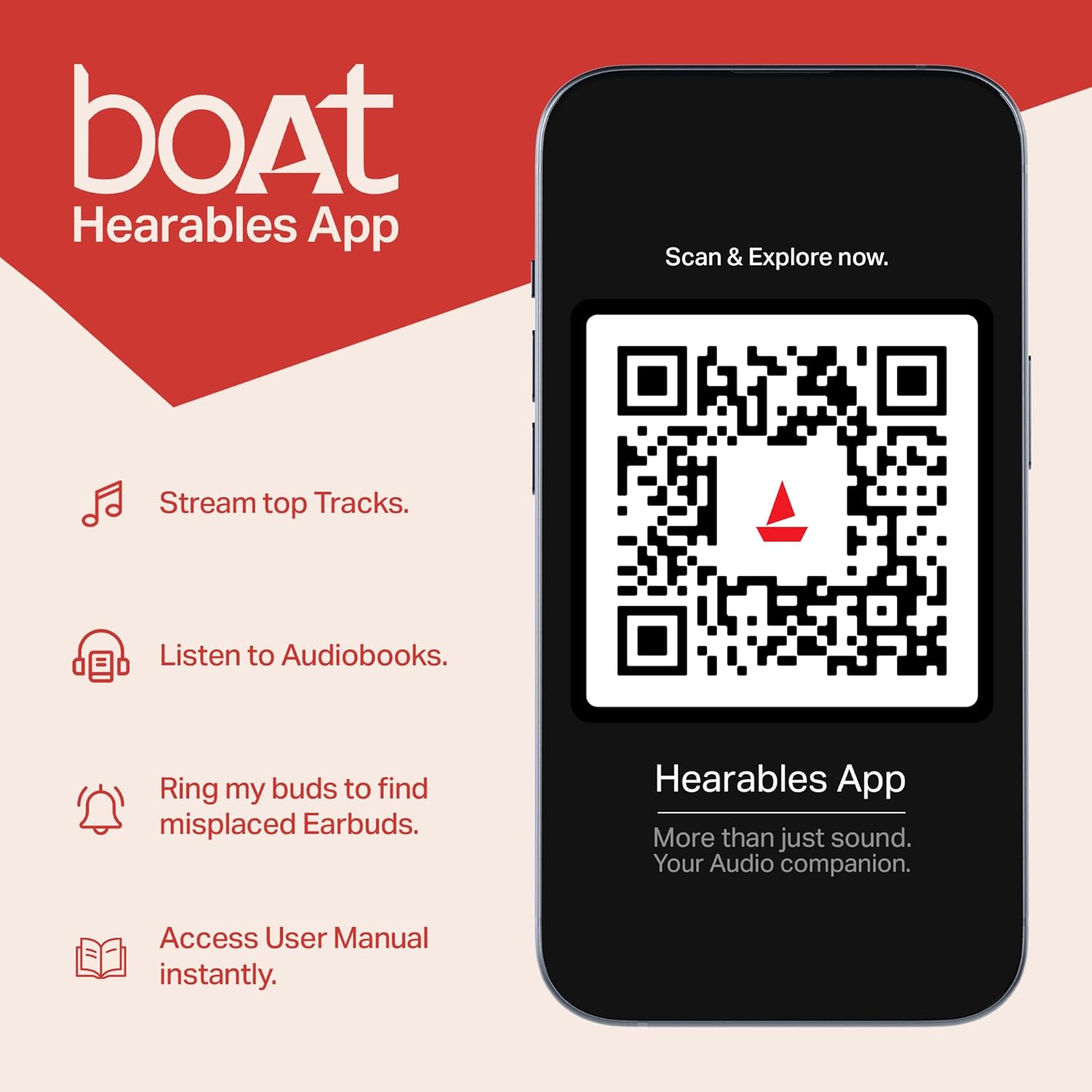
Figure 4.2: Dual Mics with ENx™ Technology
This diagram highlights the internal structure of the Airdopes 311 Pro earbuds, specifically showcasing the Dual Mics with ENx™ Technology. This technology is designed to provide clear voice calls by effectively canceling environmental noise.
5. Itọju ati Itọju
To ensure the longevity and optimal performance of your Airdopes 311 Pro, follow these maintenance guidelines:
- Ninu: Mọ awọn afikọti nigbagbogbo ati apoti gbigba agbara pẹlu asọ ti o gbẹ, asọ ti ko ni lint. Ma ṣe lo abrasive ose tabi epo.
- Omi Resistance: The earbuds are IPX4 rated, meaning they are resistant to splashes and sweat. Do not submerge them in water or expose them to heavy rain. Dry them thoroughly if they get wet.
- Ibi ipamọ: Nigbati ko ba si ni lilo, tọju awọn afikọti sinu apoti gbigba agbara wọn lati daabobo wọn lati eruku ati ibajẹ. Tọju ni itura, ibi gbigbẹ kuro lati awọn iwọn otutu to gaju.
- Gbigba agbara: Use only the provided USB Type-C cable or a certified equivalent for charging. Avoid overcharging.
6. Laasigbotitusita
If you encounter issues with your Airdopes 311 Pro, try the following solutions:
6.1 Sisọ ọrọ
- Awọn agbekọri ti ko so pọ pẹlu ẹrọ: Ensure Bluetooth is enabled on your device. Make sure the earbuds are charged and in pairing mode. Forget the device from your phone's Bluetooth list and try pairing again.
- Agbekọri agbekọri kan ṣoṣo ti n ṣiṣẹ: Place both earbuds back into the charging case, close the lid, wait a few seconds, then open the lid again. This often re-syncs them.
6.2 Ohun Issues
- Ko si ohun: Check the volume level on both your device and the earbuds. Ensure the earbuds are properly connected.
- Iwọn kekere: Clean any debris from the earbud mesh. Adjust volume on your device.
- Ohun ti a daru: Move closer to your paired device to avoid interference. Ensure the earbuds are fully charged.
6.3 Awọn ọran gbigba agbara
- Ekọti ko gba agbara: Ensure the earbuds are correctly seated in the charging case. Clean the charging contacts on both the earbuds and the case.
- Ọran ti ko gba agbara: Gbìyànjú okùn USB Type-C mìíràn àti adaptà agbára. Rí i dájú pé ibudo gbigba agbara mọ́ tónítóní àti pé kò ní ìdọ̀tí kankan.
7. Awọn pato
| Ẹya ara ẹrọ | Sipesifikesonu |
|---|---|
| Orukọ awoṣe | Airdopes 311 Pro |
| Asopọmọra Technology | Bluetooth |
| Imọ-ẹrọ Ibaraẹnisọrọ Alailowaya | Bluetooth v5.3 |
| Latency Ohun | 50 Milliseconds (Beast Mode) |
| Awakọ Iwon | 10mm |
| Playtime (Total) | Titi di wakati 50 (pẹlu ọran gbigba agbara) |
| Gbigba agbara yara | ASAP Charging (10 mins charge = 150 mins playtime) |
| Omi Resistance Ipele | IPX4 (Atako omi) |
| Ọna Iṣakoso | Fọwọkan |
| Awọn gbohungbohun | Dual Mics with ENx™ Technology |
| Apẹrẹ Akọti | Ninu-eti |
| Iwọn Nkan | 120 Giramu (4.2 iwon) |
| Ọja Mefa | 1.73 x 3.66 x 4.72 inches |
| Awọn batiri | Batiri litiumu polima 1 nilo (pẹlu) |
| Àwọ̀ | Aaye Grey |
8. Atilẹyin ọja ati Support
Your boAt Airdopes 311 Pro comes with a manufacturer's warranty. Please refer to the warranty card included in your product packaging for specific terms and conditions, including warranty duration and claim procedures.
For further assistance, product registration, or to access the user manual digitally, you can download the boAt Hearables App.

Figure 8.1: boAt Hearables App
This image promotes the boAt Hearables App, which allows users to stream top tracks, listen to audiobooks, find misplaced earbuds, and access the user manual instantly. A QR code is provided for easy download and exploration of the app's features. You can download the app via this link: boAt Hearables App Download
O tun le ṣabẹwo si boAt osise website for support and FAQs: www.boat-lifestyle.com


