Ọrọ Iṣaaju
Thank you for choosing the ZEBRONICS AEON Over Ear Wireless Headphones. This manual provides comprehensive instructions for setting up, operating, and maintaining your headphones to ensure optimal performance and longevity. The AEON headphones are designed for an immersive audio experience with features like extended battery life, active noise cancellation, and low-latency gaming mode.
Alaye Aabo
- Ma ṣe fi agbekọri han si awọn iwọn otutu to gaju, ọriniinitutu, tabi awọn nkan ti o bajẹ.
- Yago fun gbigbọ ni awọn ipele iwọn didun giga fun awọn akoko gigun lati dena ibajẹ igbọran.
- Keep the headphones away from water and liquids. If they come into contact with liquid, power them off immediately and allow them to dry completely before reuse.
- Do not attempt to disassemble, repair, or modify the headphones yourself. This will void the warranty.
- Lo okun gbigba agbara ti a pese nikan tabi okun Iru-C ti a fọwọsi fun gbigba agbara.
Package Awọn akoonu
The ZEBRONICS AEON package includes:
- ZEBRONICS AEON Over Ear Wireless Headphone
Ọja Pariview



Ṣeto
1. Ngba agbara si awọn Agbekọri
Before first use, fully charge your ZEBRONICS AEON headphones. Connect the provided Type-C charging cable to the headphone's charging port and the other end to a USB power source (e.g., wall adapter, computer USB port).
- Gbigba agbara ni kikun gba to wakati mẹta.
- The headphones support rapid charging: just 10 minutes of charging can provide up to 110 hours of usage at 50% volume.

2. Sisopọ Bluetooth
Láti so àwọn agbekọri rẹ pọ̀ láìlo waya nípasẹ̀ Bluetooth:
- Rii daju pe awọn agbekọri ti gba agbara ati agbara si pipa.
- Tẹ mọlẹ bọtini agbara titi ti Atọka LED yoo fi han, n tọka ipo sisopọ.
- Lori ẹrọ rẹ (foonuiyara, tabulẹti, kọǹpútà alágbèéká), mu Bluetooth ṣiṣẹ ki o wa awọn ẹrọ to wa.
- Select "ZEB-AEON" from the list of found devices.
- Nígbà tí a bá ti so pọ̀, àmì LED náà yóò dáwọ́ dúró láti máa tànmọ́lẹ̀, yóò sì dúró ṣinṣin.

3. Aux Asopọ
For a wired connection, use a 3.5mm audio cable (not included) to connect the headphone's AUX port to your audio device's 3.5mm jack. The headphones will automatically switch to AUX mode when a cable is inserted.
Awọn ilana Iṣiṣẹ
Awọn iṣakoso ipilẹ
- Titan/Apapa: Tẹ mọlẹ bọtini agbara.
- Ṣiṣẹ/Daduro: Short press the multi-function button (usually the power button).
- Iwọn didun Soke/Isalẹ: Lo awọn bọtini '+' ati '-'.
- Itele / Tẹlẹ Orin: Long press the '+' or '-' buttons.
- Idahun/Ipe Ipari: Kukuru tẹ bọtini iṣẹ-ọpọlọpọ.
- Kọ Ipe: Gun tẹ bọtini iṣẹ-ọpọlọpọ.
Ipo ere
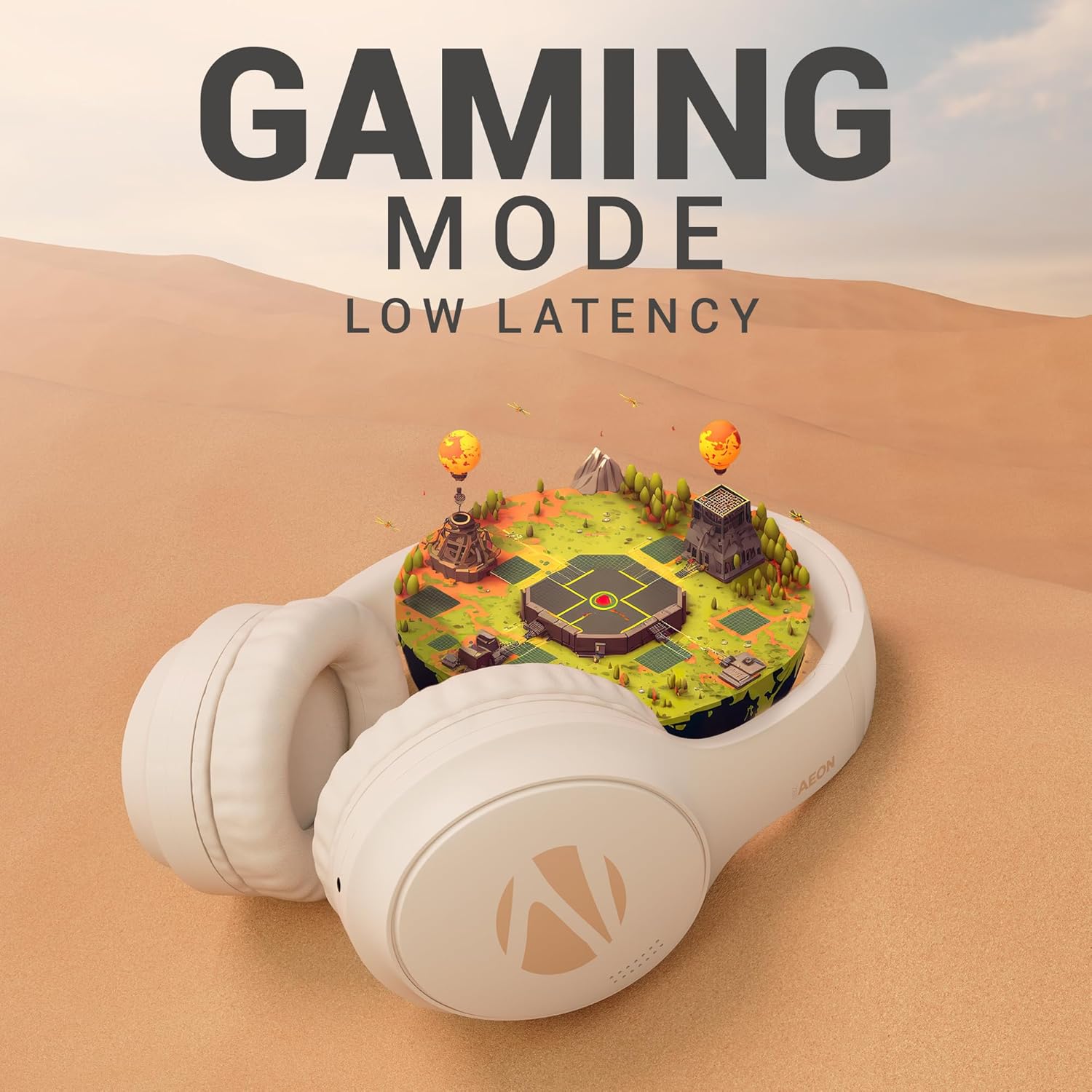
Activate the low-latency gaming mode for a more synchronized audio experience during gaming sessions. Refer to the specific button on your headphone for activating this mode (often indicated by a gaming icon or a dedicated button).

ENC (Environmental Noise Cancellation) & ANC (Active Noise Cancellation)
The ZEB-Aeon headphones feature both ENC and ANC technologies:
- ENC: Minimizes external noise during calls, ensuring clear communication.
- ANC: Actively reduces ambient noise, allowing you to focus on your audio content without distractions. Activate ANC using the dedicated ANC button on the headphone.

Ohun Iranlọwọ Iranlọwọ
Activate your device's voice assistant (e.g., Google Assistant, Siri) directly from the headphones. Refer to the user manual for the specific button press to trigger the voice assistant.

Pipọpọ Meji
The headphones support dual pairing, allowing you to connect to two different devices simultaneously. This feature enables seamless switching between audio sources without needing to disconnect and reconnect.

Itoju
- Ninu: Lo asọ asọ ti o gbẹ lati nu agbekọri naa. Ma ṣe lo abrasive ose tabi epo.
- Ibi ipamọ: Nigbati o ko ba wa ni lilo, tọju awọn agbekọri naa ni itura, aye gbigbẹ, kuro lati orun taara ati awọn iwọn otutu to gaju.
- Itọju Batiri: To preserve battery life, avoid fully discharging the headphones frequently. Charge them regularly, even if not in use for extended periods.
Laasigbotitusita
| Isoro | Owun to le Fa | Ojutu |
|---|---|---|
| Awọn agbekọri ko ṣiṣẹ | Batiri kekere | Gba agbara si awọn agbekọri ni kikun. |
| Ko le so pọ nipasẹ Bluetooth | Àwọn agbekọri kò sí ní ipò ìsopọ̀ / Bluetooth ẹ̀rọ ti pa / Ìdènà | Ensure headphones are in pairing mode. Turn device Bluetooth off and on. Move closer to the device. |
| Ko si ohun | Volume too low / Not connected / Wrong audio source | Increase volume. Re-pair Bluetooth or check AUX connection. Ensure correct audio output is selected on your device. |
| ANC ko munadoko | ANC not activated / Extreme noise levels | Ensure ANC is toggled on. ANC is designed to reduce consistent low-frequency noise, not all sounds. |
Awọn pato
| Ẹya ara ẹrọ | Ẹ̀kúnrẹ́rẹ́ |
|---|---|
| Orukọ awoṣe | Zeb-Aeon |
| Asopọmọra Technology | Alailowaya (Bluetooth), Alailowaya (AUX) |
| Imọ-ẹrọ Ibaraẹnisọrọ Alailowaya | Bluetooth |
| Ẹya Bluetooth | 5.3 |
| Bluetooth Ibiti | 10 Mita |
| Awọn agbekọri Jack | 3.5 mm Jack |
| Igbesi aye batiri | Titi di Awọn wakati 110 (ni iwọn 50%) |
| Akoko gbigba agbara | Awọn wakati 2 |
| Audio Driver Type | Awakọ Yiyipo (40mm) |
| Ariwo Iṣakoso | Ifagile Ariwo Nṣiṣẹ (ANC), Ifagile Ariwo Ayika (ENC) |
| Iṣakoso Iru | Iṣakoso ohun, Iṣakoso bọtini |
| Iwọn Nkan | 370 giramu |
| Ọja Mefa | 8.8 x 18.5 x 24.2 cm |
| Olupese | Zebronics Industries Private Limited |
Atilẹyin ọja ati Support
ZEBRONICS products are covered by a limited warranty from the date of purchase. Please refer to the warranty card included with your product or visit the official ZEBRONICS webAaye fun alaye atilẹyin ọja ofin ati ipo.
For technical support, service, or warranty claims, please contact ZEBRONICS customer service through their official channels. Keep your purchase receipt as proof of purchase for warranty validation.


