Ọrọ Iṣaaju
The Logitech Zone 300 is an essential wireless Bluetooth headset designed for exceptional audio quality during work and leisure. It offers reliable multi-point Bluetooth connectivity within a 30-meter range, allowing free movement at home or in the office. This headset features dual noise-cancelling microphones for clear communication and enhanced speakers for clear listening. Easily switch between your computer and smartphone. Enjoy up to 20 hours of listening and 16 hours of talk time on a single charge, with a quick 5-minute charge providing an additional hour of talk time when the battery is low. The Logitech Zone 300 headset is also an environmentally conscious choice, with plastic parts made from at least 55% recycled plastic (excluding PWA, cables, and packaging).

Alaye Aabo
Please read all safety instructions before using this product to ensure safe and optimal performance. Keep this manual for future reference.
- Do not expose the headset to extreme temperatures or humidity.
- Yago fun sisọ tabi tẹri agbekari si awọn ipa to lagbara.
- Do not disassemble or attempt to repair the headset yourself. This may void the warranty and cause damage.
- Lo okùn gbigba agbara USB-C ti a pese nikan.
- Prolonged listening at high volume levels may cause hearing damage. Adjust volume to a comfortable level.
Package Awọn akoonu
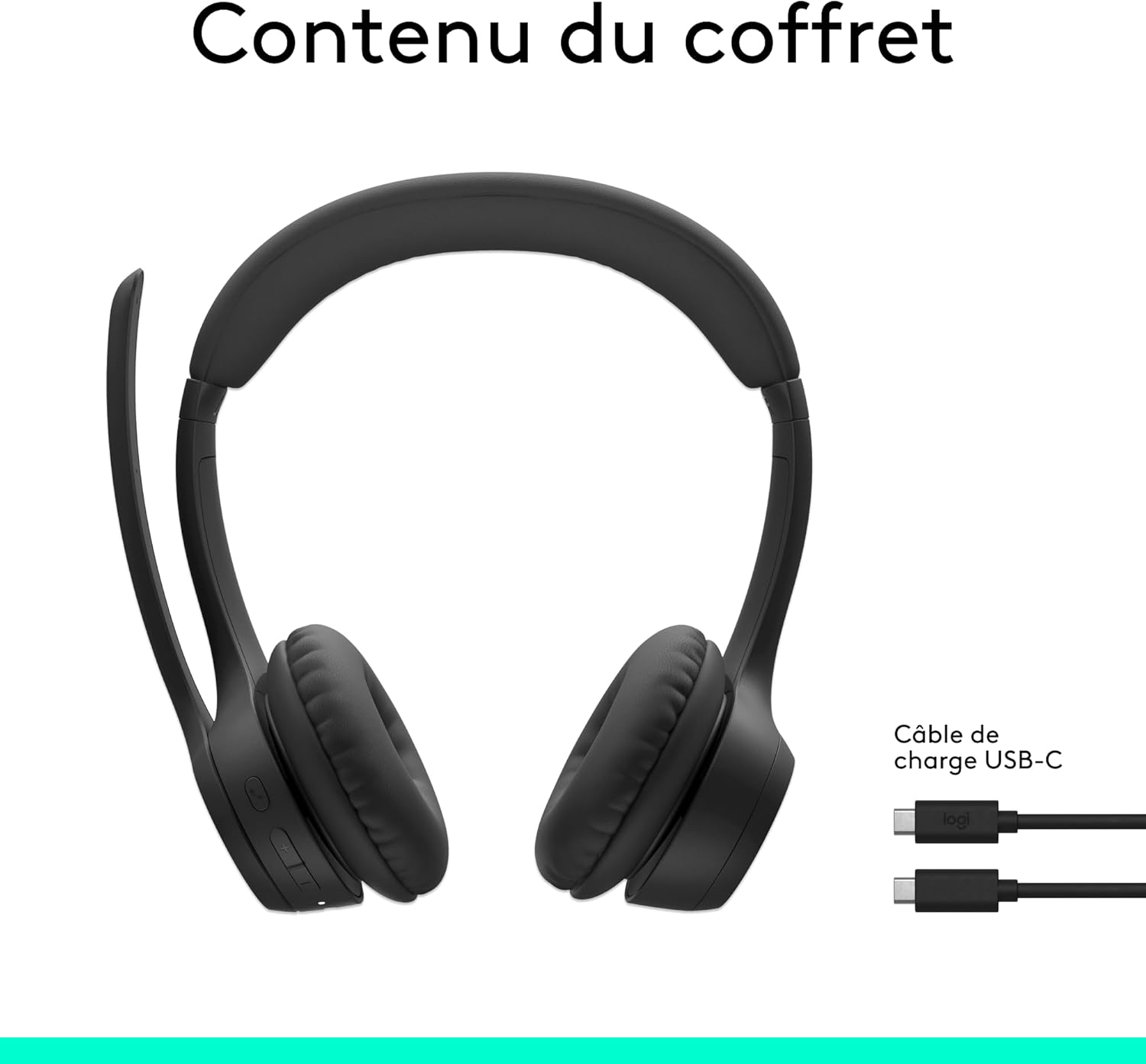
Daju pe gbogbo awọn ohun kan wa ninu apoti ọja rẹ:
- Logitech Zone 300 Headset
- USB-C si Okun Ngba agbara USB-C
- Akosile olumulo
Ṣeto
Ngba agbara si Agbekọri
Before first use, fully charge your Logitech Zone 300 headset. Connect the provided USB-C charging cable to the headset's USB-C port and the other end to a power source (e.g., computer USB port or wall adapter).
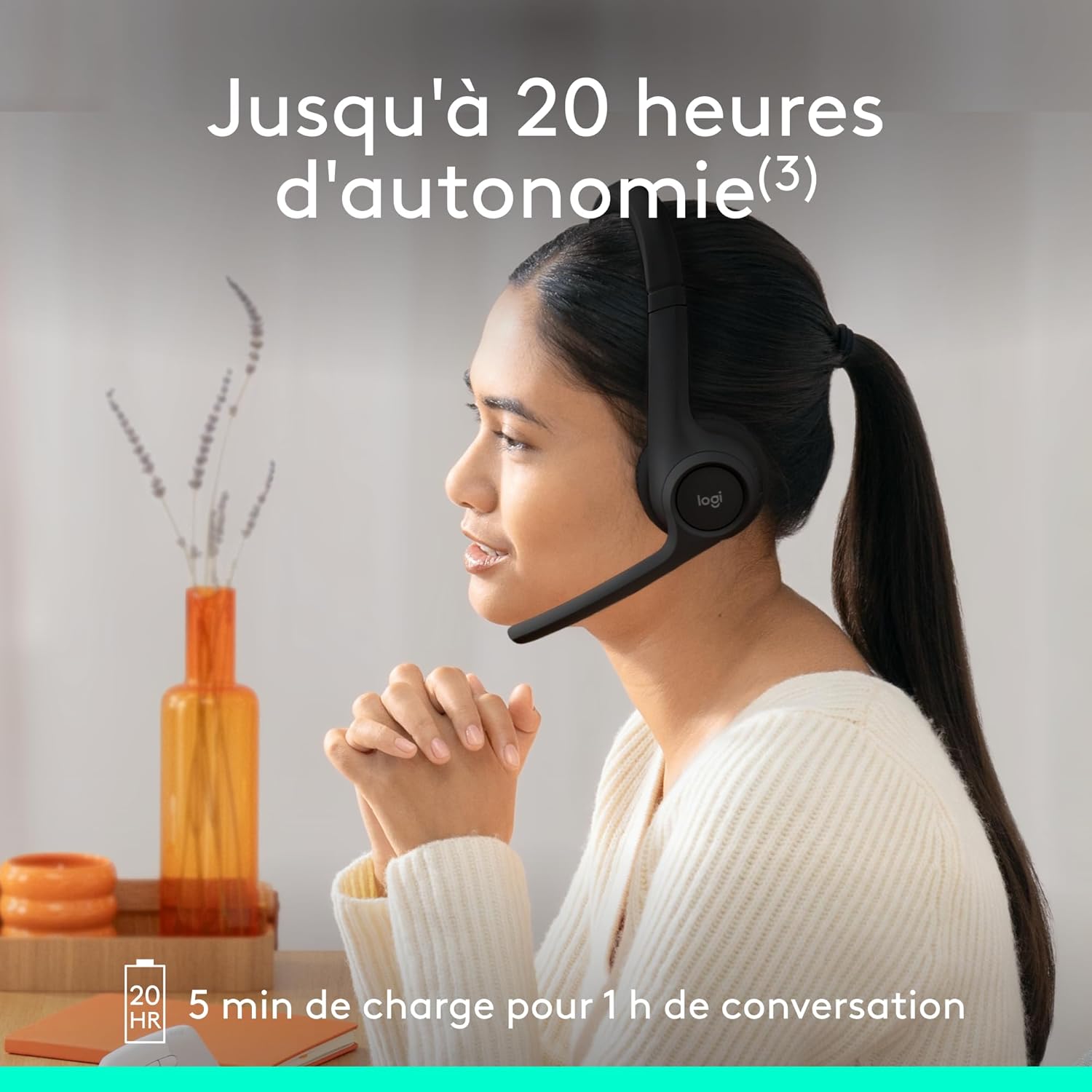
- A full charge provides up to 20 hours of listening time and 16 hours of talk time.
- A quick 5-minute charge can provide up to 1 hour of additional talk time when the battery is low.
Sopọ pẹlu Awọn ẹrọ
The Zone 300 headset supports multi-point Bluetooth connectivity, allowing you to connect to two devices simultaneously (e.g., computer and smartphone) and seamlessly switch between them.
- Turn on the headset by sliding the power switch.
- Put the headset into pairing mode (refer to the headset's specific pairing button/indicator, usually holding the power button or a dedicated Bluetooth button).
- Lórí ẹ̀rọ rẹ (kọ̀ǹpútà, fóònù alágbèéká, tábìlẹ́ẹ̀tì), lọ sí àwọn ètò Bluetooth kí o sì yan "Logitech Zone 300" láti inú àkójọ àwọn ẹ̀rọ tó wà.
- Once connected, the headset will indicate successful pairing (e.g., LED indicator changes color).

Ṣiṣẹ Agbekari
Awọn Iṣakoso Loriview
The Logitech Zone 300 features intuitive on-ear controls for easy management of calls and audio playback.

- Agbara Yi pada: Located on the right earcup, used to turn the headset on/off.
- Awọn bọtini iwọn didun: Adjust audio volume up or down.
- Bọtini iṣẹ-pupọ: Typically used for play/pause, answer/end calls, or activating voice assistant.
- Microphone Boom: Can be flipped up to mute the microphone.
Gbohungbohun Lilo
The headset is equipped with dual beamforming noise-cancelling microphones on an extended boom, designed to eliminate background noise for clear conversations.
- Ifagile ariwo: The microphones use advanced algorithms to reduce ambient noise, ensuring your voice is heard clearly in busy environments.
- Flip-up Mute: Simply raise the microphone boom to automatically mute your microphone. Lower it to unmute.

Didara ohun
The 30mm dynamic audio drivers feature custom-tuned diaphragm diagrams, providing crystal-clear sound for calls and other listening experiences.

Ohun elo Logi Tune
Personalize your headset's firmware and settings using the free Logi Tune application. Download the app to adjust sidetone, microphone level, and equalizer settings for a customized audio experience.

Itoju
Proper maintenance ensures the longevity and performance of your Logitech Zone 300 headset.
Ninu
- Mu agbekari kuro pẹlu asọ, damp asọ. Ma ṣe lo abrasive ose tabi epo.
- Ensure the USB-C port is free of dust and debris.
Rirọpo Eti paadi
The ear pads on the Zone 300 headset are replaceable, extending the lifespan of your headset. Replacement ear pads are available for purchase separately.
Laasigbotitusita
If you encounter issues with your Logitech Zone 300 headset, refer to the common problems and solutions below.
No Sound / Poor Audio
- Ṣayẹwo Iwọn didun: Ensure the headset volume is turned up and not muted. Also check the volume settings on your connected device.
- Tun ẹrọ so pọ: Ge asopọ ko si tun agbekari pọ pẹlu ẹrọ rẹ.
- Select Correct Output: On your computer or smartphone, ensure the Logitech Zone 300 is selected as the audio output device.
- Batiri Gba agbara: Low battery can affect audio quality. Ensure the headset is sufficiently charged.
Awọn ọrọ gbohungbohun
- Ṣayẹwo Parẹ: Ensure the microphone boom is lowered and not in the mute position.
- Yan Ìtẹ̀síwájú Tó Tọ́: On your device, ensure the Logitech Zone 300 is selected as the audio input device.
- Ṣatunṣe Ipele Gbohungbohun: Use the Logi Tune app or your device's sound settings to adjust the microphone input level.
- Ariwo Ayika: While the headset has noise-cancelling microphones, very loud ambient noise might still be picked up. Try to use the headset in a quieter environment if possible.
Awọn iṣoro Asopọmọra
- Ibiti Bluetooth: Ensure you are within the 30-meter wireless range of your connected device.
- Ìjánu: Lọ kuro ni awọn ẹrọ alailowaya miiran (Awọn olulana Wi-Fi, awọn foonu alailowaya) ti o le fa kikọlu.
- Tun awọn ẹrọ bẹrẹ: Gbiyanju tun bẹrẹ mejeeji agbekari ati ẹrọ ti o sopọ.
- Gbagbe Ẹrọ: On your device, "forget" or "remove" the Logitech Zone 300 from your Bluetooth list, then re-pair it.
Awọn pato
| Ẹya ara ẹrọ | Ẹ̀kúnrẹ́rẹ́ |
|---|---|
| Orukọ awoṣe | Logitech Zone 300 wireless headset |
| Nọmba awoṣe | 981-001407 |
| Asopọmọra Technology | Ailokun (Bluetooth) |
| Imọ-ẹrọ Ibaraẹnisọrọ Alailowaya | Bluetooth |
| Gbigbe Eti | Lori Eti |
| Fọọmù ifosiwewe | Lori-Eti |
| Ipinya Ariwo | Ifagile Ariwo ti nṣiṣẹ lọwọ (Agbohungbohun) |
| Idahun Igbohunsafẹfẹ | 20 Hz - 20,000 Hz |
| Ifamọ | 96 dB |
| Iwọn | 122 Giramu (4.3 iwon) |
| Batiri Iru | Litiumu-dẹlẹ |
| Igbesi aye Batiri (gbigbọ) | Titi di wakati 20 |
| Igbesi aye batiri (Aago Ọrọ) | Titi di wakati 16 |
| Gbigba agbara kiakia | Awọn iṣẹju 5 fun akoko ọrọ wakati 1 |
| Awọn ẹrọ ibaramu | Computers, smartphones, tablets |
| Ohun elo | Plastic (at least 55% recycled post-consumer plastic for black model) |
Atilẹyin ọja ati Support
Alaye atilẹyin ọja
The Logitech Zone 300 headset comes with a 2-odun olupese ká atilẹyin ọja. Jọwọ ṣe idaduro ẹri rira rẹ fun awọn iṣeduro atilẹyin ọja. Atilẹyin ọja ni wiwa awọn abawọn ninu awọn ohun elo ati iṣẹ-ṣiṣe labẹ lilo deede.
Onibara Support
Fun iranlọwọ siwaju, atilẹyin imọ-ẹrọ, tabi awọn iṣeduro atilẹyin ọja, jọwọ ṣabẹwo si atilẹyin Logitech osise website or contact their customer service. Refer to the documentation included in your package for specific contact details or visit www.logitech.com/support.


