2. Ohun ti o wa ninu Apoti
- Robot x1
- Iṣakoso latọna x 1
- Battery x 1 (pre-installed in robot)
- Ilana itọnisọna x 1
- Okun Gbigba agbara USB x 1
- Toy Cannonball x 3

Image: All components included in the Holyton K103 Robot package.
Model: K103 | Brand: Holyton
The Holyton K103 Robot Toy offers an exciting and educational interactive experience for children. This remote-controlled robot features gesture sensing, auto-demonstration, dance moves, music, and voice recording capabilities. Crafted from child-friendly, BPA-free ABS material, it is designed for durability and safety, ensuring smooth, burr-free edges to protect little hands. The robot is rechargeable, providing extended playtime after a quick charge, making it an ideal companion for imaginative play and developing logical thinking skills.
Image: All components included in the Holyton K103 Robot package.
Ikilọ: Small accessories are included. To avoid accidental ingestion, ensure children play under adult supervision, especially with the toy cannonballs.
The robot is crafted from child-friendly, BPA-free ABS material with smooth, burr-free edges to protect little hands.
The robot comes with a pre-installed rechargeable Lithium Polymer battery. Before first use, fully charge the robot.
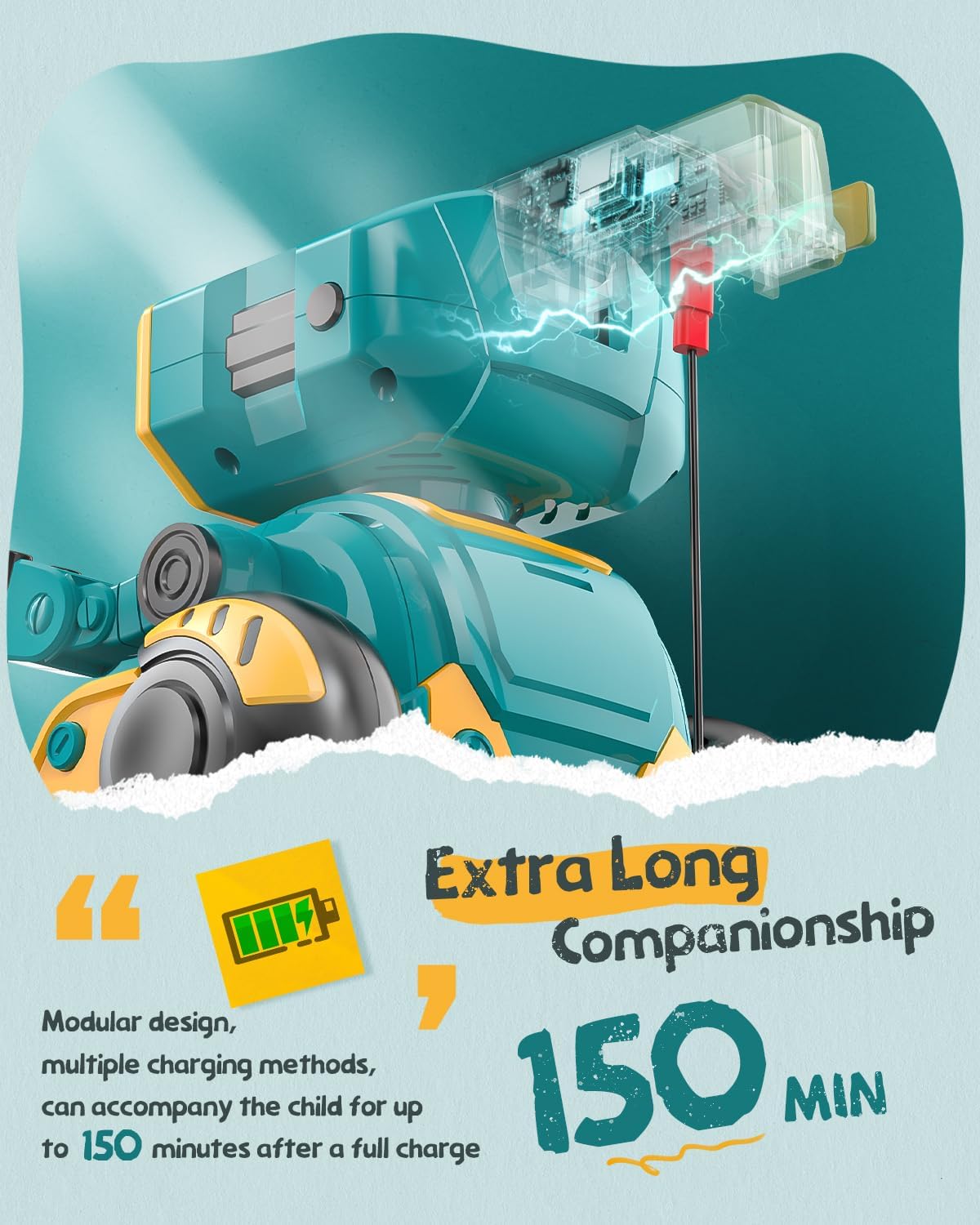
Image: The robot's charging port and battery indicator.
Isakoṣo latọna jijin nilo awọn batiri AAA 2 (kii ṣe pẹlu).
Familiarize yourself with the robot's functions and the remote control buttons for optimal play.
Press the power button on the robot's chest to turn it on. The LED eyes will light up. Press again to turn off.

Image: The robot's main body showing the power button.
The remote control allows for various movements and actions. Refer to the remote control layout for button identification.

Image: The robot and its remote control, highlighting interactive features.
The robot is equipped with gesture sensing technology. Wave your hand in front of the robot to trigger specific movements or sounds.
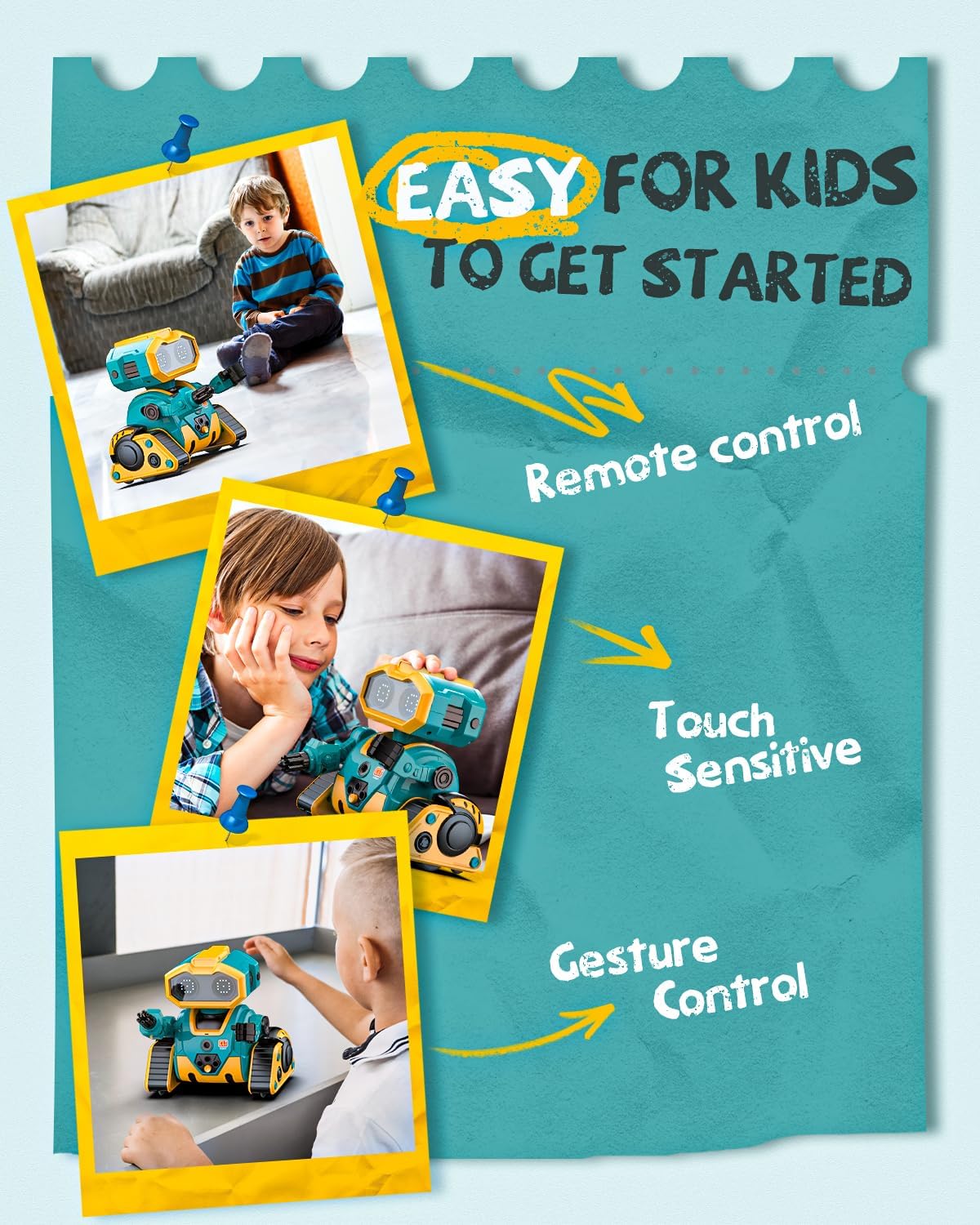
Image: Demonstrating gesture control and touch sensitivity.
Record your voice through the remote control, and the robot will play it back in a robotic voice.
You can program a sequence of actions for the robot to perform.
The robot comes with toy cannonballs that can be launched from its arm.
Fidio: Pariview of Holyton K103 Robot features including activation, dancing, encyclopedia, LED expressions, demonstration, recording, programming, touch sensing, gesture recognition, and arm launcher.
| Isoro | Owun to le Fa | Ojutu |
|---|---|---|
| Robot ko ni tan-an. | Batiri kekere tabi ko gba agbara. | Charge the robot fully using the USB cable. |
| Isakoṣo latọna jijin ko dahun. | Awọn batiri iṣakoso latọna jijin kere tabi fi sori ẹrọ ni aṣiṣe. | Rọpo awọn batiri AAA ninu iṣakoso latọna jijin, rii daju pe o tọ polarity. |
| Robot not moving or moving erratically. | Interference or out of range. | Ensure no obstacles are blocking the robot. Move closer to the robot. |
| Voice recording/playback unclear. | Microphone too far or background noise. | Speak closer to the remote's microphone in a quiet environment. |
 |
Holyton HS330 Drone: Awọn ilana fun Lilo ati Itọsọna Abo Iwe afọwọkọ okeerẹ yii fun Holyton HS330 drone pese awọn itọnisọna alaye lori iṣeto, iṣẹ ailewu, awọn ipo ọkọ ofurufu, awọn pato, ati laasigbotitusita. Kika pataki fun gbogbo awọn olumulo. |
 |
Holyton HT50 Drone Afowoyi olumulo ati Itọsọna Abo Iwe afọwọkọ olumulo pipe fun Holyton HT50 drone, iṣeto ibora, awọn iṣẹ ọkọ ofurufu, awọn itọnisọna ailewu, awọn pato, ati laasigbotitusita. Kọ ẹkọ bii o ṣe le ṣiṣẹ drone HT50 rẹ lailewu. |
 |
Holyton HT02 Drone: Awọn ilana fun Lilo ati Afowoyi Awọn itọnisọna okeerẹ ati itọnisọna fun Holyton HT02 drone, iṣeto ibora, iṣẹ ṣiṣe, awọn itọnisọna ailewu, ati awọn pato. Kọ ẹkọ bi o ṣe le fo ati ṣetọju drone rẹ. |
 |
Orbit Bot Instruction Manual - Wireless Interactive Robot Comprehensive instruction manual for the Orbit Bot, a wireless and interactive robot. Learn how to set up, control, and maintain your Orbit Bot using voice commands, gesture control, and the dedicated app. Includes safety warnings and FCC compliance information. |
 |
Light Up Dance Mat Instruction Manual - Interactive Toy Guide Comprehensive instruction manual for the Light Up Dance Mat, detailing its features, modes, operation, battery installation, and safety guidelines. An engaging toy for children aged 3 and up. |
 |
Turn Off That Nose! Choreography Notes - Music K-8 Detailed choreography instructions for the song 'Turn Off That Nose!' from Music K-8, Vol. 26, No. 2, created by Melissa Schott. Includes step-by-step movements for intro, verses, chorus, and tag sections, with measure and count breakdowns. |