Ọrọ Iṣaaju
O ṣeun fun riraasing the ZEBRONICS Zeb-Escape 10 Wireless BT Earphone. This manual provides essential information for setting up, operating, and maintaining your device. Please read it carefully before use to ensure optimal performance and longevity of your earphones.
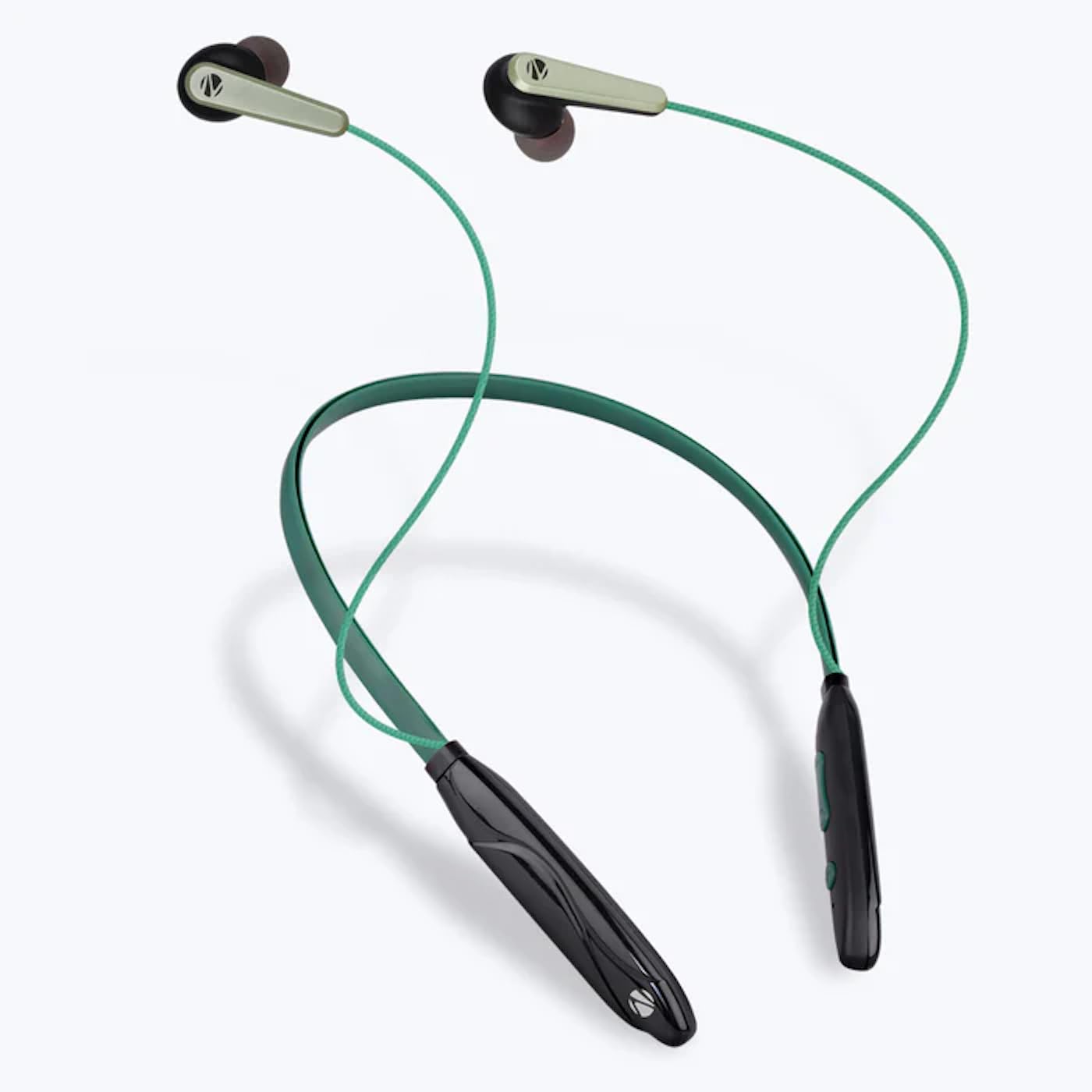
Image: The ZEBRONICS Zeb-Escape 10 Wireless BT Earphone, featuring a green and black neckband design with in-ear earbuds.
Package Awọn akoonu
Àwọn nǹkan wọ̀nyí wà nínú àpò ọjà rẹ:
- 1 U Neckband Earphone
- 1 U Charging Cable (Type-C)
- 1 U QR Code Guide
Ṣeto
1. Gbigba agbara si agbekọri
Before first use, fully charge the earphone. Use the provided Type-C charging cable to connect the earphone to a USB power source (e.g., computer USB port, wall adapter). The LED indicator will show the charging status.
- Akoko gbigba agbara: O fẹrẹ to awọn wakati 1.5.

Image: The earphone's control module with a Type-C charging port, showing a charging cable connected.
2. Sisopọ Bluetooth
To connect your earphone to a Bluetooth-enabled device:
- Ensure the earphone is charged and powered off.
- Press and hold the multi-function button on the earphone until the LED indicator flashes red and blue, indicating it is in pairing mode.
- Lori ẹrọ rẹ (foonuiyara, tabulẹti, ati bẹbẹ lọ), mu Bluetooth ṣiṣẹ ki o wa awọn ẹrọ to wa.
- Select "ZEB-ESCAPE 10" from the list of found devices.
- Once connected, the LED indicator will flash blue slowly or turn off, depending on the model.

Image: A smartphone display illustrating the Bluetooth pairing process, showing the earphone model 'ZEB-ESCAPE 10' as connected.
Awọn ilana Iṣiṣẹ
Titan / Paa
- Agbara Tan: Press and hold the multi-function button until the LED indicator lights up.
- Agbara Pa: Press and hold the multi-function button until the LED indicator turns off.
Volume and Media Control
The earphone features integrated controls for managing audio playback and volume.
- Iwọn didun Up: Tẹ bọtini '+'.
- Iwọn didun isalẹ: Tẹ bọtini '-'.
- Ṣiṣẹ/Daduro: Tẹ bọtini iṣẹ-ọpọlọpọ lẹẹkan.
- Orin t’okan: Tẹ mọlẹ bọtini '+'.
- Tẹlẹ Orin: Tẹ mọlẹ bọtini '-'.
Iṣẹ Ipe
Manage calls directly from your earphone.
- Idahun Ipe: Tẹ bọtini iṣẹ-ọpọlọpọ lẹẹkan.
- Ipe Ipari: Tẹ bọtini iṣẹ-pupọ lẹẹkan nigba ipe kan.
- Kọ Ipe: Tẹ mọlẹ bọtini iṣẹ-ọpọlọpọ.
- Nọmba Ikẹhin Tun Tun: Double-tẹ awọn olona-iṣẹ bọtini.
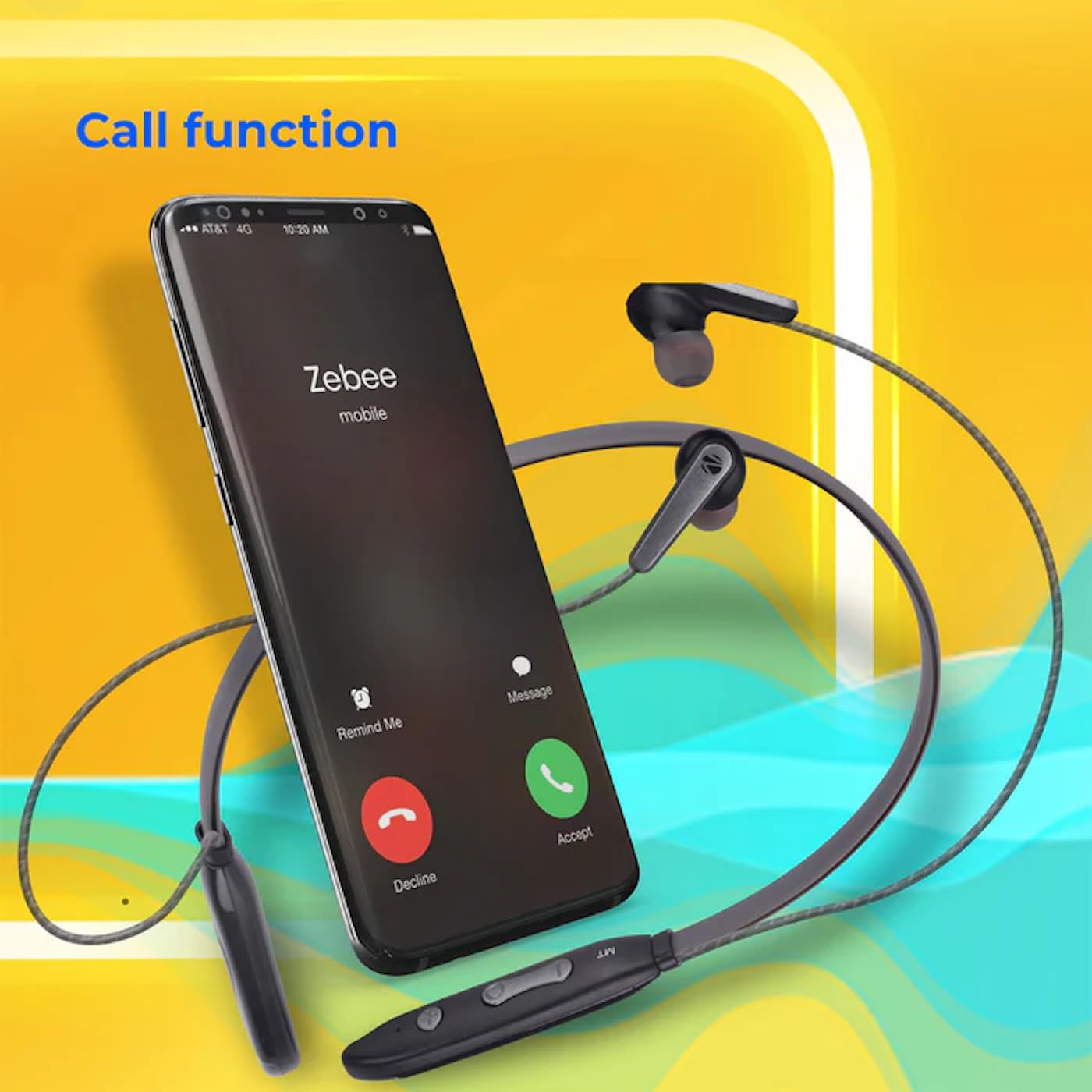
Image: A smartphone showing an incoming call interface, indicating the earphone's call handling capability.
Ohun Iranlọwọ Iranlọwọ
Activate your device's voice assistant (e.g., Google Assistant, Siri) by triple-pressing the multi-function button.
Agbekọti oofa
The earpieces are magnetic, allowing them to securely attach to each other when not in use, preventing tangling and ensuring they stay in place around your neck.

Aworan: A alaye view of an earbud, illustrating its design for a stable and comfortable fit.
Itoju
To ensure the longevity and optimal performance of your ZEBRONICS Zeb-Escape 10 earphones, follow these maintenance guidelines:
- Ninu: Lo asọ asọ ti o gbẹ lati nu awọn agbekọri naa. Maṣe lo awọn kẹmika lile tabi awọn ohun elo abrasive.
- Ibi ipamọ: Tọ́jú àwọn agbekọri náà sí ibi tí ó tutù tí ó sì gbẹ, tí kò sí ibi tí oòrùn lè tàn dé àti ibi tí ó gbóná janjan.
- Omi Resistance: The earphones are water resistant. Avoid submerging them in water or exposing them to heavy rain.
- Gbigba agbara: Only use the provided charging cable or a certified Type-C cable. Avoid overcharging.
Laasigbotitusita
If you encounter issues with your earphone, refer to the following common problems and solutions:
| Isoro | Owun to le Solusan |
|---|---|
| Earphone kìí tan agbára. | Ensure the earphone is fully charged. |
| Ko le so pọ pẹlu ẹrọ. | Ensure the earphone is in pairing mode (flashing red/blue). Turn off and on Bluetooth on your device. Move closer to the earphone. |
| Ko si ohun tabi iwọn kekere. | Check volume levels on both the earphone and your connected device. Ensure the earphone is properly paired. |
| Awọn iṣoro didara ipe. | Ensure you are within Bluetooth range. Check for obstructions between the earphone and your device. |
Awọn pato
Technical specifications for the ZEBRONICS Zeb-Escape 10 Wireless BT Earphone:
| Ẹya ara ẹrọ | Ẹ̀kúnrẹ́rẹ́ |
|---|---|
| Orukọ awoṣe | ZEB-NBI 5 |
| Ẹya Bluetooth | v5.3 |
| Atilẹyin BT Profiles | HSP / HFP / A2DP / AVRCP |
| Awakọ Iwon | 10mm |
| Impedance Agbọrọsọ | 16Ω |
| Akoko Sisisẹsẹhin | Titi di awọn wakati 20 (ni iwọn 50%) |
| Aago Ọrọ | Titi di wakati 20 |
| Akoko gbigba agbara | wakati meji 1.5 |
| Akoko Iduro | wakati meji 200 |
| Apapọ iwuwo | 26g |
| Iṣakoso Iru | Media Iṣakoso, Fọwọkan |
| Omi Resistance Ipele | Omi sooro |
| Pataki Awọn ẹya ara ẹrọ | Fast Charging, Foldable, Microphone Included, Sweatproof |

Image: Visual representation of the earphone's 20-hour playback capability.
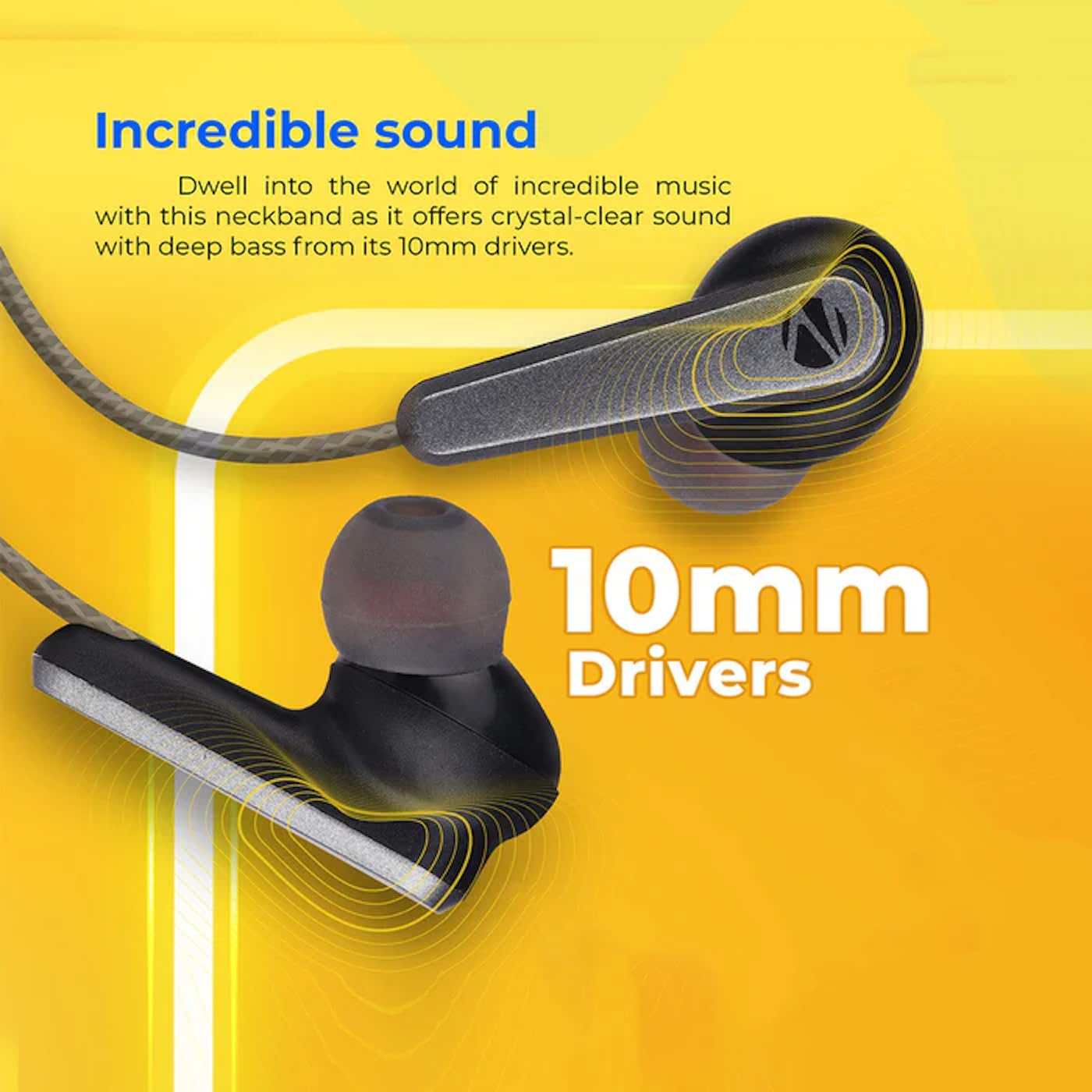
Image: A close-up of an earbud, highlighting the 10mm audio drivers responsible for sound output.
Alaye atilẹyin ọja
The ZEBRONICS Zeb-Escape 10 Wireless BT Earphone comes with a 6-osu atilẹyin ọja Láti ọjọ́ tí o ti ra ọjà náà. Àtìlẹ́yìn yìí bo àwọn àbùkù iṣẹ́-ọnà. Jọ̀wọ́ pa ìwé ẹ̀rí ìrajà rẹ mọ́ gẹ́gẹ́ bí ẹ̀rí ìrajà fún àwọn ẹ̀tọ́ àtìlẹ́yìn. Àtìlẹ́yìn náà kò bo ìbàjẹ́ tí ó wáyé nípasẹ̀ ìlòkulò, ìjàǹbá, àwọn àtúnṣe tí a kò gbà láyè, tàbí ìbàjẹ́ déédé.
Onibara Support
For further assistance, technical support, or warranty claims, please contact ZEBRONICS customer service. Refer to the QR code guide included in your package or visit the official ZEBRONICS webaaye fun awọn alaye olubasọrọ.


