1. Ifihan
Welcome to the user manual for the ZEBRONICS CC90 Car Smartphone Charger. This document provides comprehensive instructions for the safe and efficient use of your new car charger. The ZEB-CC90 is a versatile solution designed to meet your on-the-go charging needs, featuring dual Type-C output ports and a powerful 90W output for rapid charging of your devices.
Please read this manual carefully before using the product to ensure proper operation and to prevent damage. Keep this manual for future reference.
2. Ọja Ipariview
The ZEBRONICS CC90 is a compact and powerful car charger equipped with two Type-C Power Delivery (PD) ports. It is designed to provide fast and efficient charging for a wide range of devices, including smartphones and tablets, directly from your vehicle's power outlet.
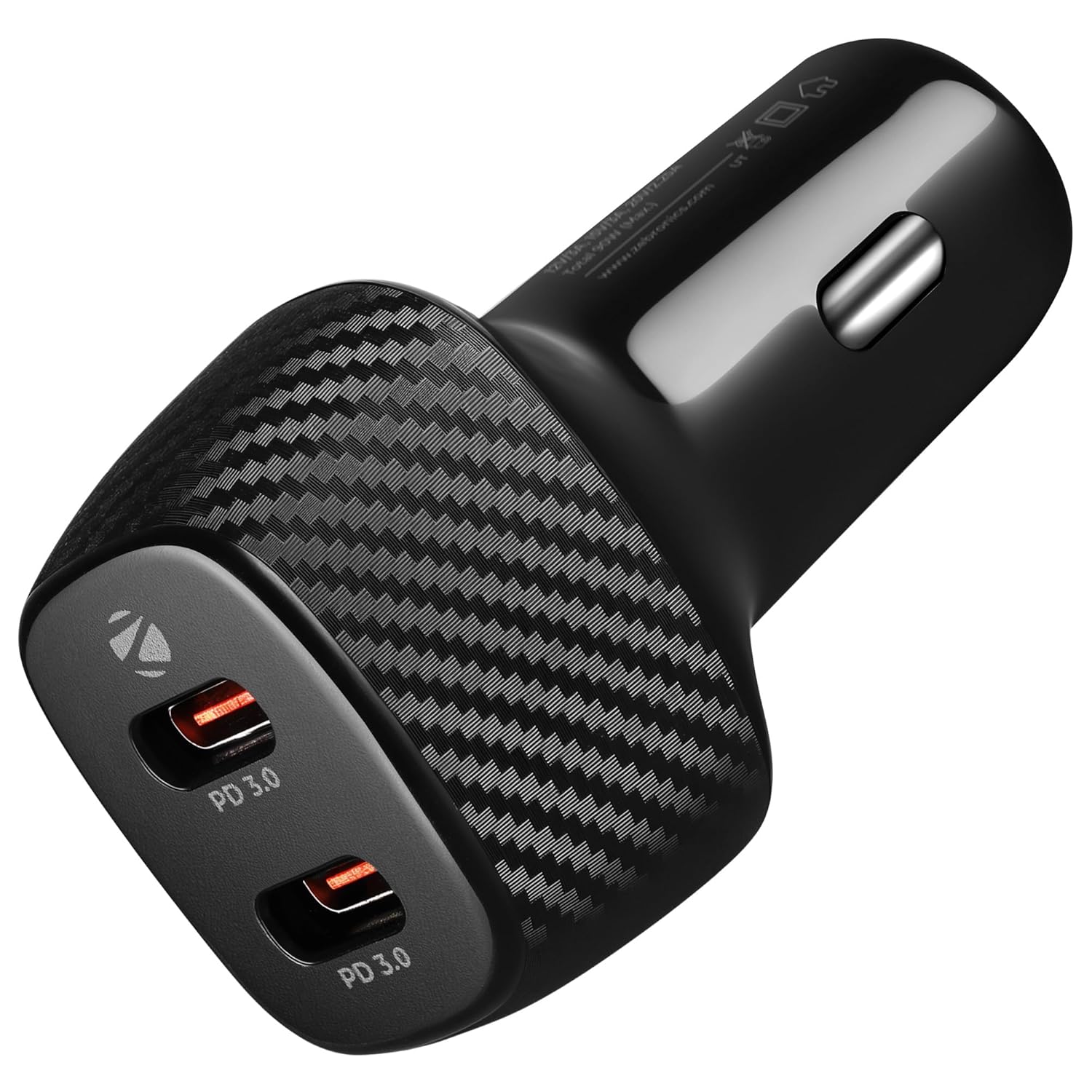
olusin 2.1: Angled view of the ZEBRONICS CC90 Car Charger, highlighting its dual Type-C ports and sleek black design with carbon fiber pattern.
Its compact design allows for easy integration into various vehicles, while built-in protections ensure a reliable and safe charging experience.
3. Key Awọn ẹya ara ẹrọ
- Apẹrẹ Iwapọ: Designed with mobility in mind, the ZEB-CC90 features a compact and lightweight build, making it ideal for installation in cars, trucks, and other vehicles.
- Agbara Ijade giga: The ZEB-CC90 car charger delivers a powerful 90-watt output, ensuring fast charging for your devices while you're on the go.
- Dual Type-C Output Ports: Equipped with dual Type-C ports, the ZEB-CC90 offers exceptional versatility, allowing for the simultaneous charging of multiple devices. Its advanced Type-C interface guarantees a continuous power supply to all your devices.
- Versatile Input and Output: Each Type-C output supports DC 5V/3A, 9V/3A, 12V/3A, 15V/3A, 20V/2.25A, enabling convenient charging of multiple Type-C compatible devices simultaneously at optimal speeds.
- Awọn aabo ti a ṣe sinu: Features comprehensive safeguards including over-current, over-voltage, over-temperature, and short circuit protection, ensuring the safety of both your devices and the vehicle's electrical system.
- Ibamu gbooro: Designed to meet the evolving needs of both mobile phones and tablets, ensuring compatibility with a wide range of devices.

Figure 3.1: Visual representation of the dual Type-C PD outputs and their supported power delivery specifications.
4. Awọn ilana iṣeto
Follow these steps to set up and begin using your ZEBRONICS CC90 Car Charger:
- Wa Ibi Iṣẹ́ Agbára Ọkọ̀: Identify the 12V or 24V cigarette lighter socket in your car, truck, or other compatible vehicle.
- Fi Ṣaja sii: Firmly insert the ZEBRONICS CC90 car charger into the vehicle's power outlet. Ensure it is securely seated.
- Awọn ẹrọ Sopọ: Use a compatible Type-C charging cable (not included) to connect your smartphone, tablet, or other Type-C enabled device to either of the two Type-C ports on the charger.
- Ṣayẹwo gbigba agbara: Once connected, your device should indicate that it is charging. The ZEB-CC90 features a convenient LED indicator to confirm power is supplied.

Figure 4.1: The compact design of the charger, illustrating its ease of handling and the Type-C PD ports.
For optimal fast charging, ensure your charging cables are also rated for Power Delivery (PD) and support the required wattage fun awọn ẹrọ rẹ.
5. Ṣiṣẹ Ṣaja
The ZEBRONICS CC90 operates automatically once connected to a power source and a device. Here are some operational guidelines:
- Gbigba agbara nigbakanna: You can charge two devices concurrently using both Type-C ports. The charger intelligently distributes power based on the connected devices' requirements, up to a combined total of 90W.
- Imọ-ẹrọ Ifijiṣẹ Agbara (PD): The charger utilizes Type-C PD technology to deliver optimal charging efficiency, automatically adjusting voltage and current to suit your device's needs for faster and safer charging.
- Atọka LED: A built-in LED indicator provides visual confirmation that the charger is receiving power and is ready to charge.
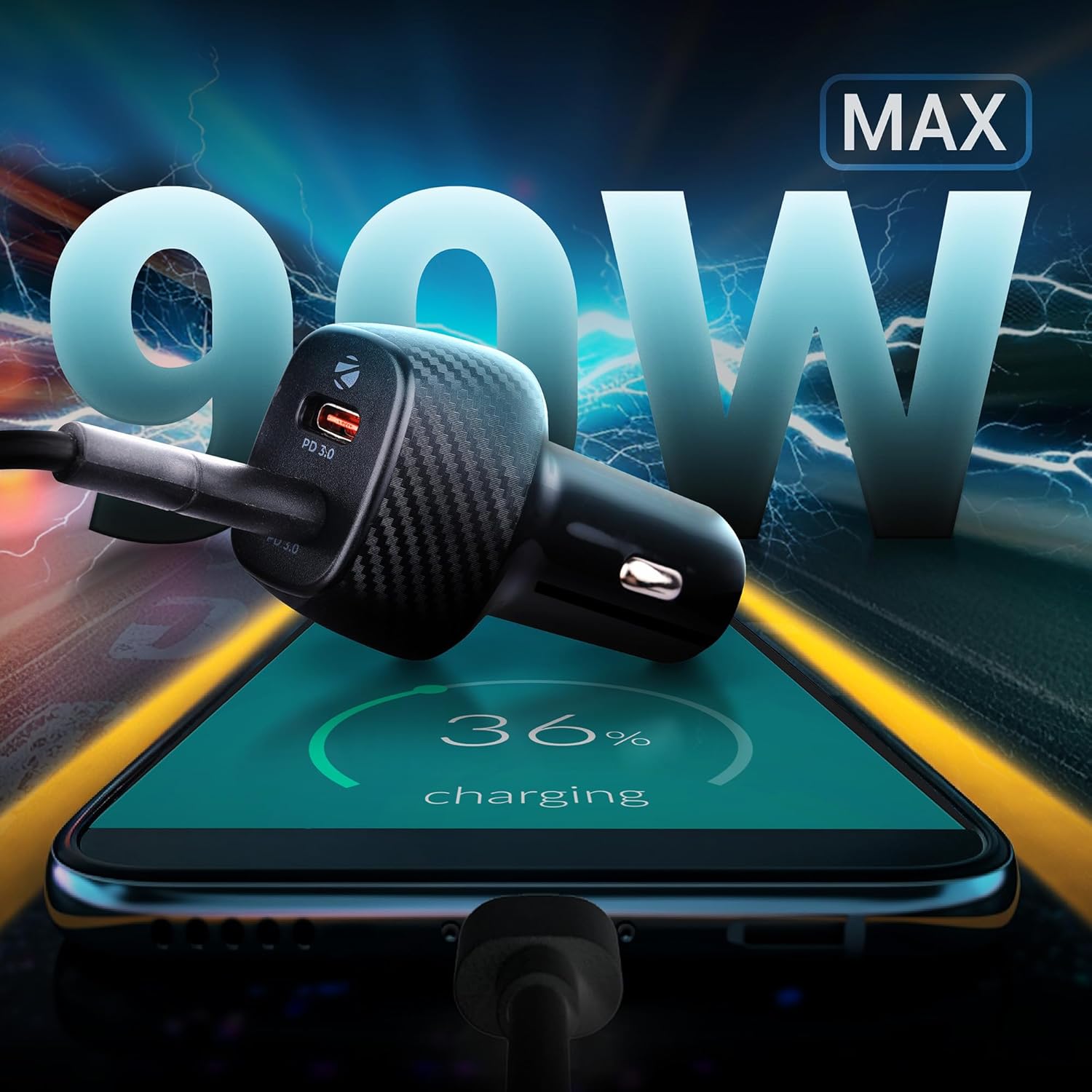
Figure 5.1: The charger in action, demonstrating its 90W maximum output capability for fast charging.
6. Itọju ati Itọju
To ensure the longevity and optimal performance of your ZEBRONICS CC90 Car Charger, please follow these maintenance guidelines:
- Ninu: Disconnect the charger from the power outlet and any devices before cleaning. Use a soft, dry cloth to wipe the surface. Do not use liquid cleaners or abrasive materials.
- Ibi ipamọ: Nigbati o ko ba si ni lilo, tọju ṣaja ni itura, aye gbigbẹ kuro lati orun taara ati awọn iwọn otutu to gaju.
- Mimu: Avoid dropping the charger or subjecting it to strong impacts. Do not attempt to disassemble or modify the charger, as this will void the warranty and may cause damage.
- Awọn iṣọra Aabo:
- Ma ṣe fi ṣaja han si omi tabi ọrinrin pupọ.
- Rii daju pe fentilesonu to dara ni ayika ṣaja lakoko lilo.
- The charger is equipped with built-in protections against overcurrent, overvoltage, overtemperature, and short circuits to ensure safe operation.

Figure 6.1: Visual representation of the comprehensive safety features integrated into the charger.
7. Laasigbotitusita
If you encounter any issues with your ZEBRONICS CC90 Car Charger, refer to the table below for common problems and their solutions:
| Isoro | Owun to le Fa | Ojutu |
|---|---|---|
| Charger not working / No LED indicator |
|
|
| Ẹ̀rọ náà kò gba agbára tàbí kò gba agbára díẹ̀díẹ̀ |
|
|
| Ṣaja kan lara gbona nigba lilo |
|
|
8. Imọ ni pato
| Ẹya ara ẹrọ | Sipesifikesonu |
|---|---|
| Nọmba awoṣe | ZEB-CC90 |
| Ọja Mefa | 3 x 8 x 12.8 cm |
| Iwọn Nkan | 23 g |
| Àwọ̀ | Dudu |
| Iṣagbewọle Voltage | 24 Volts |
| Lapapọ Wattage Ijade | 90 Wattis (O pọju) |
| Ijade lọwọlọwọ (fun ibudo) | 3 Amps (Max) |
| Asopọmọra Iru | USB Type C (x2) |
| Pataki Awọn ẹya ara ẹrọ | Fast Charging, Power Delivery (PD), Built-in Protections |
| Awọn ẹrọ ibaramu | Smartphones, Tablets, and other Type-C PD compatible devices in cars/trucks. |
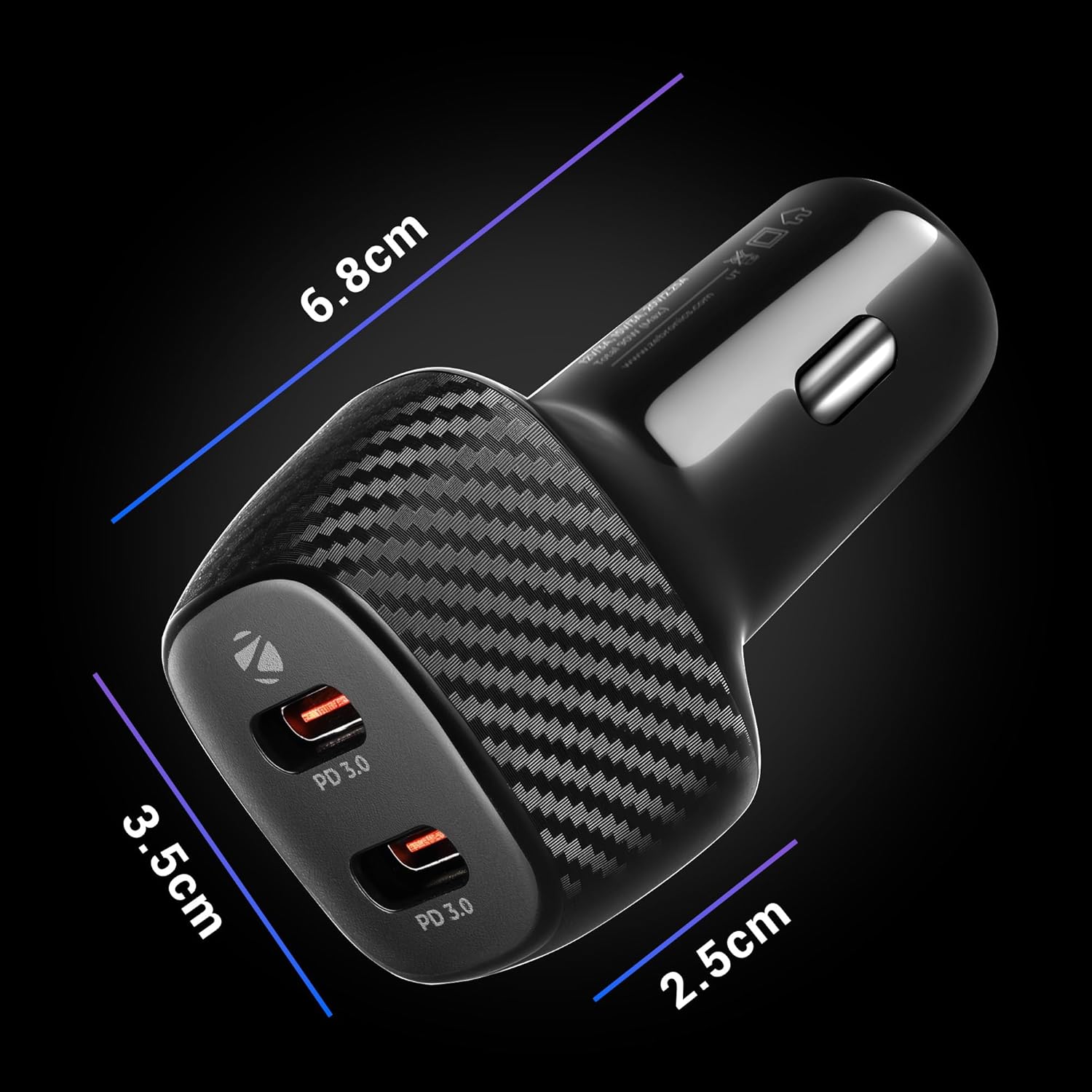
Figure 8.1: Detailed dimensions of the ZEBRONICS CC90 Car Charger.
9. Atilẹyin ọja ati Support
Alaye Atilẹyin ọja: Your ZEBRONICS CC90 Car Charger comes with a standard manufacturer's warranty. Please refer to the product packaging or the official ZEBRONICS website for specific warranty terms and conditions, including coverage period and claim procedures.
Atilẹyin Onibara: For technical assistance, troubleshooting beyond this manual, or warranty claims, please contact ZEBRONICS customer support. You can typically find contact information (phone number, email, or support portal) on the official ZEBRONICS webaaye tabi lori apoti ọja rẹ.
When contacting support, please have your product model number (ZEB-CC90) and purchase details ready.


