1. Ifihan
This manual provides essential information for setting up, operating, and maintaining your DOOGEE N55PLUS Unlocked Cell Phone. Please read it carefully to ensure proper use and to maximize the device's capabilities. The DOOGEE N55PLUS is an Android 14 smartphone featuring a 6.56-inch HD+ 90Hz display, an Octa-Core processor, 20GB RAM (8GB physical + 12GB virtual), 128GB internal storage expandable up to 1TB, a 5150mAh battery, and a 13MP AI main camera.
2. Ohun ti o wa ninu Apoti
- 1 x DOOGEE N55PLUS Cell Phone
- 1 x Ṣaja
- 1 x Type-C Port Cable
- 1 x TP Protective film (pre-applied)
- 1 x TPU Protective case
3. Eto
3.1 Kaadi SIM ati TF Kaadi fifi sori
- Wa atẹ kaadi SIM ni ẹgbẹ foonu rẹ.
- Fi ohun elo SIM ejector sii (ti o ba pese) sinu iho kekere lẹgbẹẹ atẹ naa ki o tẹ rọra titi ti atẹ naa yoo fi jade.
- Place your Nano-SIM card(s) and/or TF card into the designated slots on the tray. Ensure the gold contacts are facing down. The phone supports dual 4G SIM cards (nano SIM1 + nano SIM2) or one nano SIM and one TF card for storage expansion.
- Fi iṣọra tun fi atẹ sii sinu foonu titi ti o fi tẹ sinu aaye.

3.2 Titan / Pa a
- Lati Fi agbara: Press and hold the Power button (located on the right side) until the DOOGEE logo appears.
- Lati Paarẹ: Press and hold the Power button until the power options menu appears. Tap 'Power off' and confirm.
- Lati Tun bẹrẹ: From the power options menu, tap 'Restart' and confirm.
3.3 Ni ibẹrẹ Oṣo
Upon first power-on, follow the on-screen prompts to complete the initial setup. This includes selecting your language, connecting to Wi-Fi, setting up your Google account, and configuring security features like Face Unlock.
4. Ṣiṣẹ foonu rẹ
4.1 Ifihan ati Lilọ kiri
The DOOGEE N55PLUS features a 6.56-inch HD+ Waterdrop screen with a 90Hz refresh rate, providing a smooth visual experience. Navigate the interface using touch gestures: tap to select, swipe to scroll, pinch to zoom.

4.2 kamẹra Awọn iṣẹ
The phone is equipped with a 13MP AI main camera and an 8MP front camera. Open the Camera app to capture photos and videos. Various modes such as Portrait, Pro Mode, Beauty, Night mode, and Panorama are available to enhance your photography.

4.3 Išẹ ati Ibi ipamọ
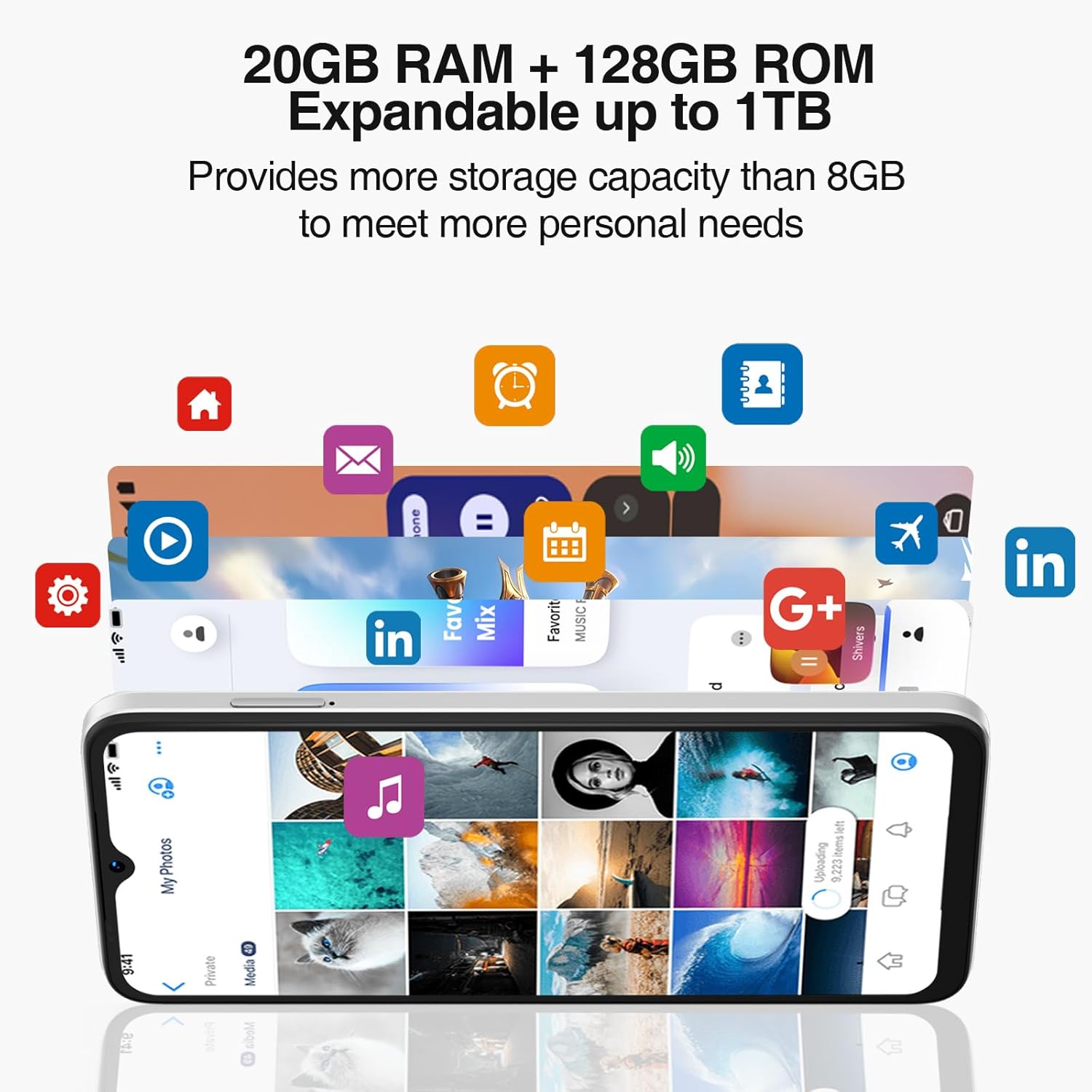
Powered by an Octa-Core processor and 20GB RAM (8GB physical + 12GB virtual), the N55PLUS ensures smooth multitasking and app performance. It comes with 128GB of internal storage, expandable up to 1TB using a TF card, providing ample aaye fun nyin files, photos, and applications.
4.4 batiri Management
The 5150mAh large battery provides extended usage time. To optimize battery life, manage background app usage, adjust screen brightness, and enable power-saving modes when needed. The phone supports OTG reverse charging, allowing it to charge other devices.

5. Asopọmọra
- Nẹtiwọọki: Supports 4G global network bands (GSM, WCDMA, TDD, FDD). Ensure your SIM card is compatible with the phone's supported bands for optimal service.
- Wi-Fi: Connect to available Wi-Fi networks for internet access.
- Bluetooth: Pair with Bluetooth devices such as headphones, speakers, or car systems.
- GPS: Integrated GPS, Glonass, Galileo, and Beidou for accurate navigation.
- USB Iru-C: Fun gbigba agbara ati gbigbe data.
6. Itọju
6.1 Software imudojuiwọn
Regularly check for and install software updates to ensure your phone has the latest features, security patches, and performance improvements. Go to Eto> Eto> Imudojuiwọn eto.
6.2 Ninu ẹrọ rẹ
Lo asọ rirọ, ti ko ni lint lati nu iboju ati ara foonu rẹ mọ. Yago fun lilo awọn kẹmika lile tabi awọn ohun elo abrasive ti o le ba ẹrọ naa jẹ.
6.3 Ibi Management
To maintain optimal performance, periodically clear unnecessary files, uninstall unused apps, and transfer large media files to external storage or cloud services. Go to Eto > Ibi ipamọ to manage your device's storage.
7. Laasigbotitusita
- Foonu ko tan: Rí i dájú pé batiri náà ti gba agbára. So foonu náà mọ́ ẹ̀rọ amúṣẹ́ náà kí o sì dúró díẹ̀ kí o tó tún gbìyànjú láti tan agbára náà.
- Awọn ohun elo kọlu tabi didi: Close and restart the app. If the issue persists, clear the app's cache (Settings > Apps > [App Name] > Storage > Clear cache) or uninstall and reinstall the app.
- Ifihan nẹtiwọki ti ko dara: Check if your SIM card is properly inserted. Move to an area with better network coverage. Contact your service provider if the issue persists.
- Batiri mimu yarayara: Reduce screen brightness, disable unused features like Wi-Fi or Bluetooth, and close background apps. Check battery usage in Settings to identify power-hungry apps.
- Iṣẹ́ Ṣíṣí Iwájú kò ṣiṣẹ́: Ensure your face is well-lit and clearly visible to the front camera. Re-register your face data in Settings > Security > Face Unlock.
8. Awọn pato
| Ẹya ara ẹrọ | Sipesifikesonu |
|---|---|
| Orukọ awoṣe | N55 Plus |
| Eto isesise | Android 14 |
| isise | Octa-Core (Mediatek Dimensity 1100, 3.2 GHz) |
| Àgbo | 8 GB (a le faagun si 20 GB pẹlu Ramu foju) |
| Ibi ipamọ inu | 128 GB |
| Expandable Ibi ipamọ | Títí dé 1 TB nípasẹ̀ káàdì TF |
| Iwon iboju | 6.56 inches |
| Ifihan Iru | HD+ IPS Waterdrop Screen |
| Ipinnu | 1612 x 720 |
| Oṣuwọn sọtun | 90 Hz |
| Kamẹra akọkọ | 13 MP AI Camera |
| Kamẹra iwaju | 8 MP |
| Agbara Batiri | 5150 mAh litiumu Iwon |
| Asopọmọra | 4G LTE, Wi-Fi, Bluetooth, USB Type-C |
| Lilọ kiri | GPS, Glonass, Galileo, Beidou |
| Pataki Awọn ẹya ara ẹrọ | Dual SIM, Expandable Memory, Face Unlock, Widevine L1, OTG |
| Awọn iwọn | 6.45 x 2.98 x 0.34 inches (8.6mm sisanra) |
| Iwọn | 6.6 iwon (186 Giramu) |
9. Atilẹyin ọja ati Support
All DOOGEE unlocked phones purchased from our official channels are covered by a 12-month warranty. If you encounter any issues during use, please contact our customer support for assistance. For further support, visit the official DOOGEE webaaye tabi tọka si alaye olubasọrọ ti a pese pẹlu rira rẹ.