1. Ifihan
This manual provides essential information for the safe and efficient installation, operation, and maintenance of your HOMCOM 4:3 Electric Projector Screen, Model 001-005. Please read these instructions thoroughly before use and retain them for future reference.
The HOMCOM electric projector screen is designed for both home cinema and professional presentation environments, offering a high-quality viewing experience with convenient remote control operation.
2. Awọn ilana aabo
- Rii daju pe ipese agbara voltage matches the specifications of the projector screen (230V).
- Do not expose the screen or its electrical components to moisture or extreme temperatures.
- Keep the remote control and screen away from children.
- Máa yọ agbára náà kúrò kí o tó sọ ọ́ di mímọ́ tàbí kí o ṣe àtúnṣe kankan.
- Do not attempt to disassemble or repair the screen yourself. Contact qualified service personnel for assistance.
- Ensure the mounting surface is strong enough to support the weight of the screen.
- Avoid obstructing the screen's movement path during operation.
3. Package Awọn akoonu
Daju pe gbogbo awọn paati wa ati pe ko bajẹ lori ṣiṣi silẹ:
- 1 x Electric Projector Screen (Model 001-005)
- 1 x Remote Control (with 1 x 12V battery included)
- 1 x Wired Control Panel
- Ohun elo iṣagbesori (awọn skru, awọn ìdákọró)
- 1 x Ilana itọnisọna
4. Eto ati fifi sori
The projector screen can be mounted on a wall or ceiling. Choose a suitable location that allows for optimal viewing and clear projection.
4.1 iṣagbesori Aw
The screen offers flexible installation. Ensure the mounting points are level and securely fastened to a structural element.

4.2 Itanna Asopọ
Connect the screen's power cable to a standard 230V electrical outlet. Ensure the connection is secure and free from obstruction.
4.3 Screen Dimensions
The screen provides a 100-inch diagonal viewing area with a 4:3 aspect ratio. The total dimensions are 203 cm (width) x 152 cm (height) for the viewdada dada.

5. Awọn ilana Iṣiṣẹ
The projector screen can be operated using the included wireless remote control or the wired control panel.
5.1 Iṣakoso Alailowaya Alailowaya
The wireless remote control allows you to operate the screen from up to 30 meters away. It features 'Up', 'Down', and 'Stop' buttons.
- Tẹ awọn UP button to retract the screen into its casing.
- Tẹ awọn SILE button to extend the screen.
- Tẹ awọn DURO button to pause the screen at any desired position.
5.2 Ti firanṣẹ Iṣakoso igbimo
The wired control panel offers an alternative method of operation, typically mounted near the screen.

5.3 Ti o dara julọ Viewing
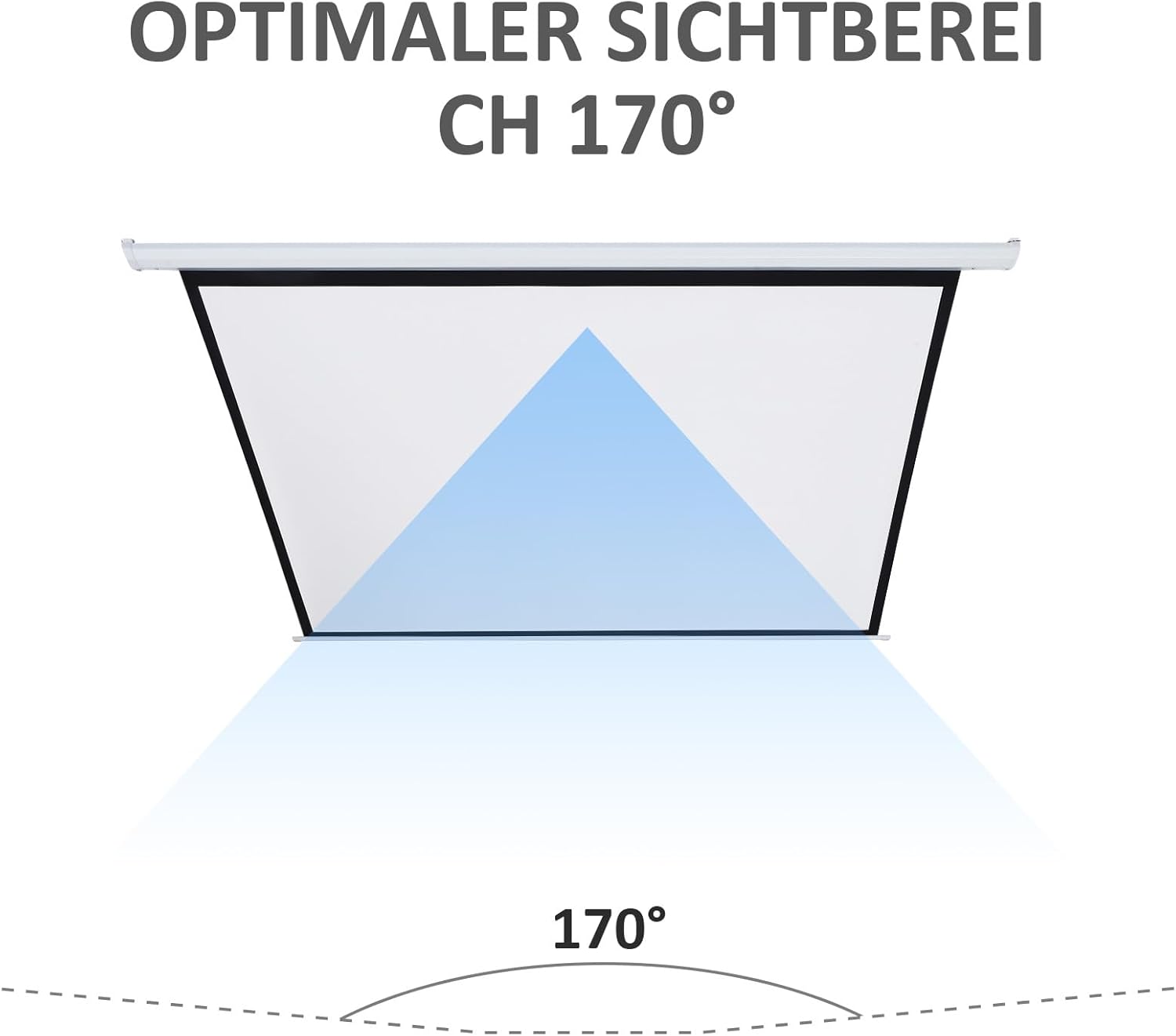
The screen features a 170° viewing angle, ensuring a clear image from various positions within the room.

6. Itọju
6.1 Cleaning the Screen Surface
To clean the screen surface, gently wipe it with a soft, damp cloth. Do not use abrasive cleaners, solvents, or harsh chemicals, as these can damage the screen material. Allow the screen to air dry completely before retracting.
6.2 Ṣiṣe mimọ Casing
Wipe the metal and plastic casing with a soft, dry cloth. If necessary, a slightly damp asọ le ṣee lo, atẹle nipa gbigbe lẹsẹkẹsẹ.
6.3 Rírọ́pò Batiri Iṣakoso Latọna jijin
If the remote control's range or responsiveness decreases, replace the 12V battery. Refer to the remote control's compartment for specific battery type and replacement instructions.
7. Laasigbotitusita
- Screen does not move: Check if the power cable is securely plugged into a working outlet. Ensure the remote control battery is not depleted. Try using the wired control panel.
- Iṣakoso latọna jijin ko dahun: Replace the 12V battery in the remote control. Ensure there are no obstructions between the remote and the screen's receiver.
- Screen retracts/extends partially: Disconnect power for a few minutes, then reconnect. This may reset the motor. If the issue persists, contact customer support.
- Ariwo dani nigbati isẹ: Discontinue use and contact customer support. Do not attempt to force the screen's movement.
8. Awọn pato
| Ẹya ara ẹrọ | Sipesifikesonu |
|---|---|
| Brand | HOMCOM |
| Nọmba awoṣe | 001-005 |
| Awọn Iwọn Ifihan (W x H) | 203 cm x 152 cm |
| Iwon Aguntan | 100 inches |
| Apakan Ipin | 4:3 |
| Viewigun igun | 170° |
| Ohun elo | Metal, Plastic (Casing); Matte White Fabric (Screen) |
| Agbara | 25 W |
| Voltage | 230V |
| Iṣagbesori Iru | Odi tabi Aja |
| Latọna Iṣakoso Ibiti | Ti o to awọn mita 30 |
| Iwọn Nkan | 7.2 kg |
| Awọn batiri ti a beere | 1 x 12V (included for remote) |
9. Atilẹyin ọja ati Support
Fun alaye atilẹyin ọja tabi atilẹyin imọ-ẹrọ, jọwọ tọka si iwe rira tabi kan si alagbata rẹ. Jeki ẹri rira rẹ fun eyikeyi awọn ibeere atilẹyin ọja.


