1. Ifihan
Thank you for choosing the itel T11Pro True Wireless Earbuds. This manual provides essential information for setting up, operating, maintaining, and troubleshooting your earbuds to ensure optimal performance and longevity. The itel T11Pro earbuds feature 360° Super Bass, up to 42 hours of playback, Quad Microphones for clear calls, and Active Noise Cancellation for an immersive audio experience.

Image 1.1: itel T11Pro True Wireless Earbuds in their charging case.
2. Eto
2.1. Ohun ti o wa ninu Apoti
- itel T11Pro True Wireless Earbuds (Left and Right)
- Ngba agbara Case
- Itọsọna olumulo
- Okun gbigba agbara (USB Iru-C)
- Eartips (oriṣiriṣi titobi)
2.2. Gbigba agbara akọkọ
Before first use, fully charge the earbuds and the charging case. Place the earbuds into the charging case and connect the case to a power source using the provided USB Type-C cable. The indicator lights on the case will show the charging status.
- Ngba agbara: Connect the USB-C cable to the charging port on the case and a power adapter.
- Awọn afetigbọ: Place the earbuds into the charging slots inside the case. They will charge automatically.
2.3. Sisopọ Bluetooth
- Rii daju pe awọn agbekọri ti gba agbara.
- Ṣí àpótí ìgbara. Àwọn agbekọri náà yóò wọ inú ipò ìsopọ̀ láìfọwọ́sí, tí ìmọ́lẹ̀ LED tí ń tàn lórí agbekọri kan tàbí méjèèjì fi hàn.
- Lori ẹrọ rẹ (foonuiyara, tabulẹti, ati be be lo), jeki Bluetooth.
- Wa fun available Bluetooth devices and select "itel T11Pro" from the list.
- Ni kete ti a ti sopọ, Atọka LED lori awọn agbekọri yoo da ikosan duro.
- Awọn agbekọri naa yoo tun sopọ laifọwọyi si ẹrọ ti o so pọ to kẹhin nigbati o ba jade ninu ọran naa, ti o ba mu Bluetooth ṣiṣẹ lori ẹrọ naa.
2.4. Wọ awọn Earbuds
Gently insert the earbuds into your ears and rotate them slightly to find a comfortable and secure fit. Choose the appropriate eartip size for optimal sound quality and noise isolation.
3. Awọn ilana Iṣiṣẹ
The itel T11Pro earbuds feature touch controls for various functions.
3.1. Agbara Tan / Paa
- Agbara Tan: Open the charging case, or long-press the touch area on both earbuds for 3 seconds.
- Agbara Pa: Fi àwọn ètítíkì náà padà sínú àpótí ìgbóná kí o sì ti ìbòrí náà, tàbí kí o tẹ ibi ìfọwọ́kàn náà fún ìṣẹ́jú-àáyá márùn-ún.
3.2. Iṣakoso Sisisẹsẹhin Orin
| Iṣe | Išẹ |
|---|---|
| Single tap (Left/Right earbud) | Mu orin ṣiṣẹ / sinmi |
| Fọwọ́ tẹ etí ọ̀tún lẹ́ẹ̀mejì | Itele orin |
| Fọwọ́ tẹ etí ní ẹ̀ẹ̀mejì (Etí òsì) | Ti tẹlẹ orin |
| Long press (Right earbud) | Iwọn didun soke |
| Long press (Left earbud) | Iwọn didun isalẹ |
3.3. Iṣakoso ipe
| Iṣe | Išẹ |
|---|---|
| Single tap (Left/Right earbud) | Dahun/Pari ipe |
| Long press (Left/Right earbud) | Kọ ipe |
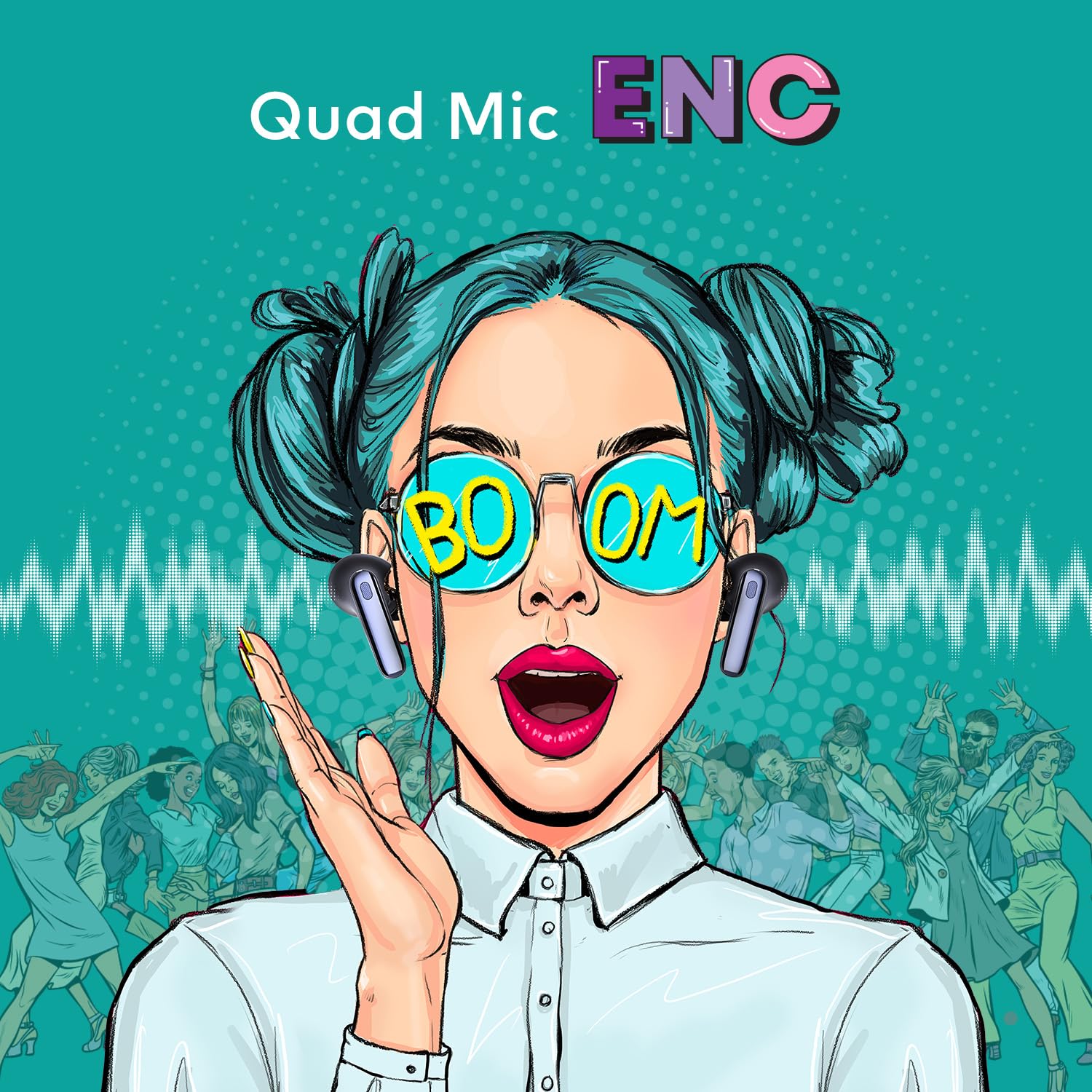
Image 3.1: The Quad Mic ENC (Environmental Noise Cancellation) feature ensures clear voice calls.
3.4. Oluranlọwọ ohun
Triple tap the touch area on either earbud to activate your device's voice assistant (e.g., Siri, Google Assistant).
3.5. Low Latency Mode
The earbuds support a 45ms low latency mode, ideal for gaming. Refer to the product packaging or specific instructions for activating this mode, typically via a specific touch gesture.

Image 3.2: The 45ms low latency feature provides a synchronized audio experience for gaming.
4. Itọju
4.1. Ninu
- Lo asọ ti o gbẹ, asọ ti ko ni lint lati nu afikọti ati apoti gbigba agbara.
- Ma ṣe lo awọn olutọpa abrasive, awọn nkanmimu, tabi awọn ohun elo aerosol.
- Regularly clean the eartips and mesh grilles to prevent wax buildup, which can affect sound quality.
4.2. Ibi ipamọ
Nigbati ko ba si ni lilo, fi awọn afikọti naa pamọ sinu apoti gbigba agbara wọn lati daabobo wọn lati eruku, ibajẹ, ati lati jẹ ki wọn gba agbara.
4.3. Itọju batiri
- Avoid exposing the earbuds and case to extreme temperatures (hot or cold).
- Gba agbara si ẹrọ naa nigbagbogbo, paapaa ti ko ba lo fun awọn akoko gigun, lati ṣetọju ilera batiri.
5. Laasigbotitusita
If you encounter issues with your itel T11Pro earbuds, refer to the following common solutions:
5.1. Àwọn etí tí kò so pọ̀
- Rii daju pe awọn agbekọri mejeeji ti gba agbara.
- Paa ati tan Bluetooth lori ẹrọ rẹ.
- Gbe awọn agbekọri pada sinu ọran naa, pa ideri naa, duro fun iṣẹju-aaya diẹ, lẹhinna ṣii lati tun tẹ ipo isọpọ sii.
- Forget "itel T11Pro" from your device's Bluetooth list and attempt to pair again.
5.2. Kò sí ohùn tàbí ohùn kékeré
- Ṣayẹwo ipele iwọn didun lori ẹrọ rẹ mejeeji ati awọn agbekọri.
- Rii daju pe awọn agbekọri ti sopọ daradara si ẹrọ rẹ.
- Clean any debris from the earbud mesh grilles.
5.3. Awọn ọran gbigba agbara
- Rii daju pe okun gbigba agbara ti sopọ ni aabo si ọran mejeeji ati orisun agbara.
- Gbiyanju okun gbigba agbara ti o yatọ tabi ohun ti nmu badọgba agbara.
- Rii daju pe awọn olubasọrọ gbigba agbara lori awọn agbekọri ati inu ọran naa jẹ mimọ ati laisi idilọwọ.
6. Awọn pato
| Ẹya ara ẹrọ | Ẹ̀kúnrẹ́rẹ́ |
|---|---|
| Orukọ awoṣe | itel-T11Pro |
| Nọmba Awoṣe Nkan | T11Pro-cr |
| Asopọmọra Technology | Ailokun (Bluetooth) |
| Ariwo Iṣakoso | Ti nṣiṣe lọwọ Noise Ifagile |
| Akoko Sisisẹsẹhin | Titi di wakati 42 (pẹlu ọran gbigba agbara) |
| Gbohungbohun | Quad Mic pẹlu Ifagile Ariwo Ayika (ENC) |
| Audio Driver Type | Dynamic Driver (13mm Bass Boost Driver) |
| Low Lairi | 45ms |
| Ọna Iṣakoso | Iṣakoso Ifọwọkan, Iṣakoso Ohun |
| Ohun elo | Ṣiṣu |
| Iwọn Nkan | 40 giramu |
| Awọn iwọn Ọja (LxWxH) | 6.5 x 2 x 4.5 cm |
| Batiri Iru | Litiumu polima (pẹlu) |
| UPC | 703670562693 |
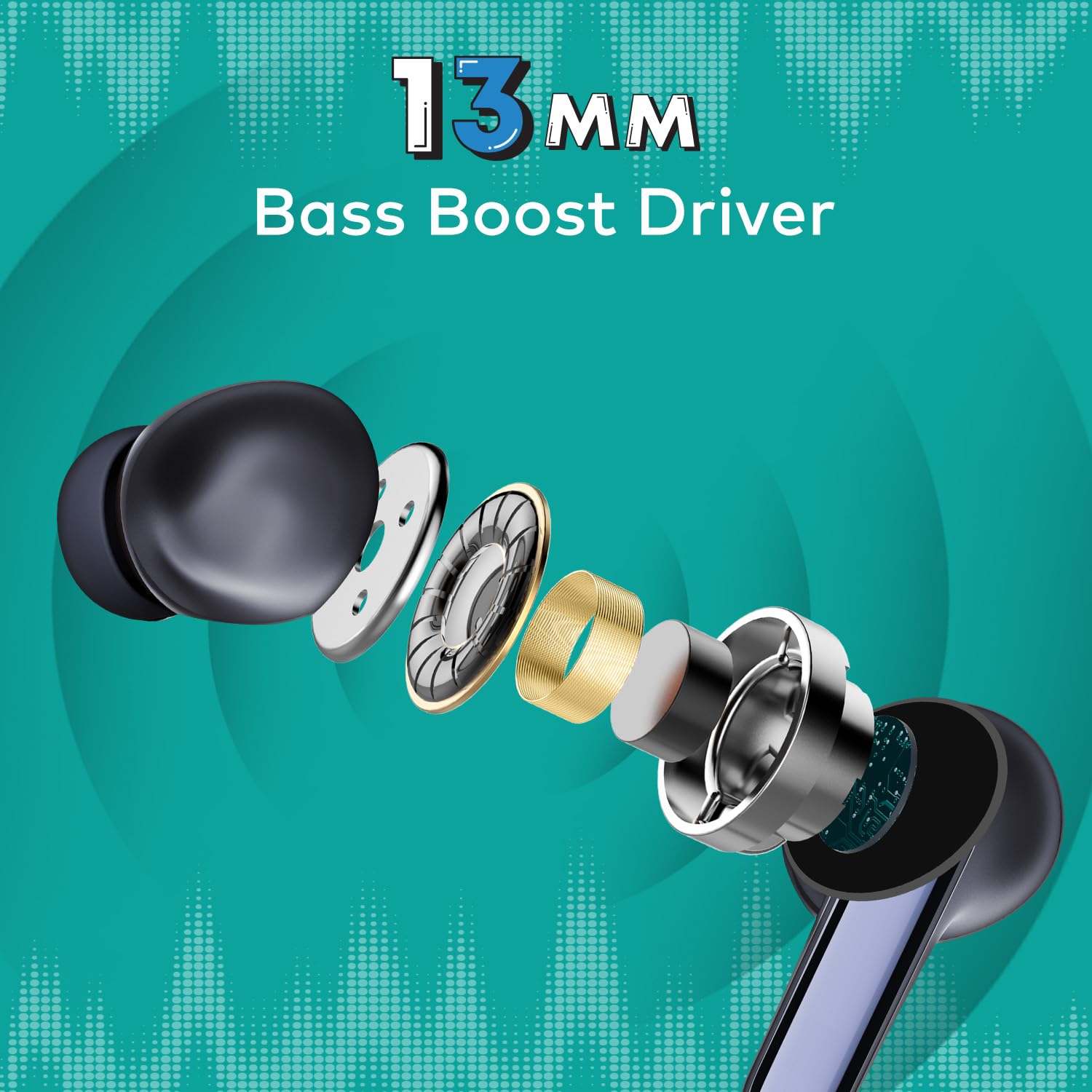
Aworan 6.1: alaye view of the 13mm Bass Boost Driver components.
7. Atilẹyin ọja ati Support
7.1. atilẹyin ọja Information
This product is covered by a minimum six-month seller warranty. Please retain your proof of purchase for warranty claims. The warranty covers manufacturing defects and malfunctions under normal use conditions.
7.2. Onibara Support
For further assistance, troubleshooting not covered in this manual, or warranty inquiries, please contact the seller or the manufacturer's customer support. Refer to the product packaging or the point of purchase for specific contact details.