1. Ifihan
Thank you for choosing the Satechi Vegan-Leather Mouse Pad. This manual provides essential information for the proper setup, use, and maintenance of your new mouse pad. Designed for comfort and durability, this accessory enhances your workspace with its premium materials and functional design.
2. Awọn ẹya ara ẹrọ
- Premium Vegan-Leather Construction: Crafted from high-quality vegan-leather with reinforced stitching for a sophisticated look and feel.
- Ergonomic and Reversible Design: Provides a comfortable surface for your wrist and can be flipped to use either side.
- Ohun tí kò ní jẹ́ kí omi gbóná tàbí kí ó má gbóná: Durable material protects against daily wear, spills, and stains.
- Rọrun lati nu: The surface can be easily wiped clean with a damp asọ ati ìwọnba ọṣẹ.
- Awọn iwọn to dara julọ: Measuring 9.8 inches (24.9 cm) in length, 7.5 inches (19.05 cm) in width, and 0.14 inches (0.36 cm) in height, it offers ample space for mouse movement.
- Ipilẹ ti kii ṣe isokuso: Designed to prevent slipping on various desk surfaces, ensuring stability during use.

Image: The Satechi Vegan-Leather Mouse Pad highlighting its premium build with features like vegan-leather material, water resistance, reinforced stitching, and ease of cleaning.
3. Eto
- Ṣii silẹ: Carefully remove the mouse pad from its slim rectangular packaging.
- Ibi: Place the mouse pad on your desired desk surface. Ensure the surface is clean and dry for optimal grip.
- Iṣalaye: The mouse pad is reversible. Choose the side that best suits your preference for texture and appearance.

Image: A Satechi Vegan-Leather Mouse Pad in brown, with a white wireless mouse positioned centrally, demonstrating typical desk placement.
4. Awọn ilana Iṣiṣẹ
The Satechi Vegan-Leather Mouse Pad is designed for effortless mouse movement and precision. Simply place your mouse on the pad and begin use. The smooth surface ensures accurate tracking for both optical and laser mice.
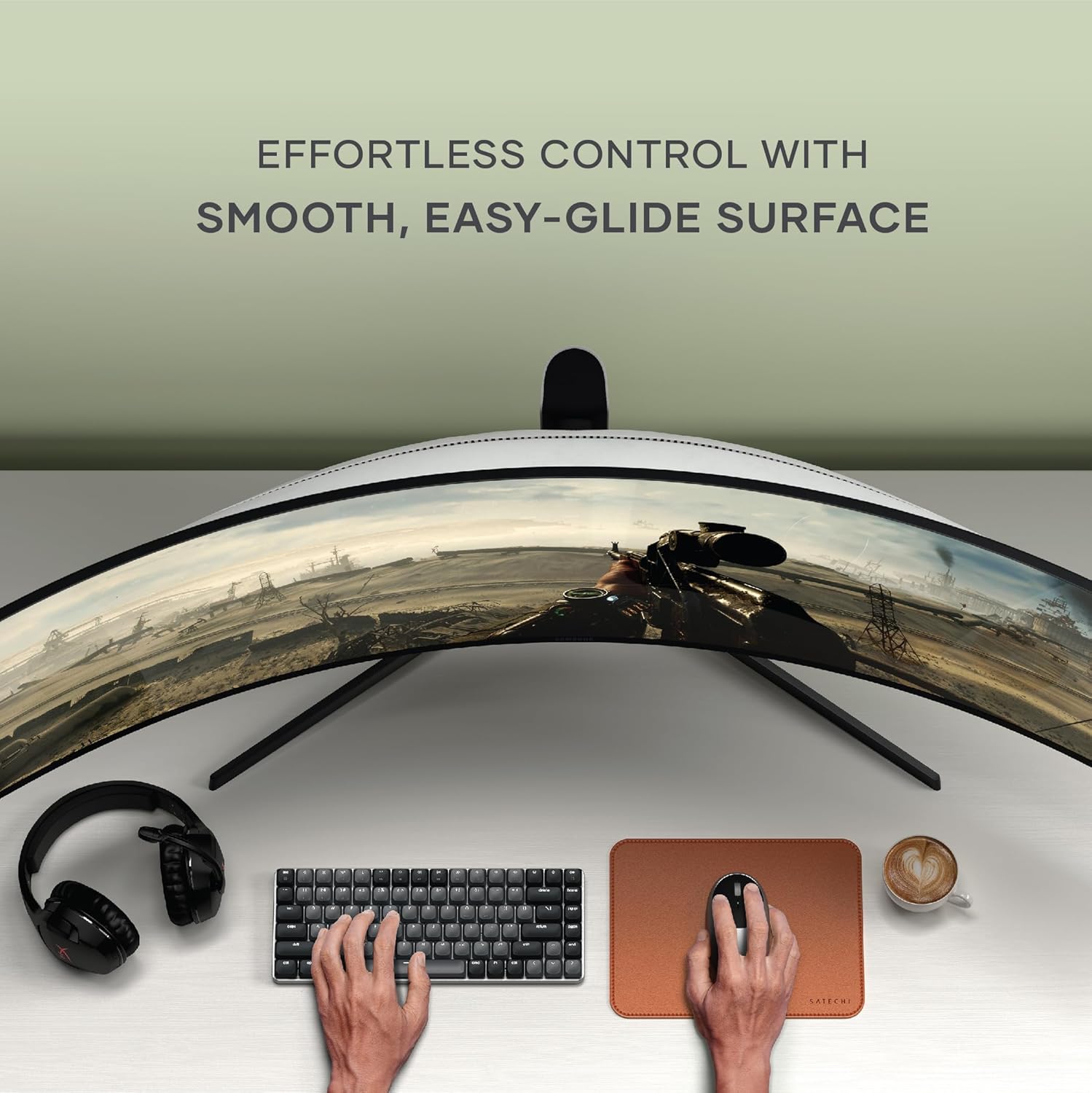
Image: A user's hands operating a mouse on the Satechi Vegan-Leather Mouse Pad, part of a modern desk setup with a keyboard and curved monitor.
5. Itọju ati Itọju
- Ninu: To clean the mouse pad, use a damp cloth and a small amount of mild soap. Gently wipe the surface and then dry thoroughly with a clean, soft cloth. Avoid harsh chemicals or abrasive materials.
- Atako Idasonu: The water-resistant material helps protect your desk from accidental spills. Wipe up any liquids promptly to prevent staining.
- Iduroṣinṣin: The reinforced stitching and vegan-leather material are designed for long-lasting use. Avoid sharp objects that could scratch the surface.
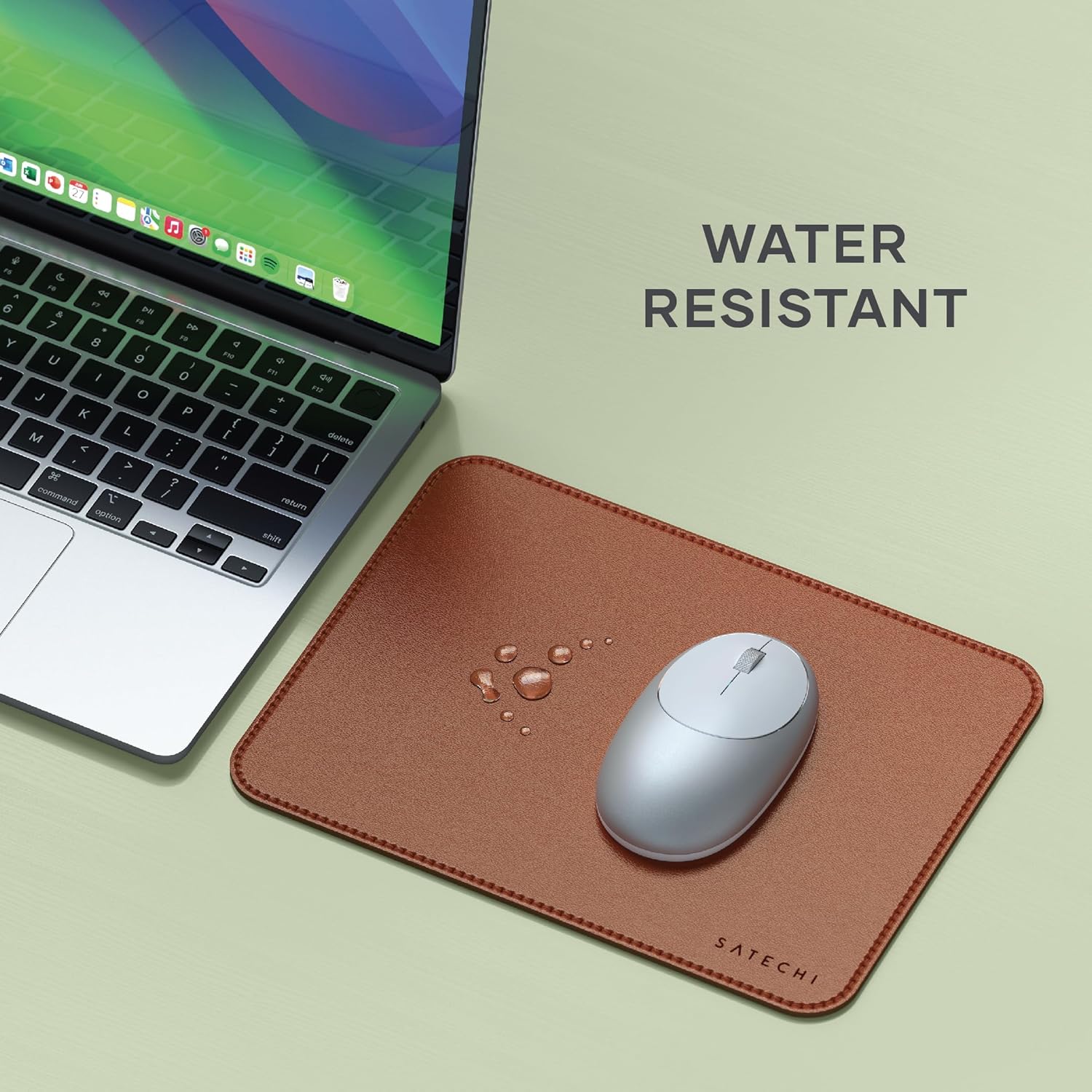
Image: Water droplets are visible on the Satechi Vegan-Leather Mouse Pad, demonstrating its water-resistant properties, positioned next to a laptop.

Image: A hand is shown wiping the Satechi Vegan-Leather Mouse Pad with a white cloth, emphasizing its easy-to-clean surface.
6. Laasigbotitusita
- Asin ko tọpa laisiyonu: Ensure the mouse pad surface is clean and free of debris. Check your mouse's optical sensor for any obstructions.
- Mouse pad slipping: Verify that the desk surface beneath the pad is clean and dry. The non-slip base is designed to adhere to most surfaces. If slipping persists, ensure the pad is placed on a flat, stable area.
7. Awọn pato
| Brand | Satechi |
| Nọmba awoṣe | ST-LMPN |
| Ohun elo | Ajewebe Alawọ |
| Awọn iwọn (L x W x H) | 9.8 x 7.5 x 0.14 inches (24.9 x 19.05 x 0.36 cm) |
| Iwọn Nkan | 4.1 iwon |
| Pataki Awọn ẹya ara ẹrọ | Ergonomic, Kò ní yọ́, Ó lè yípadà, Ó lè dènà omi |
| Niyanju Lilo | Ọfiisi, Ile |
8. Atilẹyin ọja ati Support
Àwọn ọjà Satechi ní ààbò nípasẹ̀ 2-odun lopin atilẹyin ọja against defects in materials and workmanship under normal use. For warranty claims, technical support, or any inquiries, please refer to the official Satechi webojula tabi kan si wọn onibara iṣẹ taara.
Fun iranlọwọ siwaju sii, jọwọ ṣabẹwo si Ile itaja Satechi lori Amazon.


